Best Anti-Detect Browsers in 2026: Tested & Ranked
By JoshWP Team | Published: August 21, 2026 | ~~28 min read
Everything you need to know about anti-detect browsers — which ones pass independent fingerprint checks, how much they cost, which free plans are real, and which one fits your multi-account workflow.
If you manage multiple ad accounts, scale affiliate campaigns, run social media automation, or do serious web scraping, you have probably already heard the term anti-detect browser. These tools have gone from a niche curiosity to a mission-critical piece of infrastructure for growth marketers, e-commerce operators and data teams. A standard browser with a VPN is no longer enough — platforms fingerprint dozens of signals (canvas, WebGL, fonts, timezone, WebRTC, hardware concurrency) and match them against your IP. One mismatch and the whole fleet of accounts is linked and banned.
In this guide we break down exactly how anti-detect browsers work, compare the five best anti-detect browsers you can use right now — GoLogin, Multilogin, AdsPower, GeeLark and Incogniton — and give you independent stealth-test data, pricing breakdowns and practical advice so you can make the right call for your budget and workflow.
What Is an Anti-Detect Browser?
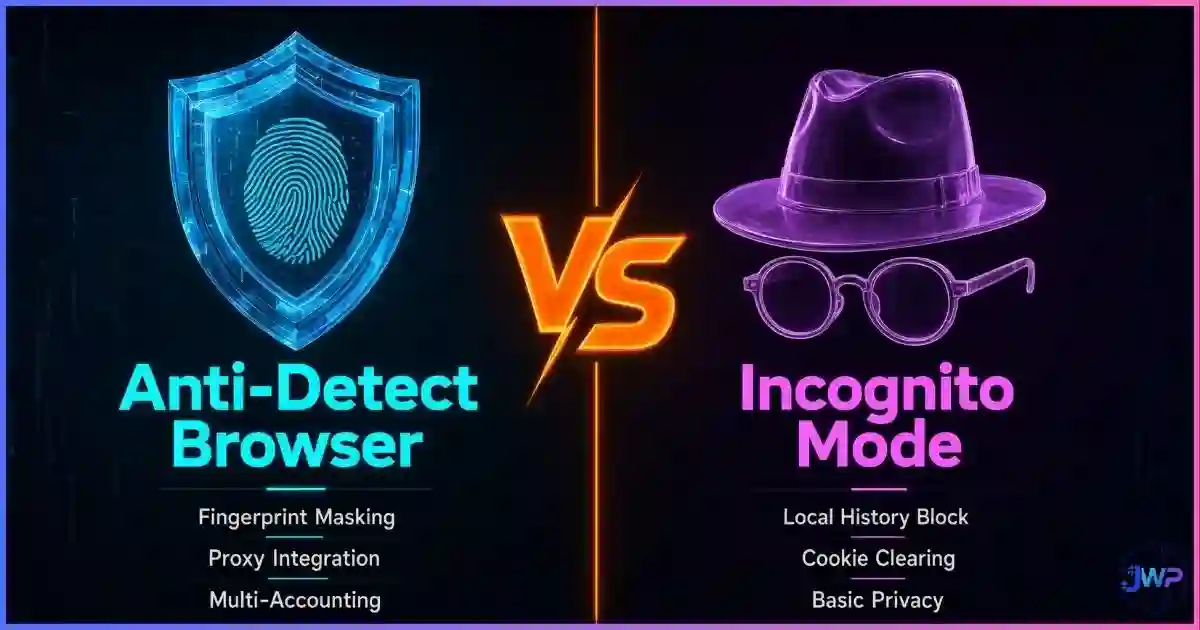
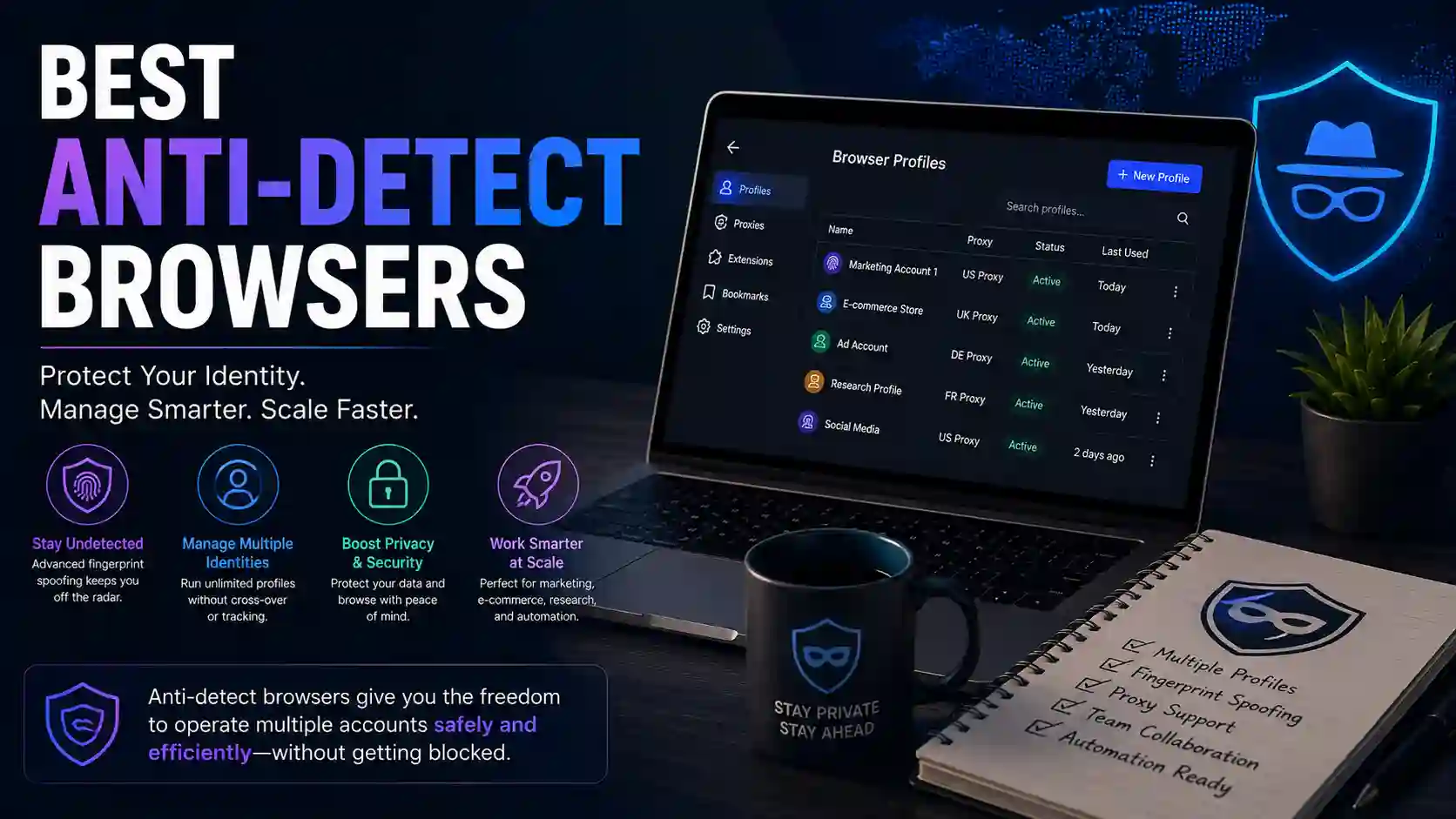
An anti-detect browser is a specialized web browser that lets you create multiple isolated browser profiles, each with its own realistic, consistent fingerprint. Unlike incognito mode — which only wipes local data after a session — anti-detect browsers replace or randomize the identifying signals websites read from your browser: user-agent string, screen resolution, timezone, installed fonts, canvas and WebGL renderers, WebRTC behavior, hardware concurrency, installed plugins, and more.
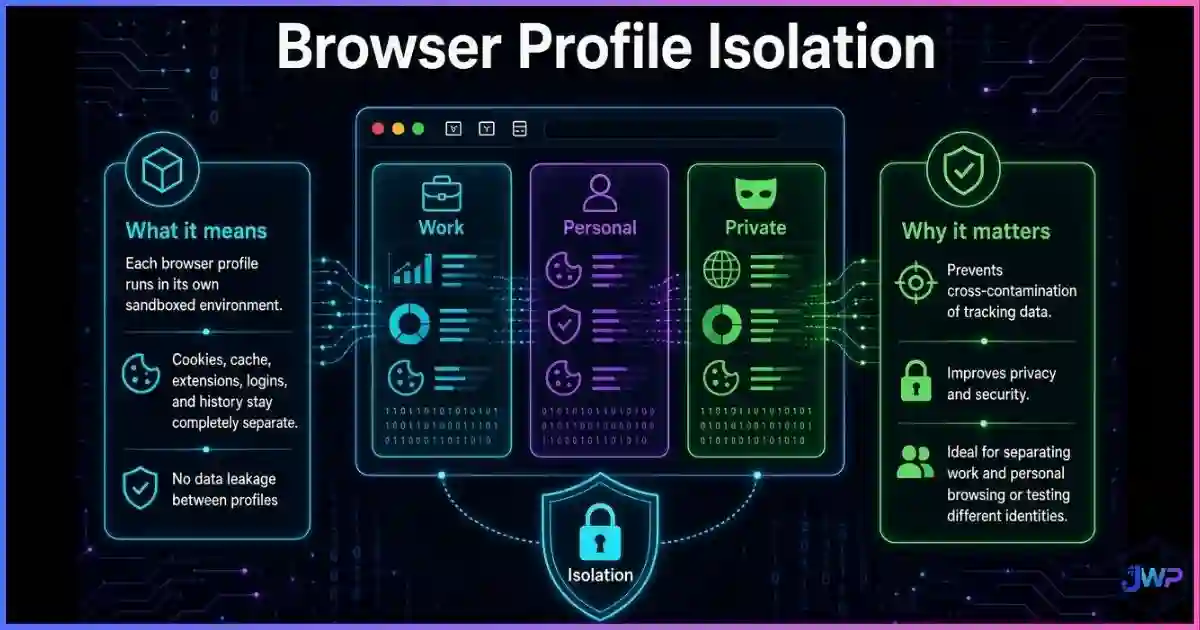
The defining characteristic is browser profile isolation. Each profile is a separate sandboxed environment that websites see as a completely different machine. Combined with a clean residential or mobile proxy from a reputable proxy provider, your activity looks indistinguishable from a regular user browsing on that device. That dynamic is what makes anti-detect browsers essential for legitimate multi-account workflows — and why the tool you pick matters enormously.
How Anti-Detect Browsers Spoof Fingerprints
Modern anti-detect browsers work at multiple layers. The simplified flow is:
- Profile creation: You create a profile and bind it to a specific proxy. The browser assigns a complete fingerprint set (OS, UA, screen, GPU, fonts, etc.) as a coherent package.
- Signal substitution: When a website runs JavaScript to fingerprint the browser, the anti-detect engine intercepts those API calls and returns spoofed, internally-consistent values instead of the real hardware readings.
- Coherence checking: Good tools make sure the signals match — a Windows user-agent won’t claim to have a Mac GPU, a mobile UA won’t report a desktop screen size. Mismatches are the #1 giveaway.
- Isolation: Each profile runs in its own sandboxed Chromium/Firefox engine with separate cookies, cache, indexedDB and localStorage — so accounts never cross-contaminate.
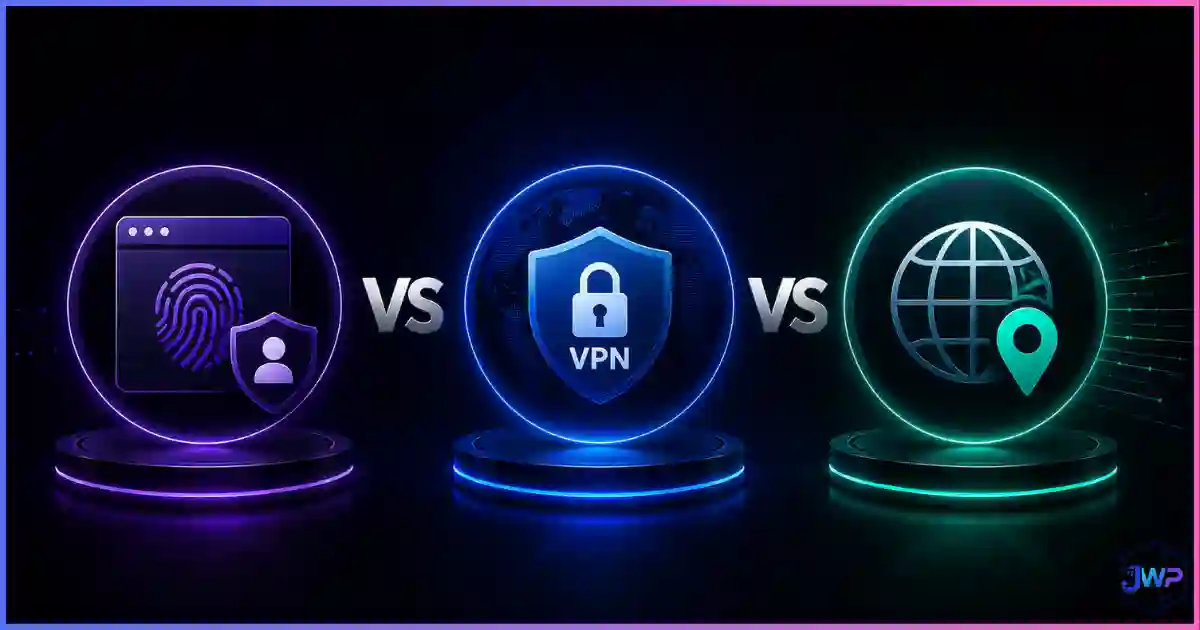
Key insight: Anti-detect browsers manage identity; proxies manage IP. You need both. A fingerprint with the wrong IP is a red flag; a clean IP with a leaked fingerprint is equally bad. That is exactly what anti-detect browsers vs VPN vs proxy covers in depth. For a complete picture of what platforms read from your browser, see what is browser fingerprinting.
Why You Need More Than Incognito Mode in 2026
Websites no longer rely on cookies alone. Research from Texas A&M University (June 2025) and large-scale measurements of the Alexa top 100,000 sites show that fingerprinting scripts run on a meaningful share of the most-visited websites — and the EFF’s Panopticlick research found that the average browser carries around 18.1 bits of identifying entropy, meaning roughly 1 in 286,777 browsers shares yours. For a full picture of the tracking stack, read how websites track you.
That is exactly the problem anti-detect browsers solve. Instead of one fixed identity, they let you run many isolated profiles that look like different people on different machines. The catch: not all anti-detect browsers spoof equally well. Inconsistent fingerprints can get you flagged faster than doing nothing at all — which is why this guide ranks tools on consistency and independent stealth checks, not marketing claims.
Main Use Cases for Anti-Detect Browsers
1. Multi-Account Management
Running dozens of ad accounts, e-commerce stores, or social media profiles requires IPs and fingerprints that never cross-link. Anti-detect browsers plus clean proxies are the standard.
2. Ad Verification & Arbitrage
Verify campaigns show correctly across regions and devices without triggering fraud detection systems.
3. Web Scraping & Market Research
Aggressive sites (Amazon, LinkedIn, sneaker platforms) block datacenter IPs instantly. Anti-detect + residential/mobile proxies sidestep the ban waves.
4. Social Media Automation
Agencies managing TikTok, Instagram, or Facebook accounts at scale need profiles that behave like real mobile or desktop users.
5. QA & Cross-Device Testing
QA engineers simulate different browsers, OSes and devices without maintaining a fleet of VMs.
6. Airdrops & Low-Stakes Accounts
Crypto airdrops, referral programs and classifieds — anywhere many profiles need to look like different humans.
Top 5 Anti-Detect Browsers in 2026
After testing default profiles against three independent fingerprint checkers (Pixelscan, Iphey, CreepJS), verifying August 2026 pricing, and evaluating automation and team features, here are the five tools that deliver the best results today.
#1 Best Overall GoLogin
Clean stealth, genuine free tier, native Android app and the best value at scale.
$4.50/mo (annual)
3 profiles, forever
Pixelscan ✓ Iphey ✓ CreepJS ✓
All-round teams, SMBs, mobile users
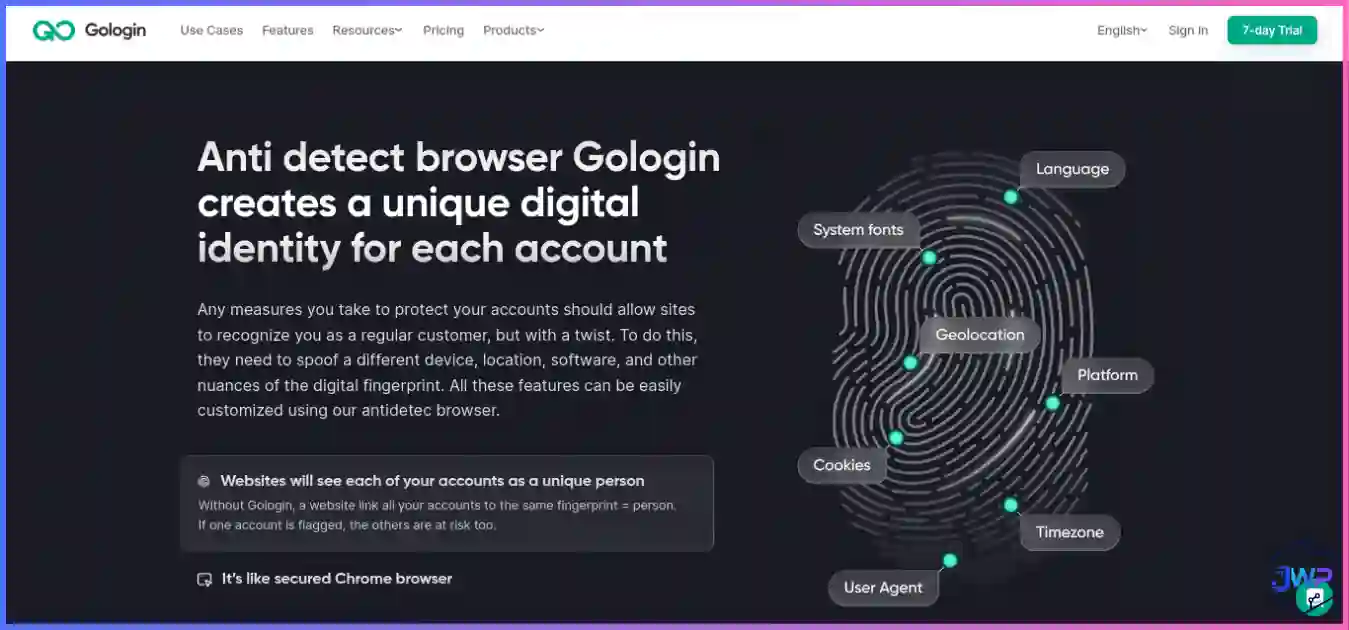
GoLogin is the most balanced anti-detect browser we evaluated. It runs its own Chromium fork (Orbita), keeps profiles consistent across desktop and its native Android app, and in independent 2026 testing a single matched profile cleared Pixelscan, Iphey and CreepJS in sequence — “No proxy detected,” all-green identity checks, and a genuine GPU read at high confidence. Combined with a real forever-free tier and annual billing from $4.50/mo, it is the tool most teams should test first.
What sets GoLogin apart is the combination of clean default fingerprints, a genuinely free tier, the only major native Android app, and bundled proxy traffic on paid plans. The dashboard is approachable, the automation story (Selenium/Puppeteer guides, Browser MCP for AI agents) is solid, and scaling to 1,000+ profiles is among the cheapest in the category. For teams that need dependable stealth at any scale, GoLogin is the clear first choice.
Pros
- Passed all three independent stealth checkers on defaults.
- Genuine free tier (3 profiles, no time limit, no card).
- Only major provider with a native Android app.
- Bundled residential proxy traffic reduces setup friction.
- Cheapest entry pricing with annual billing ($4.50/mo).
Cons
- Free plan limited to 3 profiles and no API/team features.
- Free datacenter IPs won’t survive sophisticated checks.
- iOS is not supported.
#2 Best Enterprise Multilogin
Deepest fingerprint quality and real Android cloud phones in one product.
$7.08/mo (annual)
5 profiles + 30 cloud min
Pixelscan ✓ Iphey ✓ CreepJS ✓
High-stakes accounts, enterprise teams
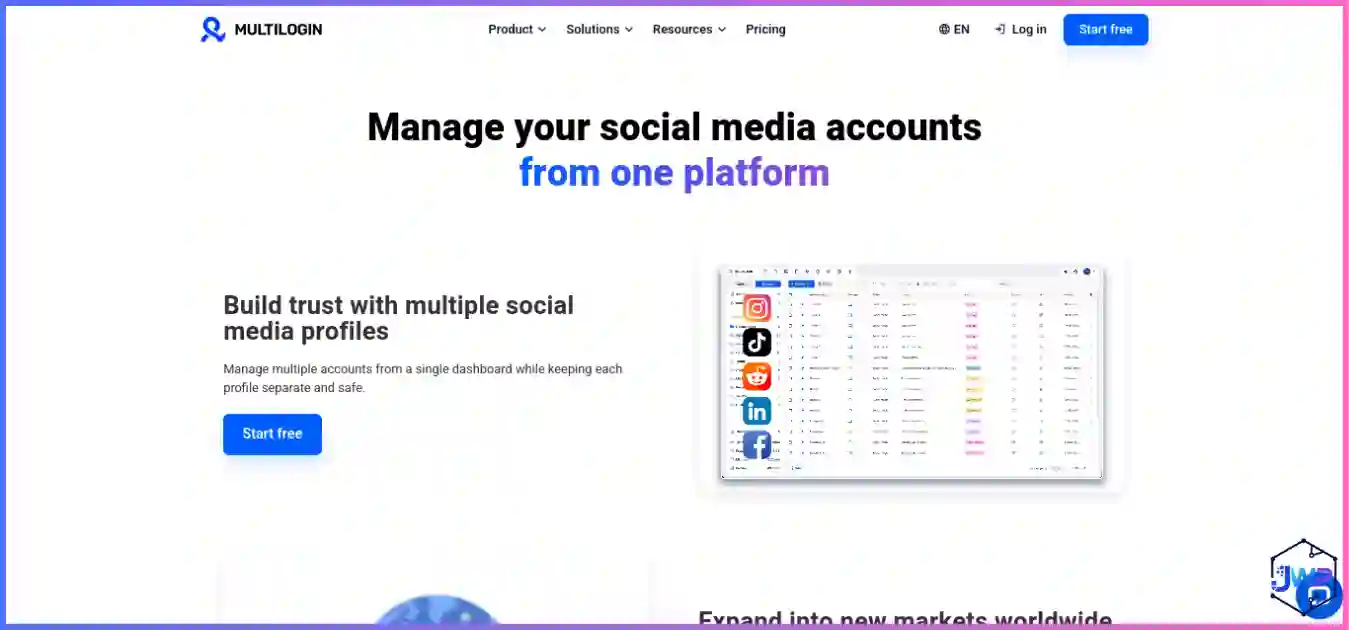
Multilogin is the category pioneer and still the depth leader. In independent testing, a default profile passed Pixelscan, Iphey and CreepJS cleanly, with CreepJS reading a genuine Apple GPU at high confidence — Multilogin appears to substitute real hardware values rather than noise, which keeps fingerprints coherent under adversarial inspection. It pairs browser profiles (Mimic/Chromium and Stealthfox/Firefox lineage) with real Android cloud phones, and since mid-2026 it finally offers a no-card free plan and USD pricing from ~$7.08/mo.
The platform includes everything serious teams need: local and remote API with official Selenium/Puppeteer/Playwright docs, bundled premium residential proxy traffic on every paid plan, cookie management and quick-login cookies, team roles, and enterprise plans scaling to 10,000+ profiles. For teams managing payment-heavy ad accounts, marketplace seller fleets, or market-research operations where a single ban costs more than the subscription, Multilogin remains the reference standard.
Pros
- Strongest independent stealth results in this guide.
- Real Android cloud phones + browser profiles in one product.
- New free plan and affordable entry tier.
- Enterprise-grade scale and automation docs.
- Bundled residential proxy traffic on paid plans.
Cons
- Team seats start only at Pro 100.
- Entry API rate-limited to 50 req/min.
- Steeper learning curve than GoLogin.
#3 Best Automation AdsPower
Built-in RPA, synchronizer and the cheapest path to thousands of profiles.
$5.40–9/mo
2 profiles, forever
Pixelscan ✓ Iphey ✗ CreepJS ✓
Ad arbitrage, automation at scale
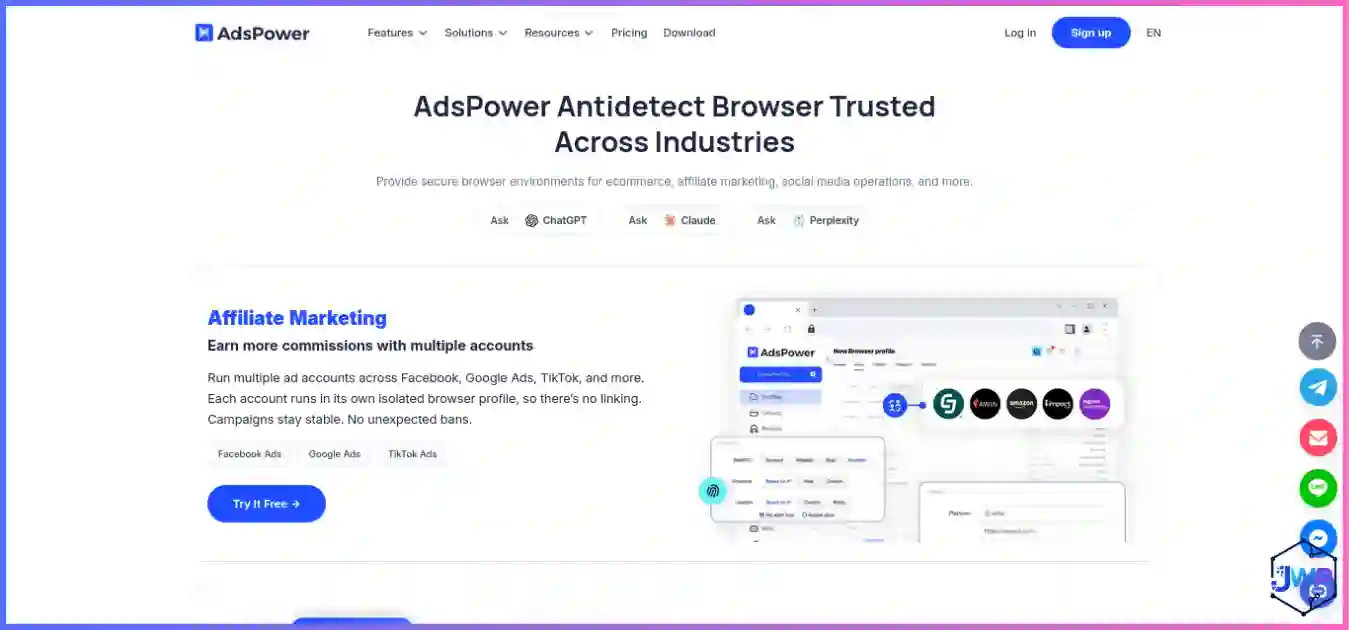
AdsPower is the value workhorse of multi-accounting: a permanent free plan, paid tiers from roughly $5.40–$9/mo, customizable Business packages up to 10,000+ profiles, and the strongest built-in automation in this guide — a no-code RPA builder with ready-made templates for Amazon, LinkedIn, YouTube, Facebook and TikTok, plus a Synchronizer that mirrors clicks and typing across open profiles. In testing it passed Pixelscan and CreepJS cleanly, but Iphey identified its SunBrowser environment by name, so it fits scaled operations behind good proxies better than single high-value accounts.
AdsPower runs two browser kernels (SunBrowser Chromium-based and FlowerBrowser) with desktop mobile-fingerprint emulation (Android 9–13, iOS 14–15). The local API (Selenium/Puppeteer on paid plans), CLI builds for all OSes, and bulk profile creation make it a natural fit for affiliate marketers, ad-arbitrage teams and e-commerce operators running many accounts who want automation included and pricing that scales gently.
Pros
- Best built-in automation (RPA + Synchronizer) without add-on fees.
- Cheapest path to thousands of profiles.
- Permanent free plan; broad OS support incl. Linux CLI.
- Large community and ready-made workflow templates.
Cons
- Flagged as an anti-detect environment by Iphey.
- No bundled proxies; extensions limited to one kernel.
- Mobile is emulation only, not real devices.
Still comparing? Start with a free plan.
Every tool on this list can be tested for $0. Run the same fingerprint checkers yourself, keep proxies consistent, and only pay once a tool survives a week of your real workflow.
GoLogin Free Incogniton Free (10 profiles)#4 Best Mobile GeeLark
Real cloud Android phones with genuine IMEI/GPU/sensor identities.
$5/mo + usage
2 phones + free minutes
Real ARM Android devices
TikTok/Instagram multi-account
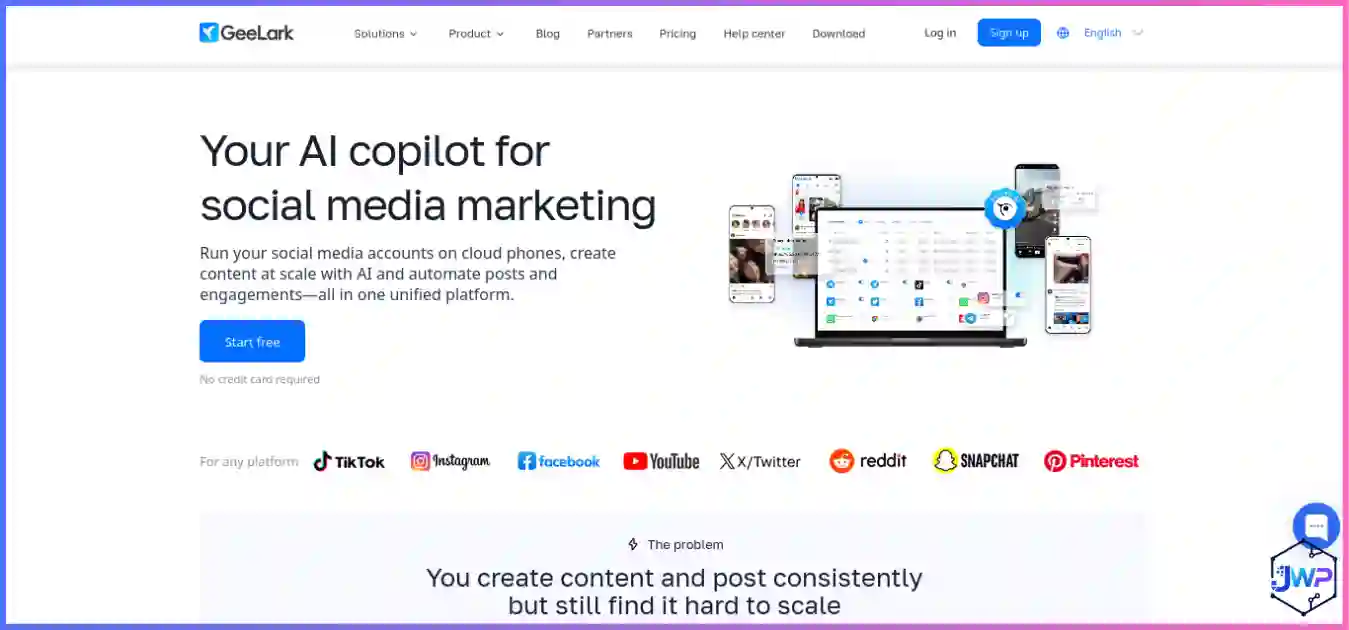
GeeLark answers a question the others only emulate: what if each profile were a real Android phone? Its cloud phones run on genuine ARM hardware with their own IMEI, MAC, GPS and sensor data — testing confirmed a real mobile GPU (ARM Mali) and cellular fingerprint, not an emulator. That makes it the clear pick for TikTok, Instagram, WhatsApp and app-based workflows where mobile authenticity decides whether accounts survive.
The platform ships a Synchronizer and RPA templates for TikTok, Instagram and YouTube (available even on the free tier), plus API and ADB shell access for serious automation and a desktop antidetect browser included. The trade-off is the in-phone browser layer, which independent testing flagged for outdated Chrome and host-leak nits, plus per-minute usage costs that need budgeting. Still, for app-first multi-accounting it has no true peer.
Pros
- Real Android device identities — unbeatable for app-based platforms.
- Automation and ADB even on low tiers.
- Daily spend caps ($1.20/day per device) make costs predictable.
- AI-assisted social media operations and analytics add-ons.
Cons
- Browser layer is dated and can leak the x86 host.
- Per-minute costs add up for steady use.
- No iOS phones yet.
#5 Best Free Plan Incogniton
Most generous free profile headroom for low-stakes beginners.
$13.99/mo
10 → 3 profiles forever
Needs heavy tuning on defaults
Budget beginners, airdrops
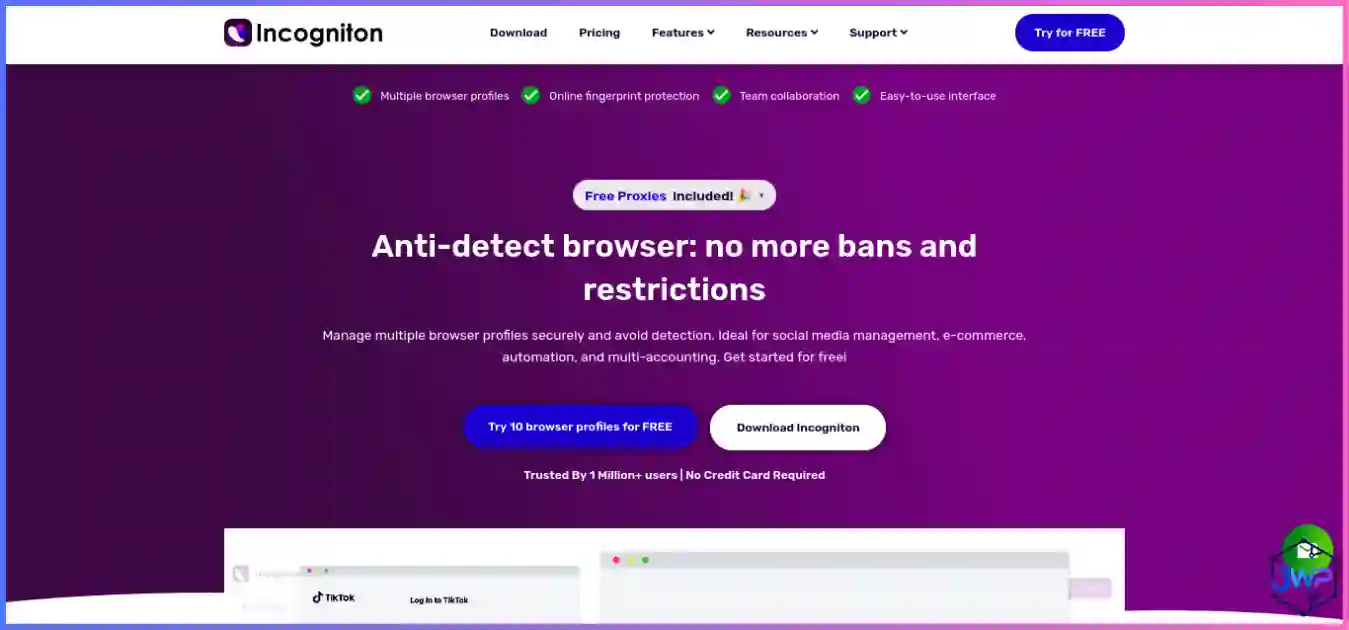
Incogniton‘s claim to fame is the most generous free headroom in the category: 10 browser profiles for your first two months, then 3 profiles free forever — ideal for learning profile isolation habits without spending a cent. It covers the essentials (fingerprint randomization, synchronizer, bulk profile creation, cookie management, human-like paste typing, Selenium/Puppeteer/Playwright API on higher tiers). But be honest about its limits: independent testing found default profiles fail strict checkers and only partially recover after heavy tuning, so keep it for low-stakes workloads.
Incogniton is a Chromium-based browser that randomizes standard parameters (UA, screen, language, canvas) and adds useful team tools like a profile synchronizer, bulk creation and deleted-profile recovery. For budget teams running airdrops, classifieds and small-scale affiliate work, it is a practical choice — but anyone managing high-value accounts should treat Incogniton as a learning tool and graduate to GoLogin or Multilogin once the accounts start mattering.
Pros
- Most generous free profile headroom for learning.
- Simple mental model; useful team tools like human-like typing.
- Yearly billing discounts up to 40%.
Cons
- Weakest out-of-the-box stealth in this guide.
- Automation/API gated behind higher tiers.
- No Linux support, no mobile story.
For more budget-focused options, see our cheapest anti-detect browsers guide.
Try Incogniton — 10 Free ProfilesSide-by-Side Comparison Table
| Feature | GoLogin | Multilogin | AdsPower | GeeLark | Incogniton |
|---|---|---|---|---|---|
| Best for | All-round value | Enterprise stealth | Automation at scale | Mobile multi-account | Budget beginners |
| Free plan | 3 profiles forever | 5 profiles + 30 min | 2 profiles forever | 2 phones + free min | 10 → 3 profiles |
| Entry paid price | $4.50/mo (annual) | $7.08/mo (annual) | $5.40–9/mo | $5/mo + usage | $13.99/mo |
| Stealth (3 checks) | 3/3 clean | 3/3 clean | 2/3 (Iphey flag) | 1/3 browser layer* | 0–1/3 (tuning needed) |
| Proxy support | All types + bundled | All types + bundled residential | All types (BYO) | All types (BYO) | HTTP/HTTPS/SOCKS5 (BYO) |
| Automation | API, Selenium, Puppeteer | API, Selenium, Puppeteer, Playwright | RPA + Synchronizer + API | RPA + ADB + API | Selenium/Puppeteer (paid) |
| Mobile app | Android ✓ | No (cloud phones) | No | Desktop controller | No |
| Cloud phones | Cloud Android (paid) | Real Android phones | Emulation only | Real Android phones | No |
| Beginner fit | Very high | Medium-high | High | Medium-high | High |
| OS support | Win, macOS, Linux, Android | Win, macOS (ARM), Linux | Win, macOS, Linux | Win, macOS, Linux | Win, macOS |
*GeeLark’s cloud phones present genuine mobile device identities but the in-phone browser layer was flagged for geo/UA consistency in testing. Pricing verified August 2026.
Pricing Breakdown and Charts
Anti-detect browser pricing is surprisingly confusing because every tool uses a different model — per profile, per seat, subscription vs. annual, plus optional cloud-phone minutes and proxy traffic. The charts below make the cost landscape clear.
Entry paid plan: best-case cost per month
Vendor pricing, August 2026, with annual/term billing where available. GeeLark adds per-minute cloud-phone usage on top.
Free-plan generosity: profiles at $0
*Incogniton’s 10 free profiles last 2 months, then drop to 3 forever. GoLogin’s 3 profiles are free forever with no time limit.
Watch out: Some providers advertise low per-profile rates but charge separately for team seats, API access, proxy traffic, or cloud-phone minutes. Always calculate your total cost based on the specific features your workflow actually needs. Pairing an anti-detect browser with clean proxies is essential — see our best proxy providers roundup to avoid getting flagged on IP alone.
Independent Stealth Test Results
Stealth and success rate are the two metrics that determine whether an anti-detect browser actually earns its cost. We rely on independent 2026 testing that ran fresh default profiles with clean residential proxies through three respected checkers — Pixelscan (fingerprint + proxy consistency), Iphey (does it read as a natural, real device?), and CreepJS (adversarial spoofing/automation detection).
Out-of-the-box stealth: checks passed (of 3)
Default profiles + clean residential proxy. Incogniton recovered 1 check only after heavy manual tuning.
Beginner-friendliness (editorial score /10)
Editorial scoring based on onboarding, dashboard clarity and docs — not a benchmark.
How to Choose the Right Anti-Detect Browser
Picking the wrong tool is an expensive mistake. Here is a practical framework.
- Step 1: Define your use case. Ad arbitrage and automation at scale? AdsPower. High-value accounts where one ban is costly? Multilogin. Mixed desktop/mobile teams on a budget? GoLogin. TikTok/Instagram apps? GeeLark. Learning on $0? Incogniton.
- Step 2: Estimate your profile count. Under 10? Free tiers cover you. 10–100? Entry paid tiers. 100+? Look at annual pricing and per-profile cost curves.
- Step 3: Check automation needs. If you need RPA, synchronizer or agent workflows, AdsPower and GoLogin lead. If you need deep Selenium/Puppeteer/Playwright support, Multilogin has the strongest docs.
- Step 4: Budget proxies too. Anti-detect browsers need clean residential (or mobile for strict targets) proxies. The combination of a carrier/residential IP and a clean fingerprint is what makes accounts genuinely undetectable.
- Step 5: Always start with a free tier. Benchmark against your actual targets before committing. Every tool here offers a real $0 entry point.
| Your situation | Recommended | Why |
|---|---|---|
| High-value accounts / enterprise | Multilogin | Strongest stealth, real Android cloud phones, scale to 10k |
| Agencies / mixed teams / budget | GoLogin | Clean defaults, Android app, cheapest entry |
| Ad arbitrage / automation at scale | AdsPower | Best built-in RPA, cheapest path to thousands of profiles |
| TikTok / Instagram app workflows | GeeLark | Real Android identities, not emulation |
| Learning / airdrops / low-stakes | Incogniton | 10 free profiles to practice on |
| Sneaker bots / aggressive targets | Multilogin + mobile proxies | Deepest stealth for the strictest checks |
How to Set Up Your First Anti-Detect Profile
Regardless of which tool you choose, the setup process follows the same pattern:
- Create an account and grab the free tier. Every tool above offers a real $0 entry — no card needed for most.
- Get a clean residential or mobile proxy. Pairing with a trusted proxy provider is essential. Datacenter proxies are flagged almost instantly by modern platforms.
- Create a profile and bind the proxy. Pick an OS/UA combination that matches your proxy’s region (timezone, locale, language should all align).
- Warm the account. New fingerprint + new IP + immediate sensitive action is a classic fraud signal. Do a few minutes of normal browsing first.
- Test before you scale. Run the profile through Pixelscan or Iphey. A clean pass means you can use it. A flag means tune or swap.
Pro tip: Understand what signals platforms read before you tune. Read whether websites can detect anti-detect browsers and what anti-detect browsers can hide to tune deliberately rather than randomly.
Frequently Asked Questions
What is the best anti-detect browser overall in 2026?
Which anti-detect browser has the best free plan?
Do I still need proxies with an anti-detect browser?
Can websites detect anti-detect browsers?
Multilogin vs GoLogin: which should I pick?
Which tool is best for TikTok or Instagram multi-accounting?
Are anti-detect browsers legal?
Is an anti-detect browser the same as incognito mode or a VPN?
Final Verdict
The anti-detect browser market in 2026 is more competitive and capable than ever. Fingerprint spoofing has moved from a specialty tool to a standard component of serious multi-account, scraping and automation workflows. If you want the best overall experience with clean stealth, a real free tier, a native Android app and rock-solid value, GoLogin is our top pick — it delivers everything you need from an anti-detect browser without compromise.
For teams that need the deepest possible fingerprint quality and real Android cloud phones, Multilogin is the safest investment — its independent stealth results are genuinely difficult to match. If your primary workflow is automation at scale — ad arbitrage, social posting, account farming — AdsPower offers the best built-in RPA and the cheapest path to thousands of profiles. For TikTok, Instagram and other mobile-app-first workflows, GeeLark is the only tool whose identities are physical-grade mobile devices. And if you’re a beginner who wants to learn on a $0 budget, Incogniton’s free profile headroom gives you a legitimate foundation to test and validate before scaling.
The bottom line: anti-detect browsers are worth the investment when the alternative is getting your entire fleet banned. Choose the tool whose pricing, stealth profile and automation model match where your project is today — and where it needs to be six months from now.
| Tool | Best for | Rating | Get Started |
|---|---|---|---|
| GoLogin | Best overall anti-detect browser | 5.0 / 5.0 | Visit Site |
| Multilogin | Enterprise, high-stakes accounts | 5.0 / 5.0 | Visit Site |
| AdsPower | Automation, ad arbitrage at scale | 4.6 / 5.0 | Visit Site |
| GeeLark | Mobile app multi-accounting | 4.4 / 5.0 | Visit Site |
| Incogniton | Beginners, airdrops, tight budgets | 4.2 / 5.0 | Visit Site |
Disclosure: Some links in this article are affiliate links. If you purchase through them, we may earn a commission at no extra cost to you. All recommendations are based on independent research and testing. Rankings reflect independent stealth-test data and vendor documentation accessed in August 2026 — AI-era platforms update detection systems constantly, so treat every fingerprint as a living identity: consistent, warm, and reviewed.
Sources & Research Notes
View sources and research notes
Pricing, free-plan limits and product names change quickly; all vendor pricing was verified in August 2026. Confirm current terms before standardizing a team workflow.
- Independent stealth testing (Pixelscan / Iphey / CreepJS): ScrapingBee, “10 Best Antidetect Browsers in 2026 (Tested + Free Picks)” — default-profile pass/fail results per tool.
- Usability & feature benchmarking: AIMultiple, “Ranked the 12 Best Antidetect Browsers in 2026” — OS support, free plans, automation and proxy comparisons.
- GoLogin: gologin.com/pricing and support.gologin.com pricing articles — free tier (3 profiles), Professional $9/mo ($4.50 annual), Business/Enterprise tiers, Orbita engine and Android app details.
- Multilogin: multilogin.com/pricing and Multilogin help center — free plan (5 profiles, 1 cloud phone/30 min, 200 MB proxy), Pro 10 at $11/mo (~$7.08 annual), USD pricing update (May 2026), cloud-phone rates.
- AdsPower: adspower.com/pricing and AdsPower review blog — free 2-profile plan, Base from ~$5.4/mo, Professional $9/mo ($7.20 annual), RPA/Synchronizer features.
- GeeLark: geelark.com/pricing; Proxyway “In-Depth GeeLark Antidetect Phone Review” (Feb 2026, BrowserScan/Whoer scores by Android version); Influencer Marketing Hub GeeLark review — Base $5/mo, Pro $19/mo, $0.007/min with $1.20/day cap, $29.90/mo rentals.
- Incogniton: incogniton.com/pricing — 10 free profiles for 2 months then 3 forever; Starter Plus $13.99–$19.99/mo; Entrepreneur tier gating API/automation.
- Fingerprinting statistics: Eckersley & Englehardt, “How Unique Is Your Web Browser?” (EFF Panopticlick lineage) — 18.1 bits of entropy, 1-in-286,777 uniqueness; arXiv measurement study (2021) — ~10% of Alexa top 100k sites load fingerprinting scripts; Texas A&M University Engineering research (June 2025) on covert fingerprinting.
- Editorial scoring: beginner-friendliness and use-case fit scores are editorial judgments based on onboarding, documentation and test outcomes — not a laboratory benchmark.