Best Web Hosting for Beginners: 7 Easy, Reliable Picks
The best web hosting for beginners should make the first week simple without making year two painfully expensive. We compared current setup tools, control panels, storage, backups, support, renewal prices, and growth headroom. Hostinger is our best overall pick; Bluehost is the easiest conventional WordPress start; Elementor Host offers the smoothest visual-building workflow; and Cloudways is the strongest step-up choice.

What Is the Best Web Hosting for Beginners?
Hostinger is best for most beginners: its $2.99/month Premium offer includes guided hPanel, a first-year domain, SSL, weekly backups, CDN, AI tools, and three sites. The catch is a four-year prepayment and $10.99/month renewal. Pick Bluehost for phone-assisted WordPress onboarding, Elementor for no-code design, Verpex for low-cost cPanel, Cloudways for scalable cloud resources, or WPX for premium WordPress help.
Table of Contents
At a glanceBest Beginner Web Hosting Comparison
| Host | Entry offer* | Renewal/list | Entry resources | Backups | Best for |
|---|---|---|---|---|---|
| Hostinger | $2.99 · 48 mo | $10.99/mo | 3 sites · 20 GB SSD | Weekly | Overall value |
| Bluehost | $3.99 · 36 mo | $9.99/mo | 10 sites · 10 GB NVMe | Weekly | WordPress setup |
| Elementor | Live annual quote | List price | 1 site · 10 GB | Daily · 7 days | Visual building |
| Cloudways | $11 pay as you go | $11 unchanged | 1 GB RAM · 25 GB · 1 TB | Automated | Cloud growth |
| Verpex | $2.60 · 36 mo | $6/mo | 1 site · 30 GB NVMe | Daily | Budget cPanel |
| HostGator | From $2.75 | $10.99/mo† | 1 site · 10 GB | Plan-dependent | Traditional shared |
| WPX | $11.99 · 5 years | $17.99 monthly | 1 site · 10 GB · 100 GB transfer | Daily | Premium support |
*USD offers verified September 19, 2026; taxes and regional promotions vary. Promotional “monthly” prices are generally paid upfront. †Three-year HostGator renewal equivalent.
Real costIntroductory Pricing Compared
Published entry cost per month (Elementor omitted because checkout is localized).
Ranked reviewsThe 7 Best Web Hosts for Beginners
Hostinger — best balance of ease and value
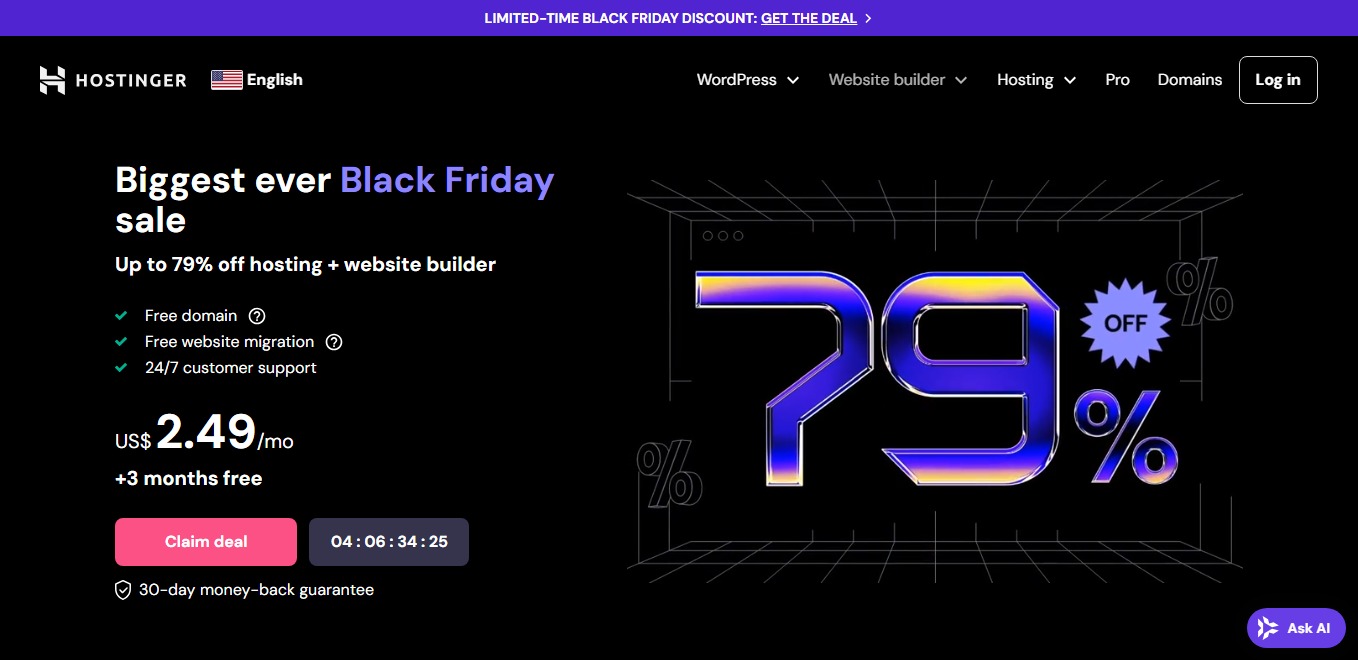
Hostinger suits a first blog, portfolio, or small-business site. hPanel is cleaner than cPanel, and guided WordPress setup, SSL, CDN, a first-year domain, weekly backups, and AI tools reduce extra configuration. The current Premium plan is three sites and 20 GB SSD—not the older 100 GB package repeated online.
What the beginner experience is like
Hostinger’s onboarding asks what kind of website you want and then walks through the domain, WordPress installation, template, and basic configuration. After launch, hPanel keeps domains, email, backups, file management, databases, security, and performance controls in clearly labeled areas. It is simpler than traditional cPanel without hiding the tools a growing site will eventually need.
Best fit and upgrade path: Premium works especially well for bloggers, freelancers, churches, portfolios, and local businesses running up to three lightweight sites. Weekly backups are reasonable for a mostly static website, but an active store or frequently updated publication should consider a tier with daily backups and more storage. Before paying for four years, verify the server region, mailbox allowance, renewal rate, and whether 20 GB leaves enough room for future media.
- Friendly dashboard
- Useful bundle and three sites
- 24/7 chat
- Four-year lock-in for best price
- No phone support
- 20 GB cap
Bluehost — guided setup with phone support
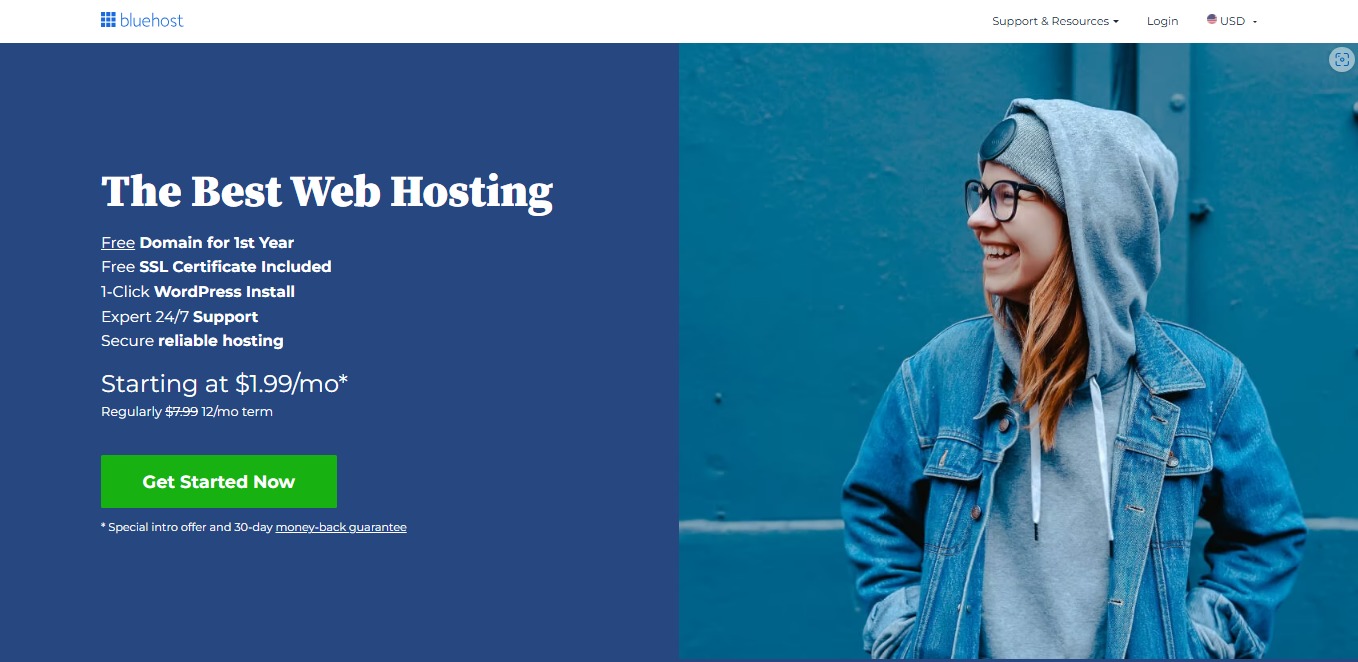
Bluehost bundles AI site creation, staging, managed WordPress updates, CDN, SSL, malware scanning, and weekly backups. Current detailed plan pages list 10 sites, 10 GB NVMe, and roughly 40,000 monthly visits at $3.99 on 36 months. Product surfaces have shown different site counts during rollouts, so confirm the cart.
What the beginner experience is like
Bluehost puts WordPress setup at the center of the account experience. Its guided checklist helps a new owner choose a design, create core pages, connect the domain, and publish without first learning hosting terminology. The staging environment is particularly useful: beginners can test a theme, plugin, or major design edit on a private copy before changing the live website.
Best fit and upgrade path: Choose Bluehost when you want a familiar WordPress workflow and value the option of speaking with support. Starter is suited to a text-led blog or service website, but 10 GB can fill quickly with large photo galleries, video uploads, or several complete sites. Review optional products at checkout, keep only the services you actually need, and move to Business when daily operational needs, stronger security, or additional storage justify the higher cost.
- Excellent WordPress onboarding
- Staging and CDN
- Phone/chat options by tier
- Small storage allowance
- Renewal jump
- Upsell-heavy checkout
Elementor Host — design and hosting together
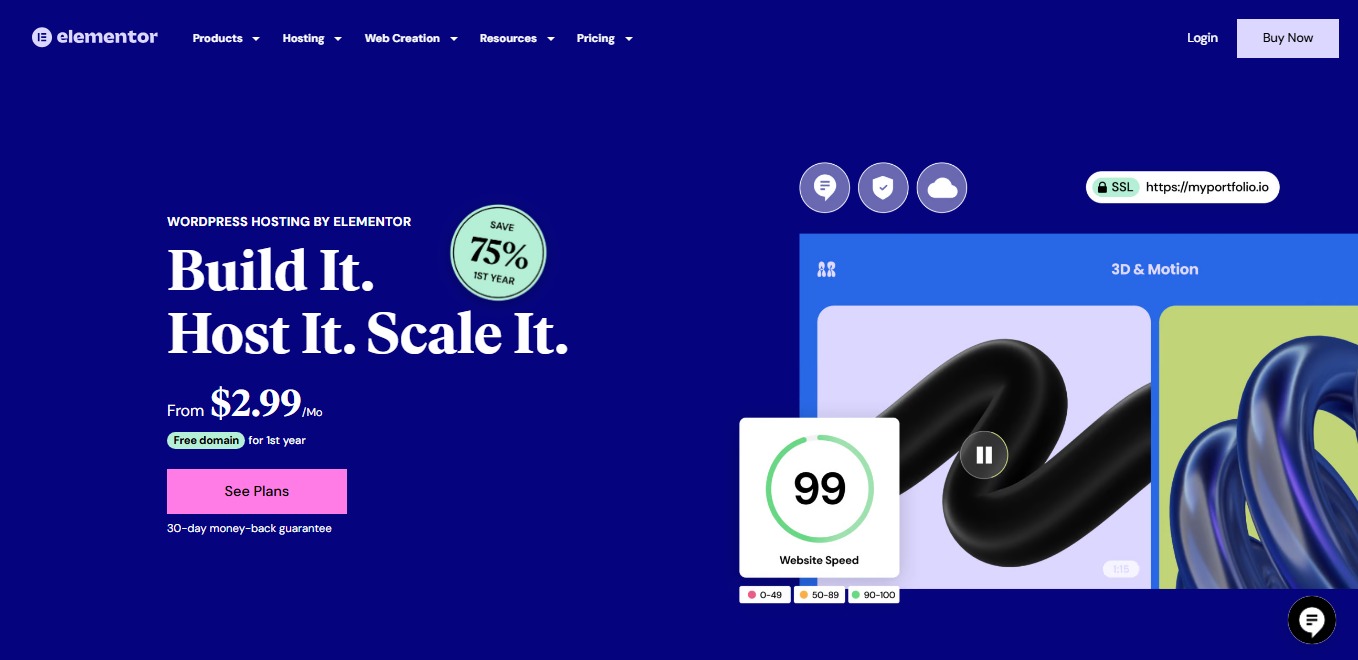
Elementor Host combines WordPress, Elementor Core, Google Cloud, Cloudflare Enterprise CDN, SSL, WAF, DDoS protection, auto-updates, and daily backups. Entry limits are one site, 10 GB SSD, 10 GB monthly transfer, 10,000 visits, and seven-day backup retention. Elementor Pro is sold separately. Pricing is localized at checkout, so compare the annual total and renewal there.
What the beginner experience is like
The main advantage is continuity: hosting setup, WordPress, the Hello theme, and the drag-and-drop editor are prepared for one another. A beginner can move directly from account creation to editing responsive pages, while Elementor handles caching, CDN delivery, security monitoring, and platform updates. If something breaks, there is less uncertainty over whether the builder or host is responsible.
Best fit and upgrade path: Elementor Host is ideal for a brochure site, personal brand, landing page, or small business whose owner wants visual control without code. The 10 GB transfer allowance requires attention on image-heavy or fast-growing sites, and advanced forms, popup building, dynamic content, and many marketing widgets require Elementor Pro. Upgrade based on bandwidth, visits, backup retention, and staging needs—not merely because a higher tier lists more sites.
- One support team
- Strong CDN/security stack
- Simple no-code workflow
- Pro costs extra
- Low transfer allowance
- WordPress/Elementor focus
Cloudways — managed cloud without server administration
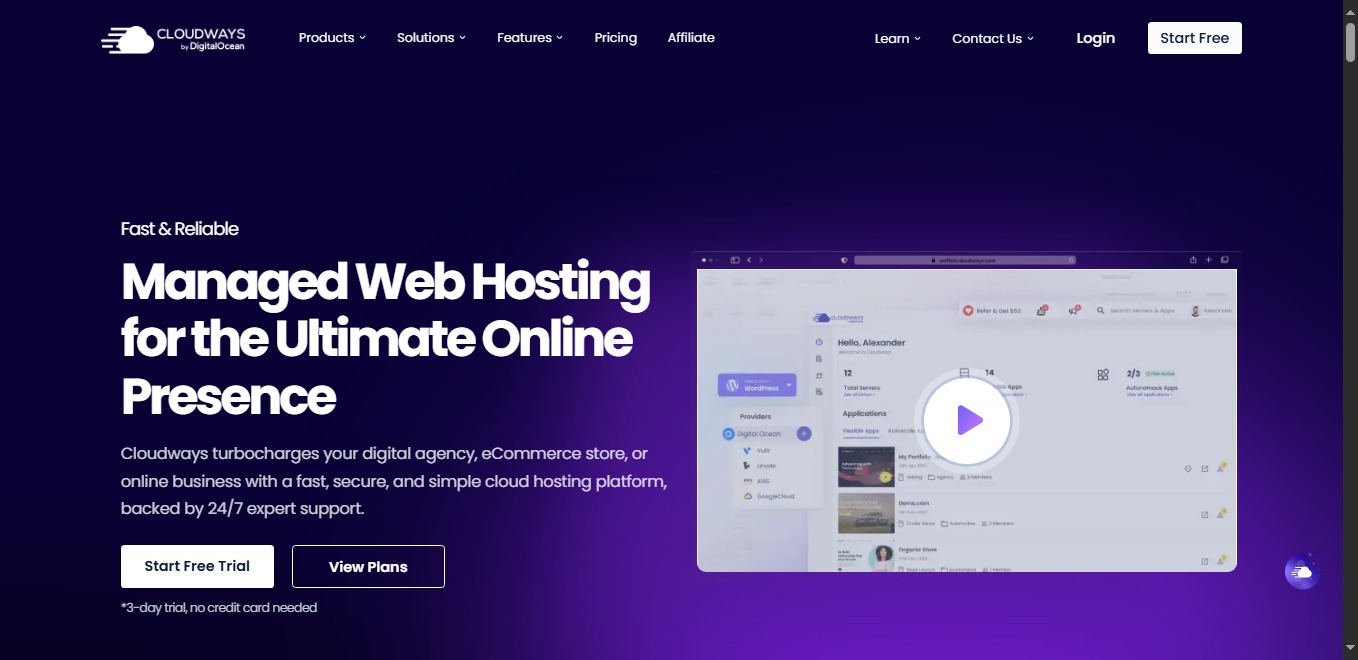
Cloudways starts at $11 for a DigitalOcean server with 1 GB RAM, one core, 25 GB storage, 1 TB transfer, unlimited apps, SSL, migration, caching, staging, backups, and support. Hourly billing has a monthly ceiling and avoids long contracts. It is more technical, and neither a domain nor traditional mailbox hosting is bundled.
What the beginner experience is like
Cloudways removes operating-system maintenance while preserving more server control than ordinary shared hosting. You select a cloud provider, server size, data-center region, and application; the platform then handles the managed software stack. Its application dashboard exposes backups, staging, SSL, caching, monitoring, cron jobs, and team access without requiring command-line server administration.
Best fit and upgrade path: This is the strongest choice for a beginner launching a serious WooCommerce store, membership site, client project, or publication expected to grow. The 1 GB server is economical but should not be overloaded with many busy applications. Monitor RAM, CPU, disk, and bandwidth, scale vertically before sustained peaks become outages, and budget separately for domain registration, transactional email, mailboxes, premium CDN features, and off-site backup storage.
- No long lock-in
- Dedicated allocation
- Easy vertical scaling
- Steeper dashboard
- No bundled domain/email
- Add-ons raise cost
Verpex — generous storage and daily backups
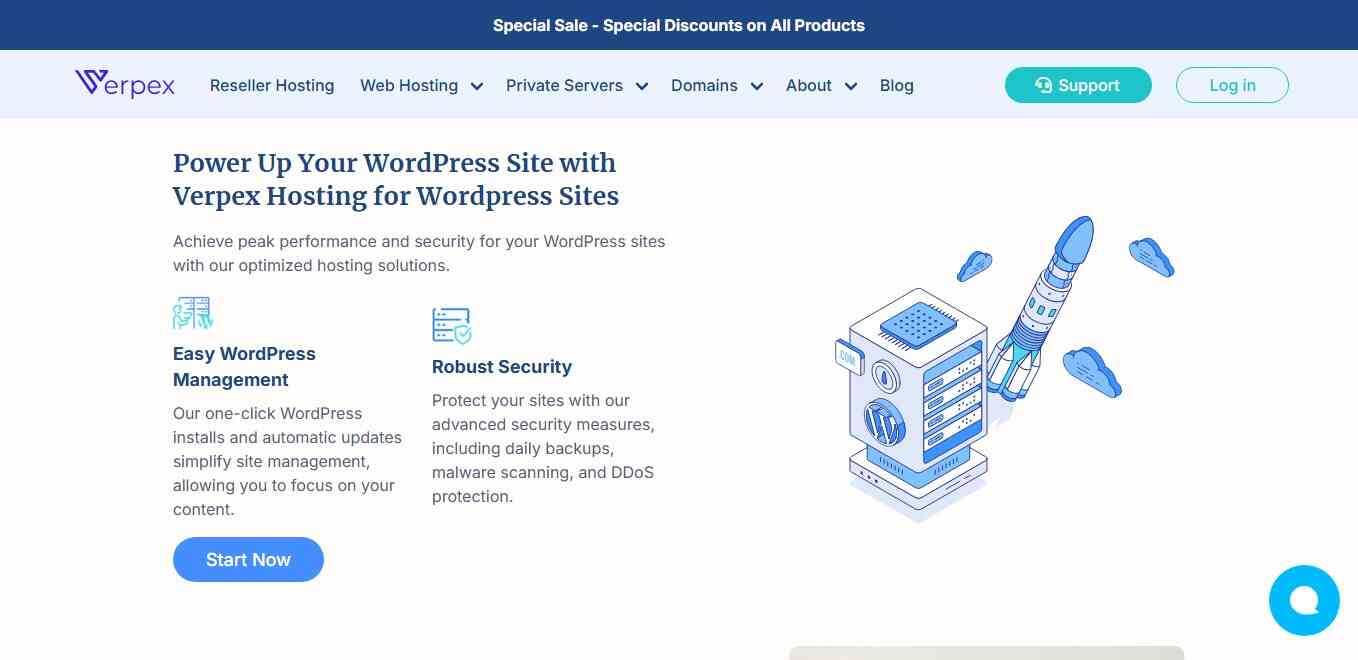
Verpex Bronze includes 30 GB NVMe, daily backups, cPanel, Softaculous, SSL, eligible first-year domain, email, and malware protection. Its 36-month rate is $2.60 and renews at $6. Bronze is one site, 1 GB RAM, one vCPU, and a 99.5% uptime guarantee; “unlimited bandwidth” still has resource and acceptable-use limits.
What the beginner experience is like
Verpex uses the widely documented cPanel and Softaculous combination. That gives newcomers a conventional way to create mailboxes, manage DNS, browse files, create databases, inspect usage, and install WordPress. The interface is busier than Hostinger’s hPanel, but the skills and tutorials transfer easily if you later move to another cPanel-based provider.
Best fit and upgrade path: Bronze is a sensible home for one blog, portfolio, ministry, or small service-business site, particularly when included email and daily backups would otherwise cost extra. Its 30 GB storage is generous for the price, although CPU and memory—not disk—will usually become the first constraint. Move to Silver when you need multiple sites, a stronger uptime commitment, or more processing headroom rather than trying to push sustained traffic through the entry allocation.
- Low disclosed renewal
- Daily backups
- Familiar cPanel
- One site
- 99.5% entry SLA
- 36 months for best rate
HostGator — familiar tools, newly finite limits
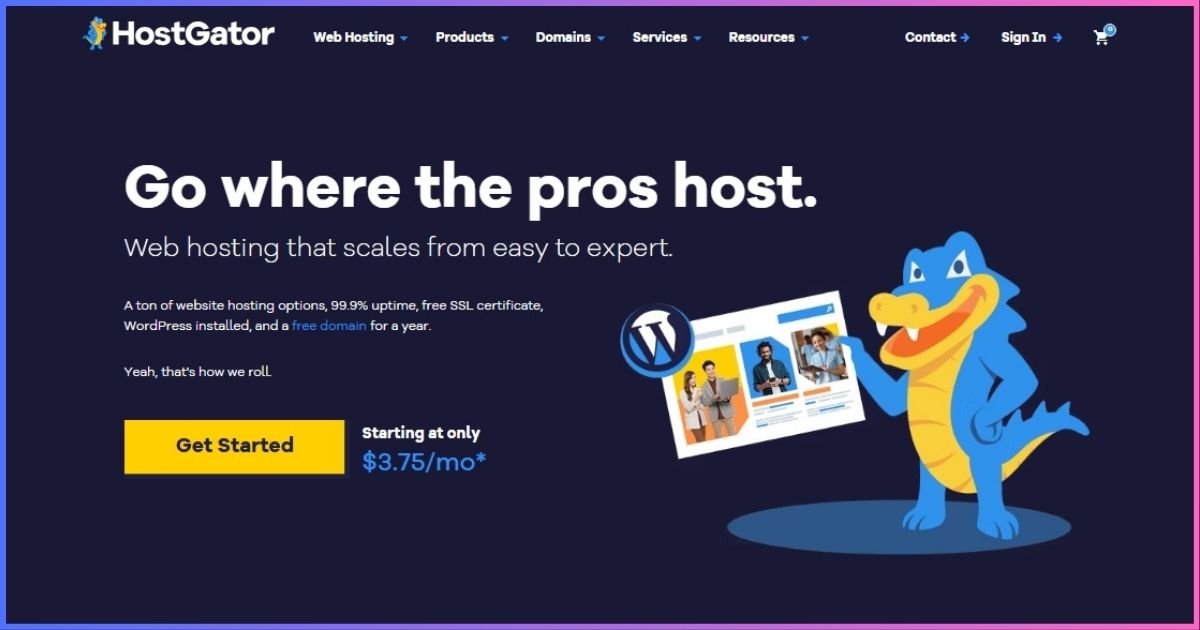
HostGator offers WordPress installation, SSL, unmetered transfer, and an eligible first-year domain from $2.75. The key update: scalable shared tiers now list 10/20/50/100 GB across Hatchling/Baby/Business/Pro. Older unlimited-storage claims are obsolete. Three-year Hatchling renewal is $10.99/month equivalent; shorter renewals cost more.
What the beginner experience is like
HostGator follows the familiar shared-hosting model: choose a package, connect or register a domain, install WordPress, and manage the account through established hosting controls. This is useful for someone following older cPanel-oriented tutorials or maintaining a straightforward website without needing managed-cloud concepts. SSL and unmetered transfer cover the essentials, while the scalable tiers make resource progression easier to understand than the former unlimited positioning.
Best fit and upgrade path: Hatchling fits one modest blog or business website. Baby adds room for more sites, while Business and Pro increase storage and processing allocations for busier projects. Compare the full renewal invoice before buying, and verify the current backup and migration inclusions in the cart because promotional pages, legacy plans, and newer scalable packages can differ. Keep an independent backup even when a host-provided option is included.
- Conventional workflow
- Clearer storage tiers
- Free SSL
- Large renewal jump
- Not unlimited storage
- Inclusions vary by offer
WPX — managed WordPress help for a serious site
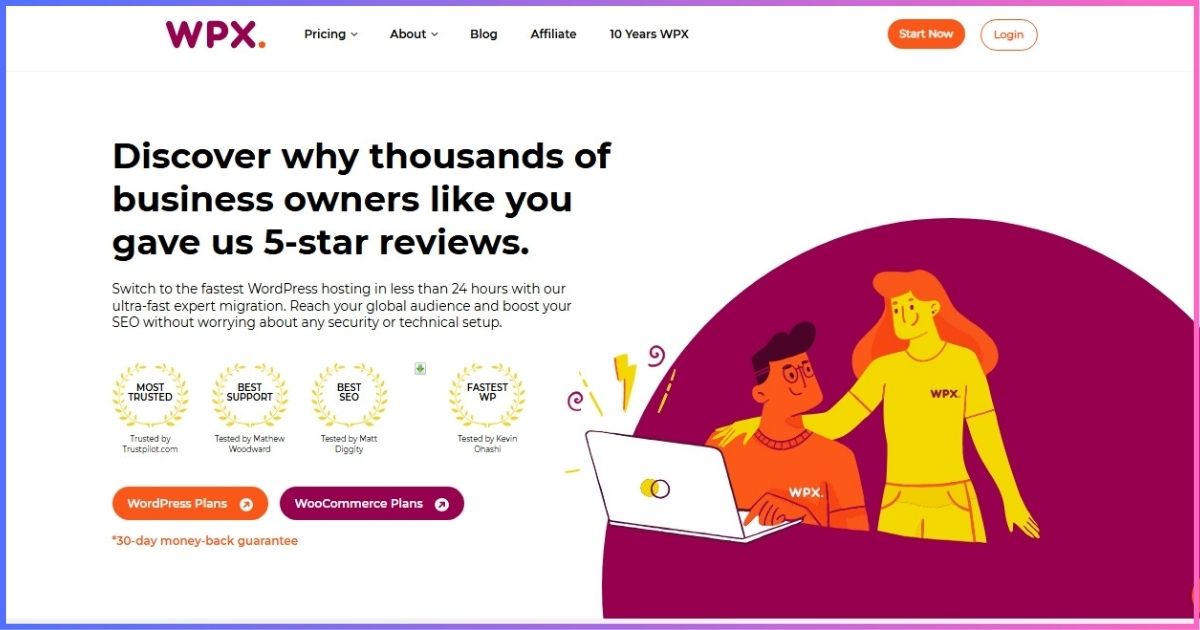
WPX Starter includes one site, 10 GB storage, 100 GB transfer, CDN, daily backups, malware removal, SSL, migration, DDoS protection, and 24/7 technical chat. The $11.99 effective rate requires five years prepaid with 20 bonus months; regular monthly price is $17.99. Business email begins on the Business tier.
What the beginner experience is like
WPX is designed around reducing WordPress maintenance rather than providing the cheapest empty hosting account. The team handles migration, the custom CDN distributes site assets, daily backups provide rollback points, and malware removal plus the Fixed For You approach can save a new owner from troubleshooting unfamiliar technical failures alone. Its dashboard is narrower than cPanel because the service is focused specifically on WordPress.
Best fit and upgrade path: Starter makes sense when one website already supports a business, audience, or revenue stream and downtime would cost more than premium hosting. It is difficult to justify for an experimental hobby blog. Upgrade to Business for up to five sites, more storage and bandwidth, additional computing resources, and business email. Compare the normal monthly or annual cost with the five-year offer before locking in; the lowest displayed effective rate requires a substantial upfront commitment.
- Strong technical help
- Daily backups/malware removal
- CDN and migration included
- Expensive for hobbies
- Long prepay for best rate
- No Starter email
Decision guideHow to Choose Your First Host
All seven run WordPress; Elementor integrates design, while Cloudways favors flexible applications.
Add renewal, domain, email, backup, plugin, and migration costs.
Storage, visits, CPU, RAM, PHP workers, and sites matter more than “unlimited.”
Check backup frequency, retention, restoration fees, and keep an off-site copy.
Ask a presales question before paying; choose phone or technical chat to suit you.
Choose a region near visitors and enable a CDN.
Performance and SEO
Hosting affects response time, uptime, caching, and traffic handling, but cannot rescue bloated images or scripts. Google’s Core Web Vitals guidance focuses on real user experience. For WordPress, confirm the current official requirements, PHP version, memory, staging, and database support.
Launch safelyBeginner Setup Checklist
- Save the checkout terms. Record total, renewal, refund deadline, and included services.
- Own the domain. Register it in your name and enable 2FA and auto-renewal.
- Select the nearest region. Moving later may require migration.
- Install WordPress and HTTPS. Use unique credentials and test every URL version.
- Enable backups first. Keep an independent copy before updates.
- Use a light theme and few plugins. Remove demos and inactive extensions.
- Test forms, email, mobile, and restore. Do this before launch.
How we rankedResearch and Scoring
We checked official pricing, product, checkout, and support documentation on September 19, 2026. Scores are editorial—not invented laboratory results. Where pages differed during plan transitions, we used detailed support/pricing documentation and flagged checkout verification.
- 30% ease and setup
- 25% value and renewal clarity
- 20% security, backups, reliability
- 15% support
- 10% growth flexibility
FAQsBeginner Hosting Questions
How much should a beginner pay?
Hostinger or Bluehost?
Does hosting include domain and email?
What does unlimited bandwidth mean?
Can I change hosts later?
Should I prepay four years?
Best Beginner Host in One Paragraph
Hostinger is the best all-round beginner choice if its long term and renewal suit your budget. Choose Bluehost for WordPress onboarding, Elementor for visual building, Cloudways for growth, Verpex for cPanel value, or WPX for premium help.
Disclosure: Affiliate links may earn us a commission at no extra cost to you. Rankings reflect documented terms and editorial judgment, not commission rates. Verify checkout total, renewal, taxes, and refund terms.
Sources & Comparison Methodology
Official sources checked: Hostinger web-hosting plan page; Bluehost pricing and shared-hosting pages; Cloudways DigitalOcean pricing and billing Help Center; Elementor Hosting and Host plans Help Center; Verpex cloud-hosting comparison; HostGator shared-hosting, renewal, and scalable-shared documentation; WPX Starter checkout and plan page. Vendor links are not reproduced here so affiliate destinations remain unambiguous.
Key verified corrections: Hostinger Premium now lists three sites/20 GB; Bluehost Starter $3.99 and $9.99 renewal; Cloudways DO1GB $11; Elementor Pro is separate; HostGator now uses finite storage tiers; WPX now offers a one-site Starter tier.