Best Managed WordPress Hosting for Christian Websites
The best managed WordPress hosting for Christian websites should reduce technical work without taking control away from the ministry. Automatic updates, recoverable backups, staging, caching, malware protection, migration help, and WordPress-aware support matter far more than a vague “managed” label.
We evaluated six providers for church, ministry, Christian publishing, nonprofit, donation, membership, and event use. This update preserves practical choices at every budget while removing unsupported speed tests and comparing documented limits instead. If you are starting from scratch, begin with our guide to launching a Christian website.

Which Managed WordPress Host Is Best for a Christian Website?
Hostinger is the best value for a small ministry, while Liquid Web is the strongest low-cost fully managed WordPress package when daily backups, staging, WAF, and generous bandwidth matter. Cloudways is best for measurable cloud resources and growth; WPX offers focused recovery/support; WP Engine provides the most mature development workflow; and Bluehost combines guided onboarding with a very low long-term introductory rate.
Table of Contents
Start with the definitionWhat “Managed WordPress Hosting” Should Include
“Managed” is not standardized. At minimum, expect WordPress core updates, platform security, server-level caching, SSL, backups, monitoring, and support that understands WordPress. Better plans add staging, on-demand restore points, automated plugin updates, malware cleanup, WAF/DDoS protection, CDN delivery, visual regression testing, and safe development workflows.
Core, PHP, database, and ideally plugins handled with rollback protection.
Daily backups, stated retention, on-demand points, and clear restore tools.
A private copy for testing donation forms, calendars, themes, and updates.
SSL, WAF, DDoS controls, scanning, patching, and a defined cleanup policy.
Page/object caching, CDN, modern PHP, and capacity appropriate to dynamic traffic.
People who can distinguish hosting failures from WordPress/plugin problems.
At a glanceManaged WordPress Hosting Comparison
| Provider | Current entry price* | Site / traffic | Storage / transfer | Backup | Best for |
|---|---|---|---|---|---|
| Hostinger | $2.99/mo · renews $10.99 | 3 sites | 20 GB SSD | Weekly | Small-ministry value |
| Bluehost | $3.99/mo · renews $9.99† | 10 sites · ~40K visits | 10 GB NVMe | Weekly | Guided WordPress start |
| Liquid Web | $5/mo annual offer; public start $9 | 1 site · unlimited visits | 15 GB · 2 TB | Daily · 7 days | Managed features on budget |
| Cloudways | $11/mo pay as you go | Unlimited apps on server | 25 GB · 1 TB | Automated | Scalable cloud resources |
| WPX | $11.99 effective; $17.99 monthly | 1 site · unlimited visits | 10 GB · 100 GB | Daily | Recovery and support |
| WP Engine | $25/mo first year; $35 renewal | 1 site · 25K visits | 10 GB · 75 GB | Daily + on demand | Dev/stage/prod workflow |
*Public USD pricing verified September 19, 2026; taxes and checkout offers vary. Promotional monthly equivalents are usually prepaid. †Bluehost’s $9.99 renewal is the 36-month renewal equivalent; shorter renewal terms are higher.
Cost and capacityPrice, Storage & Commitment Charts
Advertised entry cost per month
Entry-plan storage allocation
Storage alone does not determine quality. A managed host with daily restore points, staging, malware cleanup, and knowledgeable support may provide more operational value than a larger unmanaged disk. For sermon video, embed a streaming platform rather than consuming hosting storage and transfer.
Detailed reviewsThe Best Managed WordPress Hosts for Christian Websites
Hostinger — affordable WordPress management for small ministries
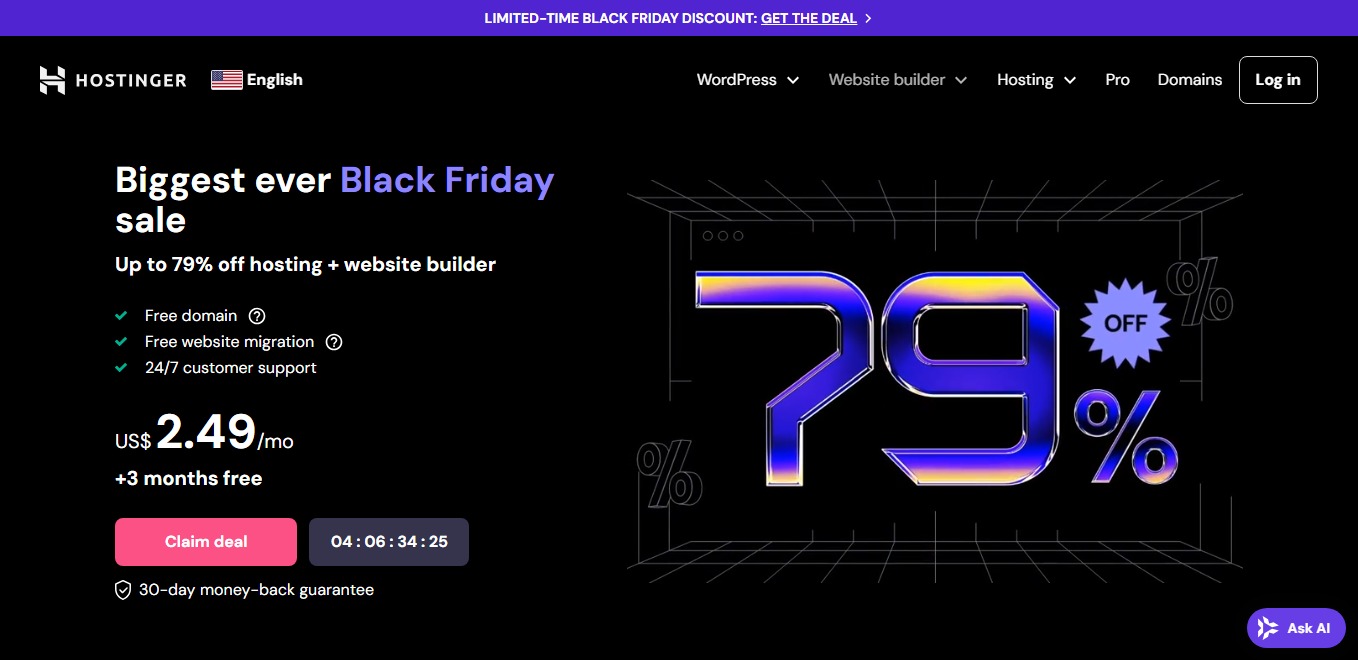
Hostinger is the practical entry choice for a church, blog, or ministry moving beyond bare hosting. Premium includes three sites, 20 GB SSD, guided WordPress setup, managed updates, SSL, CDN, weekly backups, AI tools, a first-year domain, and 24/7 chat. hPanel is easy for rotating volunteers to learn.
This is “managed” at the budget end: weekly rather than daily entry backups, no phone support, and shared-resource limits. A frequently updated donation, membership, or publication site should choose daily backups and keep an independent copy. The $2.99 rate requires 48 months ($143.52 upfront) and renews at $10.99.
- Three websites and approachable hPanel
- CDN, SSL, domain, managed updates
- Low first-term cost
- Four-year commitment
- Weekly entry backups
- No phone support
Liquid Web — daily recovery, WAF, and generous transfer
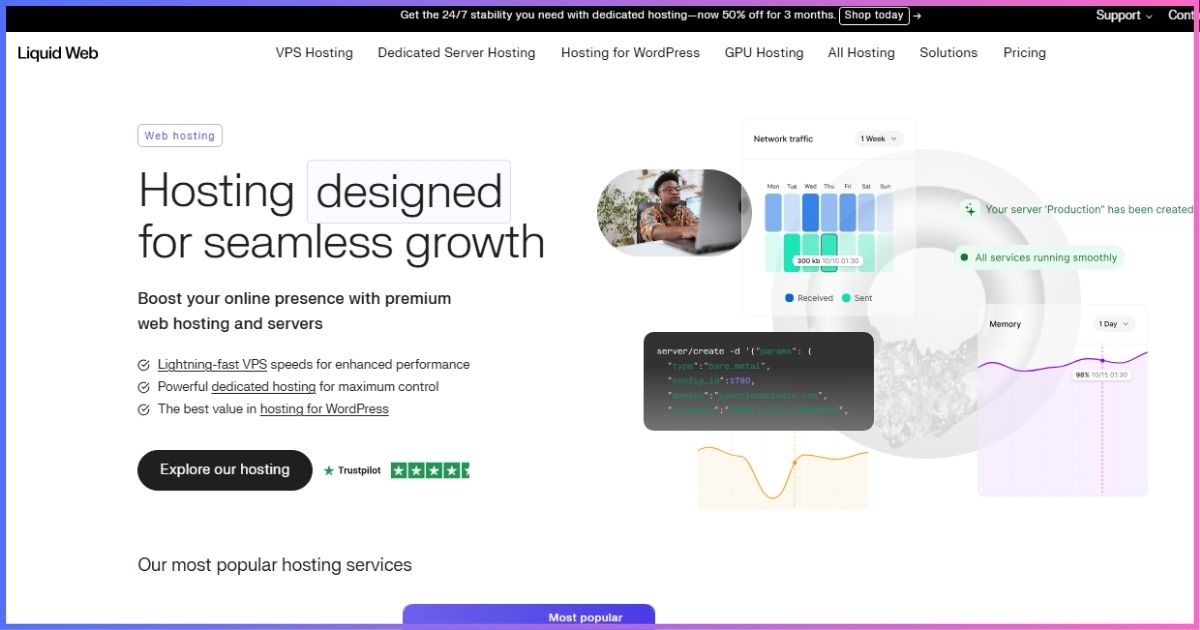
Liquid Web by Nexcess packages features normally missing from bargain plans: DDoS protection, WAF, Performance Shield, Object Cache Pro, Kadence Security Pro, automatic WordPress updates, staging, visual comparison, and daily backups. The one-site Spark/Essentials allocation provides 15 GB storage, 2 TB bandwidth, unlimited visits, and ten PHP workers.
The current affiliate annual offer starts at $5/month, while Liquid Web’s public pricing overview advertises managed WordPress from $9/month. Treat the checkout as authoritative. Seven-day retention is short for a ministry that discovers a problem late, so maintain a monthly off-site archive. Higher tiers add human migration, virtual patching, and longer retention.
- Strong security/caching bundle
- Daily backups and staging
- 2 TB transfer and no visit meter
- Public and campaign pricing differ
- Seven-day entry retention
- One website at entry
Cloudways — managed infrastructure with measurable resources
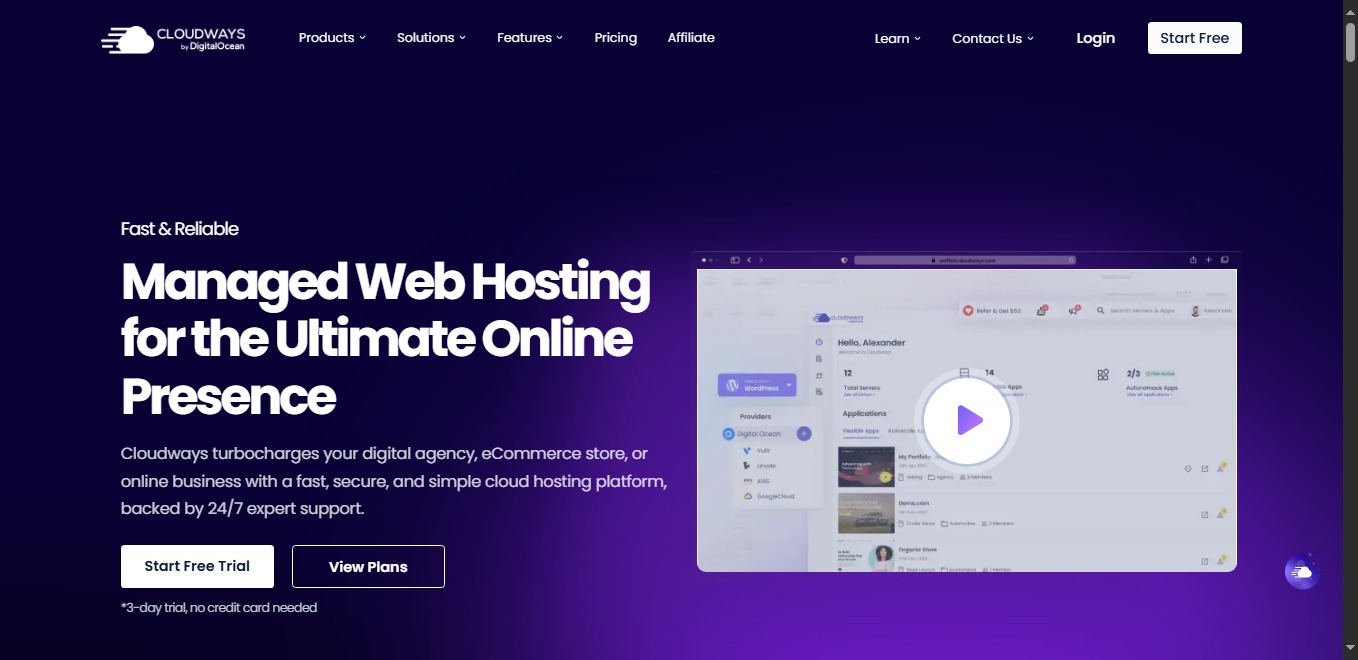
Cloudways starts at $11 for a DigitalOcean server with 1 GB RAM, one core, 25 GB storage, 1 TB transfer, unlimited applications, SSL, migration, caching, staging, backups, and 24/7 support. Hourly billing has a monthly ceiling, so a ministry is not tied to a multiyear promotion.
The platform manages the server stack but asks the owner to understand server size, region, applications, backup frequency, and add-ons. It works well for a multisite ministry, store, course, membership community, or campaign with predictable peaks. Domains and traditional mailboxes are separate, and the team should monitor CPU/RAM before major events.
- Pay-as-you-go model
- Staging, backups, caching, monitoring
- Simple vertical scaling
- More technical ownership
- No bundled domain/email
- Add-ons change total cost
WPX — focused WordPress help for a critical site

WPX Hosting Starter includes one site, 10 GB storage, 100 GB transfer, 3 GB RAM, a custom CDN, daily backups, malware scanning/removal, SSL, migration, DDoS protection, and the Fixed For You support promise. That combination is valuable when a ministry lacks an in-house WordPress troubleshooter.
The regular monthly price is $17.99; the $11.99 effective rate requires five years prepaid with 20 bonus months. Starter does not include business email. Choose WPX when registrations, donations, publishing, or an established audience make rapid recovery worth the premium—not for an experimental blog.
- Daily backups and malware removal
- CDN, migration, technical support
- Clearly stated resources
- Premium monthly rate
- Long prepay for headline price
- No Starter mailbox
WP Engine — mature tools for teams and agencies
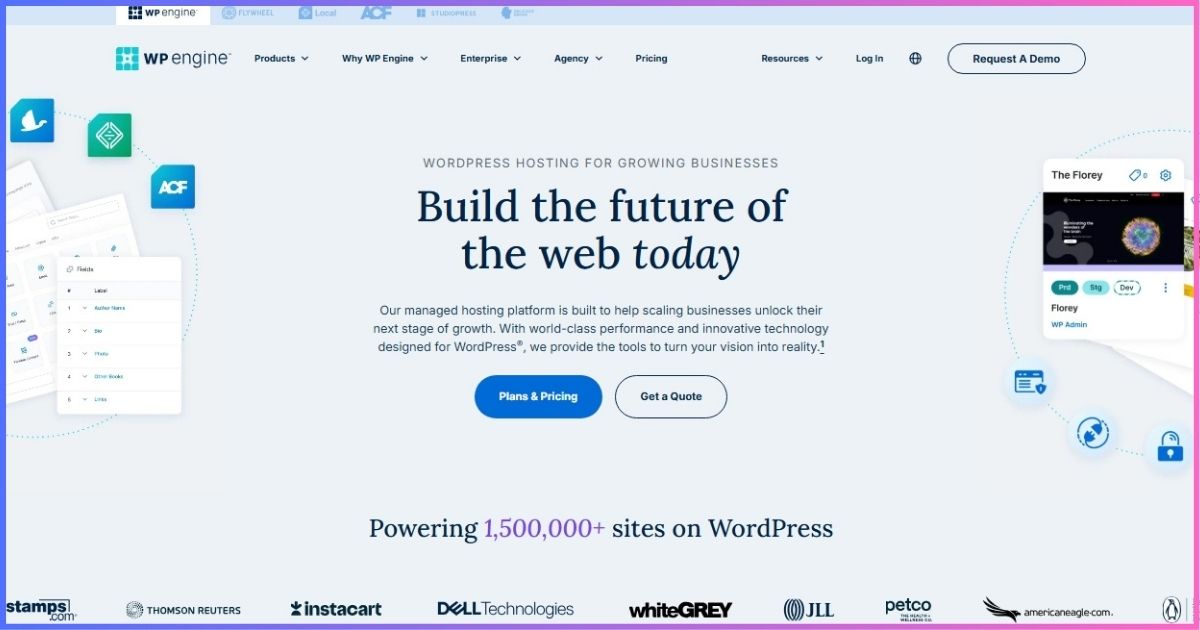
WP Engine Startup provides one site, 25,000 monthly visits, 10 GB local storage, 75 GB bandwidth, global CDN, SSL, daily and on-demand backups, migration tooling, activity logs, permissions, and separate development, staging, and production environments. Managed WordPress, PHP, and MySQL updates plus 24/7 expertise reduce operational work.
The current first-year offer begins at $25/month; WP Engine’s published 2026 renewal for Startup is $35/month. Plugin automation and additional security layers may be add-ons depending on configuration. It suits a staffed ministry, agency-built church network, or publishing team that will use its deployment workflow; a small brochure site will struggle to justify the cost.
- Dev/stage/prod environments
- Daily plus on-demand backups
- Strong access and workflow tooling
- Highest entry and renewal price
- Visit and bandwidth allowances
- Some automation/security costs extra
Bluehost Managed WordPress — simple start with staging

Bluehost Managed WordPress hosting Starter includes guided creation, a first-year domain, SSL, CDN, managed updates, WAF, DDoS protection, malware scanning/removal, weekly backups, object caching, SSH/WP-CLI, and staging. The detailed plan page currently lists 10 sites, 10 GB NVMe, and roughly 40,000 monthly visits.
The $3.99 price requires 36 months and renews at $9.99 on another 36-month term; shorter renewals are higher. Product pages can differ during plan rollouts, so retain the checkout summary. This is a good starting point for volunteers who need guidance, but a frequently changing ministry database deserves daily rather than weekly recovery points.
- Guided setup and staging
- WAF, DDoS, caching, malware tools
- Low long-term introductory cost
- Only 10 GB storage
- Weekly backups at entry
- Long term and checkout variations
Decision guideChoose by Ministry Workload
| Website | Best starting point | Reason | Critical check |
|---|---|---|---|
| Small church brochure/blog | Hostinger or Bluehost | Low cost and guided controls | Backup frequency and renewal |
| Active ministry publication | Liquid Web or WPX | Daily backups and recovery help | Retention and storage |
| Membership/course/store | Cloudways | Measured RAM/CPU and scaling | Dynamic load and transactional email |
| Agency-maintained church network | WP Engine | Dev/stage/prod and permissions | Visits, bandwidth, add-ons |
| Donation/event campaign | Cloudways or Liquid Web | Capacity plus WAF/caching | Load test before launch |
When is managed WordPress worth paying for?
It is worthwhile when staff time, failed updates, slow recovery, or security uncertainty cost more than the monthly premium. Compare the host with the real alternative: hosting plus backup service, CDN, firewall, staging tools, malware cleanup, a maintenance contractor, and the staff hours required to coordinate them.
It is not automatically worthwhile for a static five-page website maintained twice a year. A well-configured budget WordPress plan with independent backups may be sufficient. Pay for a managed tier when the organization will actually use its recovery, workflow, security, or scaling advantages.
Responsible stewardshipSecurity, Donations, Privacy & Accessibility
Managed hosting does not secure compromised administrator credentials. Require individual logins, least privilege, prompt offboarding, strong unique passwords, and multifactor authentication. CISA advises organizations to require MFA wherever possible, starting with administrative and sensitive-data accounts. Apply that to the registrar, host, WordPress, email, donation platform, and recovery accounts.
Use a reputable payment processor’s hosted or tokenized giving flow rather than storing card data in WordPress. Prayer requests and pastoral contact forms can contain sensitive information: collect the minimum, disclose who can read it, restrict access, and define deletion rules. For inclusive ministry, use the W3C’s WCAG accessibility guidance for headings, contrast, keyboard access, form labels, focus visibility, captions, transcripts, and image alternatives.
Safe handoffManaged WordPress Migration Checklist
- Inventory everything. Record DNS, mail, forms, donation links, cron tasks, redirects, integrations, plugins, licenses, and analytics.
- Confirm organization ownership. Domain, hosting, billing, and recovery contacts must not belong solely to a volunteer or vendor.
- Create independent backups. Export files and database before using an automated or human migration.
- Test on staging. Verify mobile layout, sermons, search, forms, email, giving, calendar, logins, redirects, and accessibility.
- Prepare DNS and timing. Lower TTL and avoid launching just before Sunday, a holiday, conference, or campaign.
- Monitor after cutover. Check SSL, logs, caching, forms, email delivery, payments, analytics, and 404s.
- Document recovery. Record restore steps, renewal dates, support contacts, administrators, and quarterly review ownership.
Transparent rankingHow We Compared Managed WordPress Hosts
We used official plan, pricing, checkout, support, and renewal documentation checked September 19, 2026. We compared the lowest practical WordPress plan, not enterprise configurations. Scores are editorial—not invented laboratory speed, uptime, incident-reduction, or customer-satisfaction measurements.
- 30% — updates, staging, backups, restoration
- 25% — first-term value and renewal clarity
- 20% — WAF, DDoS, scanning, cleanup
- 15% — WordPress support and migration help
- 10% — resources and scaling path
FAQsManaged WordPress Hosting Questions
What is the best managed WordPress hosting for a small church?
Is managed WordPress different from ordinary WordPress hosting?
Can managed hosting handle livestream traffic?
Do managed hosts include email?
How many backup days does a ministry need?
Will managed hosting maintain church content and plugins?
Best Managed WordPress Hosting in One Paragraph
Hostinger is the best value for a small Christian website, while Liquid Web offers the most complete low-cost managed bundle. Choose Cloudways for resource visibility and scaling, WPX for hands-on recovery support, WP Engine for mature development workflows, or Bluehost for guided onboarding at a low introductory rate.
Disclosure: Affiliate links may earn us a commission at no extra cost to you. Rankings reflect documented plan terms and editorial judgment, not commission rates. Confirm checkout totals, renewals, taxes, limits, and refund terms before purchase.
Sources & Comparison Methodology
Official sources reviewed September 19, 2026: Hostinger Premium hosting; Bluehost WordPress pricing and renewal documentation; Cloudways DigitalOcean pricing and billing guidance; Liquid Web WordPress plan/pricing pages and current campaign terms; WPX Starter checkout; and WP Engine plan, support, platform, and 2026 renewal-pricing documentation.
Key corrections: Hostinger Premium now lists three sites/20 GB; Cloudways DO1GB is $11; WPX now has a one-site Starter plan; WP Engine Startup’s first-year offer and 2026 renewal are $25/$35; Liquid Web public managed WordPress starts at $9 with a current annual campaign from $5; Bluehost Starter is $3.99 with a $9.99 36-month renewal. Unsupported synthetic benchmarks were removed.
Editorial scoring weights management/recovery 30%, value/renewal clarity 25%, security 20%, support 15%, and scalability 10%. CISA and W3C provide the two contextual security/accessibility references.