Best Christian Web Hosting Providers for Churches & Ministries
Christian organizations do not need a provider with a religious label; they need reliable, secure hosting that serves ministry work well. The best Christian web hosting should make sermon publishing, event registration, giving forms, volunteer updates, pastoral resources, and traffic spikes easy to manage—even when the website is maintained by volunteers.
We compared seven mainstream hosts using current entry and renewal costs, backups, security, support, ease of use, media capacity, and growth options. Whether you are launching a Christian website or replacing an aging church site, this guide focuses on practical stewardship rather than unsupported speed claims.
What Is the Best Christian Web Hosting?
Hostinger is the best overall choice for most churches and ministries. Premium costs $2.99/month on a 48-month term and combines three sites, 20 GB SSD, guided WordPress setup, SSL, CDN, weekly backups, and 24/7 chat. Bluehost is a strong WordPress onboarding choice; Elementor Host suits volunteer-built visual sites; Verpex offers inexpensive cPanel and daily backups; Cloudways fits growing ministries; and WPX suits a revenue-critical WordPress operation.
Table of Contents
Ministry requirementsWhat Church Website Hosting Must Handle
Service times, livestream links, directions, and giving pages can create short, predictable peaks.
Video belongs on a streaming platform; the website still needs storage for images, audio, notes, and archives.
Use a reputable payment processor and HTTPS. The host should provide SSL, updates, malware controls, and recoverable backups.
Clear roles, staging, documentation, and a familiar editor matter when staff or volunteers rotate.
Captions, keyboard navigation, contrast, headings, form labels, and image alternatives help every member participate.
Contact forms, prayer requests, donor records, and pastoral messages require least-privilege access and retention discipline.
At a glanceChristian Web Hosting Comparison
| Provider | Entry offer* | Renewal/list | Entry resources | Backups | Best ministry fit |
|---|---|---|---|---|---|
| Hostinger | $2.99 · 48 mo | $10.99/mo | 3 sites · 20 GB SSD | Weekly | Most churches |
| Bluehost | $3.99 · 36 mo | $9.99/mo | 10 sites · 10 GB NVMe | Weekly | WordPress onboarding |
| Elementor Host | Live annual quote | List price | 1 site · 10 GB/10 GB transfer | Daily · 7 days | Volunteer visual editing |
| Cloudways | $11 pay as you go | $11 unchanged | 1 GB RAM · 25 GB · 1 TB | Automated | Growing ministry |
| Verpex | $2.60 · 36 mo | $6/mo | 1 site · 30 GB NVMe | Daily | Budget cPanel/email |
| HostGator | From $2.75 | $10.99/mo† | 1 site · 10 GB | Plan-dependent | Traditional shared hosting |
| WPX | $11.99 · 5 years | $17.99 monthly | 1 site · 10 GB · 100 GB transfer | Daily | Critical WordPress site |
*USD offers verified September 19, 2026; promotional monthly equivalents are generally prepaid. Taxes and regional offers vary. †Three-year HostGator renewal equivalent.
StewardshipEntry Price and Renewal Reality
Published entry cost per month (Elementor omitted because its quote is localized).
Published renewal or normal monthly rate
Ranked reviewsThe 7 Best Christian Web Hosting Providers
Hostinger — practical value for most ministries
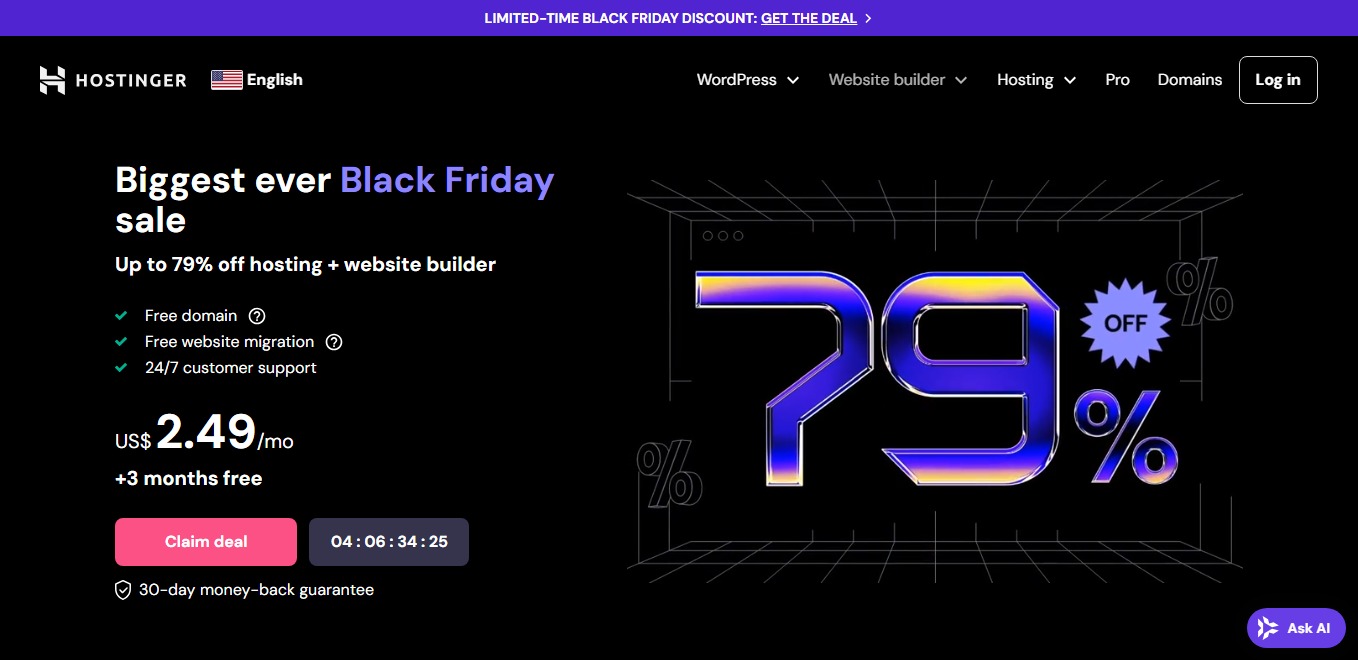
Hostinger gives a small church a manageable hPanel, guided WordPress setup, SSL, CDN, a first-year domain, weekly backups, and 24/7 chat. The current Premium tier is three websites and 20 GB SSD—not the older 100 GB configuration still repeated elsewhere.
Three site slots can separate the main church, a ministry project, and an event microsite. Host sermon video externally and embed it to conserve storage and bandwidth. Weekly backups fit a mostly static site; a busy giving, membership, or publishing workflow should use daily backups and an independent copy.
- Volunteer-friendly dashboard
- Three sites and useful bundle
- Global server choices
- Long prepayment
- No phone support
- 20 GB storage pool
Bluehost — guided launch for a church WordPress site

Bluehost combines guided WordPress setup, staging, managed updates, CDN, SSL, malware scanning, and weekly backups. The detailed Starter page lists 10 websites, 10 GB NVMe, and roughly 40,000 monthly visits at $3.99 on 36 months, renewing at $9.99.
The staging site is valuable for volunteer teams: a new calendar, giving plugin, or homepage can be checked privately before Sunday. Storage is the limiting resource, so keep livestream archives on a dedicated video platform. Bluehost product surfaces have shown different site counts during transitions; save the cart summary before purchase.
- Strong guided setup
- Staging and managed updates
- Support options by tier
- Only 10 GB storage
- Renewal increase
- Optional add-ons raise cost
Elementor Host — easy page editing for rotating volunteers
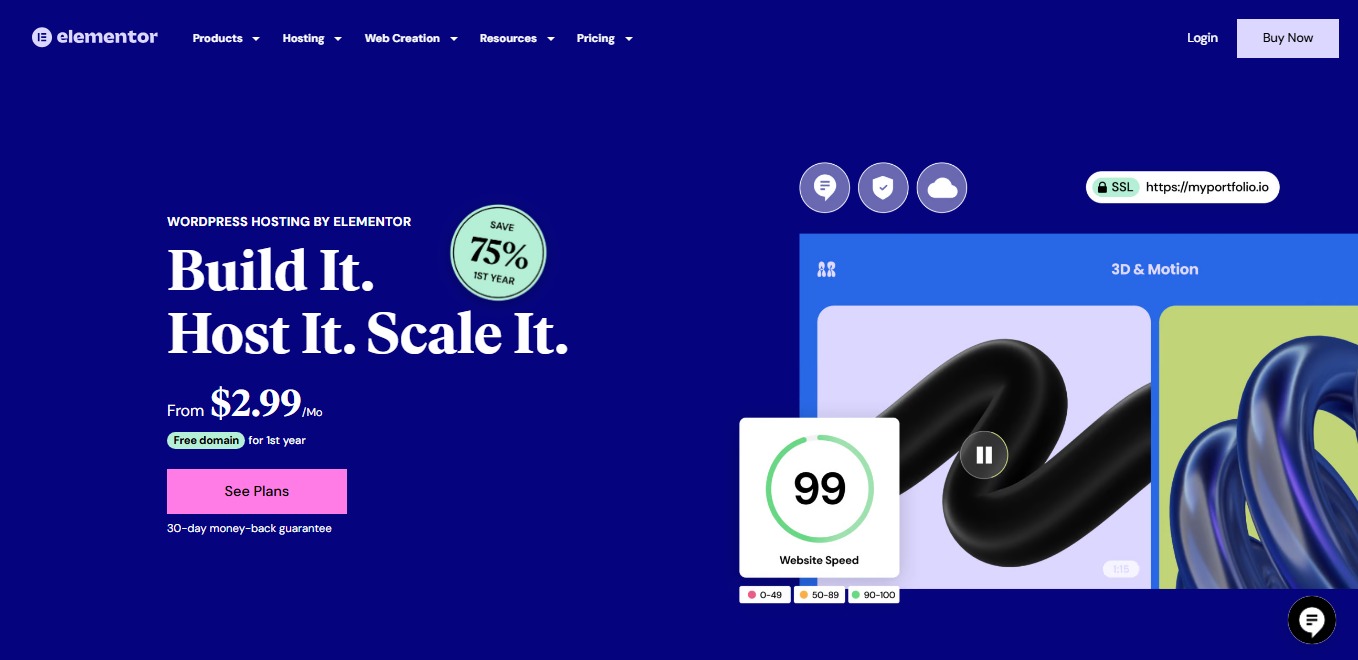
Elementor Host puts WordPress, Elementor Core, Google Cloud, Cloudflare Enterprise CDN, SSL, WAF, DDoS protection, updates, and daily backups under one support team. Entry limits are one site, 10 GB storage, 10 GB monthly transfer, 10,000 visits, and seven-day backup retention.
It is ideal when nontechnical staff frequently update service times, ministries, events, and landing pages. Elementor Pro is separate, so advanced forms, popups, dynamic content, and many marketing widgets add cost. The bandwidth ceiling also makes external video hosting essential. Elementor shows a localized annual quote at checkout; compare its renewal list price there.
- Integrated visual editing
- Strong CDN and security layer
- One support relationship
- Pro sold separately
- 10 GB monthly transfer
- Short entry backup retention
Cloudways — scalable resources for a growing ministry
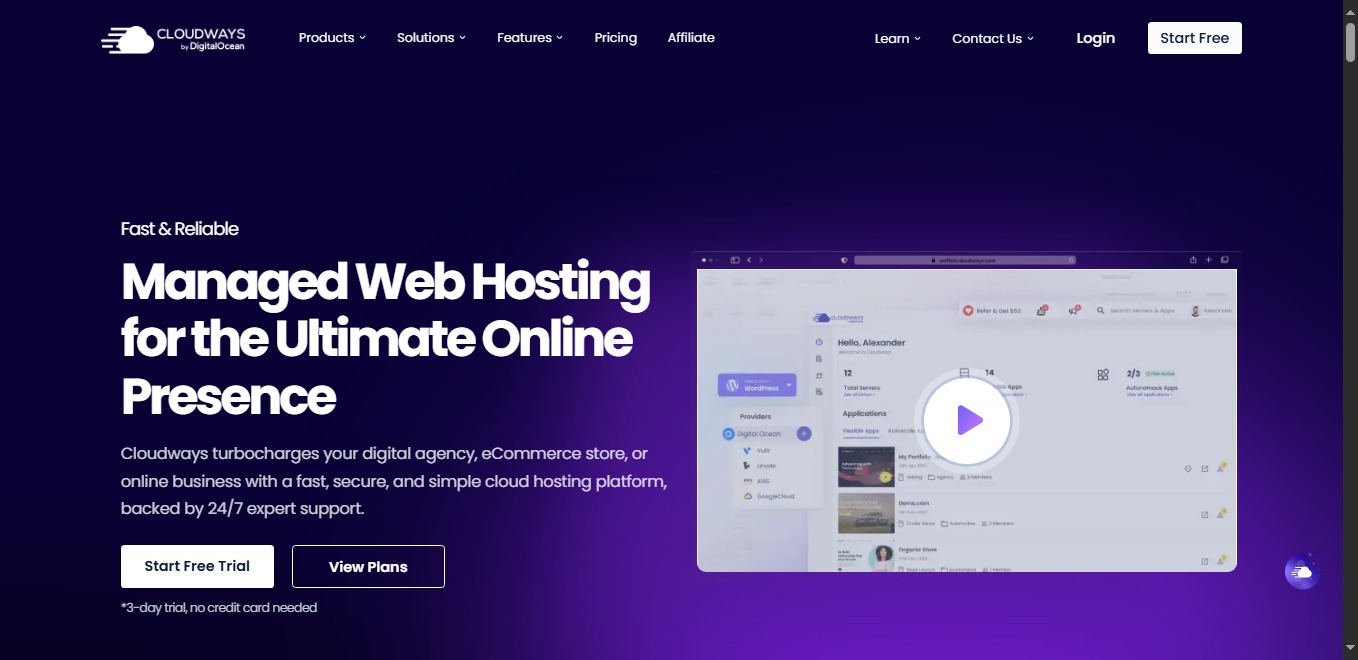
Cloudways starts at $11 for a DigitalOcean server with 1 GB RAM, one core, 25 GB storage, 1 TB transfer, unlimited applications, SSL, migration, caching, staging, backups, and support. Hourly billing with a monthly ceiling avoids a long contract.
This is the best fit for a multisite ministry, membership program, active store, or publication that needs measurable resources and vertical scaling. It is more technical than shared hosting, and domain registration plus mailboxes are separate. Monitor RAM and CPU before event or conference peaks; scale ahead of a campaign instead of troubleshooting during it.
- No long lock-in
- Dedicated cloud allocation
- Staging, monitoring, scaling
- Steeper learning curve
- No domain or mailbox bundle
- Add-ons affect total
Verpex — daily backups, email, and familiar controls
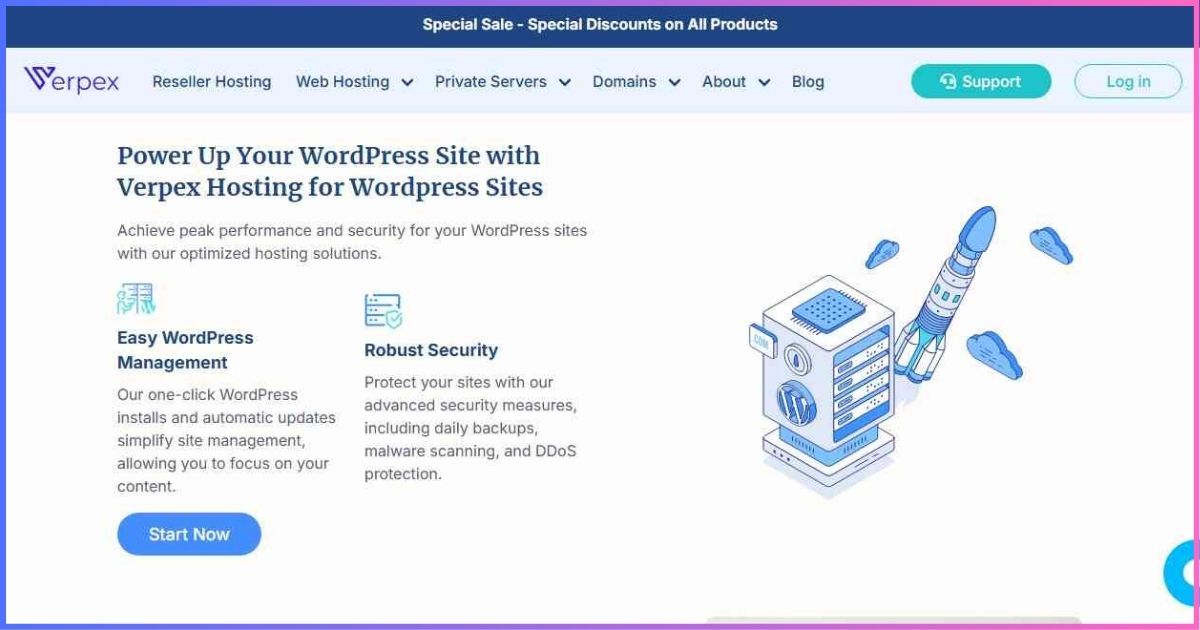
Verpex Bronze includes one site, 30 GB NVMe, 1 GB RAM, one vCPU, daily backups, cPanel, Softaculous, SSL, eligible first-year domain, email, and malware protection. The 36-month price is $2.60 and renewal is $6.
Included email and daily backups make it attractive to a small congregation that wants predictable essentials under one account. cPanel has more controls than hPanel, but its widespread documentation helps new administrators. The Bronze uptime guarantee is 99.5%; ministries needing multiple sites, more processing headroom, or the higher-tier 99.99% commitment should budget for Silver or above.
- Low renewal rate
- Daily backups and email
- 30 GB NVMe
- One website
- 99.5% entry guarantee
- Shared CPU/RAM limits
HostGator — familiar workflow with clearer limits

HostGator provides WordPress installation, SSL, unmetered transfer, and an eligible first-year domain from $2.75. Its newer scalable tiers list 10/20/50/100 GB for Hatchling/Baby/Business/Pro, replacing older unlimited-storage descriptions.
Hatchling suits one modest informational church site. Move upward for multiple ministries, more storage, or heavier workloads. The published three-year Hatchling renewal equals $10.99/month, while shorter renewals cost more. Because legacy and new packages coexist, confirm current backup, migration, storage, and site-count terms in the checkout summary.
- Familiar shared-hosting model
- Free SSL and eligible domain
- Clearer storage progression
- Large renewal increase
- Storage is not unlimited
- Offer details can vary
WPX — for a mission-critical ministry website

WPX Starter combines one site, 10 GB storage, 100 GB transfer, a custom CDN, daily backups, malware removal, SSL, migration, DDoS protection, and 24/7 technical chat. Regular monthly price is $17.99; the $11.99 effective price requires five years prepaid with 20 bonus months.
WPX makes sense when the website supports registrations, donations, publishing, or a large audience and skilled help is worth more than the lowest price. It is excessive for an experimental ministry blog. Business adds up to five sites, additional resources, and email; Starter does not include business mailboxes.
- Daily backups and malware removal
- CDN, migration, DDoS protection
- Focused WordPress support
- Premium price
- Long prepay for headline rate
- No Starter email
Buying guideChoose Hosting by Ministry Type
| Ministry profile | Recommended starting point | Why | Watch closely |
|---|---|---|---|
| Small local church | Hostinger or Verpex | Low cost, domain/SSL, simple administration | Renewal and backup frequency |
| Volunteer-designed site | Elementor Host | Integrated visual editor and support | Pro cost and transfer cap |
| Growing multisite ministry | Cloudways | Scalable measured resources | Technical ownership and email cost |
| WordPress-first team | Bluehost | Guided workflow and staging | Storage and checkout add-ons |
| High-value ministry site | WPX | Managed recovery and technical support | Long-term cost |
Questions to ask before the church approves a plan
- Who legally owns the domain, hosting account, payment method, and recovery email?
- Can at least two staff leaders access the account with individual logins and multifactor authentication?
- How quickly can a clean backup be restored, and has the team tested that process?
- Will sermon video be embedded rather than uploaded to shared hosting?
- Can the plan handle Christmas, Easter, conference, or giving-campaign traffic?
- What is the full renewal invoice after domain, email, plugins, taxes, and add-ons?
Responsible stewardshipSecurity, Giving, Privacy & Accessibility
Hosting is only one layer of church website security. Require unique administrator accounts, least-privilege roles, prompt updates, off-site backups, and multifactor authentication. CISA’s multifactor-authentication guidance explains why a second login factor protects an account even when a password is compromised. Do not store card data in WordPress; send donations through a reputable processor’s hosted or tokenized checkout.
A church website serves children, older members, people with disabilities, second-language readers, and visitors unfamiliar with the congregation. Follow the W3C’s WCAG 2 accessibility guidance: use meaningful headings, sufficient contrast, keyboard-operable menus, visible focus, alternative text, labeled forms, transcripts, and captions. Hosting cannot create accessibility, but reliable delivery and staging make it safer to test improvements.
Safe transitionChurch Website Migration Checklist
- Inventory the current site. Record domains, DNS, mailboxes, forms, donation links, analytics, plugins, media, and integrations.
- Confirm ownership. Put domain, hosting, licenses, and recovery channels under the organization—not a former volunteer.
- Create independent backups. Download files and database before a host or DNS change.
- Build and test on staging. Verify sermons, calendars, maps, forms, giving, email delivery, mobile layout, and accessibility.
- Lower DNS TTL and schedule carefully. Avoid migrating immediately before a major service, holiday, or campaign.
- Change DNS, then monitor. Keep the old account active until propagation completes and logs, forms, email, redirects, and SSL are confirmed.
- Document the handoff. Record renewals, administrators, backup restoration, support contacts, and a quarterly review owner.
Transparent scoringSources and Ranking Method
We compared the lowest practical plan suitable for a real ministry site using official public US pricing and plan documentation checked September 19, 2026. Scores are editorial, not invented lab benchmarks. We removed unsupported market, adoption, review-count, load-time, and uptime-test claims from the previous article.
- 30% — volunteer-friendly setup and maintenance
- 25% — first-term value and renewal clarity
- 20% — security, backups, and recovery
- 15% — support access and usefulness
- 10% — growth and resource flexibility
FAQsChristian Web Hosting Questions
Does a church need explicitly Christian-owned hosting?
Which host is best for a small church?
Can shared hosting handle sermon video?
What does a church website really cost?
Should online giving be hosted directly in WordPress?
How often should a ministry site be backed up?
Best Christian Web Hosting in One Paragraph
Hostinger is the best overall host for most churches because it balances simple management, three websites, security basics, and low initial cost. Choose Bluehost for guided WordPress onboarding, Elementor Host for volunteer-friendly visual editing, Verpex for daily backups and cPanel value, Cloudways for scalable growth, or WPX when premium WordPress recovery and support justify the price.
For a deeper look at high-touch WordPress platforms, see our guide to the best managed WordPress hosting for Christian websites.
Disclosure: Affiliate links may earn us a commission at no extra cost to you. Rankings reflect documented plan terms and editorial judgment, not commission rates. Verify checkout totals, renewal pricing, taxes, limits, and refund terms before purchase.
Sources & Comparison Methodology
Plan data was checked against official provider pricing, product, checkout, and support documentation on September 19, 2026. Official sources reviewed: Hostinger Premium web hosting; Bluehost Starter pricing/shared hosting; Cloudways DigitalOcean pricing and billing documentation; Elementor Host and Help Center plan tables; Verpex Bronze cloud hosting; HostGator shared, renewal, and scalable-tier documentation; and WPX Starter checkout/plan details.
Key corrections include Hostinger’s current three-site/20 GB Premium limits, Bluehost’s $3.99 offer and $9.99 renewal, Cloudways’ $11 DO1GB tier, Elementor Pro being separate, HostGator’s finite scalable storage tiers, Verpex’s $6 renewal, and WPX’s one-site Starter plan. Accessibility guidance comes from W3C; account-security guidance comes from CISA.
Scores weight ease (30%), value and renewal clarity (25%), security/recovery (20%), support (15%), and growth flexibility (10%). No synthetic performance or uptime results were invented.