Best Christian Podcast Hosting Companies
- 6 hosting platforms compared
- Plans from $0
- Church, ministry & creator workflows
- Current pricing verified
Christian podcast hosting uses the same RSS technology as any other show, but ministries have different operational needs: volunteer-friendly publishing, sermon archives, donation or membership tools, multiple programs, private discipleship feeds, accessible transcripts and ownership that survives staff changes.
This guide compares six leading hosts through that ministry lens. We examine cost, publishing limits, distribution, team access, analytics, monetization, WordPress integration, private feeds and video—not whether a provider claims to be explicitly faith-based.
What Is the Best Christian Podcast Hosting Company?
Podbean is the best Christian podcast host for most churches and independent creators. Its free plan supports testing, while the $12/month annual Unlimited Audio plan provides about 16 upload hours monthly, unlimited accumulated storage, unmetered bandwidth, a podcast website, analytics and several monetization options. Buzzsprout is easiest for volunteers, RSS.com offers the strongest permanent free plan, Captivate fits multi-show ministries, Castos is best for WordPress and private discipleship content, and Blubrry has the lowest paid entry point.
Ministry rule of thumb: choose the system a second person can operate. Continuity, clear ownership and a documented workflow matter more than an impressive feature list.
Table of Contents
Ministry contextWhat Christian Podcasters Need From a Host
A hosting provider does not need a “Christian” label to serve Christian content well. It needs dependable RSS delivery, transparent content policies, exportable data and tools that fit the ministry’s publishing process. The host should support sermon series, devotionals, interviews, Bible studies, worship discussions and nonprofit storytelling without taking control of the feed.
Podcast directories depend on a technically valid RSS feed. Apple requires a public RSS 2.0 feed with show artwork, unique episode identifiers and valid media enclosures; review the Apple Podcasts RSS requirements before launch. Your host should handle those mechanics while the ministry retains access to the directory accounts.
Volunteer simplicity
Choose a dashboard with obvious upload, scheduling and distribution steps. Complex workflows create missed releases when the regular producer is unavailable.
Content stewardship
Document who approves episodes, owns music and artwork licenses, handles corrections and responds to sensitive pastoral or safeguarding issues.
Accessibility
Transcripts support deaf and hard-of-hearing visitors, improve search visibility and make sermon content easier to quote, study and translate.
Giving and membership
Donations, subscriptions and private feeds can fund production or deliver member content, but revenue shares and pastoral expectations should be clear.
Multiple ministries
A church may need separate feeds for sermons, youth, leadership and daily devotionals. Compare included shows, team permissions and combined analytics.
Long-term ownership
Keep source audio, artwork, passwords and RSS details in ministry-controlled storage. Confirm that the host supports migration and permanent redirects.
At a glanceChristian Podcast Hosting Comparison
| Host | Best ministry fit | Free option | Paid entry | Primary limit | Key ministry advantage |
|---|---|---|---|---|---|
| Podbean | Most churches and creators | 5 total hours | $12/mo annual | 1GB uploads/mo | Broad publishing and monetization stack |
| Buzzsprout | Volunteer-led teams | 2 hrs/mo; files kept 90 days | $19/mo | 6 upload hrs/mo | Lowest learning curve |
| RSS.com | Budget launches | Unlimited audio/episodes | $15/mo annual | One show on Plus | Permanent free publishing |
| Captivate | Multi-program ministries | 30-day trial | $17/mo annual | 30,000 downloads/mo | Unlimited shows and uploads |
| Castos | WordPress/private teaching | 14-day trial | $19/mo | 100 private subscribers | Native WordPress workflow |
| Blubrry | Short monthly programs | Trial offered | $7/mo | 1.5 publish hrs/mo | Low paid entry and PowerPress |
US pricing verified September 20, 2026. Annual-equivalent prices are labeled; tax, promotions and optional add-ons are excluded.
Starting paid price per month
Annual-billing equivalent where offered. Lower cost does not mean a larger allowance.
Decision frameworkHow We Evaluated Christian Podcast Hosts
- 30% volunteer workflow and continuity
- 25% pricing and publishing limits
- 20% distribution and analytics
- 15% monetization/private content
- 10% ownership, support and migration
We favored predictable costs, clear limits and features a ministry can realistically maintain. Analytics scores reward useful episode, location, app and consumption reporting—not unsupported claims about server speed. Podcast “downloads” are filtered server requests rather than proof that a listener completed an episode; the IAB Digital Audio Measurement Guide explains the measurement distinction.
Podbean
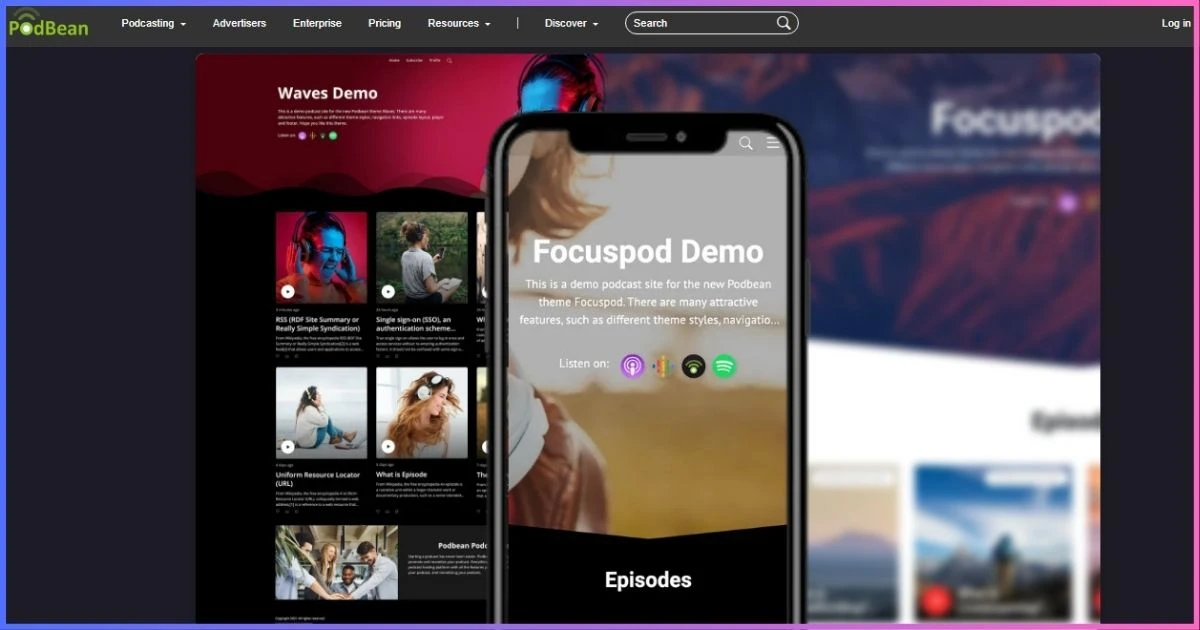
Podbean is the strongest all-round option for churches, Christian creators and nonprofit ministries that want room to expand. It combines audio and video hosting, mobile publishing, websites, distribution, statistics, live features and monetization without forcing a new team to assemble many separate services.
How Podbean fits ministry publishing
Unlimited Audio includes one audio show, 1GB of monthly uploads (roughly 16 audio hours), unlimited accumulated storage, unmetered bandwidth, 600 AI credits, advanced statistics, a customizable site/player and monetization. That capacity can accommodate weekly sermons plus a midweek devotional. Unlimited Plus supports two audio or video shows and 10GB of monthly uploads.
Network supports unlimited public shows, 50 team members, network reporting and 40GB of monthly uploads. Business costs $99/month annually and adds unlimited private shows, two public shows, 100 private members, unlimited team members and SSO—useful for staff training or member-only teaching.
Growth and giving options
Ministries can use patron support, premium audio, an ads marketplace or their own dynamically inserted campaigns. A church should decide whether commercial ads fit its mission and disclosures before enabling them. Dynamic announcements can also promote events, giving campaigns or seasonal series without permanently editing the sermon file.
Pros
- Generous entry upload allowance
- Free-to-network upgrade path
- Audio, video, live and private options
- Several supporter and revenue tools
Cons
- “Unlimited Audio” retains an upload cap
- Entry tier includes one audio show
- DAI may cost $1 CPM outside Network
- Paid accounts cannot return to Free
Best for: a church or creator wanting one service from pilot episode through a larger media ministry. Skip it if unlimited shows on the cheapest tier matter most.
Buzzsprout
Buzzsprout is the easiest recommendation when a pastor, communications assistant or rotating volunteer needs to publish without mastering podcast technology. Its guided dashboard keeps upload, show notes, chapters, distribution and statistics understandable.
Workflow, transcripts and team access
Current paid plans include transcripts, advanced statistics, unlimited team members, dynamic content, migration and custom players. Transcripts give ministries an accessibility and search advantage, while unlimited collaborators prevent password sharing among staff and volunteers. Fan Mail, subscriptions and listener support provide direct audience feedback and optional funding.
Magic Mastering and Cohost AI are optional add-ons, each priced at $5, $10 or $20 monthly depending on the base plan. They can reduce editing and writing time, but they should not replace human review of theology, names, Scripture references or pastoral claims. Video requires a separate Audio + Video configuration.
Pros
- Best onboarding for nontechnical teams
- Automatic transcripts on paid plans
- Unlimited team members
- Clear analytics and support resources
Cons
- Free episodes expire after 90 days
- Hours are shared across multi-show plans
- AI and mastering cost extra
- High-output networks become expensive
Best for: volunteer-led churches and first-time Christian podcasters. Skip it if permanent free hosting or unlimited production is essential.
RSS.com
RSS.com offers the most capable permanent free tier in this comparison. A small ministry can publish unlimited audio and episodes, create a public feed and site, schedule releases, add transcripts, view analytics and accept donations without a hosting bill.
When a ministry should upgrade
Plus removes player branding and adds advanced analytics, AI transcripts, three team members, audio-to-video conversion, Apple Podcasts Subscriptions and programmatic advertising. Pro supports up to 10 podcasts, unlimited team seats, all-time analytics and unbranded YouTube videos—an attractive structure for a denomination, church network or ministry with several programs.
Max adds unlimited audio and video podcasts, automatic YouTube publishing, video monetization and API access. Before using programmatic ads, ministries should review category exclusions and placement. Donations or subscription content may align better with audience expectations than third-party advertising.
Pros
- Permanent unlimited free audio
- Donation and Value for Value support
- Affordable multi-show Pro plan
- Clear audio-to-video upgrade path
Cons
- Advertised paid rates require annual billing
- Free player carries branding
- Multiple shows begin on Pro
- Private podcasting is not the focus
Best for: a new ministry with no hosting budget or a team needing up to 10 public shows. Skip it when private member delivery is central.
Publishing several sermon, youth and devotional feeds? Captivate and Castos include unlimited public podcasts at entry, but their upgrade triggers differ.
Compare multi-show hostsCaptivate
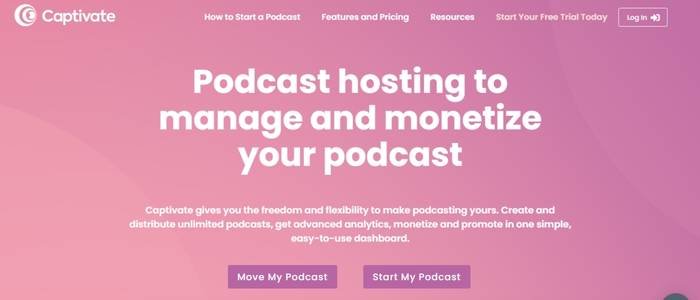
Captivate is designed for publishers who want the same feature set at every tier and prefer billing by monthly downloads. Unlimited podcasts, uploads and storage make it suitable for multi-campus churches and ministries publishing several teaching series.
Growth tools for ministry teams
Every tier includes distribution, analytics, marketing links, private-podcast allowances, a sponsor-facing media kit, guest booking tools, growth education and Podcasting 2.0 support. The analytics-history importer is especially helpful when a ministry wants continuity after moving an established sermon archive.
The billing model rewards prolific publishing while the audience is below the download threshold. As reach grows, however, a successful back catalog can trigger an upgrade even when the ministry publishes no additional episodes. Teams should review total account downloads quarterly and budget for the next tier before a major campaign.
Pros
- Unlimited shows, uploads and storage
- Core features available on every tier
- Growth, attribution and media-kit tools
- Imports historical analytics
Cons
- No permanent free plan
- Audience growth drives upgrades
- Lowest prices require annual billing
- Native video hosting is not the focus
Best for: established ministries running several public shows. Skip it if video hosting or permanent free publishing is the priority.
Castos
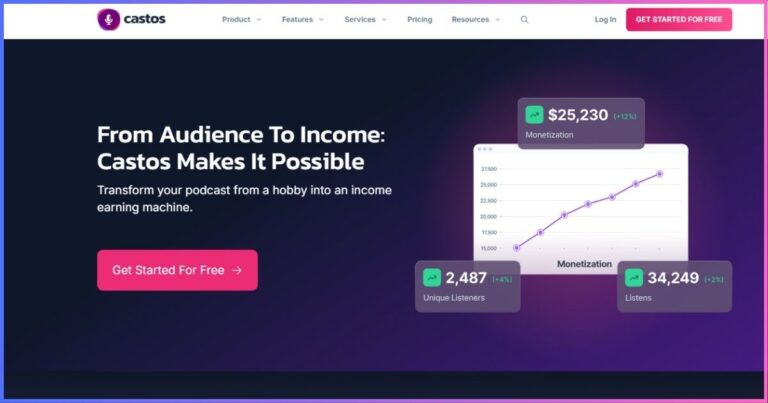
Castos is a natural fit when a church website is already the center of its media ministry. The Seriously Simple Podcasting plugin lets a team create episode posts and manage feeds from WordPress while Castos serves the media.
Public and private ministry content
All plans include unlimited public podcasts, episodes and downloads plus private podcasting. Essentials includes 10 monthly transcript credits and 100 private subscribers. Growth increases those to 25 and 250, adding a private-listener app, YouTube republishing, Headliner and customizable reports. Pro provides video-file hosting, 100 transcripts and 500 private subscribers.
Private feeds can deliver staff training, leadership development, member courses or supporter content without publishing episodes publicly. Keep in mind that an account connects through the API to one WordPress site, although that site can manage several shows. Separate church sites may require separate accounts or a different workflow.
Pros
- Strongest WordPress publishing integration
- Unlimited public shows and downloads
- Private podcasting on every plan
- No-card 14-day trial
Cons
- YouTube republishing starts at Growth
- Video hosting requires Pro
- Transcript/private-subscriber caps
- One connected WordPress site per account
Best for: WordPress-based ministries, courses and gated discipleship audio. Skip it if several independent WordPress sites need one low-cost account.
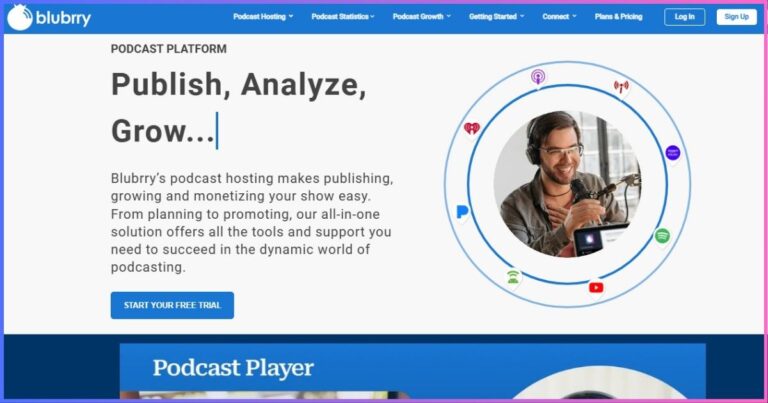
Blubrry
Blubrry prices creator plans by publishing time rather than storage. It supports audio and video on every tier and combines unlimited downloads, a managed WordPress site, AI tools and the long-established PowerPress plugin.
Best use in a church workflow
A monthly teaching program or short devotional can fit the $7 plan. Weekly sermon feeds will generally need Standard 3 or Advanced 6 once introductions, announcements and longer services are included. Advanced tiers add deeper analytics and expanded monetization, while all creator plans include standard publishing tools and unlimited downloads.
Professional Hosting starts at $100/month with unlimited publishing, 1TB monthly bandwidth, advanced statistics, network tools, one show and simple dynamic ad insertion; additional shows cost $10. This is a significant jump, so multi-show ministries should compare its WordPress control with Captivate’s or Castos’s entry-level unlimited-show model.
Pros
- Lowest paid starting price
- Audio and video on every creator tier
- PowerPress and managed WordPress site
- Unlimited downloads
Cons
- Only 1.5 monthly hours at entry
- Advanced stats require higher tiers
- Large jump to Professional Hosting
- Multi-show economics are less attractive
Best for: a short monthly Christian show or PowerPress-focused church. Skip it if you need several feeds cheaply.
Budget planningChristian Podcast Hosting Pricing Analysis
Ministries should calculate total annual cost, not only the lowest advertised monthly figure. Include editing, artwork, microphones, transcription review, music licensing, domain renewal and optional AI or mastering tools. A free host may be appropriate for a pilot, but staff time remains the largest recurring expense.
Annual base cost of entry paid plans
Annual payment used where offered; add-ons excluded.
| Ministry scenario | Best shortlist | Reason | Budget risk |
|---|---|---|---|
| New independent show | RSS.com, Podbean | Permanent free routes | Branding and feature limits |
| Weekly sermon audio | Podbean, Buzzsprout | Capacity plus simple workflow | Add-ons and annual commitment |
| Several church programs | Captivate, Castos | Unlimited public shows | Downloads or private subscribers |
| Private discipleship course | Castos, Captivate, Podbean Business | Gated feeds | Member allowance and SSO |
| Audio and video ministry | RSS Max, Podbean Plus, Castos Pro, Blubrry | Native video paths | Hosting versus YouTube conversion |
RecommendationsBest Host by Church or Ministry Size
Solo creator or new ministry
Choose RSS.com Free when the budget is zero and the show needs a permanent feed. Choose Podbean Free if you expect to upgrade into broader monetization and mobile tools.
Small volunteer-led church
Choose Buzzsprout when usability and easy handoff outweigh maximum capacity. Its workflow is straightforward and paid plans support unlimited team members.
Weekly sermon publisher
Choose Podbean Unlimited Audio for ample monthly hours and room to add devotionals or announcements without immediately upgrading.
Multi-campus or network
Choose Captivate for unlimited public shows and a shared growth toolkit. Model aggregate downloads before choosing the tier.
WordPress-centered ministry
Choose Castos for Seriously Simple Podcasting or Blubrry for PowerPress. Decide whether private delivery or publishing control matters more.
Private training or courses
Choose Castos for built-in private podcasting at entry; compare subscriber limits with Captivate and Podbean Business for larger audiences.
ImplementationHow to Launch a Christian Podcast Responsibly
- Define the listener and ministry outcome. Decide whether the show teaches Scripture, distributes sermons, serves a community or supports a course. One clear promise improves titles, format and calls to action.
- Assign ownership and approvals. Use a ministry-controlled email, password manager and at least two administrators. Document who can publish, correct or remove content.
- Create a repeatable production template. Standardize recording, loudness, intro/outro, show notes, Scripture references, transcript review, artwork and release timing.
- Review rights and safeguarding. Obtain guest permission; license music and artwork; avoid disclosing private pastoral details; use extra care with minors and testimony involving third parties.
- Publish and validate the feed. Upload a trailer or first episode, complete metadata, check artwork and submit the RSS feed using ministry-owned directory accounts.
- Measure ministry-relevant outcomes. Track consistent publishing, meaningful listener responses, website actions and geographic reach—not downloads alone.
- Back up and document. Retain original audio, final files, artwork, transcripts, account access and migration instructions outside the hosting platform.
Repurposing one recording
A sermon recording can become a full episode, a shorter devotional excerpt, a transcript or study outline, several social clips and an email reflection. The host’s role is reliable delivery; editorial review is what keeps repurposed material accurate and in context. AI-generated summaries and transcripts should always be checked against the recording and cited Scripture.
Common questionsChristian Podcast Hosting FAQs
Do I need a specifically Christian hosting provider?
Can a church publish sermon audio for free?
Which host is easiest for church volunteers?
Can we host multiple church podcasts in one account?
What is best for a private Bible study or course?
Should a ministry enable podcast advertising?
How do podcast transcripts help a ministry?
Can we change hosts without losing subscribers?
Final Verdict
Podbean is the best Christian podcast hosting company for most ministries because it balances price, publishing capacity, websites, analytics, mobile tools, monetization and a clear path to video, private audio and networks. Buzzsprout is the volunteer-friendly choice; RSS.com wins for permanent free hosting; Captivate is best for multiple public programs; Castos leads for WordPress and private teaching; and Blubrry offers the cheapest paid starting point.
The best ministry platform is ultimately the one your team can operate consistently, hand off safely and leave without losing the audience. Start with the publishing pattern you can sustain, then choose the limits and workflow that fit it.
For a category-wide comparison without the ministry-specific lens, see our guide to the best podcast hosting services.
Affiliate disclosure: This article contains affiliate links. We may earn a commission if you purchase through them, at no extra cost to you. Rankings reflect published limits, ministry workflow fit and editorial judgment—not commission rates. Prices and features were verified September 20, 2026 and may change; confirm checkout terms before purchasing.
Sources & Comparison Methodology
We compared official US pricing and product documentation on September 20, 2026. Annual-billing equivalents are labeled; temporary promotions and taxes are excluded. Editorial scores assess ministry suitability, usability, limits, ownership, distribution, analytics and growth—not unverified uptime or latency.
- Podbean: official hosting pricing, Basic-plan limits, plan-selection and dynamic-ad documentation.
- Buzzsprout: official pricing and help documentation for plan allowances, free retention, annual billing, Archive, Magic Mastering and Cohost AI.
- RSS.com: official pricing for Free, Plus, Pro and Max features.
- Captivate: official pricing and feature comparisons for downloads, unlimited shows/storage, private allowances and trial terms.
- Castos: official pricing and support documentation for transcripts, private subscribers, video features and WordPress integration.
- Blubrry: official Podcast Hosting, Professional Hosting and PowerPress documentation for time-based plans and included features.
- Technical context: Apple Podcasts RSS requirements and IAB digital-audio measurement guidance, linked above.
“Unlimited” claims are qualified by any published upload, bandwidth, download, transcript, subscriber or fair-use constraint. Christian-ministry recommendations are editorial applications of those published capabilities.