Best Podcast Hosting Services: 6 Platforms Compared
The best podcast hosting service is the one whose limits match how you publish. A weekly audio show needs a simple workflow and predictable upload allowance; a network needs multiple feeds and team access; a business may need private subscribers; and a video creator needs more than an RSS feed.
We compared Podbean, Buzzsprout, RSS.com, Captivate, Castos and Blubrry using current public pricing, publishing limits, analytics, distribution, monetization, WordPress support and growth costs.
What Is the Best Podcast Hosting Service?
Podbean is best for most creators: its $12/month annual plan combines one audio show, 1GB (about 16 hours) of monthly uploads, unlimited total storage, unmetered bandwidth, a site, advanced statistics and monetization. Buzzsprout is easiest for beginners, RSS.com has the strongest free plan, Captivate suits multi-show growth, Castos is best for WordPress/private feeds, and Blubrry offers the lowest paid entry.
Table of Contents
At a glanceBest Podcast Hosting Services Compared
Every service creates an RSS feed and serves audio globally. The meaningful differences are billing model, allowance, number of shows, video support and creator tools. “From” prices use annual billing where offered.
| Host | Best for | Free plan/trial | Paid entry | Main limit | Shows |
|---|---|---|---|---|---|
| Podbean | Overall | Free: 5 total hours |
$12/mo annual
$17 monthly | 1GB uploads/mo | 1 |
| Buzzsprout | Beginners | 2 hrs/mo; files live 90 days | $19/mo | 6 upload hrs/mo | 1 |
| RSS.com | Free/value | Unlimited free audio | $15/mo annual | No audio limit | 1 on Plus |
| Captivate | Growth/networks | 30-day trial | $17/mo annual | 30,000 downloads/mo | Unlimited |
| Castos | WordPress/private | 14-day trial | $19/mo | 100 private subscribers | Unlimited |
| Blubrry | Budget paid | Trial offered | $7/mo | 1.5 publish hrs/mo | 1 |
Starting paid price per month
Annual-billing equivalent where available; limits differ.
Buying frameworkHow to Choose a Podcast Host
A host stores media, creates the RSS feed, serves episodes and measures downloads. Apple requires a public RSS 2.0 feed with artwork, unique GUIDs and valid enclosures; a competent host handles this. See the Apple Podcasts RSS requirements.
- 28% limits and cost
- 25% workflow
- 20% analytics/growth
- 15% monetization
- 12% support/control
Publishing model
Calculate the finished audio or video you will release in a busy month—not only an average month. Upload-based plans suit shows with large audiences but modest schedules; download-based plans reward frequent publishing until audience growth triggers an upgrade.
Shows and teams
Check how many separate RSS feeds, administrators and client workspaces the entry plan includes. “Unlimited podcasts” is valuable for networks, but only when permissions, combined reporting and team seats also fit the way your production operates.
Analytics you can use
Useful reporting goes beyond total downloads. Look for episode comparisons, geography, listening apps, consumption data, attribution links and IAB-aligned filtering. Remember that a server-recorded download does not prove a person completed the episode.
Monetization fit
Programmatic ads, host-read campaign insertion, paid subscriptions, donations and private membership feeds solve different revenue problems. Review audience thresholds, revenue shares, payment fees and control over ad placement before choosing a host.
Video and repurposing
Native video storage is not the same as turning a static image into a YouTube video or republishing an uploaded video. Compare file limits, YouTube automation, video RSS support and whether an audio-only feed is generated for podcast apps.
Ownership and portability
You should control your RSS feed, retain stable episode GUIDs and receive a permanent 301 redirect when leaving. Confirm that media and analytics can be exported, and never cancel the old account until directories have followed the redirect.
Podbean
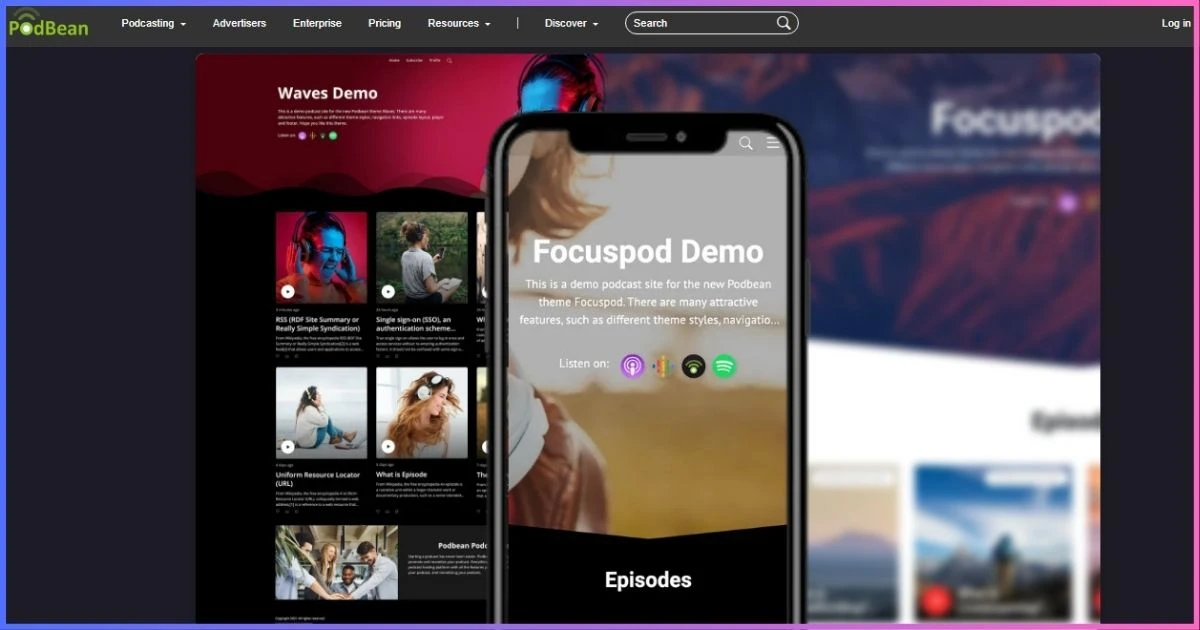
Podbean balances accessible free hosting, roomy paid publishing, audio/video options, a site, distribution and monetization. Unlimited Audio has a 1GB monthly upload cap; accumulated storage and bandwidth are unlimited/unmetered subject to fair use.
Features and limits
Unlimited Audio includes one audio channel, 600 AI credits, advanced stats, custom domain/player, distribution and monetization. Plus offers two audio/video channels and 10GB monthly uploads. Network supports unlimited public shows, 40GB uploads, 50 team members and network stats. Business is $99/month annually ($129 monthly), adding unlimited private shows, two public shows, 100 private members, SSO and unlimited team members.
Publishing workflow and monetization
Podbean combines browser publishing with mobile recording and management, scheduling, social sharing and a customizable podcast website. Creators can place their own dynamic campaigns, offer premium audio, accept recurring patron support or apply to the advertising marketplace. That breadth reduces the need to connect separate membership and ad-management services as a show grows.
The tradeoff is plan complexity. Audio-only creators get excellent capacity on Unlimited Audio, but video, a second public channel, network-wide reporting or serious internal podcasting require higher tiers. Skip Podbean if you want several public shows on the cheapest plan or prefer a host whose plan names map directly to one measurable limit.
Pros
- Strong free-to-network path
- Audio, video, live and mobile tools
- Ads, premium content and patrons
- About 16 upload hours at entry
Cons
- Monthly cap despite plan name
- Entry paid tier is one audio show
- DAI can cost $1 CPM outside Network
- Paid plans cannot return to Free
Best for: creators wanting one platform from launch through monetization and networks.
Buzzsprout
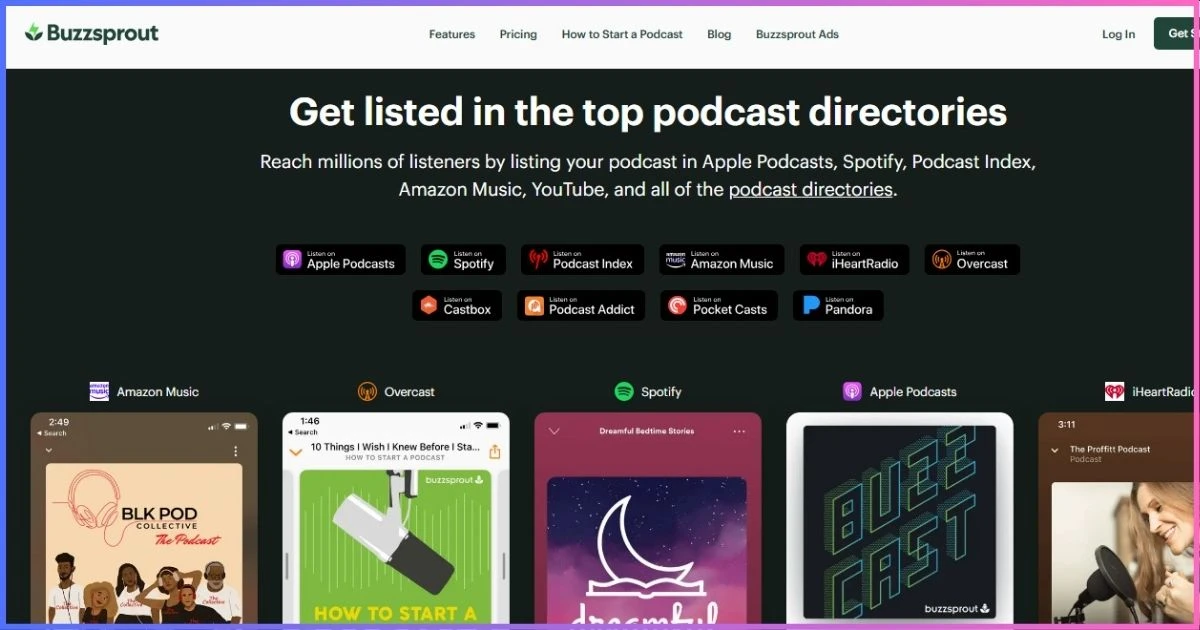
Buzzsprout turns launching into a guided workflow. Paid plans bundle transcripts, statistics, team members, migration, dynamic content and players. Free uploads disappear after 90 days, so the free tier is a test rather than permanent hosting.
Features and limits
Paid plans include transcripts, Fan Mail, subscriptions and listener support. Magic Mastering and Cohost AI are optional, each costing $5/$10/$20 by base tier. Video uses separate Audio + Video plans. A $5/month Archive plan keeps a dormant show online.
Beginner experience and growth tools
The dashboard keeps episode upload, show notes, chapter markers, distribution and statistics in a logical sequence. Automatic file optimization removes many encoding decisions, while the visual statistics explain downloads by episode, location, device and listening app without overwhelming a new publisher. Unlimited team members are useful when an editor or assistant joins later.
Buzzsprout becomes less economical when a network releases many long episodes because upload hours are shared across the shows in a subscription. Magic Mastering is convenient, but compare its add-on cost with mastering during production. Skip Buzzsprout if permanent free hosting, unlimited publishing or advanced network controls matter more than simplicity.
Pros
- Fast learning curve
- Transcripts and unlimited team members
- Good engagement/monetization tools
- Selected annual options
Cons
- Free episodes expire
- Hours shared across multiple shows
- AI/mastering cost extra
- Several active shows get expensive
Best for: first-time podcasters prioritizing workflow.
RSS.com
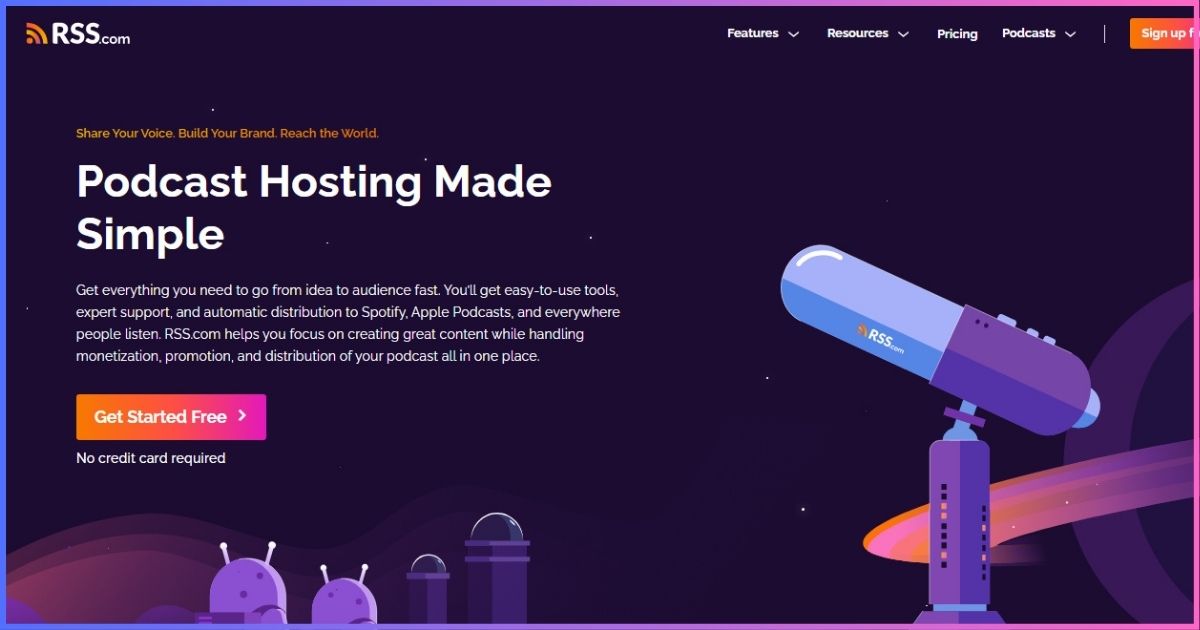
RSS.com now offers unlimited episodes/audio, a public feed, site, scheduling, transcripts, analytics, distribution and donations free. Paid plans remove branding and add monetization, AI and multi-show tools.
Features and limits
Plus adds PAID programmatic ads, Apple subscriptions, audio-to-video, three team members, AI transcripts and advanced analytics. Pro supports 10 podcasts, unlimited seats and all-time analytics. Max adds unlimited audio/video shows, video ads, YouTube publishing and API access.
Free hosting without a short expiration
RSS.com is unusually generous for a creator who needs to validate a concept without watching old episodes disappear. The free feed can be submitted to major directories, and scheduling, a basic site, transcripts and listener-support options make it capable enough for a real launch. Plus is the natural upgrade when branding, advanced analytics or automated monetization becomes important.
Pro makes more sense than several separate Plus accounts because it supports up to 10 shows and unlimited collaborators. Max targets publishers treating video as a core format rather than an occasional clip. Skip RSS.com if sophisticated private podcasting or the deepest WordPress-native workflow is essential.
Pros
- Best permanent free plan here
- Unlimited audio across tiers
- Low-cost ads/YouTube path
- Strong Pro/Max team value
Cons
- Advertised prices need annual billing
- Free outputs carry branding
- Multi-show begins at Pro
- API only on Max
Best for: free or low-cost unlimited publishing.
Captivate
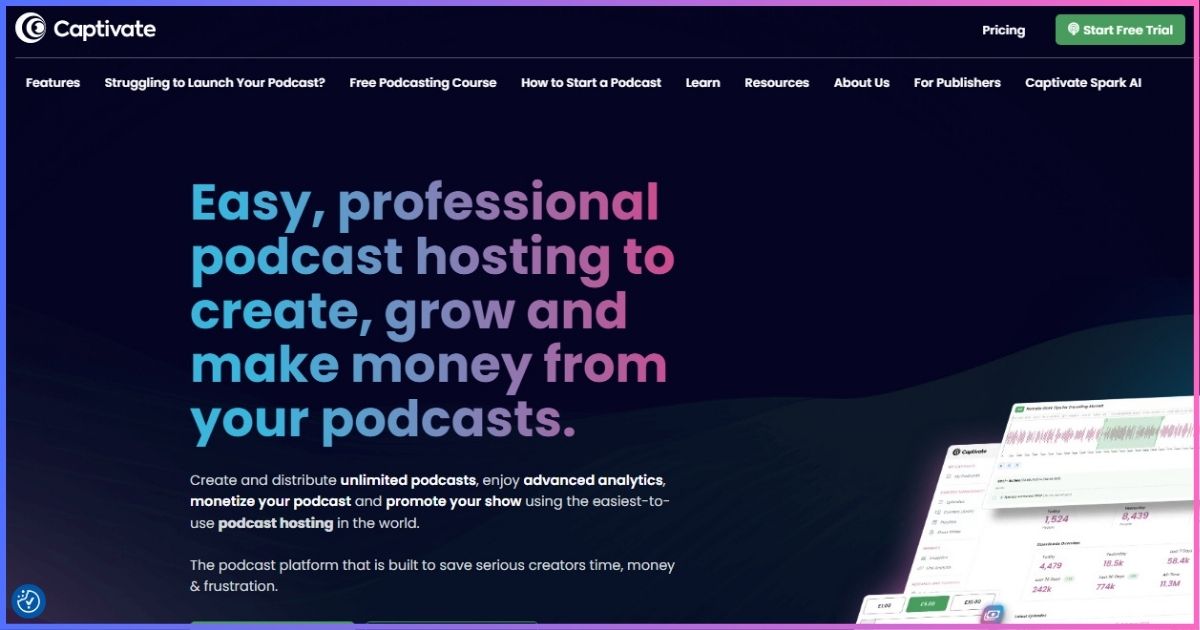
Captivate includes the same creator features at every tier and charges by monthly downloads. Every plan supports unlimited podcasts, uploads and storage.
Features and limits
All tiers include distribution, analytics, private podcast allowances, marketing links, media kits, guest booking, growth education and Podcasting 2.0 support. Analytics-history importing helps established shows migrate. The trial lasts 30 days.
Analytics and network economics
Captivate is strongest when output volume is high but audience size remains within a predictable band. Because it does not meter uploads, a network can publish long episodes across many feeds without paying for extra hours or storage. Attribution links, episode comparisons and sponsor-facing media kits turn the analytics into practical promotion and sales tools.
The download ceiling applies across the account, so a breakout episode can accelerate the next upgrade even when production volume stays unchanged. Private podcast allowances also vary by tier. Skip Captivate if you need a permanent free plan, native video hosting, or expect download growth to outpace the value of its bundled growth tools.
Pros
- Unlimited shows and uploads
- No core feature gating
- Growth and sponsor tools
- Imports historic analytics
Cons
- No permanent free tier
- Download caps drive upgrades
- Best rates require annual payment
- Video is not a core strength
Best for: prolific creators and small networks.
Castos
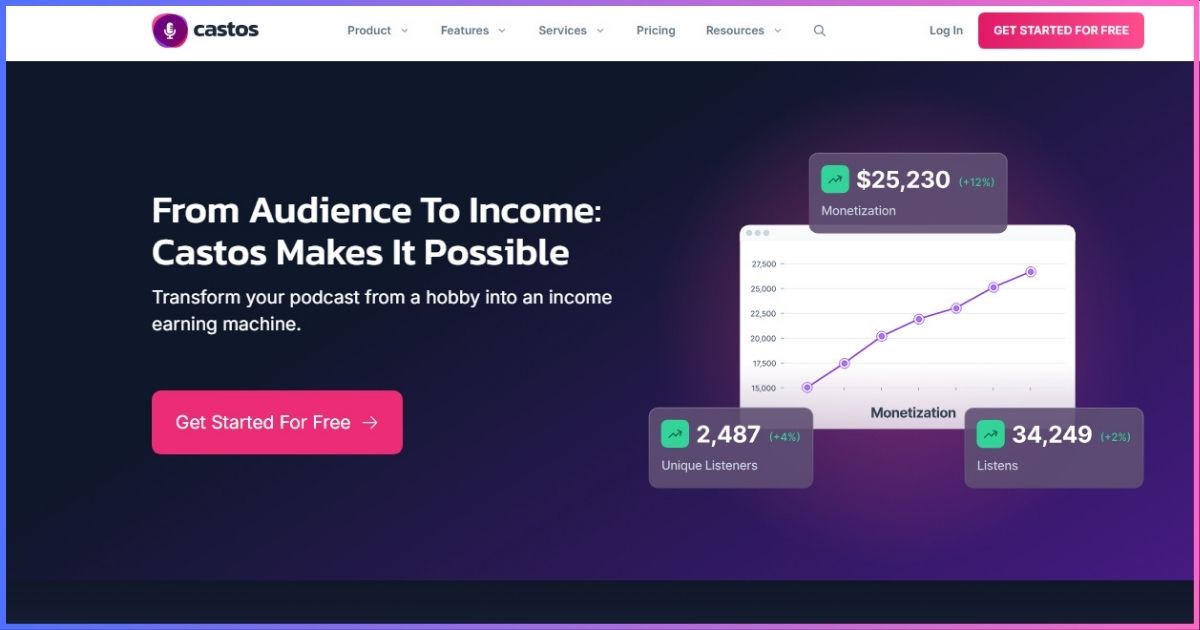
Castos is the cleanest match for publishing inside WordPress through Seriously Simple Podcasting. Every tier includes unlimited public podcasts, episodes and downloads plus private podcasting.
Features and limits
Essentials includes 10 transcripts and 100 private subscribers. Growth raises them to 25/250 and adds YouTube republishing, a listener app, Headliner and custom reports. Pro adds video hosting, 100 transcripts and 500 private subscribers. One account connects by API to one WordPress site, though that site can manage multiple shows.
WordPress and private-podcast workflow
Seriously Simple Podcasting lets a WordPress publisher create episode posts, manage feed settings and upload media without moving between separate dashboards. That is valuable when the website—not a host-supplied mini-site—is the canonical home for show notes, SEO content and memberships. Each public show still receives its own feed and analytics.
Private feeds can deliver paid memberships, employee training or course audio, but subscriber allowances are the real pricing lever. YouTube automation and full video hosting also require upgrades. Skip Castos if you manage podcasts from several separate WordPress installations or need inexpensive native video hosting from day one.
Pros
- Native WordPress workflow
- Unlimited public shows/downloads
- Private feeds on every plan
- No-card 14-day trial
Cons
- YouTube starts at $49
- Video hosting starts at $99
- Transcript/subscriber caps
- One connected WordPress site
Best for: WordPress, memberships and private audio.
Blubrry
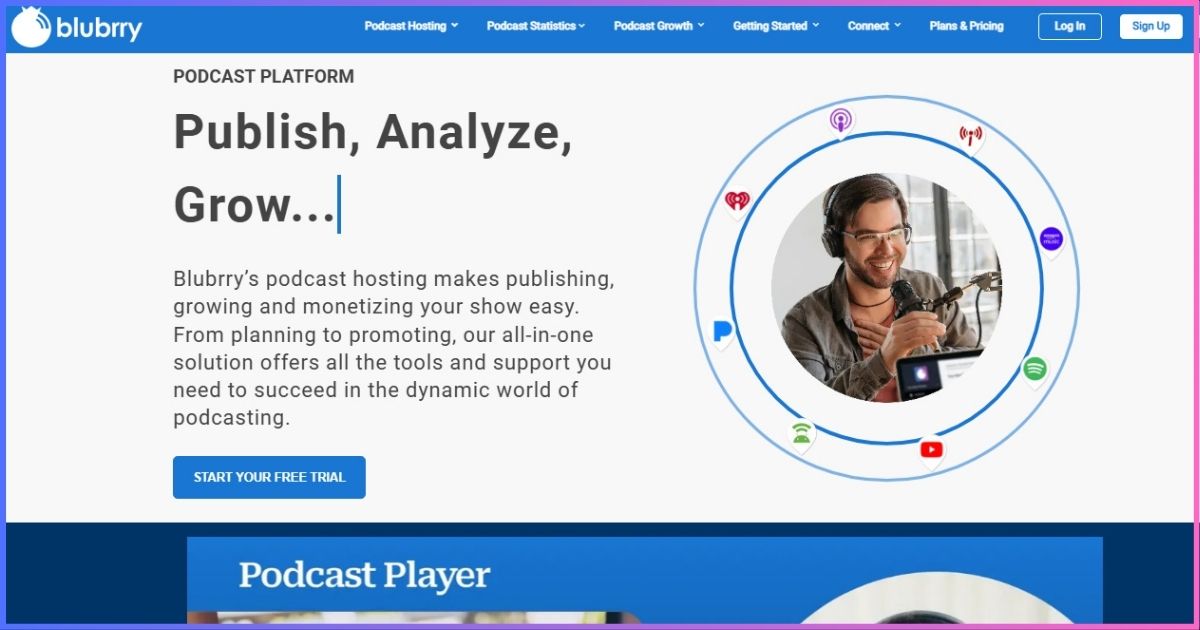
Blubrry now sells creator plans by monthly publishing time. All support audio/video, unlimited downloads, directory submission, AI tools, a managed WordPress site and PowerPress.
Features and limits
Standard includes standard statistics; Advanced adds deeper analytics and monetization. Professional starts at $100/month with unlimited publishing, 1TB bandwidth, advanced stats, one show, network tools and simple dynamic ads; additional shows cost $10.
PowerPress, analytics and scaling
Blubrry gives publishers a choice: work from its dashboard, use the included managed site, or publish from an existing WordPress installation through PowerPress. The time-based plans are easier to understand than the company’s former storage allowances, and video does not require a separate premium creator tier.
The $7 plan is best for a monthly show, a short limited series or a publisher whose episodes consistently remain brief. Weekly interview shows will usually need Standard 3 or Advanced 6, while multi-show organizations quickly approach Professional pricing. Skip Blubrry if you need several feeds under a low-cost account or do not want to estimate monthly finished duration.
Pros
- Lowest paid entry price
- Audio/video on all tiers
- PowerPress and managed site
- Unlimited downloads
Cons
- Only 1.5 hours at entry
- Advanced stats require upgrade
- Professional price jump
- Must forecast duration
Best for: short monthly shows and PowerPress users.
Cost planningWhat Podcast Hosting Really Costs
The upgrade trigger matters more than the sticker price. A daily five-minute show uses fewer hours than a weekly two-hour interview; a popular back catalog creates downloads without uploads; a private program can hit subscriber caps first.
| Scenario | Shortlist | Why | Watch for |
|---|---|---|---|
| Testing an idea | RSS.com, Podbean | Permanent free routes | Branding/limits |
| Weekly 60 minutes | Podbean, Buzzsprout, Blubrry Advanced 6 | All fit 4–5 hours | Add-ons |
| Several active shows | Captivate, Castos | Unlimited shows/uploads | Downloads/subscribers |
| Audio + video | RSS Max, Podbean Plus, Castos Pro, Blubrry | Video paths | Hosting vs republishing |
| Private feed | Castos, Captivate, Podbean Business | Gated delivery | Subscribers/SSO |
CapabilitiesFeature Comparison
| Host | Multiple shows | Video | Private feeds | WordPress | Monetization |
|---|---|---|---|---|---|
| Podbean | 2 Plus; unlimited Network | Plus+ | Business | Embeds | Ads, premium, patrons |
| Buzzsprout | 5/10 by tier | Separate plans | Limited | Embeds | Ads, subscriptions, support |
| RSS.com | 10 Pro; unlimited Max | Conversion/Max | Not core | Embeds | Ads, Apple subs, donations |
| Captivate | Unlimited | Not core | Included | Sync | Dynamic content/memberships |
| Castos | Unlimited | Growth/Pro | Every plan | Native SSP | Ads, donations, paid subs |
| Blubrry | Pro/add-ons | Every plan | Special plans | PowerPress | Programmatic/dynamic ads |
Analytics are server-side measurements, not perfect proof of listening. Ask whether a host follows recognized filtering for duplicates, bots and minimum delivery. The IAB Digital Audio Measurement Guide explains why standardized definitions matter.
MigrationHow to Switch Without Losing Subscribers
- Export everything. Download audio, artwork, descriptions and analytics. Record the old feed URL.
- Import into the new host. Compare episodes, artwork, dates, explicit flags and numbering.
- Validate the new feed. Check enclosures, stable GUIDs and directory validation.
- Set a permanent 301 redirect. Add the new feed in the old host and update directory dashboards if asked.
- Keep the old account active. Allow several weeks, monitor both feeds, then cancel.
Subscribers normally remain because apps follow the redirect. Historical analytics may not transfer; Captivate explicitly supports analytics-history importing.
Common questionsPodcast Hosting FAQs
What is podcast hosting?
Can I host a podcast for free?
How much space does a one-hour episode use?
Does a host submit my show everywhere?
Which host is best for beginners?
Which host is best for WordPress?
Which host is best for multiple shows?
Can I switch later?
Final Verdict
Podbean is our best overall podcast host for its $12/month annual plan, generous allowance and path into video, networks and private podcasting. Choose Buzzsprout for ease, RSS.com for free publishing, Captivate for growth, Castos for WordPress/private audio, and Blubrry for the cheapest paid start.
Calculate one normal and one unusually busy month before paying. Pick the plan that accommodates both without forcing you to fund unused features.
For a faith-based show, our Christian podcast hosting comparison covers ministry and community considerations.
Disclosure: This article contains affiliate links. We may earn a commission, at no extra cost to you. Rankings reflect published limits and editorial judgment, not commission rates. Prices/features were verified September 20, 2026; confirm checkout terms.
Sources & Comparison Methodology
We compared public US pricing and official plan documentation on September 20, 2026. Annual equivalents are labeled; tax and short promotions are excluded. Scores assess value and use-case fit, not unverified uptime or speed.
- Podbean: pricing, Basic limits, plan help and dynamic-ad documentation.
- Buzzsprout: pricing and help pages for plan allowances, annual billing, free retention, Archive, Magic Mastering and Cohost AI.
- RSS.com: pricing page for Free, Plus, Pro and Max.
- Captivate: pricing/features pages for rates, download limits, unlimited shows/storage and trial.
- Castos: pricing/support for tiers, transcripts, private subscribers, video and WordPress scope.
- Blubrry: Podcast Hosting, Professional Hosting and PowerPress pages for time-based plans and inclusions.
- Context: Apple RSS requirements and IAB measurement guidance linked above.
“Unlimited” is qualified by any published upload, bandwidth, download, transcript, subscriber or fair-use constraint.