Do You Really Need a VPN? How to Decide
Whether you need a VPN depends on what you want to protect, from whom, and on which devices. A VPN can encrypt traffic between your device and a VPN server, reduce what your local Wi-Fi operator or internet provider can read from that path, and change the public IP address a website sees. It can be useful on untrusted networks, for approved remote work, or when you have a clear need to route traffic through another location.
But a VPN is not required for every person or every internet activity. HTTPS protects most modern website connections, and a VPN shifts trust to its provider rather than making you anonymous. This guide helps you make the decision based on your own threat model, not inflated cybercrime statistics or fear-based marketing.
Do you really need a VPN?
You may benefit from a VPN if you regularly use networks you do not trust, need an encrypted connection to a workplace or private network, want your access ISP to see less of your destination traffic, or have a specific permitted location-routing need. You may not need a consumer VPN for routine browsing on trusted networks if HTTPS and your organization’s security tools meet your requirements and you do not need the VPN’s other features.
If you use a work VPN, follow your employer’s instructions. A personal VPN is not a replacement for your company’s approved remote-access tools or endpoint protections.
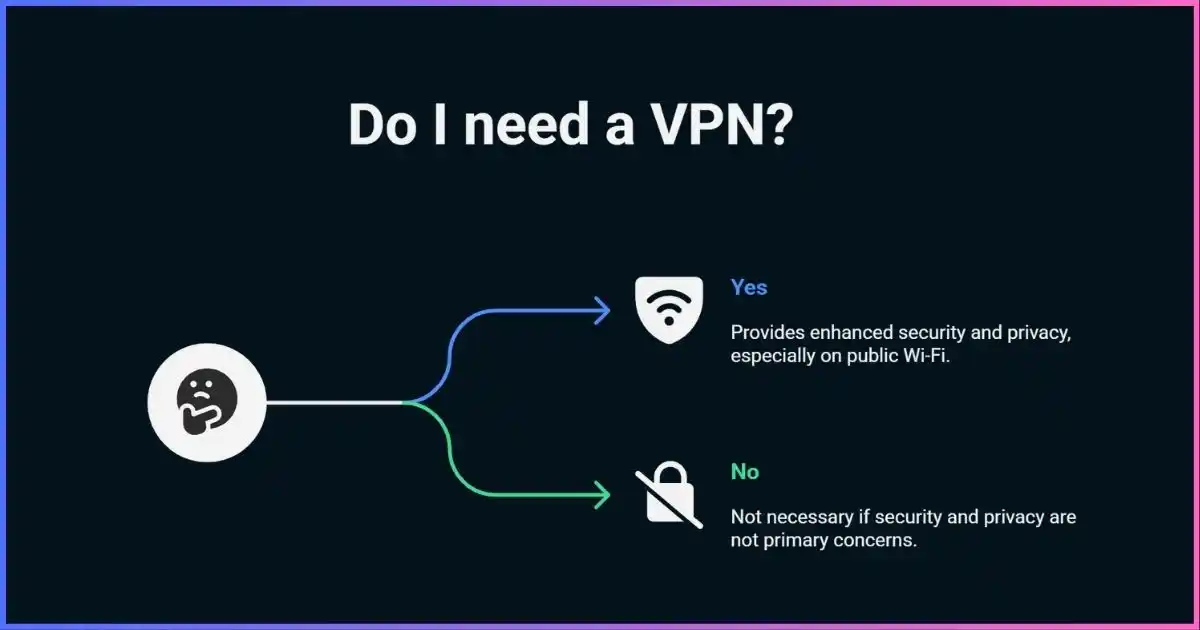
Table of Contents
Avoid the hypeWhy VPN usage statistics do not tell you if you need one
How many people use VPNs, how large the VPN market is, or how many cyberattacks occurred does not establish whether you personally need a consumer VPN. Those figures combine different countries, threat models, product types, and survey methods. They also do not show that VPN use prevents a given breach or fraud event.
A better decision starts with the actual network path and data at risk. If you want to protect traffic on a hotel Wi-Fi network, an encrypted tunnel may help. If your concern is a phishing email or malware attachment, a VPN is not the control that blocks it. If your concern is website tracking after you log in, changing the IP address will have limited effect.
Start with the threat, then choose the tool
Qualitative fit guide. Controls are complementary; no single item solves every threat.Bars indicate typical relevance only; they are not measured effectiveness percentages.
Personalized answerA simple decision framework: do I need a VPN?
Answer these questions before paying for a VPN or installing an app:
- What asset are you protecting?Examples include work credentials, personal browsing, a home IP address, or access to internal systems.
- Who is the observer or adversary?Possibilities include a shared Wi-Fi operator, access ISP, VPN company, destination website, employer, or someone who has compromised your device.
- Which apps and devices are in scope?A browser proxy, phone VPN, router VPN, and company remote-access client protect different traffic.
- What happens if protection fails?Consider whether direct fallback is acceptable, whether you need a kill switch, and whether split tunneling is allowed.
- Would another control address the concern more directly?HTTPS, MFA, mobile data, a company VPN, endpoint protection, a password manager, or browser privacy settings may be more relevant.
| Your situation | VPN need | First step |
|---|---|---|
| You need access to company files or apps remotely | Use the company-approved remote-access tool if required | Ask IT; use MFA and managed device protections |
| You connect on shared or unfamiliar Wi-Fi | A reputable VPN can add protection for traffic routed through it | Use HTTPS, disable auto-join/file sharing, use cellular for sensitive tasks where practical |
| You mostly browse HTTPS sites on trusted home/mobile networks | Optional; the incremental benefit may be modest for your needs | Keep OS/browser current, use MFA, secure Wi-Fi and router |
| You want to reduce ISP visibility into destinations | Can help if traffic and DNS are routed through it | Understand that the VPN provider becomes the intermediary |
| You want protection from phishing, malware, or account takeover | A VPN is not the main defense | Use MFA/passkeys, updates, safe browsing, endpoint security, backups |
| You need an apparent exit in another country | May work where lawful and allowed by service terms | Check account, licensing, and local rules; access is not guaranteed |
When it adds valueWhen is a VPN useful?
You regularly use networks you do not control
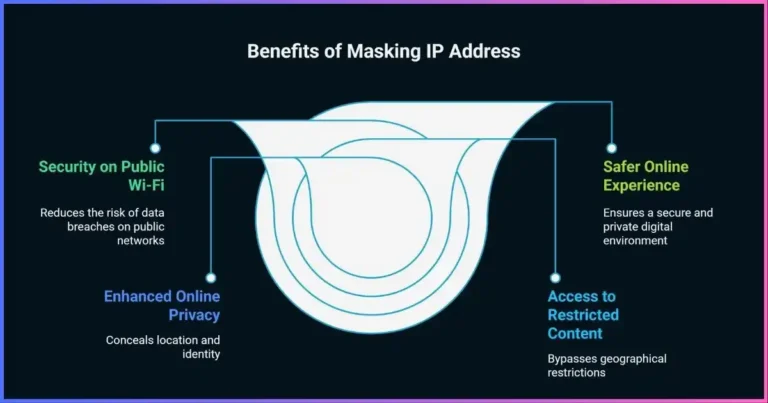
A VPN can encrypt the configured path from your device to its endpoint while you are on hotel, airport, café, conference, or other shared Wi-Fi. HTTPS already protects many web transactions, but an encrypted VPN may cover other routed traffic and reduce local-network visibility. It cannot tell you whether a hotspot is genuine, protect you from a fake login page, or keep an infected device safe.
Security agencies also recommend basic Wi-Fi precautions: confirm the network name, disable auto-connect, look for HTTPS, avoid unnecessary sensitive tasks on untrusted networks, and keep file sharing off. A VPN complements those steps; it does not replace them.
Your employer or school requires it
For remote work, use the organization’s approved VPN or secure access product. It may enforce identity, device checks, access to specific subnets, and logging needed for security. A personal VPN service generally does not grant access to internal systems and may conflict with corporate policy. Follow the administrator’s setup and report connection issues rather than bypassing controls.
You want to reduce direct ISP visibility
When routes and DNS are configured to use the tunnel, your access provider typically sees a connection to the VPN server rather than a separate direct connection for each destination. It can still observe VPN endpoint, timing, and volume. The provider receives the corresponding network position and may see destination metadata, so read its privacy policy and audit reports.
You have a specific IP-routing need
A VPN can make websites see a VPN exit IP rather than your home address for tunneled traffic. This can be useful for travel, testing location-specific behavior on services you own, or reducing direct address exposure in some applications. It does not prevent identification through accounts, cookies, GPS, browser fingerprint, or other information.
You need approved remote access to a private network
Remote-access and site-to-site VPNs protect traffic between endpoints or network gateways and can provide access to private resources. These are distinct from consumer privacy VPN subscriptions. Security depends on authentication, route scope, segmentation, patching, and endpoint condition—not just the encrypted tunnel.
Specific activitiesReal-world VPN use cases and alternatives
| Activity or goal | How a VPN may help | Other controls that matter |
|---|---|---|
| Banking and shopping | Protects traffic to VPN endpoint on a shared network | HTTPS, bank MFA, official app/site, account alerts; VPN does not prevent fraud or phishing |
| Travel | Encrypted tunnel on untrusted Wi-Fi; familiar exit routes for some services | Updates, device lock, MFA, cellular backup, local law and provider terms |
| Streaming | May change apparent IP region for tunneled traffic | Licensing, account region, GPS, payment, household and service terms; no guarantee |
| Remote work | Connects to employer resources when configured by IT | Managed endpoint, MFA, least privilege, security updates |
| ISP privacy | Can reduce direct destination/DNS visibility when routed through VPN | Trust shifts to VPN provider; HTTPS and browser privacy still matter |
| Gaming/peer-to-peer | Can change visible exit IP and route | Latency, NAT, game terms, app binding and kill switch; no universal performance benefit |
| Malware, scams, identity theft | Some VPNs include DNS filtering, but effect is limited and feature-specific | Endpoint security, MFA/passkeys, password manager, backups, safe browsing |
Do not use a VPN to bypass employer, school, parental, court, payment, age, licensing, or access controls. Ask the responsible administrator or service for approved access. For high-risk situations involving journalism, activism, or targeted surveillance, a generic consumer VPN guide is not a substitute for expert threat modeling.
Limits and risksWhat a VPN protects—and what it doesn’t
A VPN is a network-path security tool, not a general-purpose cybersecurity shield. It encrypts selected traffic between your device and the VPN endpoint and changes the exit address for traffic using the tunnel. It does not automatically encrypt the next leg after the VPN server; HTTPS handles that separately.
| Concern | VPN contribution | What you still need |
|---|---|---|
| Local Wi-Fi monitoring | Encrypts routed traffic to VPN endpoint | Verify route; HTTPS; trusted network habits |
| ISP seeing destination traffic | Can conceal direct destinations/DNS on intended tunnel route | Check DNS, IPv6, app-specific traffic and provider policy |
| Phishing and fake websites | Does not validate a site or login page | Password manager, MFA/passkeys, URL checks |
| Malware and compromised device | Does not clean or isolate a device | Updates, endpoint security, least privilege, backups |
| Advertiser and account tracking | Changes IP-based signal for tunneled traffic | Browser privacy controls, cookies, account settings |
| Provider data collection | Moves trust from ISP/Wi-Fi operator to VPN | Review logging categories, audits, operator transparency |
The FTC notes that VPN apps route traffic through provider-controlled servers, may not all encrypt traffic, and generally do not make users entirely anonymous. Research the app, permissions, privacy policy, and third-party sharing before allowing a VPN full network access.
Trade-offsVPN cost-benefit: price, speed, and alternatives
There is no reliable general calculation that compares the price of a VPN with the average cost of a data breach and proves a subscription “pays for itself.” Personal incidents vary widely, and a VPN does not prevent many common causes of fraud and account compromise. Evaluate the price against a defined benefit you want: encrypted access on shared networks, approved work access, a particular route, or less direct ISP visibility.
| Option | Can help with | Limit / trade-off |
|---|---|---|
| Consumer VPN subscription | Encrypted path to provider, exit IP change, broad device routing | Provider trust, possible speed/latency impact, renewal terms, location/service restrictions |
| HTTPS without VPN | Encrypts content between browser and HTTPS site | Local network/ISP may still see endpoint metadata and DNS depending on setup |
| Mobile data instead of open Wi-Fi | Avoids the local public hotspot path | Does not hide traffic metadata from mobile carrier; data costs and coverage |
| Employer-managed VPN | Access to company resources under policy | Use only for work/approved access; employer may manage/log traffic |
| Browser privacy tools and MFA | Reduces some tracking and account-takeover risks | Does not encrypt every device connection or change public IP |
| No consumer VPN | Fewer intermediaries and less subscription overhead | Less protection from local network observation for non-HTTPS or out-of-scope traffic |
A VPN may reduce throughput or add latency due to routing, encryption, distance, and server load; the effect is not a fixed percentage. Try a nearby endpoint and compare the same task. Check the subscription’s renewal price, device limits, refund terms, and cancellation process before buying.
If you decide yesHow to choose the right VPN
- Identify what the service must do.List devices, apps, networks, locations, and whether you need a consumer exit or private work access.
- Check the provider and owner.Find the legal company, ownership, support, applicable terms, and incident history.
- Read its logging definitions.Separate activity and DNS from connection metadata, diagnostics, account, and payment records. Check retention and sharing.
- Look for independent scrutiny.Review the auditor, date, scope, tested systems, public report, exceptions, and remediation.
- Check technical basics.Maintained protocols, DNS and IPv6 handling, kill switch, split tunnel behavior, and platform-specific documentation.
- Compare actual terms.Renewal cost, simultaneous devices, bandwidth/features, refund window, and cancellation process.
- Install only official apps and test them.Verify developer identity, permissions, IP/DNS behavior, reconnects, and kill-switch function.
For a current provider comparison, see our VPN provider guide. A no-logs label, country, server count, or app-store listing alone does not establish that a service meets your privacy needs.
Get started carefullyVPN setup and verification
- Use the right VPN app.Install the official provider client or your employer’s approved client, not an unknown app.
- Update your device and client.Use MFA on the VPN account where available.
- Start with secure defaults.Use the provider’s maintained recommended protocol and enable auto-connect on networks where you want protection.
- Understand routes.Review split tunneling, excluded apps, local-network access, DNS and IPv6 configuration.
- Set failure behavior.Enable a kill switch or OS always-on mode if you need fail-closed routing, and learn whether it blocks all traffic or only unexpected drops.
- Test the actual apps.Check public IPv4/IPv6, DNS resolution, and expected app paths before using sensitive accounts.
- Test network transitions.Switch Wi-Fi/mobile, sleep/wake, and disconnect the tunnel on a non-sensitive session to confirm the behavior.
See how VPNs work for the packet path and DNS leak troubleshooting for layered verification. Do not disable IPv6 or change resolver settings without identifying the source of a problem.
Common questionsDo you need a VPN? FAQs
Do I need a VPN at home?
Should I always use a VPN on public Wi-Fi?
Do I need a VPN for online banking?
Will a VPN prevent my ISP from seeing everything?
Will a VPN stop me from being tracked online?
Will a VPN protect me from hackers?
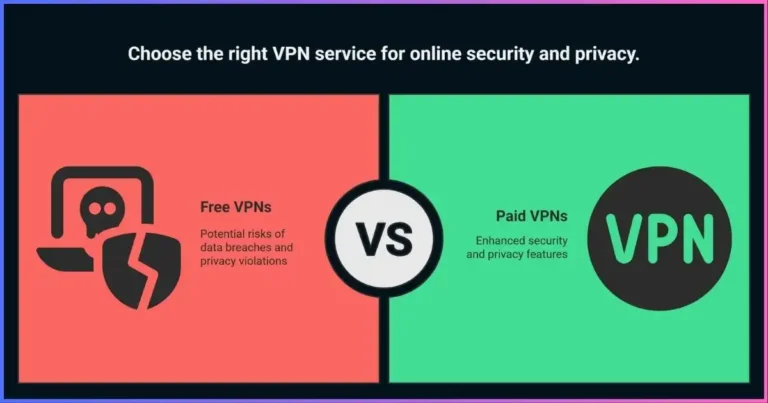
Is a free VPN enough?
Can a VPN improve internet speed?
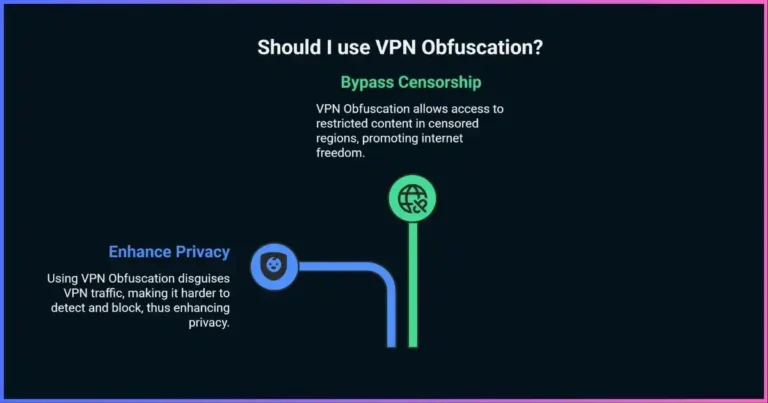
Can I use a VPN to bypass restrictions?
Decided a VPN fits your needs?
Compare provider ownership, privacy evidence, technical controls, and current subscription terms before choosing.
Explore Surfshark →Conclusion: do you really need a VPN?
A VPN is useful when you need an encrypted connection to a trusted endpoint, want to reduce visibility on a shared network, require approved remote access, or have a specific IP-routing goal. For other situations, HTTPS, cellular data, account security, endpoint protection, or an organization’s approved access service may address the concern better.
Start with the asset, observer, device, and consequence of failure. Then decide if a VPN provides a meaningful control and whether you trust the provider. A VPN is one part of online security—not a guarantee of anonymity or protection from every threat.
Disclosure: Some links on this page are affiliate links. JoshWP may earn a commission if you purchase through them, at no extra cost to you. Affiliate relationships do not determine the decision framework in this guide.
Sources & comparison methodology
This guide uses a qualitative threat-model framework rather than estimating a universal level of personal VPN need. It contains no fabricated usage statistics, risk percentages, breach-cost ROI, or provider performance scores. Security and privacy descriptions distinguish the device-to-VPN tunnel from HTTPS and endpoint security. Recommendations should be adjusted for local law, employer policy, provider architecture, and the user’s risk.
- U.S. Federal Trade Commission: What to consider when choosing a VPN app
- CISA: Best Practices for Using Public Wi-Fi
- CISA and partners: VPN gateway hardening and strong cryptography guidance
- Proton VPN: 2026 no-logs audit information
- Android Developers: VPN, always-on, and block-without-VPN controls
- JoshWP: How VPNs work
- JoshWP: VPN vs proxy
- JoshWP: VPN provider guide
Security recommendations and service terms evolve. Confirm current local requirements, organization policy, provider documentation, privacy policy, and audit scope before relying on a VPN feature.