Octoparse vs Scrape.do: Which Web Scraping Tool Is Better?
Octoparse and Scrape.do target different parts of a web scraping workflow. Octoparse is a visual desktop crawler builder that lets users select fields, arrange pagination and clicks, and export structured records. Scrape.do is a managed retrieval and unblocking API: developers submit URLs while its proxy rotation, browser rendering, geotargeting and anti-bot infrastructure handle access.
This distinction is more important than price. Scrape.do Hobby costs $29 per month with 250,000 credits and a pricing-page limit of 10 concurrent requests. Octoparse Standard costs $83 monthly—or an advertised $69 per month with annual billing—with 100 saved tasks and up to three current cloud processes. A credit, task, request and cloud process do not represent the same work, so this Octoparse vs Scrape.do comparison never treats them as interchangeable.
Octoparse or Scrape.do: Who Wins?
Octoparse wins for visual, no-code extraction; Scrape.do wins for developer integration and lower-cost managed retrieval. Choose Octoparse when analysts need to model clicks, loops, pagination and fields on screen, then export finished tables. Choose Scrape.do when developers already have parsing, storage and orchestration, but want an API to manage proxies, rendering, sessions and blocking.
Our practical verdict: Octoparse is the better complete workflow for a non-coder. Scrape.do is the better infrastructure component for code. Neither is automatically cheaper at production scale: Scrape.do credits multiply from 1× to 25× on standard configurations—and as high as 200 credits for some named domains—while Octoparse may add template, CAPTCHA, residential bandwidth and service costs.
Table of Contents
- Comparison at a glance
- How the products differ
- Plans and pricing
- Scrape.do credit model
- Octoparse task model
- Free plans compared
- Proxies, rendering and anti-bot
- Automation and scheduling
- Parsing, output and storage
- APIs and integrations
- Concurrency and performance
- Proxy Mode security caveat
- Use-case winners
- True-cost framework
- Pros and cons
- FAQs
- Final verdict
Side-by-sideOctoparse vs Scrape.do at a Glance
| Category | Octoparse | Scrape.do | Winner / fit |
|---|---|---|---|
| Core product | Visual desktop crawler builder plus paid cloud execution | Managed scraping/unblocking API and proxy mode | Depends on workflow |
| Paid entry | $83 monthly; advertised $69/mo annual-effective | $29 monthly; $290/year | Scrape.do |
| Entry capacity | 100 tasks; up to 3 cloud processes | 250K credits; pricing page says 10 concurrent requests | Units differ |
| Visual task builder | Yes: point-and-click fields, loops, pagination, conditions | No equivalent general visual crawler builder | Octoparse |
| Retrieval API | API controls configured tasks and data | Core product; sync, async and Proxy Mode | Scrape.do |
| Parsing arbitrary sites | Visual rules produce structured rows | Customer generally parses returned HTML | Octoparse |
| JavaScript/browser actions | Built-in browser workflow | Rendering and browser interaction parameters | Tie by implementation |
| Scheduling | Cloud scheduling on Standard+ | Customer orchestration; Async API/webhooks support jobs | Octoparse built-in |
| Built-in storage/export | Cloud data and structured export; more destinations on Professional | Async results are temporary; durable storage stays with customer | Octoparse |
| Best buyer | Analysts and no-code operations teams | Developers and data engineering teams | Team-dependent |
Pick Octoparse if…
The person maintaining the extractor thinks in page elements, clicks, pagination and rows. Its visual task editor and structured export reduce the amount of crawler code that team must own.
Pick Scrape.do if…
Your application already owns parsing and storage, and needs a straightforward HTTP layer for datacenter, residential/mobile, rendering, sessions and geotargeting.
The defining differenceVisual Extraction vs Managed Retrieval
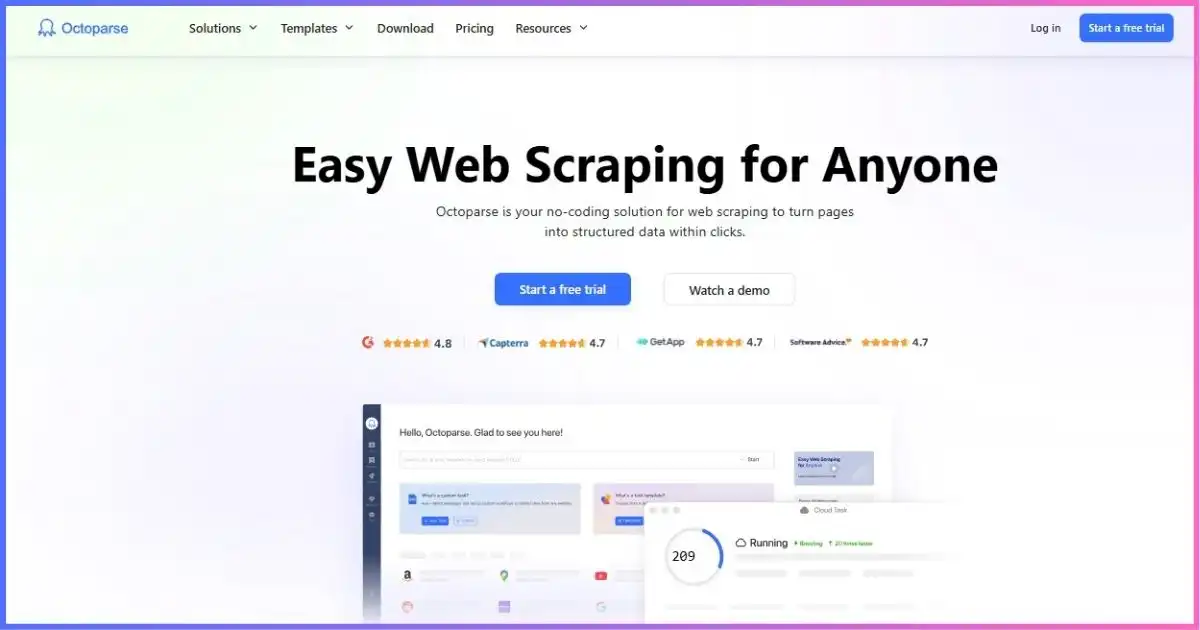
Octoparse is designed around a desktop app with a built-in browser. A user opens the target page, selects fields, creates pagination, adds clicks or loops, sets conditions and previews the resulting table. A task represents that complete saved workflow. Free users execute locally; Standard and higher plans can run those workflows in the cloud independently of the user’s PC.
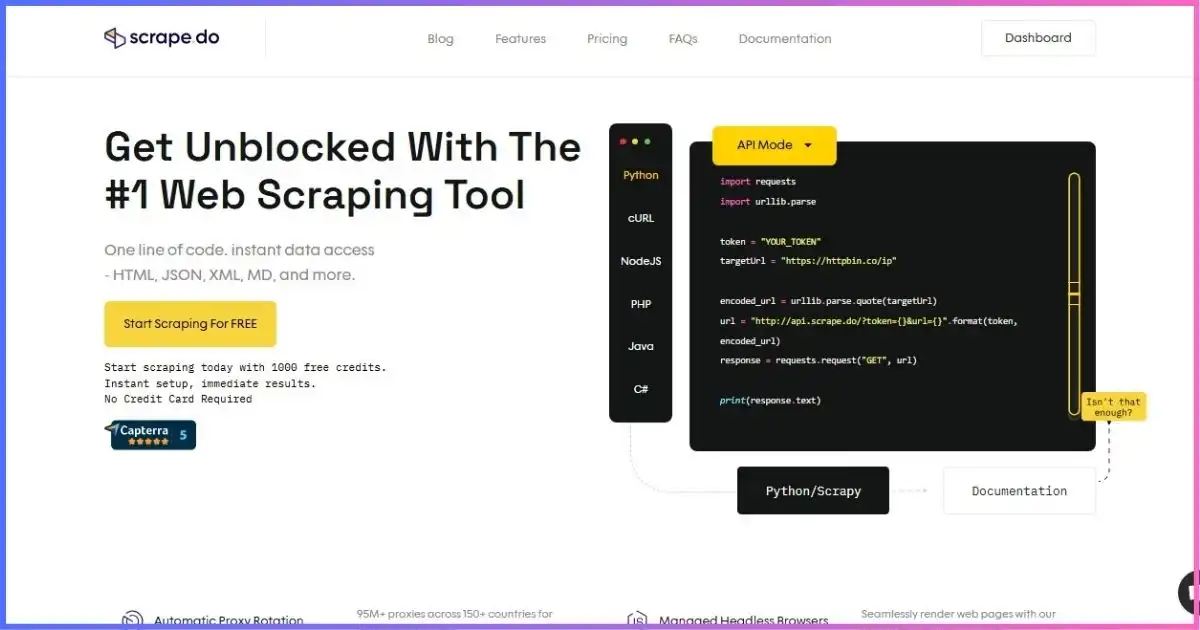
Scrape.do starts from an HTTP request. You provide a target URL and parameters; it selects proxy and rendering resources, attempts access and returns the response. Your code typically decides what fields to parse, how to validate them and where to store records. Its Async API can create jobs, support polling and cancellation, return temporary results and notify a webhook, but this is still developer-facing orchestration rather than visual extraction design.
Bottom line: Octoparse replaces more crawler-authoring code. Scrape.do replaces more proxy, browser and anti-blocking infrastructure. They overlap at page access, but the work before and after access is different.
Editorial workflow-fit profile
Qualitative fit, not measured performance. Larger means stronger out-of-box fit for the named category.
Current public pricesOctoparse vs Scrape.do Pricing Compared
Scrape.do has the lower cash entry and annual bills equivalent to ten monthly payments for twelve months. Octoparse costs more at entry but bundles a visual authoring environment, cloud execution and exports. The tables below compare public commitments without pretending the included units are equivalent.
Octoparse pricing
| Plan | Monthly | Annual billing | Tasks | Execution limit | Main additions |
|---|---|---|---|---|---|
| Free | $0 | $0 | 10 | 2 local runs; no cloud | 1 device; capped export; self support |
| Standard | $83 | $829/year; advertised $69/mo | 100 | Up to 3 cloud processes | Cloud runs, schedules, rotation, CAPTCHA, API, auto export |
| Professional | $299 | $2,999/year; advertised $249/mo | 250 | Up to 20 cloud processes | Monitoring, cloud destinations, Advanced API, priority support |
| Enterprise | Custom | Custom | 750+ | 40+ cloud processes | Team tools, larger capacity, dedicated success manager |
The Professional annual total is effectively $249.92/month despite the rounded $249 advertising. Monthly, quarterly and annual terms are available. Paid plans advertise a five-day money-back guarantee; verify eligibility and conditions. An upgrade to Professional charges the full new-plan price, while unused Standard value converts to added Professional days rather than reducing the charge.
Scrape.do pricing
| Plan | Monthly | Annual total | Credits | Pricing-page concurrency | Support / additions |
|---|---|---|---|---|---|
| Free | $0 | $0 | 1,000/mo | 5 | All core features; no card |
| Hobby | $29 | $290 | 250K | 10 | Email support |
| Pro | $99 | $990 | 1.25M | 50 | Priority email support |
| Business | $249 | $2,490 | 3.5M | 100 | Premium residential/mobile, team management, dedicated support |
| Advanced | $699 | $6,990 | 10M | 200 | Custom WAF strategies, custom SLA, Slack support |
| Custom | Negotiated | Negotiated | Custom | Custom | Volume, infrastructure and support by agreement |
Annual prices provide 12 months for the price of 10; switching to annual is handled manually through support. When credits are exhausted, requests stop unless the user upgrades or purchases more credits.
Monthly plan commitments on one $0–$699 scale
Subscription price only—not equivalent workload, output or throughput.
Octoparse variable costs
Octoparse’s plan price may not be the final bill. Pay-per-result templates are advertised at approximately $0.001–$3 per 1,000 results, depending on the listing. CAPTCHA solving is advertised around $1–$1.50 per 1,000. Residential proxy bandwidth may be separate. Optional crawler setup starts at $399, and managed data service starts at $599. Some templates also have daily limits or cloud-only execution.
Successful responses are not equal-costHow Scrape.do Credits Work
Scrape.do bills credits for documented successful responses, including 2XX, 400, 404 and 410 statuses. A standard
untargeted request through datacenter infrastructure costs one credit. Adding datacenter rendering costs five;
residential/mobile costs 10; residential/mobile plus rendering costs 25. Named domains can trigger automatic
proxy/render profiles costing 10–200 credits, so the Scrape.do-Request-Cost response header is the
authoritative record.
Standard Scrape.do credits per successful response
Named-domain automatic profiles are excluded and may cost 10–200 credits.
| Hobby scenario | Credits per billed response | Theoretical capacity from 250K | Important limit |
|---|---|---|---|
| Datacenter | 1 | 250,000 | Not 250K accepted records |
| Datacenter + render | 5 | 50,000 | Browser success is target-specific |
| Residential/mobile | 10 | 25,000 | Target may use an automatic profile |
| Residential/mobile + render | 25 | 10,000 | Parsing and storage remain yours |
A workflow, not a requestHow Octoparse Tasks and Cloud Processes Work
An Octoparse task is a saved crawler workflow that may visit many pages and create many rows. It is not equivalent to one Scrape.do request or credit. Standard can store 100 tasks and currently advertises up to three concurrent cloud processes; Professional stores 250 tasks and provides up to 20 processes. Enterprise starts at 750+ tasks and 40+ processes.
Older Octoparse help pages have referred to six Standard cloud nodes/concurrent tasks, but the current pricing page says three processes. We use the current pricing page and recommend confirming checkout when the distinction affects throughput. Task speed also depends on whether it can be split, target behavior, available nodes and workflow design.
Preset templates are parameterized but not editable like a custom task. Octoparse’s OTD/custom tasks can be created and modified in the visual editor, while JavaScript/Python templates may be cloud-only and usage-limited.
Testing without paymentFree Plans Compared
| Free-plan feature | Octoparse | Scrape.do |
|---|---|---|
| Price | $0 forever | $0; no card |
| Allowance | 10 saved tasks | 1,000 successful-response credits monthly |
| Parallel use | 2 concurrent local runs | 5 concurrent requests |
| Execution | Local only; 1 device/user | API infrastructure |
| Output limit | Up to 10,000 rows/export and 50,000 exported rows/month | Credit-limited; customer parses/stores results |
| Best test | Visual workflow design and extraction | API integration, target access and credit cost |
Octoparse’s free tier is more generous for ongoing visual experiments, provided local execution and export caps are acceptable. Scrape.do’s free tier better answers a developer’s first question: can this target and integration work through the API?
Getting the pageProxies, JavaScript Rendering and Anti-Bot Features
| Capability | Octoparse | Scrape.do |
|---|---|---|
| Proxy resources | Rotating cloud IPs and residential resources on paid workflows; bandwidth can be separate | Datacenter and residential/mobile proxies on every plan |
| JavaScript | Built-in browser and visual interactions | Headless rendering and browser interaction parameters |
| CAPTCHA/anti-bot | Automatic CAPTCHA solving listed on Standard+; possible per-1,000 fee | Managed access profiles; Business adds premium pools and Advanced adds custom WAF strategies |
| Geotargeting | Depends on cloud/proxy resource and plan | Pricing page advertises 160+ countries |
| Sticky sessions | Workflow/cloud behavior controls | Advertised across plans |
| Bandwidth | Residential bandwidth may be separately billed | Unlimited bandwidth advertised; credits still constrain requests |
Scrape.do documentation advertises 150M+ IPs and its homepage advertises 99.98% success. These are provider-reported, network-wide marketing claims—not a promise for your target or a measured advantage over Octoparse. Octoparse does not publish a universal task success score that can support a fair head-to-head number. Test the same URLs, regions, interactions and content checks on both.
Running repeatedlyWorkflow Automation, Scheduling and Monitoring
Octoparse handles more workflow in the product
Standard adds cloud runs independent of the user’s computer, scheduling, automatic export, file/image downloads, rotating IPs and a Data Export API. Professional adds task monitoring, cloud backup, Google Sheets/Drive, Dropbox and Amazon S3 destinations, an Advanced API, priority support, task review and one-to-one training. This is a more complete business-user workflow from visual definition to exported table.
Scrape.do expects customer-owned orchestration
The main API is easy to call from scripts, applications and queue workers. Its Async API supports job creation, polling, cancellation, temporary results and webhooks, giving developers solid building blocks for longer operations. However, long-term scheduling, parsing, durable storage, dataset versioning and downstream loading normally remain in the customer’s stack.
From response to datasetParsing, Output, Storage and Retention
Octoparse visually maps selected elements into rows and columns. Standard lists unlimited export, automatic export, image/file downloading and a Data Export API. Professional expands the destination list and backup features. Current help says cloud data remains stored for three months after a paid subscription expires, but cannot be exported until renewal. Governed workloads should confirm current retention terms and keep an independent copy.
Scrape.do primarily returns the requested page content. That gives developers freedom to use their preferred parser, schema, validator and database, but it means those components are not replaced by the subscription. Async results are described as temporary, so durable retention should be handled promptly in customer-owned storage.
Structured-output advantage: Octoparse is stronger out of the box for arbitrary sites because visual extraction rules generate tabular data. Pipeline-control advantage: Scrape.do is cleaner where the organization already has code that produces domain-specific schemas and quality checks.
Connecting other systemsAPIs, Integration and Extensibility
Scrape.do is the more natural application component. An integration builds a request, sends it using standard HTTP tooling—such as the patterns documented by the MDN Fetch API reference—then parses the response. Sync API, Async API, webhooks and Proxy Mode cover common integration patterns.
Octoparse’s current Open API advertises 23 REST endpoints and OpenAPI 3.0. It can run and manage supported tasks and move data into another system, but custom task authoring still happens in the visual interface. Its AgentTools API can discover, parameterize and execute supported cloud templates. That makes Octoparse API-controllable after the workflow is configured rather than API-first at the retrieval layer.
For deeper product-specific analysis, see our Octoparse review and Scrape.do review. You can also compare broader options in the best web scraping tools and best web scraping providers guides.
Limits need contextConcurrency, Throughput and Reliability
Octoparse lists two local runs on Free, up to three cloud processes on Standard, 20 on Professional and 40+ on Enterprise. Scrape.do’s pricing page lists 5/10/50/100/200 concurrent requests from Free through Advanced. These cannot be converted into a reliable speed ratio: an Octoparse cloud process can execute a multi-page task, while a Scrape.do slot represents an in-flight API request.
| Pilot metric | Calculation | What it reveals |
|---|---|---|
| Usable response rate | Correct target content ÷ submitted attempts | Access quality beyond HTTP status |
| Accepted-record rate | Valid, unique records ÷ extracted records | Parser/task quality |
| Latency | Median and p95 end-to-end time | Typical and slow-tail behavior |
| Throughput | Accepted records per hour | Actual production capacity |
| Total unit cost | Fees + infrastructure + labor ÷ accepted records | Fair comparison across unlike billing units |
| Repair effort | Minutes to detect and fix a page change | Long-term maintenance cost |
Important implementation detailScrape.do Proxy Mode Security Caveat
Scrape.do Proxy Mode uses the same API subscription, but its documentation says the client must trust the Scrape.do certificate authority or disable SSL verification. Disabling verification weakens transport authentication and should not be treated as a harmless convenience. Security teams should review the trust model, certificate distribution, supported client configuration and data sensitivity before adopting Proxy Mode.
The direct API may be preferable when an organization does not want to change its trust store. Whichever route you use, keep credentials out of source code, rotate exposed tokens and restrict logs that may contain target URLs or personal data.
Workload winnersWhich Tool Is Better for Your Use Case?
| Use case | Better starting point | Reason |
|---|---|---|
| Non-technical market research | Octoparse | Visual selection, navigation and structured export |
| Embed retrieval in a SaaS product | Scrape.do | API-first access and higher request-concurrency tiers |
| Price monitoring to Sheets/S3 | Octoparse Pro | Visual tasks, scheduling and named cloud destinations |
| Existing Python/Node ETL | Scrape.do | Outsources retrieval while code retains parsing/storage |
| Many ad-hoc website layouts | Octoparse | Visual custom tasks may be faster for analysts to adapt |
| Millions of simple URL fetches | Scrape.do | Credit tiers and HTTP integration suit programmatic batches |
| Ongoing free local scraping | Octoparse | 10-task forever-free local plan |
| Country-specific API requests | Scrape.do | 160+ countries advertised with request parameters |
Suggested pilot decision weights
Adjust these weights before testing so the decision matches your workload.
- 30% Data quality — completeness and accuracy
- 25% Accepted-record cost — fees plus labor
- 20% Maintainability — repair effort
- 15% Throughput — at required latency
- 10% Governance — access, storage, retention
Use the right denominatorHow to Compare the True Cost
The fairest unit is total monthly cost per accepted record. For Octoparse, total the subscription, templates, CAPTCHA solving, residential bandwidth, optional services, destination costs and the labor used to build and repair tasks. For Scrape.do, include the subscription or extra credits, actual request multipliers, customer parsing/validation infrastructure, durable storage, scheduling and engineering labor.
- Define an accepted record.Specify required fields, freshness, uniqueness and validation rules before testing.
- Select representative URLs.Include easy pages, JavaScript pages, protected pages, pagination and multiple regions.
- Run enough volume.A tiny sample will not expose concurrency, retries, layout differences or credit multipliers.
- Record every cost.Track provider usage, add-ons, infrastructure and setup/maintenance time.
- Divide by validated output.Do not count an HTTP response or exported row until it passes the acceptance rules.
For example, Scrape.do Hobby’s 250,000 credits could cover 250,000 standard datacenter responses, 50,000 rendered datacenter responses or 10,000 residential/mobile rendered responses before named-domain pricing. Meanwhile, one Octoparse task could generate thousands of rows—or fail after a layout change. Sticker units alone do not predict unit economics.
Trade-offsOctoparse and Scrape.do Pros and Cons
Octoparse
Pros
- Strong point-and-click workflow builder
- Structured extraction from arbitrary sites
- Useful ongoing free local tier
- Cloud scheduling and automatic export
- Professional cloud destinations and monitoring
- Templates can accelerate common jobs
Cons
- Higher paid starting price
- Only three current Standard cloud processes
- Add-ons can raise total cost
- Preset templates are not editable
- Custom task creation remains visual
- Current and older cloud-limit docs conflict
Scrape.do
Pros
- $29 paid entry and free monthly credits
- Simple API-oriented integration
- Datacenter and residential/mobile access
- Rendering, interactions, geo and sessions
- Async jobs and webhook delivery
- Higher published API concurrency tiers
Cons
- No comparable visual crawler builder
- Parsing/storage usually remain customer-owned
- Credits can multiply to 25× or 200 on named domains
- Concurrency docs conflict with pricing
- Async results are temporary
- Proxy Mode needs a certificate-security review
Choose by workflow owner: if an analyst will maintain page logic visually, start with Octoparse. If developers will call an API and own the data pipeline, start with Scrape.do.
Frequently asked questionsOctoparse vs Scrape.do FAQ
Is Octoparse better than Scrape.do?
Which is cheaper, Octoparse or Scrape.do?
Does Octoparse require coding?
Does Scrape.do parse data into JSON?
How many requests can Scrape.do run concurrently?
Can Octoparse run in the cloud?
Which tool is better for JavaScript websites?
Is Scrape.do unlimited bandwidth really unlimited scraping?
Final verdictOctoparse Wins No-Code; Scrape.do Wins API Value
Choose Octoparse when visual workflow design is the main requirement. It gives analysts a built-in browser, point-and-click extraction, pagination and interaction steps, cloud schedules and structured exports. The trade-offs are its $83 paid entry, three-process current Standard cloud limit and possible add-ons.
Choose Scrape.do when developers already own parsing, validation and storage. Its $29 Hobby entry, managed proxy/rendering stack, 160+ advertised geographies and sync/async integration are attractive. The trade-offs are workload-sensitive credits, temporary async results, contradictory concurrency documentation and the need to review Proxy Mode’s certificate requirements.
Our recommendation: a business user who wants finished rows should begin with Octoparse. A software team that wants reliable page retrieval as an API component should begin with Scrape.do. Run a representative pilot and decide on validated cost per record—not plan price alone.
Sources & comparison methodology
Pricing and features were checked against the official ones as of September 18, 2026 research, compiled from official Octoparse pricing/help pages and official Scrape.do pricing/documentation. No paid checkout, contract review or controlled benchmark was performed. Prices are public USD figures before tax.
Method: plan prices were plotted on a common dollar scale, but tasks, cloud processes, credits and concurrent requests were kept separate. Scrape.do capacity examples divide 250,000 credits by published standard-mode costs and represent theoretical billed successful responses—not accepted records. The radar is an editorial workflow-fit visualization, not a performance test. No unsupported universal speed or success ranking was used.
Official material represented: Octoparse pricing, templates, cloud extraction, scheduling, Open API, upgrade and expiration help; Scrape.do pricing, request costs, headless-browser, Async API and Proxy Mode documentation. Plan terms, target profiles and limits can change, so confirm checkout and obtain written throughput details for material deployments.
Operate only where lawful and permitted. The Robots Exclusion Protocol is standardized in RFC 9309, but robots directives are only one part of terms, privacy, intellectual-property and data-rights compliance.
Disclosure: This article contains affiliate links. We may earn a commission if you purchase through them, at no added cost to you. That does not change the prices, caveats or comparison method above.