6 Cheapest Proxy Providers for Datacenter, Residential and Dedicated IPs
For a small proxy budget, Webshare is the best starting point. Its free datacenter plan includes 10 proxies and 1 GB per month, and paid shared plans start at $2.99 a month for 100 IPs. If you specifically need rotating residential traffic, ProxyShare publishes a $9 bundle for 10 GB over 30 days. For a one-off 1 GB purchase, Proxy-Seller costs $3.50 and gives you 30 days to use it.
Those prices buy very different things. A datacenter plan buys access to a set of IPs. A residential plan usually buys a traffic allowance. A dedicated plan buys exclusive use of an IP for a defined period. We compared the upfront bill, included capacity and expiry, then worked through sample budgets to show when each plan makes sense.
Affiliate disclosure. JoshWP may earn a commission if you buy through links in this article.
Which cheap proxy provider should you choose?
Choose Webshare for a free datacenter trial or inexpensive shared IPs. Choose ProxyShare if you can use several gigabytes within 30 days. Choose Proxy-Seller for a small one-off residential purchase or a short dedicated IPv4 rental. Choose IPRoyal if your residential traffic is spread across several billing cycles. Bright Data and Oxylabs make more sense when you can name the targeting or tooling feature that justifies their higher baseline cost.
Table of Contents
Start hereWhich proxy type is cheapest for your job?
Shared datacenter proxies are the cheapest starting point for many browser checks, test environments and endpoints you control. They are hosted in datacenters, and other customers can use the same addresses. If you only need to test whether your website displays correctly from another region, first confirm that the plan includes an exit in that region. The number of IPs in the package matters less than having the right location and enough transfer allowance.
Rotating residential proxies route through a pool of addresses associated with residential internet connections. Pricing usually follows traffic volume. They make sense when the network itself affects what you need to verify, such as how an authorized campaign is delivered to residential users in a specific city. A sticky session can retain an exit for a period when available. If a test depends on an identical address over several days, buy a fixed IP instead.
Dedicated datacenter and static ISP proxies suit tasks that need an address to stay the same. A dedicated datacenter IPv4 is a practical choice for a staging allowlist. Static ISP plans use ISP-assigned addresses and are worth considering if your requirement also specifies an ISP network. Check exclusivity separately. Some static ISP products offer shared, private and dedicated tiers.
Mobile proxies typically bring higher costs and are worth comparing when you specifically need an exit on a cellular carrier, such as carrier-specific QA. Managed scraping APIs bundle request handling and sometimes rendering or parsing, so they need a separate cost comparison based on usable results. See our guides to proxy server types, mobile proxy providers and web scraping services.
A forward proxy handles traffic that your client sends through it. Client support and transport security depend on the protocol and configuration. If your tool requires SOCKS5 or an HTTPS tunnel, verify those details in the specific product’s documentation. For the protocol basics, see MDN’s guide to proxy servers and HTTP tunneling.
ComparisonCheapest proxy providers at a glance
Prices are in US dollars before applicable taxes. The residential column shows a small, publicly listed option for each provider. Use the 10 GB chart later in the guide to compare equivalent traffic allowances.
| Provider | Best budget fit | Residential entry | Billing and trade-off |
|---|---|---|---|
| 1. Webshare | Free and low-cost shared datacenter IPs | $3.50 for 1 GB | Monthly subscription. Unused residential bandwidth resets each cycle. |
| 2. ProxyShare | Lowest listed 10 GB residential bundle | $9 for 10 GB | 30-day validity at this price. The full bundle is the upfront bill. |
| 3. Proxy-Seller | One-off residential traffic and short dedicated IPv4 rentals | $3.50 for 1 GB | 30-day residential validity. Dedicated IPv4 uses separate location and term pricing. |
| 4. IPRoyal | Irregular residential use | $7.35 for 1 GB pay as you go | Residential traffic does not expire. A separate subscription lists 1 GB for $7. |
| 5. Bright Data | Pay-as-you-go residential with granular targeting | $8/GB list rate, $4/GB with the promotion shown at review | Usage rate. Verify verification requirements, funding and coupon terms before paying. |
| 6. Oxylabs | One credit balance for multiple products | $15/month Starter at $5/GB, enough for 3 GB if used solely for residential | Monthly credit subscription. Unused credits generally expire at cycle end. |
The table excludes temporary offers from the baseline. Bright Data’s promotion is shown separately. Advertised trial credits, coupon eligibility and checkout conditions can change.
Ranked picksThe cheapest proxy providers, ranked
We rank by value for a budget buyer, weighing what you actually pay to get started, whether unused capacity expires, and how well each offering fits a common job. The best provider for a dedicated test IP can differ from the best provider for 10 GB of residential traffic.
Webshare for free and cheap shared datacenter proxies
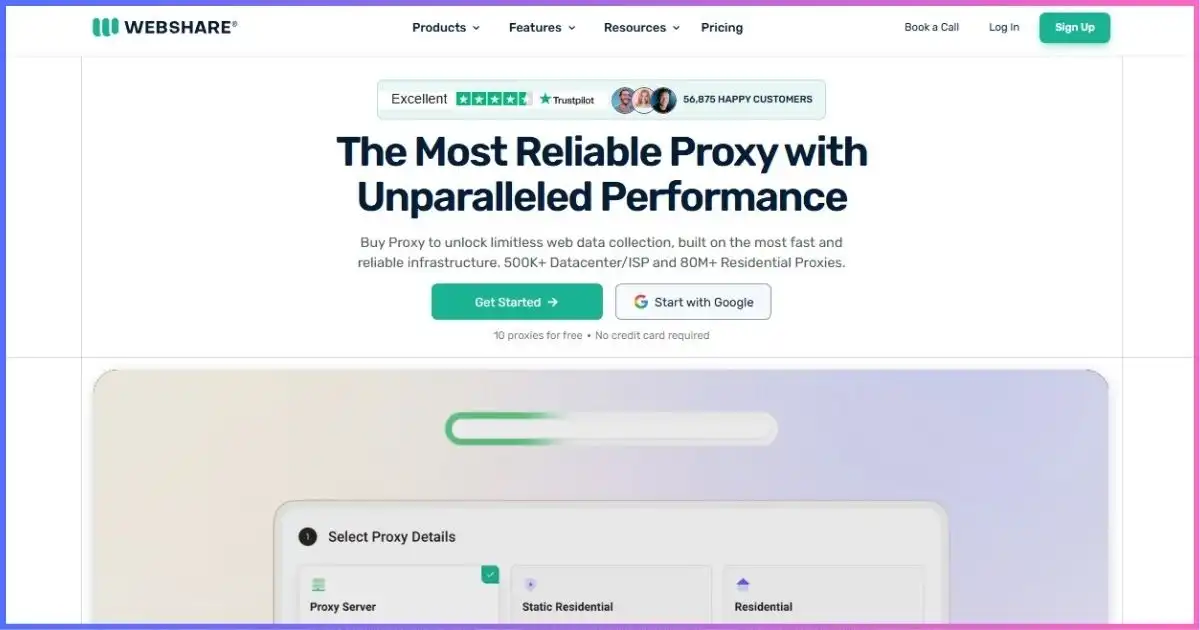
Webshare earns the top spot because you can verify that your client works with a proxy before spending anything. The free plan includes 10 datacenter IPs and 1 GB per month. The first paid shared datacenter plan lists 100 IPs for $2.99 per month. Its separate rotating residential plan starts at $3.50 for 1 GB per month, and the public table lists 10 GB for $27.50 a month.
For a development team running small checks against its own software, the free plan can be enough to test authentication and confirm which traffic goes through the proxy. Before upgrading, check that the paid configuration includes the locations and access type you need. Webshare also advertises shared static ISP plans starting at $6 per month for 20 IPs. That bundle can make sense if you need several addresses and the listed locations fit.
- Free datacenter allowance to verify your client setup.
- Low monthly bill for a large shared IP list.
- Separate entry options for rotating residential and static ISP traffic.
- Shared IPs can have a reputation affected by other customers.
- Monthly bandwidth resets. Confirm renewal and country allocation before upgrading.
Read our Webshare proxy review for plan types and setup.
ProxyShare for steady residential traffic on a small budget
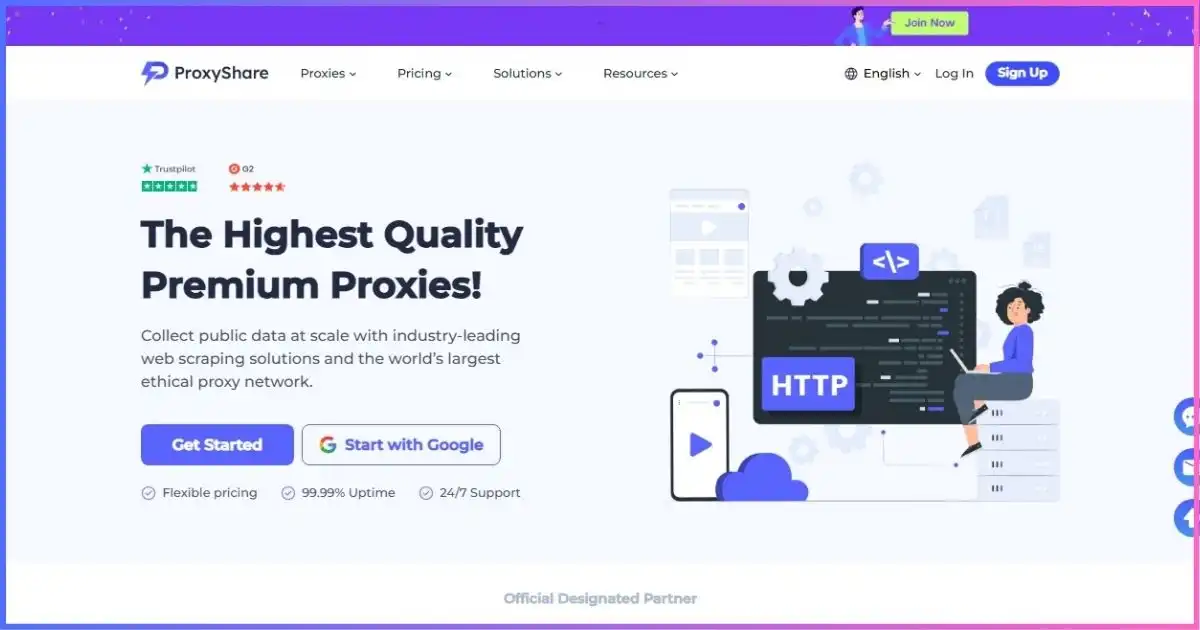
ProxyShare lists 10 GB of rotating residential traffic for $9 with 30-day validity. That comes to $0.90 per purchased GB. Its next listed bundles include 60 GB for $52 and 100 GB for $85 for 30 days. The 10 GB tier is the standout for buyers who need more than a token amount of traffic but want to keep the first bill under $10 before tax.
On a recurring 8 GB workload, the effective cost is about $1.13 per GB used. On a one-off 1 GB check, you still pay the full $9. The pricing page lists city and country selection and HTTP and SOCKS5 access. If one city accounts for most of your work, verify its availability in a pilot before buying the 60 GB or 100 GB bundle.
- Lowest public price in this comparison for a listed 10 GB residential bundle.
- Country and city selection listed with the residential package.
- The listed $9 price is tied to 30-day validity.
- The quoted 10 GB bundle can be poor value for infrequent jobs.
Compare Webshare vs ProxyShare or read our ProxyShare review.
Proxy-Seller for 1 GB pilots and dedicated IPv4 rentals
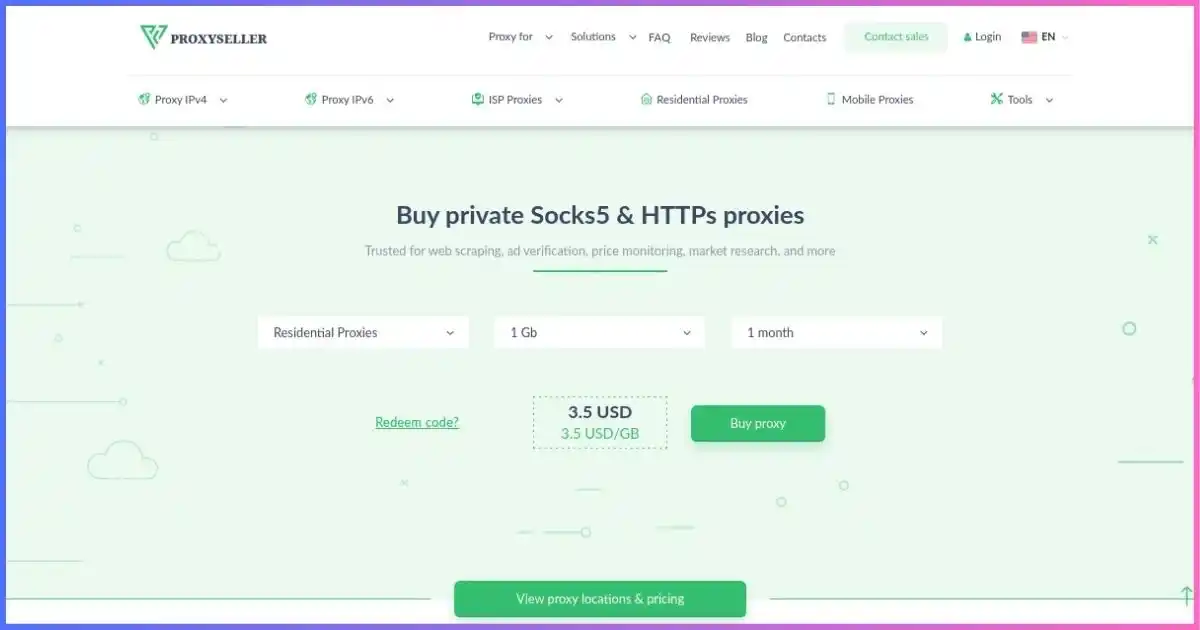
Proxy-Seller lists 1 GB for $3.50 on its residential price table, with a 30-day validity window and no forced subscription for that product. It also lists 3 GB for $9 and 10 GB for $27. The 1 GB pack is a straightforward starting point for a small residential job with a defined end date. At the published 3 GB tier, compare the location coverage and terms with ProxyShare, where $9 buys 10 GB.
For a fixed address, use Proxy-Seller’s dedicated IPv4 configurator. The default US selection showed $0.90 total for one IPv4 for one week. The displayed headline rate of $0.49/IP is a starting rate across configurations. If you are budgeting an ongoing deployment, select the intended country, quantity and term to see the actual monthly total. For services that require IPv4, check the address family before ordering cheaper IPv6 inventory.
- Low-cost one-time residential entry.
- Short dedicated IPv4 rentals for a one-week test or temporary allowlist.
- The 30-day residential allowance suits a scheduled project.
- Dedicated IPv4 pricing varies by location and term.
See our Proxy-Seller review and Proxy-Seller vs Webshare comparison.
IPRoyal for residential bandwidth with no expiry
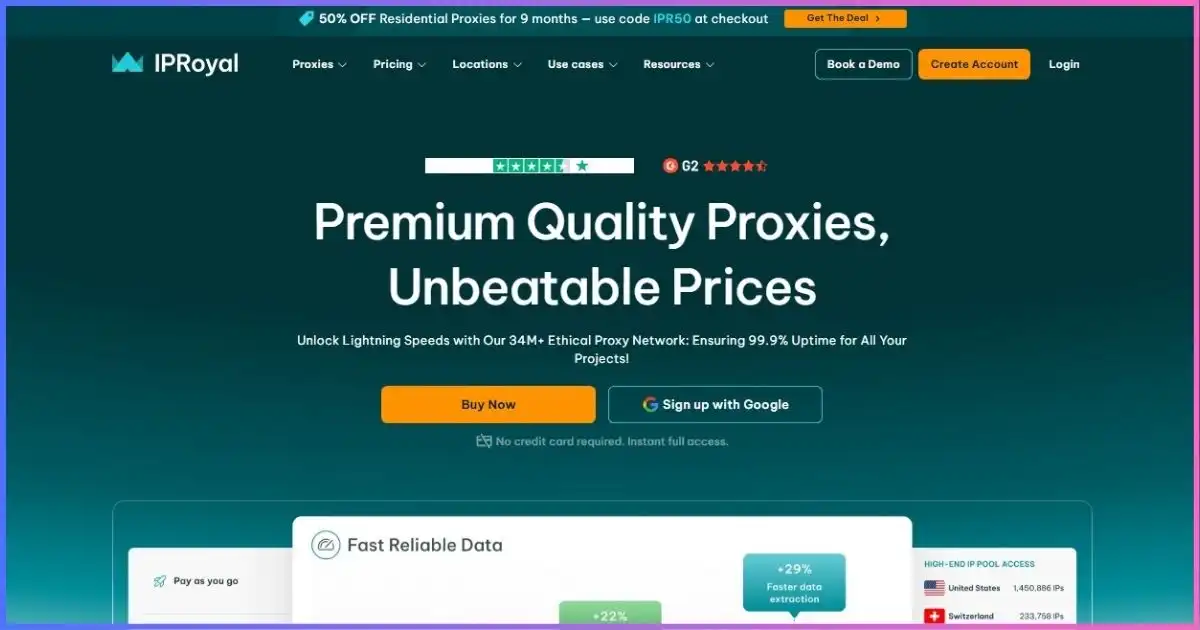
IPRoyal charges $7.35 for 1 GB on its rotating residential pay-as-you-go plan. Its pricing page says purchased residential traffic does not expire. The same page lists 2 GB for $12.50 and 10 GB for $55.10 on pay as you go. The $7 entry price belongs to its subscription, so select the correct billing option at checkout.
Consider an authorized QA job that uses 200 MB a month for five months. A single 1 GB IPRoyal pack covers the modeled traffic for $7.35. Five consecutive 1 GB Webshare subscriptions at $3.50 cost $17.50. If the workload grows to 10 GB each month, ProxyShare’s $9 bundle has a much lower cash cost, provided that the relevant locations and client work for your job.
- Unused residential traffic stays available between jobs.
- Small pay-as-you-go packs suit irregular demand.
- The first 1 GB costs more than Webshare’s or Proxy-Seller’s entry option.
- Steady 10 GB usage can be substantially cheaper on a 30-day bundle.
See our IPRoyal proxy review and IPRoyal vs Webshare comparison.
Bright Data for pay-as-you-go residential and precise location requirements
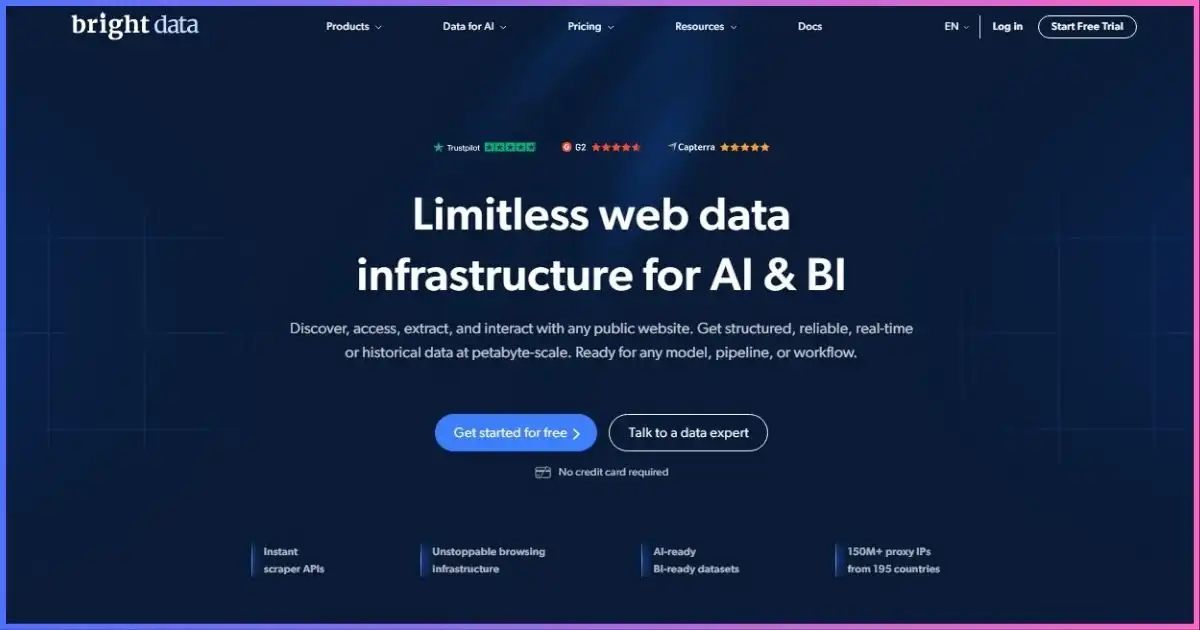
Bright Data’s dedicated residential pricing page displayed $8/GB as the list rate and $4/GB with its advertised promotion, both on its pay-as-you-go offering. The promotion can make a small campaign more affordable. Budget at the list rate unless checkout confirms the coupon, how long it applies and any restrictions. The $4 figure describes usage and may differ from the cash needed to fund an account.
Bright Data lists country, state, city and ZIP targeting on the residential product and describes tools for managing sessions and usage. It also describes a verification process for residential and mobile access. It is a reasonable shortlist option if you need to validate a campaign in particular ZIP codes or use controls your team already understands. For a simple little test in a commonly available location, start by comparing the lower-priced options above.
- Metered residential pricing without a monthly commitment on pay as you go.
- Detailed geographic targeting and proxy management tools.
- Promotion, account funding and verification before scheduling work.
- Higher standard residential rate than most entry options in this guide.
See our full Bright Data proxy review or compare Bright Data and Oxylabs.
Oxylabs for teams that can use credits across products
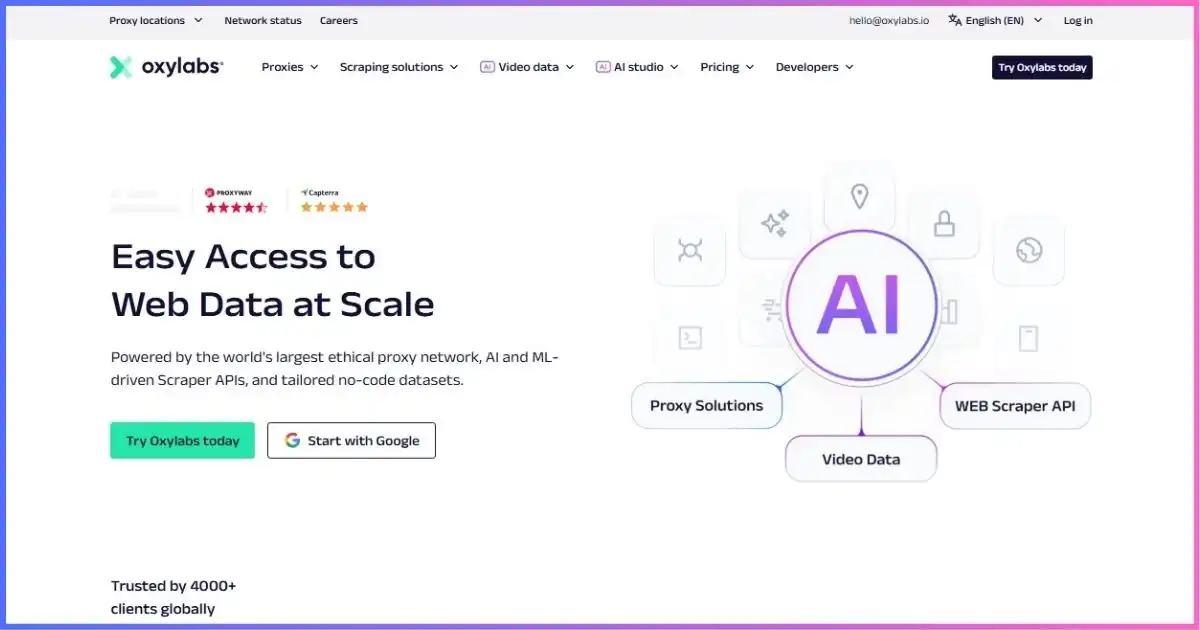
Oxylabs’ residential pricing page currently lists a $15/month Starter subscription. At the Starter residential rate of $5/GB, the base credit balance covers up to 3 GB if you spend it all on that product. The page also lists $5 in welcome credits, enough for up to 1 GB at the published welcome rate if eligible. A welcome balance is a pilot allowance.
One subscription funds a shared balance across products, including residential, datacenter and mobile proxies. That can suit a team already planning to use several of them. Unused credits generally expire at the end of the billing cycle. Oxylabs also states that both request and response traffic count across HTTP statuses, so measure billable bandwidth and usable results before standardizing on the plan.
- Welcome credits offer a way to try the relevant product.
- Several products can draw from one credit balance.
- The paid plan starts at $15 per month even at light usage.
- Unused credits generally expire. Confirm top-up pricing for a larger workload.
Read our Oxylabs review and Oxylabs vs Webshare comparison.
Budget examplesCompare the bill for the amount you’ll actually use
Establish two numbers before you shop. Estimate how many gigabytes you will transfer and how many billing cycles it will take. A price of $0.90 per GB on a 10 GB pack is attractive if the job consumes the allowance. A $3.50 1 GB pack keeps the upfront bill lower for a small job.
Published 10 GB rotating residential packages
US dollars for 10 GB. IPRoyal reflects pay-as-you-go pricing. Bars use the same scale.
This chart uses published 10 GB packs. Bright Data’s metered pricing and Oxylabs’ credit subscription use different terms.
| Job | Plan examples | What determines the cheaper fit |
|---|---|---|
| Try a client or test your own site | Webshare free plan, 10 datacenter IPs and 1 GB/month | Choose free if the available exits and transfer limit are sufficient. |
| Temporary fixed IPv4 for a week | $0.90 for one US IPv4 in Proxy-Seller’s default configurator | Verify actual quote for your country, address family and lease length. |
| 1 GB residential this month | Proxy-Seller $3.50 one time or Webshare $3.50/month | Choose based on renewal preference and the exact location you need. |
| 10 GB residential in 30 days | ProxyShare $9, Proxy-Seller $27, Webshare $27.50 | ProxyShare is cheapest among these listed packs. Validate location and fit before committing. |
| 1 GB spread over five months | IPRoyal $7.35 once vs Webshare $17.50 for five monthly 1 GB plans | Uses a modeled 200 MB each month. Expiry and renewal dominate the bill. |
| 100 GB residential in 30 days | ProxyShare $85, Proxy-Seller $220, Webshare $225 | Those are public 100 GB prices. Compare usable results on your own workflow before scaling. |
What happens if you use just 2 GB of a 10 GB pack?
Example using ProxyShare’s $9 pack and 30-day validity.
- 20% used. You transfer 2 GB before the pack expires.
- 80% unused. The remaining 8 GB goes unused in this example.
- $4.50 per used GB. Divide the full $9 bill by what you actually transfer. For 2 GB in a single 30-day window, compare the total cost and fit of plans covering at least 2 GB.
Expect to use close to 10 GB this month? Check ProxyShare’s pack price, validity and location coverage.
Cost modelCalculate cost per usable result
For regional QA, one usable result can mean the expected page loads and shows the correct locale and currency. For a permitted data collection job, it can mean a complete record that passes validation. Counting every HTTP response as a success can materially understate what a provider costs for the actual job.
Traffic used (GB) = total attempts × average billable KB per attempt ÷ 1,000,000, using decimal units.
Effective cost per used GB = total proxy spend ÷ GB used.
Cost per 1,000 usable results = total proxy spend ÷ usable results × 1,000.
Suppose you send 20,000 requests and average 120 KB in billable traffic per attempt. The modeled total is 2.4 GB. If the $9 bundle covers that traffic and the checks produce 18,000 usable results, the proxy cost is $0.50 per 1,000 usable results. With the same spend and 12,000 usable results, it rises to $0.75. These figures are arithmetic examples. Measure your own bytes and usable responses with a representative pilot.
Budget for traffic your application actually sends
One browser page can request images, scripts and fonts separately. A small HTML response and a full browser run can therefore have very different bandwidth costs. Measure the complete flow for your approved workload, including response sizes, retries and any traffic generated by your test tool. If your test only checks response metadata, use the least data-intensive request that still verifies it correctly. For visual QA, capture the resources your test needs.
Account for minimums, expiry and staff time
Enter the smallest bill that actually covers your expected usage, then add any required locations, extra IPs, top-ups and taxes. For fixed-IP plans, price the full lease and check replacement terms. For a metered gateway, distinguish the published usage rate from the amount you must deposit or commit. A single estimate should also budget time for setup, documentation and repeat tests if those affect the decision.
Buying checklistWhat to check before buying cheap proxies
- Write down the exact requirement. Record the approved site or environment, target region, expected usage and whether the same IP must persist. If you only need one fixed exit for an allowlist, tune the purchase around one IP and the required lease.
- Verify protocol and authentication. Check your client’s HTTP proxy, HTTPS tunneling or SOCKS5 support and the provider’s allowed authentication methods. If you use IP allowlisting, make sure your client has a stable public egress address. See our Windows and Mac proxy setup guide.
- Confirm geographic availability and sourcing. Check the actual package and required region. For residential and mobile pools, review the provider’s account verification, sourcing and privacy policies, including how participating devices opt in and how long activity records are retained.
- Read the renewal and expiry rules. Find the full upfront total, monthly billing date, refund terms, expiry, purchase minimum and top-up rate. Capture the checkout details for the tier you intend to buy so the renewal can be checked against them.
- Run a small authorized pilot. Use the same protocol, geography and test conditions you expect in production. Log usable results, transfer and response times. For crawling, follow the site’s rules and its published robots.txt directives under RFC 9309 and respect requested limits.
- Set a spend limit before scaling. Review provider alerts and dashboard usage, set a budget in your application or test runner, and store credentials outside source code. If your workflow depends on a fixed IP, confirm replacement and renewal procedures first.
FAQsFrequently asked questions about cheap proxies
What is the cheapest proxy provider in this comparison?
What is the cheapest residential proxy for just 1 GB?
How much does one private IPv4 proxy cost?
Can I buy cheap proxies without a subscription?
Is a sticky residential session the same as a dedicated IP?
Do unused gigabytes roll over on cheap proxy plans?
How can I tell if an affordable proxy is good enough?
Will a proxy protect all traffic on my device?
The best cheap proxy depends on what you pay for
Start with Webshare for low-cost shared datacenter IPs. Buy ProxyShare if you expect to use most of a 10 GB residential allowance in 30 days. Pick Proxy-Seller for a one-off 1 GB test or a short dedicated IPv4 lease, and choose IPRoyal when you need the same residential balance to last across several months. If you need granular location controls or a combined product budget, compare the applicable Bright Data and Oxylabs plans after a small pilot.
For more options, see our broader proxy provider comparison.
Sources & comparison methodology
JoshWP reviewed public product, pricing and help pages on November 25, 2026. The ranking gives the most weight to cash needed to start a common small job, then to expiry and renewal terms, then to suitability for the intended use. The 10 GB chart compares published packages of the same size and labels the pay-as-you-go exception. The worked examples assume the advertised rates and omit taxes, optional extras and checkout-specific adjustments.
Pricing and features come from vendor documentation. We did not purchase plans or measure speed, uptime, location accuracy, network sourcing or success rates. Screenshots depict provider websites. The pricing tables above reflect the review date.
- Webshare · Proxy Server, Rotating Residential and Static Residential product pages, plus the Help Center bandwidth and renewal articles.
- ProxyShare · Residential Proxies pricing table, 30-day options for 10 GB, 60 GB and 100 GB.
- Proxy-Seller · Residential product and pricing pages, plus the default US IPv4 configurator for one IP and one week.
- IPRoyal · Residential Proxies Pricing, with separate subscription and pay-as-you-go quotes and the traffic expiry policy.
- Bright Data · Residential Proxies Pricing, including the pay-as-you-go rate, conditional coupon and verification FAQ.
- Oxylabs · Residential Proxies Pricing, including Starter, welcome credits, billing and credit expiry.