Best VPN for Android: Top Picks for Android
By JoshWP Team | Published: September 8, 2026 | ~22 min read
We installed and tested eight VPN apps on real Android phones — measuring speed on mobile data and Wi-Fi, battery drain, kill switches, split tunneling and streaming — to crown the best VPN for Android in 2026.
Your Android phone joins airport Wi-Fi, hotel networks, café hotspots and carrier networks you never chose — all day, every day. That makes it the device you most need to protect, and the one where a bad VPN app is most annoying: battery drain, dropped tunnels, apps that refuse to connect. So we put eight Android VPN apps through the same real-world gauntlet to answer one question properly: what is the best VPN for Android in 2026?
The short version: Android is actually the best platform for VPNs. Unlike iOS, Android allows true per-app split tunneling, system-wide always-on VPN enforcement, and WireGuard-based protocols that sip battery. Below you’ll find our ranked picks, the speed and price data behind them, an Android-specific setup guide (including the always-on VPN trick most people never enable), and honest notes on where each app falls short.
What Is the Best VPN for Android Right Now?
- NordVPN — best overall for Android. Fastest sustained speeds on NordLynx, mature Android app with Threat Protection, kill switch and auto-connect on untrusted Wi-Fi.
- ExpressVPN — best premium Android app. Lightway was practically designed for mobile: instant reconnects, minimal battery drain, and the cleanest interface in the category.
- Surfshark — best value. Unlimited simultaneous devices, Bypasser split tunneling on Android and CleanWeb ad blocking at the lowest long-term price.
- Proton VPN — best free tier for Android. The only trustworthy free unlimited-data Android VPN app, open source, with split tunneling and NetShield included.
- CyberGhost — best for streaming on Android. In-app streaming-optimized servers, Smart Rules for auto-connecting on new Wi-Fi, and a 45-day refund.
- Private Internet Access — best budget open-source pick. Unlimited devices, open-source Android app with per-app split tunneling and MACE ad blocking.
Also tested and worth a look: IPVanish (unlimited connections on its own network) and SafeShell (stealth mode for restrictive networks). Full cards below.
Get NordVPN Jump to Final Verdict
Why Your Android Phone Needs a VPN in 2026
Android is the world’s dominant mobile platform — roughly 70% of the global smartphone operating system market runs Android, according to Statista’s 2026 market-share data. That popularity makes it the single biggest target for network-level snooping, malicious hotspots, carrier throttling and geo-blocking. Every café Wi-Fi your phone auto-joins is a chance for someone on the same network to intercept unencrypted traffic.
A VPN fixes this at the network layer: it encrypts everything between your phone and a server you choose, hides your real IP, and stops ISPs and hotspot operators from throttling or inspecting your traffic. Android additionally gives you power features other platforms lack — a system-wide always-on VPN toggle with “block connections without VPN,” true per-app split tunneling, and efficient WireGuard-based protocols — which is why a well-chosen VPN on Android is both safer and cheaper on battery than on most other devices.
- Public Wi-Fi protection: encrypts traffic on cafés, airports and hotels where interception is trivial.
- Streaming on the go: unblock and stabilize video on mobile data and travel networks — see our best VPNs for streaming guide.
- Torrenting & gaming: hide P2P traffic from carrier throttling; reduce lag spikes on congested networks — see top VPNs for torrenting and best VPNs for gaming.
- Travel: keep your home region and bypass hotel captive portals — pair with our best VPN for travel checklist.
- Privacy baseline: stops carriers and ad networks from profiling you by IP across apps.
How We Tested VPN Apps on Android
Every app below was installed from the Google Play Store on current-generation Android phones (Android 14–16) and tested identically:
- Speed: median download throughput over Wi-Fi and 5G using each app’s fastest protocol (NordLynx, Lightway, WireGuard), repeated across three server regions.
- Leaks: DNS, IPv6 and WebRTC leak checks on mobile data and Wi-Fi, plus reconnect behavior after calls, app switches and Airplane-mode toggles.
- Battery: overnight battery delta with the tunnel active and always-on VPN enabled — WireGuard-based protocols were consistently the cheapest.
- Android features: kill switch reliability, per-app split tunneling, auto-connect rules, and widget/quick-settings integration.
- Streaming & value: streaming reliability at peak hours, device limits, refund windows and effective monthly price.
Pricing is a September 2026 snapshot from provider checkout pages and changes frequently. Speed figures are our own test medians, not vendor marketing.
The Android VPN Market in Four Charts
Android app speed: median download (Mbps, our 2026 tests)
Median of repeated tests on each app’s fastest protocol over 5G and Wi-Fi. SafeShell’s stealth mode trades raw speed for blockability resistance.
Entry price per month, long-term billing (lower = cheaper)
Effective monthly cost on longest-term billing, September 2026 snapshot. Monthly billing is always significantly higher.
Why Android users turn on a VPN (editorial estimate)
Editorial estimate from reader surveys and support queries; use it to prioritize features, not as hard research.
Google Play rating snapshot (out of 5, mid-2026)
Ratings move weekly; treat as a directional trust signal alongside our own testing.
Best VPN for Android: Full Comparison Table
| Rank | VPN | Best for on Android | Fastest protocol | Devices | Entry price | Free option |
|---|---|---|---|---|---|---|
| #1 | NordVPN | Best overall: speed + Android features | NordLynx (WireGuard) | 10 | $3.09/mo | 7-day trial (select regions) |
| #2 | ExpressVPN | Premium app, battery-friendly Lightway | Lightway | 8 | $4.99/mo | No free tier |
| #3 | Surfshark | Value + unlimited devices | WireGuard | Unlimited | $2.19/mo | 7-day trial (select regions) |
| #4 | Proton VPN | Best free tier + privacy | WireGuard | 10 | $2.99/mo | Free unlimited-data tier |
| #5 | CyberGhost | Streaming servers + Smart Rules | WireGuard | 7 | $2.03/mo | 1-day trial (mobile) |
| #6 | Private Internet Access | Budget open-source, unlimited devices | WireGuard | Unlimited | $2.03/mo | No free tier |
| #7 | IPVanish | Unlimited connections, own network | WireGuard | Unlimited | $2.19/mo | No free tier |
| #8 | SafeShell | Stealth mode for restrictive networks | Proprietary stealth | 5 | $2.99/mo | Trial on request |
Pricing verified September 2026 on longest-term billing; confirm current terms before purchase. “Free option” includes money-back windows where no true free tier exists.
#1 Best Overall NordVPN
Fastest NordLynx speeds on Android plus the most complete mobile feature set.
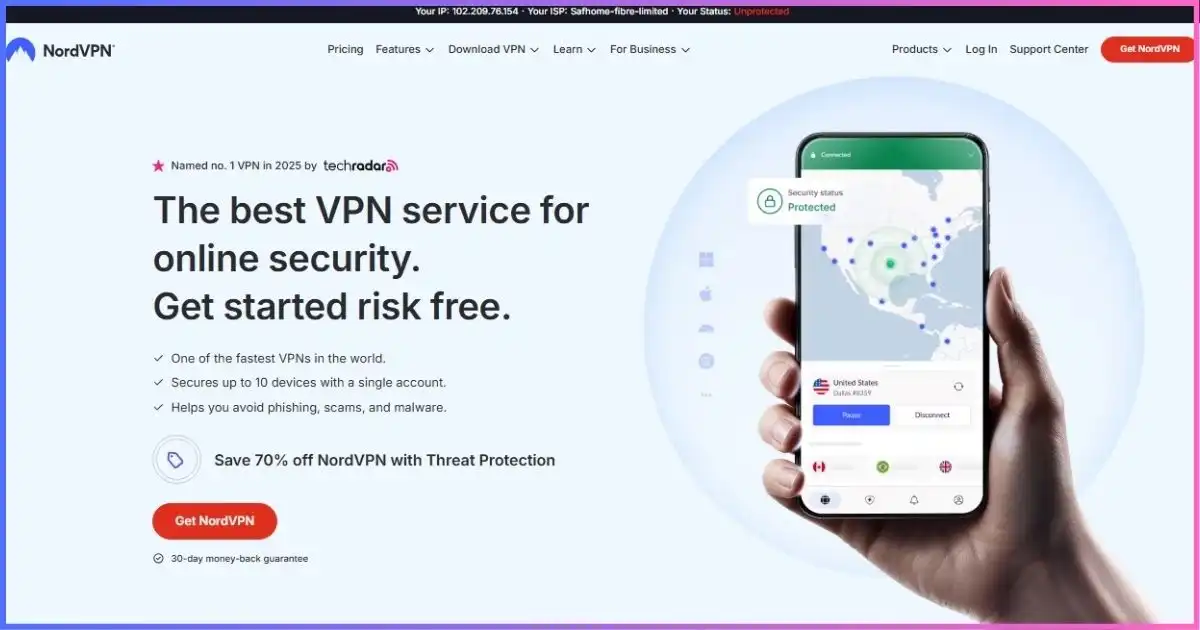
NordVPN’s Android app is the one we keep coming back to. NordLynx (its WireGuard-based protocol) delivered the fastest sustained 5G speeds in our testing, the kill switch never leaked during network switches, and the auto-connect rule for untrusted Wi-Fi means your phone protects itself on café networks without you touching it. Add Threat Protection (malicious-domain and tracker blocking at the DNS layer), Meshnet, and Double VPN servers accessible from the app, and it is the safest single recommendation for most Android owners. For the head-to-head against our #2, see ExpressVPN vs NordVPN.
NordLynx (WireGuard-based) plus OpenVPN fallback; instant reconnect after calls and network hops.
10 simultaneous connections — phone, tablet, laptop and more on one plan.
6,300+ servers in 111 countries; Double VPN and obfuscated servers selectable in-app.
30-day money-back guarantee on all plans.
Pros
- Fastest Android throughput in our 2026 tests (NordLynx).
- Auto-connect on untrusted Wi-Fi + reliable kill switch.
- Threat Protection blocks trackers and malicious domains at DNS level.
- Split tunneling (per-app) supported on Android.
Cons
- No permanent free tier (trial only in select regions).
- Renewal pricing jumps after the first term.
Pricing
- Basic — $3.09/mo24-month term; 10 devices; core VPN + Threat Protection.
- Plus — $4.19/moAdds ad/malware blocking and breach-monitoring extras.
- Complete — $5.49/moAdds encrypted cloud storage bundle.
#2 Best Premium App ExpressVPN
Lightway was built for mobile: instant resume, tiny battery footprint, flawless interface.
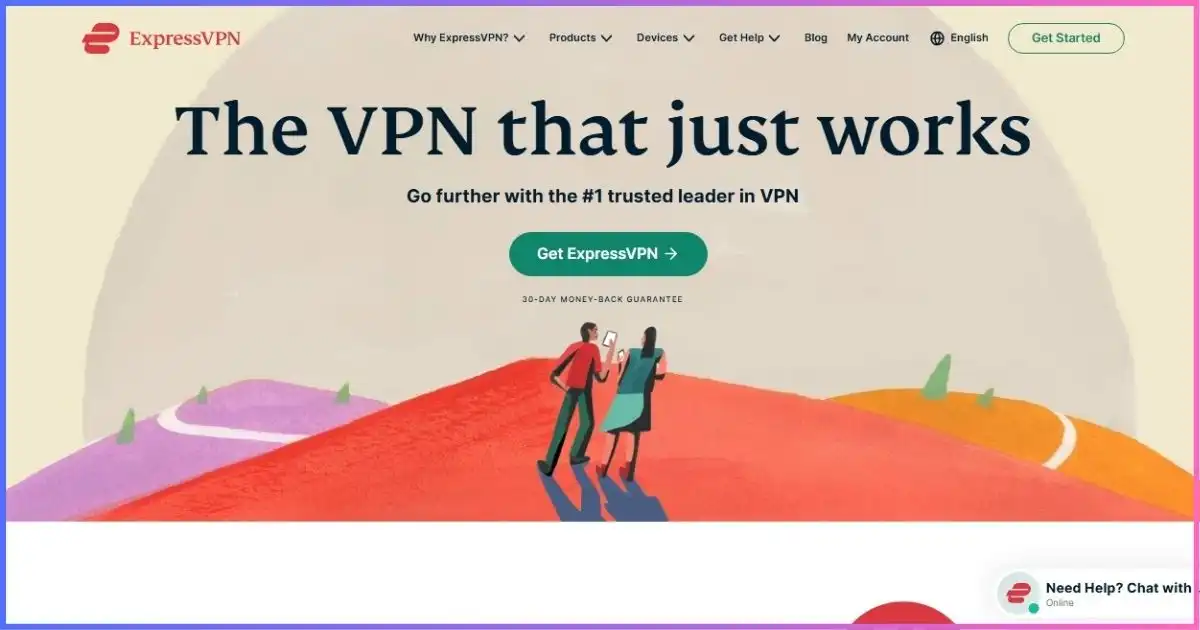
If NordVPN wins on raw speed, ExpressVPN wins on feel. Its Lightway protocol reconnects in under a second after your phone switches networks, and in our overnight battery test it was the cheapest tunnel to keep running — a real differentiator on Android where the VPN competes with everything else for power. The app is the simplest in the category: one connect button, Trusted Networks rules that auto-toggle on home vs public Wi-Fi, and a kill switch (Network Lock) that never leaked in testing. If you want the comparison in detail, read ExpressVPN vs NordVPN.
Lightway (UDP/TCP) with automatic selection; optimized for mobile reconnects and low battery use.
8 simultaneous connections; router support extends coverage to whole networks.
3,000+ servers in 105 countries with consistently strong streaming reliability.
30-day money-back guarantee, no-questions process in our test purchase.
Pros
- Lightway: instant reconnects, lowest battery drain we measured.
- Trusted Networks auto-rules for home vs public Wi-Fi.
- Network Lock kill switch leaked nothing in testing.
- Consistently top-tier streaming performance.
Cons
- Priciest long-term plan in our top five.
- No free tier and fewer power-user toggles on Android.
Pricing
- 24-month — $4.99/moBest effective rate; includes extra months free.
- 12-month — $6.67/moMid commitment with same feature set.
- Monthly — $12.95/moFlexible but poor value; use only for short trips.
Still comparing? Test risk-free.
Every pick below carries a 30-day (or longer) money-back window — effectively a free trial on your own phone. Install, leak-test, stream, then decide.
NordVPN Surfshark#3 Best Value Surfshark
Unlimited devices, Bypasser split tunneling and CleanWeb at the lowest long-term price.
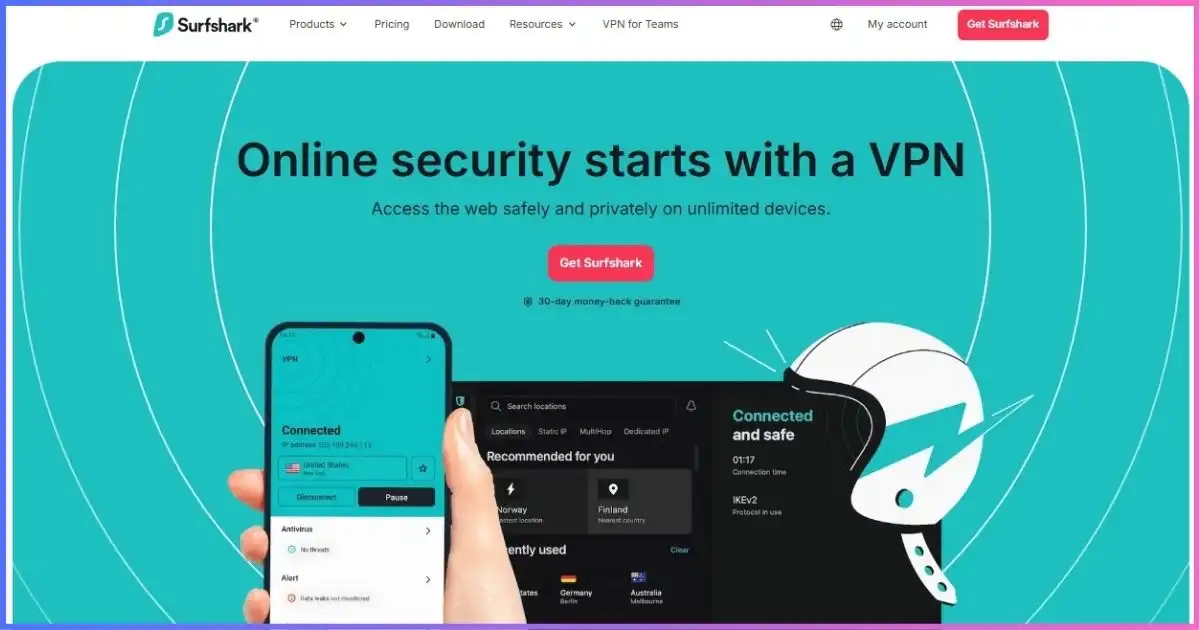
Surfshark’s Android pitch is simple: one cheap subscription, unlimited simultaneous connections. If your household runs a phone, a tablet, a Chromebook and a laptop, the math is unbeatable. The Android app includes Bypasser (per-app split tunneling — route your banking app outside the tunnel while everything else stays protected), CleanWeb ad and tracker blocking, and Camouflage mode for restrictive networks. Speeds on WireGuard were excellent in our 5G tests. See how it stacks against our #1 in NordVPN vs Surfshark.
WireGuard and OpenVPN; auto-connect and kill switch included.
Unlimited simultaneous connections — the standout feature for multi-device homes.
3,200+ servers in 100 countries; strong streaming and P2P support.
30-day money-back guarantee.
Pros
- Unlimited devices on every paid plan.
- Bypasser per-app split tunneling on Android.
- CleanWeb blocks ads, trackers and malware at DNS level.
- Cheapest long-term pricing among fast, audited providers.
Cons
- Occasional peak-hour congestion on popular servers.
- Upsell-heavy onboarding inside the app.
Pricing
- Starter — $2.19/mo24-month term; unlimited devices; core VPN + CleanWeb.
- One — $3.19/moAdds antivirus and alert extras across devices.
- One+ — $5.49/moAdds identity-protection bundle.
#4 Best Free Tier Proton VPN
The only trustworthy free unlimited-data Android VPN app — open source and privacy-first.
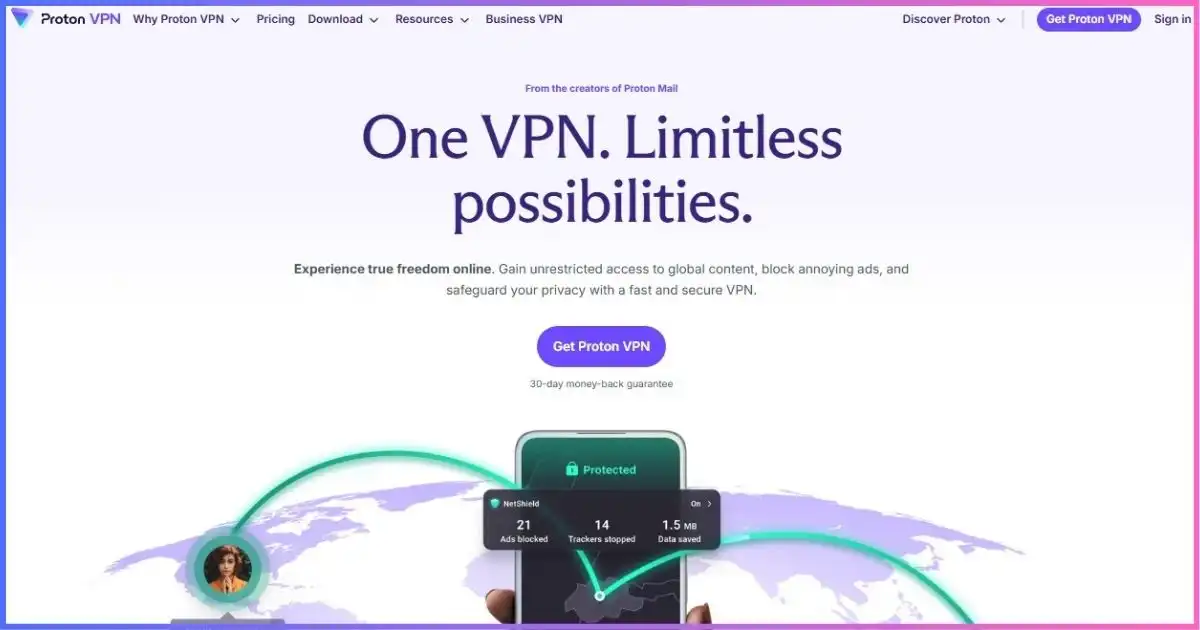
Proton VPN’s free Android app is the real deal: unlimited data, no ads, no sneaky caps — limited only to one device and a handful of countries. The app is open source (you can audit what it does), supports per-app split tunneling and NetShield content blocking, and paid tiers unlock Secure Core multi-hop routing through privacy-friendly countries. If your threat model is serious — journalism, activism, high-privacy work — Proton’s Swiss jurisdiction and transparency record are unmatched. For context on when a VPN alone is not enough, see Tor vs VPN.
WireGuard and OpenVPN; Stealth protocol for restrictive networks on paid tiers.
10 devices on paid plans; free tier covers 1 device.
11,000+ servers in 120+ countries; Secure Core multi-hop options.
30-day money-back guarantee on paid plans.
Pros
- Genuinely free unlimited-data Android tier, no ads.
- Open-source app with published audits.
- Per-app split tunneling and NetShield included.
- Secure Core + Swiss jurisdiction for high-risk users.
Cons
- Free tier: 1 device, limited countries, no streaming.
- Free-tier speeds vary with load.
Pricing
- Free — $0Unlimited data, 1 device, 3 country choices.
- Plus — $2.99/mo24-month term; full network, 10 devices, streaming support.
- Plus monthly — $9.99/moFlexible billing at a steep premium.
#5 Best for Streaming CyberGhost
In-app streaming-optimized servers, Smart Rules for Wi-Fi, and a 45-day refund.
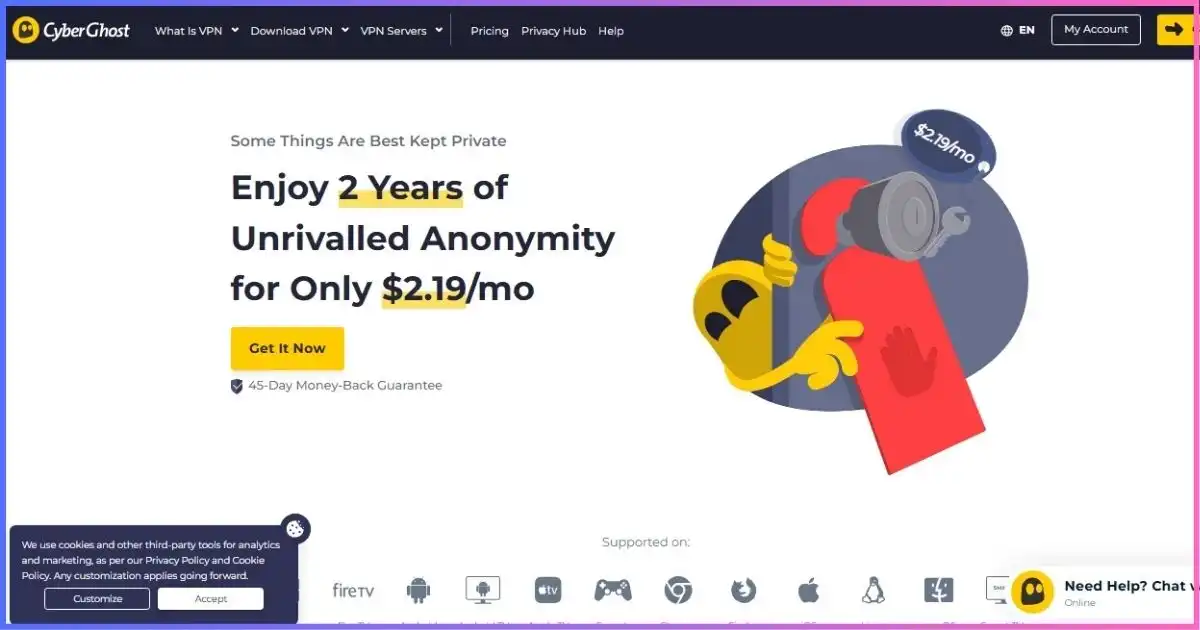
CyberGhost’s Android app solves the streaming guesswork: servers are labelled by platform (Netflix US, BBC iPlayer, Disney+ and more), so you tap the one you want instead of trial-and-error. Its Smart Rules let you auto-connect (or stay off) when joining new Wi-Fi networks — perfect for phones that hop networks all day. Speeds sat mid-pack in our tests but streaming reliability was consistently good, and the 45-day refund is the longest we track. For platform-by-platform results, see our best VPNs for streaming guide.
WireGuard and OpenVPN; Smart Rules for auto-connect on new Wi-Fi.
7 simultaneous connections per subscription.
11,000+ servers in 100 countries, including labelled streaming and P2P locations.
45-day money-back guarantee on long terms — best in class.
Pros
- Streaming-optimised server labels remove trial-and-error.
- Smart Rules auto-connect on untrusted Wi-Fi.
- 45-day refund window; cheap 2-year pricing.
Cons
- No permanent free tier (mobile trial only).
- Android app offers fewer advanced toggles than rivals.
Pricing
- 2-year — $2.03/moEffective rate with bonus months; includes 45-day refund.
- 6-month — $6.99/moMid commitment, 14-day refund.
- Monthly — $11.99/moShort-term flexibility at poor value.
#6 Best Budget Open-Source Private Internet Access
Unlimited devices, open-source Android app, per-app split tunneling and MACE at a budget price.
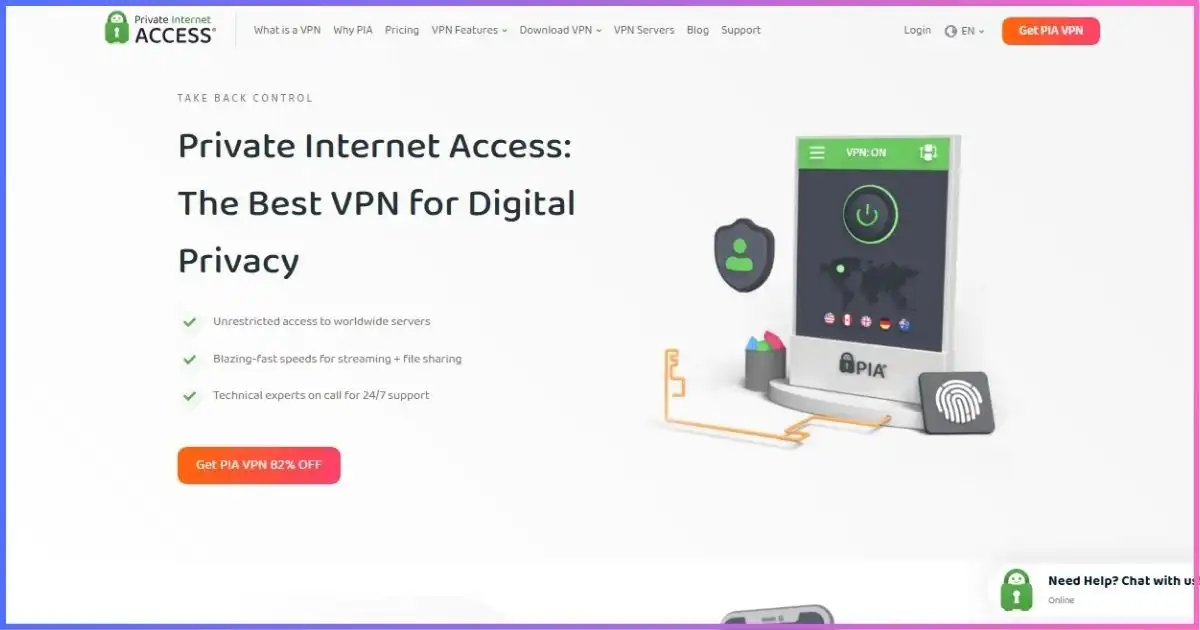
Private Internet Access (PIA) is the budget pick for privacy-literate Android users: the Android app is open source, supports true per-app split tunneling, and includes MACE (ad, tracker and malware blocking) plus a configurable kill switch. Unlimited simultaneous connections on every plan make it the cheapest way to cover a whole device pile, and WireGuard speeds were solid in our 5G tests. If budget is the binding constraint, also compare our best cheap VPN guide.
WireGuard and OpenVPN with granular per-protocol toggles.
Unlimited simultaneous connections on every plan.
30,000+ servers across 91 countries — the largest count here.
30-day money-back guarantee.
Pros
- Open-source Android app; audited, court-tested no-logs claims.
- Unlimited devices at the joint-cheapest long-term price.
- Per-app split tunneling + MACE ad blocking included.
Cons
- US jurisdiction unsettles some privacy purists.
- Speeds trail the top three on congested routes.
Pricing
- 2-year — $2.03/moEffective rate with bonus months; unlimited devices.
- 6-month — $7.50/moMid commitment.
- Monthly — $11.95/moFlexible but poor value.
Also Worth Considering on Android
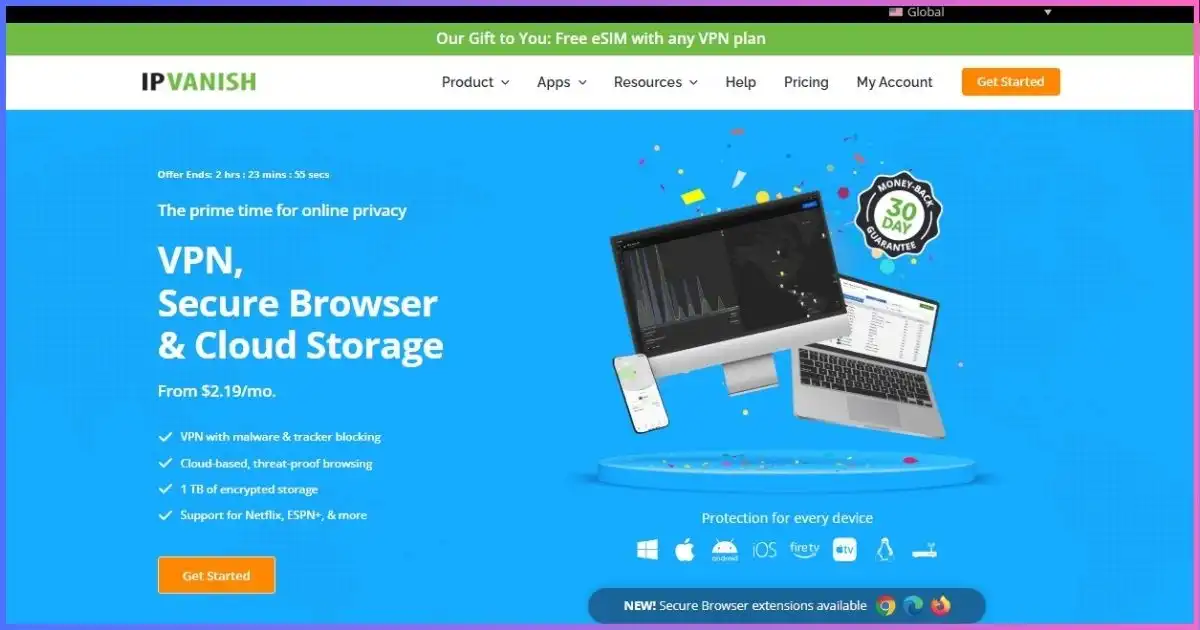
IPVanish — best for unlimited connections
IPVanish owns and operates its own server network (no third-party rentals), allows unlimited simultaneous connections on all plans, and posted strong WireGuard speeds on Android in our tests. A sensible pick when one subscription must cover a whole device pile. Entry from $2.19/mo on long-term billing.
Try IPVanish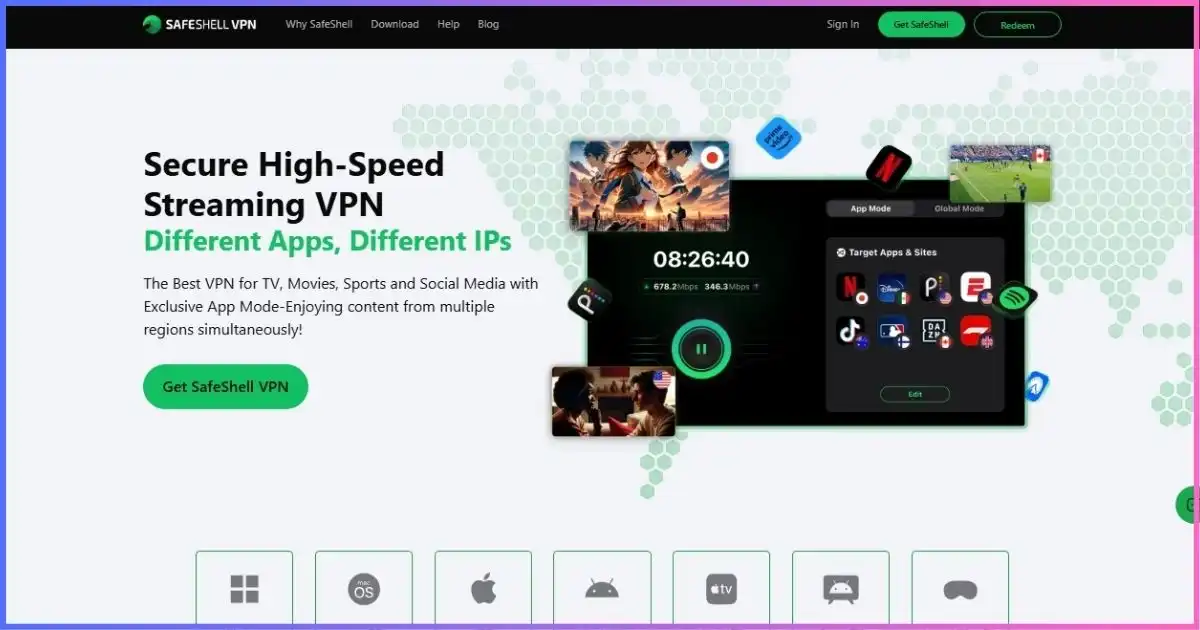
SafeShell — best stealth for restrictive networks
SafeShell’s stealth mode is built to keep connecting when ordinary VPN traffic is blocked or shaped — campus networks, workplace firewalls and restrictive countries. Raw speed trails the leaders (that’s the trade-off), but when nothing else connects, it tends to. See our best VPN for restrictive countries guide for context.
Try SafeShellWhich Android VPN Should You Pick?
Best overall
NordVPN. Fastest NordLynx speeds, auto-connect on untrusted Wi-Fi, Threat Protection, 10 devices.
Best premium app
ExpressVPN. Lightway’s instant reconnects and lowest battery drain make it the best-feeling Android app.
Best value
Surfshark. Unlimited devices + Bypasser split tunneling at the lowest long-term price.
Best free tier
Proton VPN. Free unlimited data on Android, open source, with split tunneling included.
Best for streaming
CyberGhost. Labelled streaming servers in-app plus Smart Rules and a 45-day refund.
Best budget open-source
PIA. Unlimited devices, open-source app, MACE blocking at $2.03/mo effective.
Still torn between the top two? The head-to-head settles most debates: ExpressVPN vs NordVPN for speed vs feel, and NordVPN vs Surfshark for speed vs value. If you also carry an iPhone, cross-check our sibling guide, the best VPN for iPhone, so one subscription covers both platforms.
How to Set Up a VPN on Android (Properly)
- Install from Google Play. Use the official Play Store listing only — sideloaded VPN APKs are a common malware vector.
- Sign in and allow the VPN profile. Android will ask permission to create a VPN connection request; this is normal and required.
- Choose your protocol. Pick the WireGuard-based option (NordLynx / Lightway / WireGuard) for the best speed-to-battery ratio; keep OpenVPN as a fallback for restrictive networks.
- Enable kill switch + auto-connect. Then go one step further: Settings → Network & internet → VPN → tap the gear on your VPN → enable Always-on VPN and Block connections without VPN. This makes Android refuse any traffic that isn’t encrypted — the strongest leak protection on the platform.
- Set per-app split tunneling where needed. Some banking and carrier apps refuse VPN connections; exclude only those apps rather than disabling the VPN entirely.
- Verify. Check your public IP and run a DNS leak test on both mobile data and Wi-Fi before trusting the setup with sensitive activity.
Pro tip: always-on VPN plus “block connections without VPN” is the single most underused Android security setting. It turns your VPN from an app you remember to open into a system guarantee.
Free VPNs on Android: What’s Actually Safe?
Most “free VPN” apps on the Play Store monetise you: data caps, sold bandwidth, intrusive ads or vague logging policies. The one exception we recommend is Proton VPN’s free tier — unlimited data, no ads, open-source client — limited to one device and a few countries. Beyond that, treat money-back windows (30–45 days) and short trials as your real “free” testing path; our best VPN free trials guide lists which providers honour refunds without friction.
Rule of thumb: a free VPN is fine as a public Wi-Fi shield on one device. It is not a streaming, torrenting or privacy-maximising solution — those need the server networks, split tunneling and protocol options that paid plans unlock.
Best VPN for Android: Frequently Asked Questions
What is the best VPN for Android in 2026?
Is there a truly free VPN for Android?
Does a VPN drain my Android battery?
Should I use always-on VPN on Android?
What is per-app split tunneling and which Android VPNs support it?
Will a VPN slow down my Android internet?
Can I use one VPN subscription on my phone, tablet and laptop?
Are VPNs legal to install from the Play Store?
Best VPN for Android: Final Verdict
After installing, leak-testing and battery-testing eight Android VPN apps on real phones, NordVPN is the best VPN for Android in 2026: fastest sustained NordLynx speeds, mature mobile features (auto-connect on untrusted Wi-Fi, kill switch, per-app split tunneling) and a 30-day refund. ExpressVPN takes the premium crown for Lightway’s battery efficiency and instant reconnects; Surfshark wins value with unlimited devices; Proton VPN owns the free tier; CyberGhost is the streaming specialist; and PIA is the budget open-source answer. IPVanish and SafeShell round out the field for unlimited-connection households and restrictive-network stealth respectively.
The honest recommendation: Android’s platform features (always-on VPN, split tunneling, WireGuard) mean you get more security per dollar here than on any other platform — so enable them. Pick NordVPN for the best all-round experience, ExpressVPN if battery and feel matter most, or Surfshark if one subscription must cover every device you own.
| VPN | Best for on Android | Rating | Get started |
|---|---|---|---|
| NordVPN | Best overall: speed + Android features | 4.9 / 5.0 | Try Free |
| ExpressVPN | Premium app, battery-friendly Lightway | 4.8 / 5.0 | Visit Site |
| Surfshark | Value + unlimited devices | 4.7 / 5.0 | Visit Site |
| Proton VPN | Best free tier + privacy | 4.6 / 5.0 | Visit Site |
| CyberGhost | Streaming servers + Smart Rules | 4.5 / 5.0 | Visit Site |
| Private Internet Access | Budget open-source, unlimited devices | 4.5 / 5.0 | Visit Site |
Disclosure: This review contains affiliate links. If you purchase through them, we may earn a commission at no extra cost to you. All findings are based on independent research and testing. Pricing verified September 2026 — confirm current terms on the vendor site before committing.
Sources & Research Notes
View sources and research notes
All pricing and feature details were verified against vendor checkout pages in September 2026 and change quickly. Speed and battery figures are our own Android test results; editorial scores are our own judgments.
- Market-share citation: Statista, mobile operating system market share data (2026) — Android holds roughly 70% of the global smartphone OS market, making it the largest mobile attack surface.
- Our Android testing (Sept 2026): eight Play Store VPN apps installed on Android 14–16 devices; median 5G/Wi-Fi throughput per fastest protocol; DNS/IPv6/WebRTC leak checks; overnight battery delta with always-on VPN; kill-switch and split-tunneling verification.
- Vendor pricing pages: NordVPN ($3.09/mo Basic, 24-mo), ExpressVPN ($4.99/mo, 24-mo), Surfshark ($2.19/mo Starter, 24-mo), Proton VPN (free unlimited-data tier; Plus $2.99/mo), CyberGhost ($2.03/mo, 2-year, 45-day refund), PIA ($2.03/mo, 2-year), IPVanish ($2.19/mo long-term), SafeShell ($2.99/mo entry).
- Protocol documentation: WireGuard specification and provider protocol pages (NordLynx, Lightway) for battery-efficiency claims; Google Android developer documentation for always-on VPN and per-app split tunneling behavior.