9 Best VPNs for Gaming: Lower Ping, DDoS Protection & Better Routes
The best VPN for gaming should protect your public IP, avoid unstable routes, reconnect cleanly, and stay out of the way of voice chat and matchmaking. It cannot manufacture bandwidth or guarantee lower ping. On the right route, however, a gaming VPN can hide your home IP from hostile players, avoid some ISP traffic shaping, and reach a game region through a better path.
What is the best gaming VPN?
CometVPN is #1 in this article because it delivers the essentials gamers need—IP masking against direct-to-home DDoS attacks, protection from protocol-based ISP throttling, unlimited devices, WireGuard, a kill switch, and 50+ advertised VPN locations—at the lowest provider-quoted long-term price here: $1.89 per paid month.
It is the value winner, not a claim that it has the deepest audit history. Choose NordVPN for the most complete mature toolkit, ExpressVPN for router and console setup, or Surfshark for an established unlimited-device alternative.
Table of Contents
At a glanceBest Gaming VPNs Compared
| Rank / VPN | Best for | Network snapshot | Devices | Gaming tools | Intro price* | Score |
|---|---|---|---|---|---|---|
| 1. CometVPN | Cheapest capable option | 50+ advertised locations | Unlimited | WireGuard, kill switch, obfuscation | $1.89/mo | 9.4 |
| 2. NordVPN | Features/private LAN | 8,027 / 150 countries | 10 | NordLynx, Meshnet | $3.49/mo | 9.3 |
| 3. ExpressVPN | Routers/consoles | 113 countries | 10–14 | Lightway, router app | $2.99/mo | 9.1 |
| 4. Surfshark | Large households | 4,500+ / 100 countries | Unlimited | WireGuard, Bypasser | $2.49/mo | 8.9 |
| 5. Proton VPN | Privacy/open source | 20,798 / 149 countries | 10 paid | WireGuard, Accelerator | $2.99/mo | 8.7 |
| 6. PIA | Port forwarding | 91 countries / 154 locations | Unlimited | Port forwarding, tuning | $2.03/mo | 8.5 |
| 7. CyberGhost | Simple server labels | 100 countries / 125 locations | 7 | Gaming-optimized servers | $1.99/mo | 8.2 |
| 8. IPVanish | Detailed US choice | 3,400+ / 55 countries | Unlimited | WireGuard, server choice | $2.19/mo | 8.1 |
| 9. SafeShell | Game/app routing | 10,000+ nodes / 40+ countries | 5 | Game Mode, ShellGuard | $6.67/mo† | 7.8 |
*Monthly equivalent on the longest listed plan, paid upfront. †SafeShell uses its $79.99 US App Store annual listing because web pricing is dynamic. Prices verified September 18, 2026; taxes, regions, bonus months and renewals differ.
Visual comparisonGaming VPN Price, Coverage and Score Charts
Long-term introductory monthly equivalents
Lower is cheaper; plans are charged upfront.
Documented country coverage
CometVPN is excluded because it publishes 50+ locations, not a comparable country total.
How we weight a gaming VPN
- 30% routing, protocol and stability
- 25% privacy and IP protection
- 20% value and renewal clarity
- 15% device/router/console fit
- 10% support and refunds
CometVPN covers unlimited devices for the lowest listed rate. Test the servers nearest your game region during the refund window.
Try CometVPN →Ranked reviewsThe 9 Best VPNs for Gaming
CometVPN — the lowest-cost complete gaming package
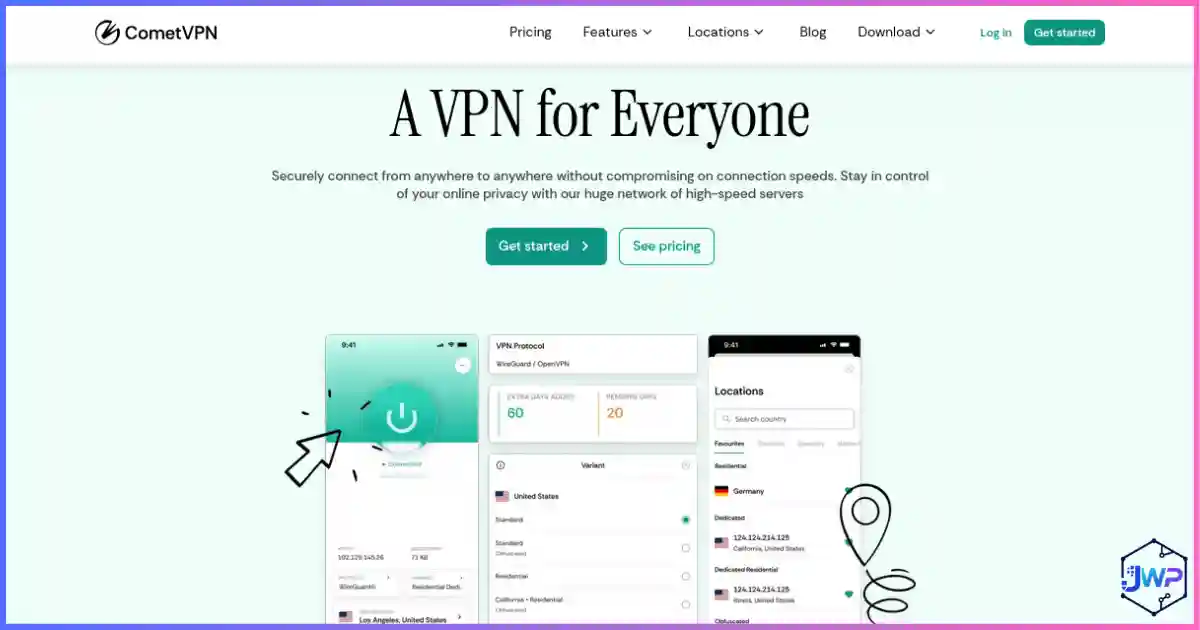
CometVPN takes the top spot because its long-term plan supplies the core gaming toolkit for much less than the famous brands. Your session exits through the VPN server, so another player sees that server IP rather than your home address. WireGuard keeps protocol overhead low, the kill switch helps prevent accidental IP exposure, obfuscation helps on restrictive networks, and unlimited connections cover every gamer at home.
Its gaming material advertises direct IP DDoS protection, avoidance of traffic-type ISP throttling, and 50+ locations. We do not repeat the requested “70+ countries” wording because current documentation does not support it. A better route may lower ping, but a distant VPN server will increase it.
Best points
- Lowest listed long-term rate
- Unlimited devices
- WireGuard, kill switch, leak protection
- Residential IP options
Trade-offs
- Shorter operating history
- Less independent audit evidence
- Limited router documentation
- Limited connection/session metadata disclosed
Best for budget-focused PC and mobile gamers. Read our CometVPN review.
NordVPN — fast protocol, Meshnet and broad coverage
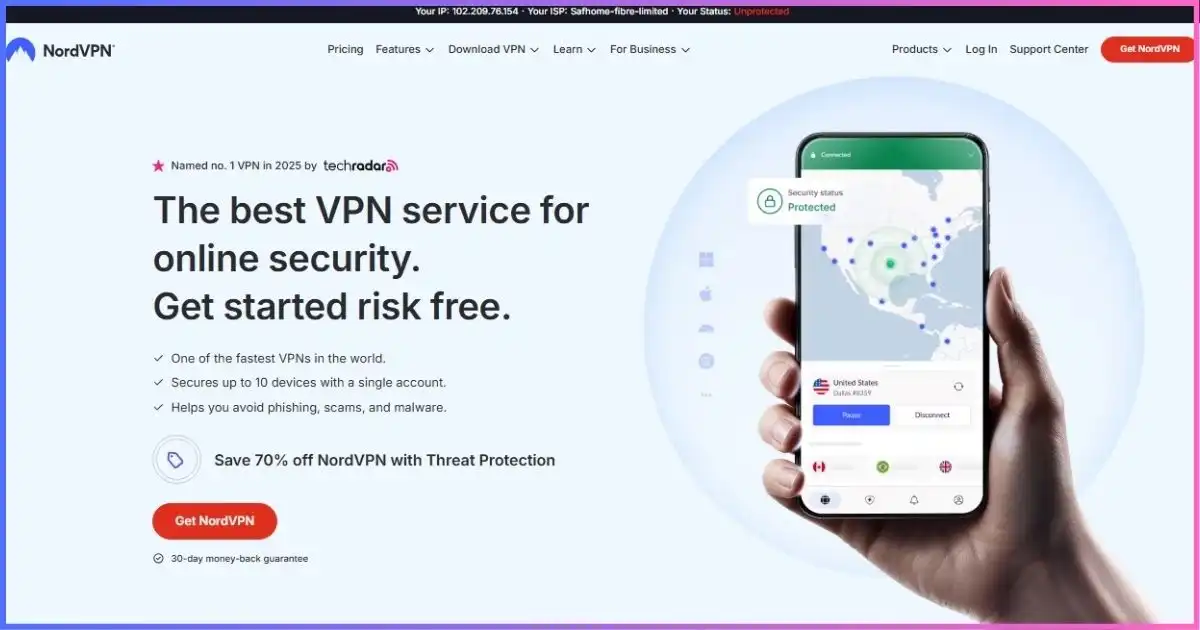
NordVPN is the strongest all-round alternative for gamers who want more than a basic encrypted tunnel. NordLynx, its WireGuard-based protocol, is the setting to try first because it combines low protocol overhead with quick connection and reconnection. Its public directory displayed 8,027 servers across 150 countries and 225 locations at our research date, improving the odds of finding an endpoint near a game region rather than merely near your house.
Meshnet is NordVPN’s most distinctive gaming feature. It creates a private encrypted network between approved devices, which can support remote LAN-style sessions, access to a home gaming PC, or a private server shared with friends. It does not make an internet-hosted game local, and the host’s upload capacity still matters, but it solves a different problem from an ordinary VPN server.
For hostile peer-to-peer lobbies, routing through NordVPN keeps the residential IP away from other players. The app also provides an automatic kill switch, DNS leak protection and obfuscated servers. Obfuscation is useful on restrictive school, hotel or workplace networks, but adds processing and should stay off when a normal NordLynx connection works. Double VPN and Onion Over VPN likewise trade latency for privacy and are poor choices during competitive play.
Best points
- NordLynx is well suited to latency-sensitive traffic
- Meshnet enables private device-to-device networking
- Large, geographically broad server directory
- Mature apps and documented privacy assessments
Trade-offs
- Costs more than CometVPN
- Ten-device cap rather than unlimited connections
- Specialty routes increase gaming latency
- Some security extras depend on plan and platform
Best for: players who want a mature, well-documented VPN, remote private-network features, and plenty of server choice. See our NordVPN review or the broader best VPN providers guide.
ExpressVPN — the easiest whole-network gaming setup
ExpressVPN earns third place because it handles the awkward part of console VPN use better than most competitors. PlayStation, Xbox and Switch do not normally accept a general-purpose VPN app, so they need a router or a computer-shared connection. ExpressVPN’s router experience makes it easier to route consoles through the tunnel, change locations, and assign different device groups without rebuilding manual profiles every time.
Lightway is the protocol to use for gaming. It is designed to connect quickly, recover when a device changes networks, and keep overhead lower than traditional OpenVPN configurations. Network Lock acts as the kill switch, and TrustedServer runs the VPN server software in RAM. ExpressVPN covers 113 countries but does not publish a current total server count; the old 3,000+ figure should not be treated as a live specification.
Device allowance now depends on the plan: Basic permits 10 simultaneous connections, Advanced 12 and Pro 14. A router counts as one connection while protecting connected devices, which makes the cap less restrictive for a console household. MediaStreamer is useful only when DNS-based location support is the goal; because it is not a VPN, it neither encrypts console traffic nor masks the public IP for DDoS protection.
Best points
- Polished router setup for consoles
- Lightway reconnects quickly
- 113-country coverage
- Simple apps and RAM-only server design
Trade-offs
- Renewal is much higher than the intro equivalent
- No published current server total
- Device allowance varies by tier
- MediaStreamer provides no VPN protection
Best for: Xbox, PlayStation and Switch households that value easy router control more than the absolute lowest price. Read our ExpressVPN review and ExpressVPN vs NordVPN.
Surfshark — unlimited devices and strong household value
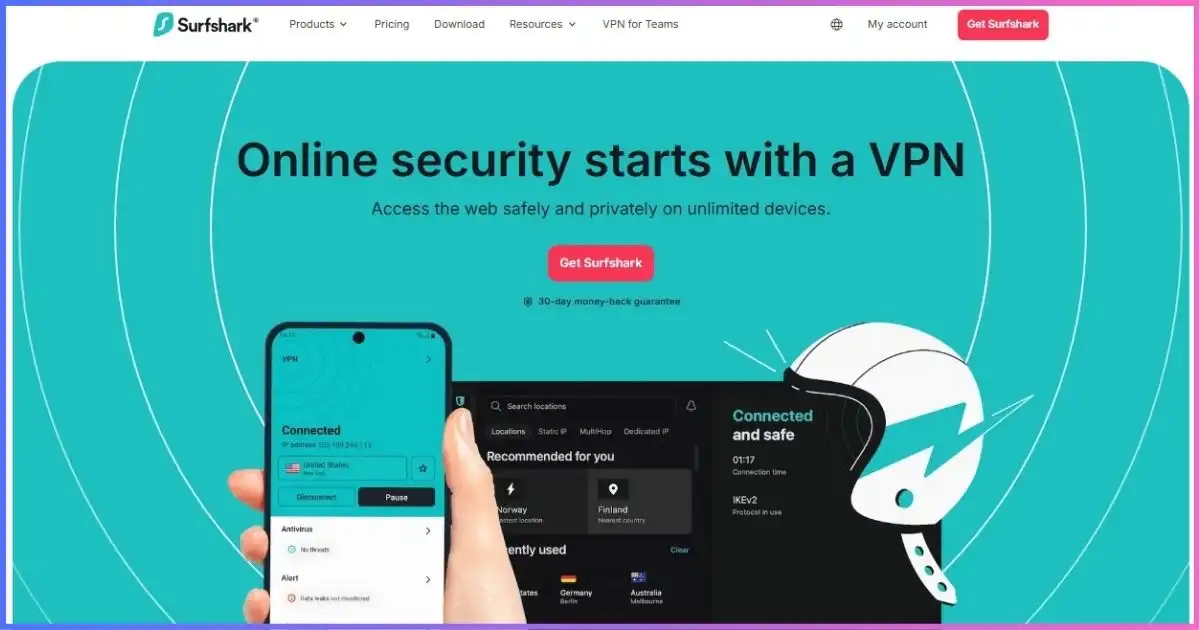
Surfshark is the established unlimited-device alternative to CometVPN. One paid account can cover gaming PCs, phones, tablets, streaming devices and other supported hardware without forcing the household to count active connections. Its network advertises 4,500+ servers across 100 countries, with 10 Gbps upgrades across the network and selected higher-capacity infrastructure. Capacity does not guarantee low ping, but it helps reduce server-side bottlenecks when many customers connect.
WireGuard is the sensible gaming protocol. Bypasser split tunneling can exclude a game that performs better on the direct connection while keeping browsers or chat tools inside the VPN. That trade-off matters: an excluded game also loses VPN IP masking. Rotating IP, Dynamic MultiHop and NoBorders are useful for other privacy or restrictive-network scenarios, but regular rotation and multi-hop routing are unnecessary variables during a competitive session.
The Starter offer was $67.23 for 27 months, equal to $2.49 over all included months. This first payment is $21.87 more than CometVPN’s current long plan, but Surfshark brings a longer operating record and a larger documented network. Its renewal becomes annual after the introductory term, so record the exact renewal amount shown at checkout.
Best points
- Unlimited simultaneous connections
- 4,500+ servers across 100 countries
- WireGuard and flexible split tunneling
- Good fit for gaming and streaming households
Trade-offs
- Costs more upfront than CometVPN
- Long-term renewal requires checkout verification
- Bypassed games lose VPN IP protection
- MultiHop and rotation are poor defaults for gaming
Best for: large households that want unlimited devices from an established service. Read our Surfshark review and streaming VPN guide.
Proton VPN — open-source apps and enormous coverage
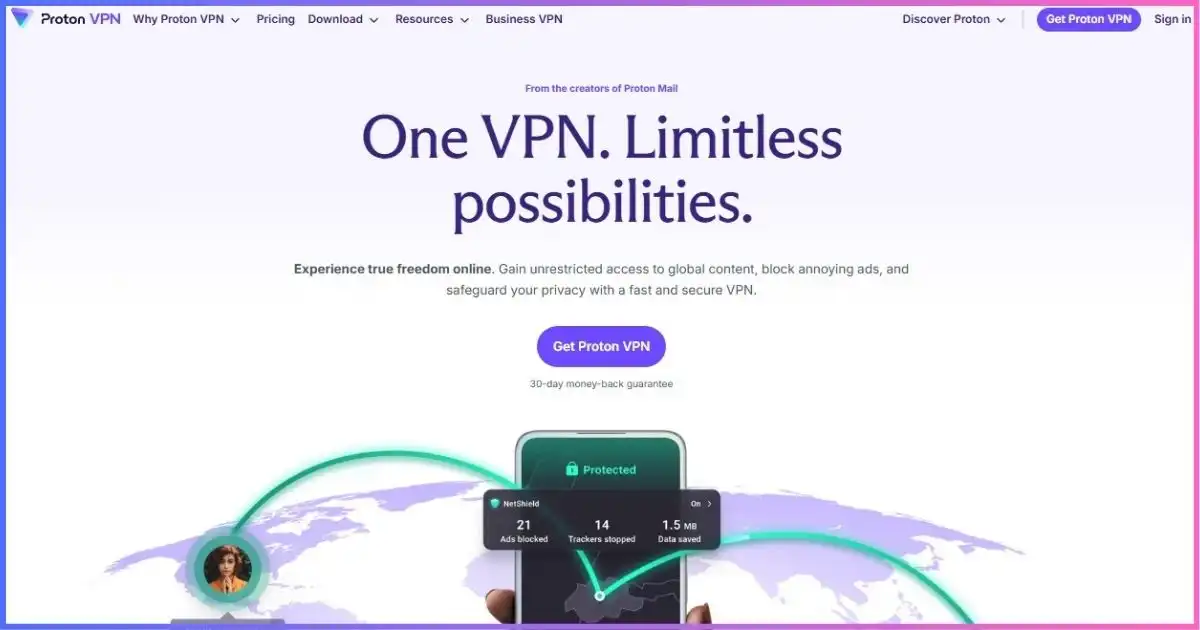
Proton VPN is the best choice here for players who place public technical transparency alongside gaming performance. Its apps are open source, paid users can choose WireGuard or OpenVPN, and the kill switch can block accidental exposure if the tunnel fails. The live network snapshot showed 20,798 servers across 149 countries and 196 locations, though live totals change frequently.
VPN Accelerator is the gaming-relevant performance feature. It uses routing and implementation optimizations intended to improve throughput and responsiveness, particularly over long-distance paths. It cannot defeat physical distance, so a nearby ordinary Plus server should remain the starting point. Secure Core routes through an additional hardened location and is valuable for higher-risk privacy use; that extra hop makes it inappropriate for low-latency matches. Stealth has a similar role on networks that block VPN traffic rather than as the everyday fastest option.
Proton’s free tier is unusually credible because it has unlimited data. Nevertheless, it supports one device, lets the app select among servers in 10 countries, applies a server-change cooldown, and omits paid features including the complete Plus network. Those constraints make it useful for evaluation or casual play, not predictable region selection. VPN Plus supports 10 devices and was $71.76 for 24 months.
Best points
- Open-source applications
- Very broad live server directory
- WireGuard and VPN Accelerator
- Useful unlimited-data free tier
Trade-offs
- Free users cannot freely choose every endpoint
- Only one free connection
- Secure Core increases latency
- Dynamic offers require checkout verification
Best for: privacy-conscious PC and mobile gamers who want open-source apps and a usable free trial path. Read our Proton VPN review.
Private Internet Access — granular controls for power users
Private Internet Access is for players who would rather tune the connection than accept one automatic mode. WireGuard is the straightforward low-overhead option, while OpenVPN exposes adjustable encryption and transport settings that can help on unusual networks. The advanced kill switch can prevent traffic from leaving outside the VPN even before a tunnel is established, and split tunneling controls which applications use it.
PIA also offers port forwarding in supported regions. This can help an inbound service, a self-hosted game, or some peer-to-peer traffic, but it does not guarantee an open console NAT: the game, device, selected VPN region and provider implementation must all cooperate. PIA’s all-50-state US footprint is useful for domestic players seeking a specific region. Globally it documents 91 countries and 154 locations, but no longer publishes a dependable total server count—old 24,000 or 35,000 figures should be ignored.
Paid subscriptions now allow unlimited simultaneous devices, correcting older ten-device references. The long offer was $79 for three years plus three months, equivalent to $2.03 across 39 months. The observed page also showed a $79 renewal every three years, although checkout remains the final authority.
Best points
- WireGuard plus adjustable OpenVPN
- Port forwarding in supported regions
- Unlimited connections and open-source apps
- Detailed US coverage
Trade-offs
- Controls can overwhelm beginners
- Port forwarding is region-dependent
- No dependable current server total
- Forwarding does not guarantee open console NAT
Best for: technically confident PC gamers, self-hosters, and households that want unlimited connections with granular controls.
CyberGhost — simple task-labeled gaming servers
CyberGhost reduces guesswork for new VPN users by labeling gaming-optimized servers in supported desktop apps. Instead of choosing only from country names, players can inspect the task-oriented list and compare the app’s displayed distance or latency information. These labels do not guarantee that a route will outperform the nearest normal server, so it is still worth testing both.
The core connection options include WireGuard, OpenVPN and IKEv2, backed by an automatic kill switch and DNS/IP leak protection. Smart Rules and Wi-Fi rules can automate connection behavior—for example, starting the VPN on an untrusted network or opening a launcher after connection. NoSpy servers and dedicated IP options serve different privacy and consistency needs, but neither should be assumed to lower game latency automatically.
Coverage spans 100 countries and 125 locations. CyberGhost’s primary English network material does not emphasize a stable total server number, so our comparison avoids recycling older fleet claims. The service permits seven simultaneous devices, the lowest cap among the mainstream paid providers here. Its long plan cost $51.74 for 26 months ($1.99 equivalent), with a 45-day refund period; monthly plans receive only 14 days.
Best points
- Beginner-friendly gaming server labels
- WireGuard and automatic protection rules
- 100-country footprint
- Longest refund window in this ranking
Trade-offs
- Seven-device limit
- No leading dedicated stealth mode
- Optimized labels are not performance guarantees
- Shorter refund period on monthly billing
Best for: beginners who want simple labels, automation and plenty of time to test real games. Read our CyberGhost review.
IPVanish — unlimited devices and city-level control
IPVanish is useful when automatic server selection is not enough. Its apps expose cities and individual servers, letting a player compare nearby endpoints or avoid one that appears congested. The current network disclosure is 3,400+ servers, 150 locations, 55 countries and 56,000+ IP addresses. The 150 figure is a location count, not a country count, which corrects older material claiming coverage in 112 or 113 countries.
WireGuard is the best starting protocol for gaming, with OpenVPN and IKEv2 available where platform support differs. OpenVPN Scramble disguises the protocol on networks that interfere with ordinary VPN connections, but it is a compatibility tool rather than a speed booster. Kill-switch support and selected-platform split tunneling help control exposure and routing. IPVanish also advertises an audited no-logs claim, while its fleet-wide transition to RAM-only infrastructure is still in progress and should not be described as complete.
Unlimited simultaneous connections make the account practical for a busy household. Essential cost $52.56 for 24 months ($2.19 equivalent) and then rose to $89.99 per year in the observed offer. Advanced adds bundled services but increases both the introductory and renewal cost; it is unnecessary if the objective is simply game traffic protection.
Best points
- Detailed city and server selection
- Unlimited simultaneous connections
- WireGuard and OpenVPN Scramble
- Strong North American usability
Trade-offs
- Only 55 current countries
- Large renewal increase
- Scramble is not a latency feature
- RAM-only transition is not yet fleet-wide
Best for: US-focused households that want unlimited devices and hands-on city/server selection. See our IPVanish review.
SafeShell VPN — game and app routing specialist
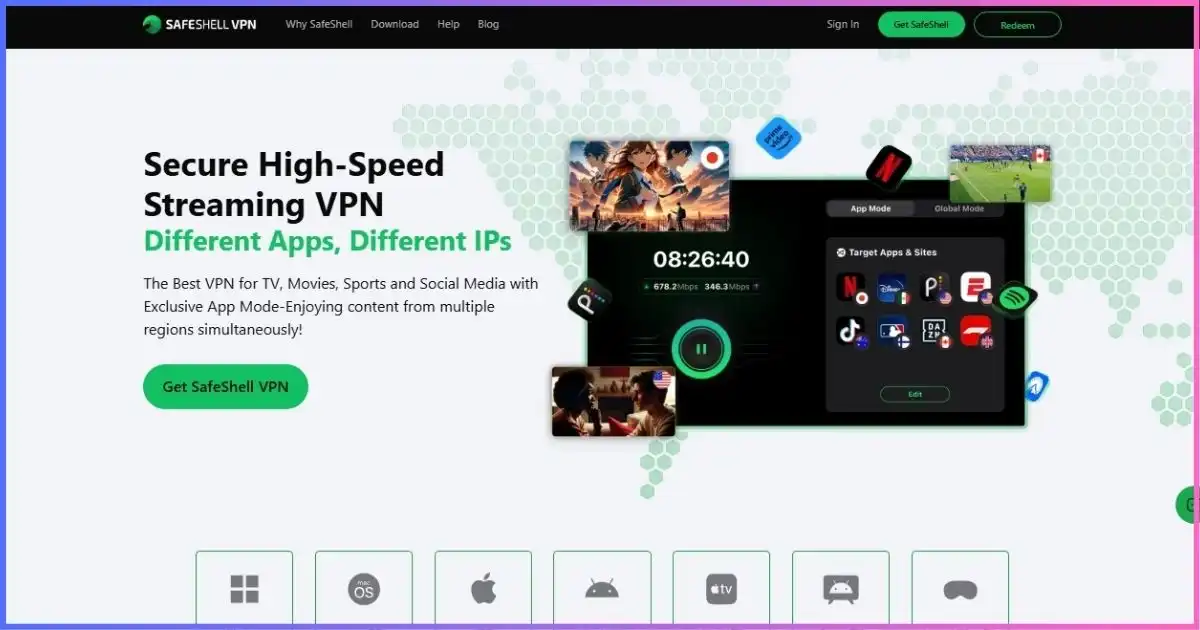
SafeShell approaches gaming differently from a conventional one-tunnel VPN. Game Mode focuses on game traffic, while App Mode can assign different apps to different countries simultaneously. That is useful when a game needs one route, a streaming app another, and local services should remain direct. App Mode is per-application routing—not a multi-hop privacy chain—and its effectiveness depends on the operating system correctly identifying each app’s traffic.
The provider advertises more than 10,000 server nodes across 40+ countries. ShellGuard is its proprietary protocol, accompanied by AES-256 encryption, Global Mode, IPv6 support, P2P support and streaming-oriented locations. Platform coverage includes Windows, macOS, iOS, Android, Apple TV, Android/Google TV, Fire TV and Apple Vision Pro. That unusually broad TV support is attractive for casual and cloud-gaming setups, though console users still normally need router or connection-sharing support.
SafeShell permits five simultaneous devices, fewer than every mainstream service above it, and its refund window is only seven days. The official web checkout renders prices dynamically, so the comparison uses the US Apple App Store listings: $79.99 annually ($6.67 monthly equivalent), $12.99 monthly and $5.99 weekly. Direct, in-app and regional offers may differ.
Best points
- Game Mode and app-specific routing
- Unusually broad TV-platform support
- 10,000+ advertised nodes
- Can route different apps through different regions
Trade-offs
- Only five simultaneous devices
- Seven-day refund period
- Web pricing is difficult to compare consistently
- Less public independent audit evidence
Best for: users who specifically need game/app routing or TV-platform support, rather than the lowest price or strongest privacy evidence. Read our SafeShell review.
Performance realityCan a VPN Actually Lower Ping?
Usually, a VPN adds latency because traffic takes an extra encrypted hop. It can lower ping only when the ISP’s normal route is inefficient, congested or deliberately shaped and the VPN supplies a cleaner path. That is a routing exception, not a promise.
| Metric | Meaning | Goal | VPN effect |
|---|---|---|---|
| Ping | Round-trip delay | Low and stable | Route may improve or worsen it |
| Jitter | Delay variation | Near zero | A cleaner route may stabilize it |
| Packet loss | Missing packets | 0% | May bypass a bad hop; cannot fix Wi-Fi |
| Bandwidth | Data capacity | Enough for play and updates | Encryption costs some throughput |
Test the location closest to the game server, then two nearby cities. Start with WireGuard, NordLynx or Lightway. Ethernet, clean Wi-Fi and stopping background downloads often matter more than changing VPN brands.
Threat modelHow Gaming VPN DDoS Protection Works
A DDoS attack floods a target so legitimate traffic cannot pass. The CISA guide to DDoS attacks explains major attack types and responses. A VPN’s gaming benefit is simple: peers see the VPN server IP rather than the home connection’s public IP.
The provider’s network may absorb or filter an attack better than a residential router. A VPN still cannot protect the game company’s server, stop account attacks, or save a match after the tunnel drops. Keep the kill switch on and change servers if an endpoint is under pressure.
PlayStation, Xbox and SwitchHow to Use a Gaming VPN on a Console
Most consoles do not run a general VPN client. Route them through a compatible VPN router or share a protected Windows/Mac connection. Smart DNS may change apparent location, but it does not encrypt traffic or hide the console’s public IP.
- Install the VPN on a router or computer. ExpressVPN is polished on routers; others offer profiles for compatible firmware.
- Select a nearby endpoint. Avoid multi-hop and Tor routes while gaming.
- Connect the console. Join the VPN router or enable connection sharing.
- Check IP, NAT and chat. A changed IP confirms routing, not open NAT.
- Measure a real match. Compare ping, jitter, loss and disconnects.
ConnectivityNAT Type, CGNAT and Port Forwarding
A VPN adds a NAT layer for many users and can turn an already constrained connection into moderate or strict NAT. Port forwarding helps some inbound or peer-to-peer services but is not a universal open-NAT switch. PIA is the strongest option here for forwarding in supported regions.
For consoles, avoid double NAT and ask the ISP whether the line uses carrier-grade NAT. Never disable the firewall or expose a DMZ merely to improve matchmaking.
Match the tool to the gameBest VPN Setup by Platform and Game Type
“Gaming” covers very different network patterns. A competitive shooter sends small, frequent packets and punishes jitter. A cloud-gaming service continuously streams video and needs both low latency and sustained bandwidth. A peer-hosted survival game can expose a player IP or depend on inbound connections. The right setup changes with the workload.
| Platform or game type | Recommended setup | Priority | Avoid |
|---|---|---|---|
| Competitive PC | Native app, WireGuard-class protocol, nearest viable endpoint | Jitter, packet loss, fast reconnect | Multi-hop and distant regions |
| PlayStation / Xbox | VPN router or shared Ethernet connection | Stable NAT, router CPU, nearby server | Smart DNS when IP protection is required |
| Nintendo Switch | Router or computer sharing | Matchmaking compatibility | Assuming the console runs a VPN app |
| Cloud gaming | Native app with split tunneling available | Throughput plus low jitter | Busy Wi-Fi and background updates |
| Peer-hosted games | VPN with suitable inbound/forwarding support | IP masking and NAT compatibility | Opening a router DMZ |
| Mobile games | WireGuard with auto-connect on untrusted Wi-Fi | Fast network switching and battery use | Always-on distant endpoints |
Split tunneling deserves careful use. Excluding the game can restore the direct low-latency route while keeping a browser or chat app inside the VPN, but the game then sees the home IP and does not receive the VPN’s DDoS-oriented protection. Include the game in the tunnel when IP masking is the reason for connecting.
Buying frameworkHow to Choose
| Priority | Pick | Reason |
|---|---|---|
| Lowest cost | CometVPN | $1.89 equivalent and unlimited devices |
| Mature toolkit | NordVPN | NordLynx, Meshnet, broad coverage |
| Console/router | ExpressVPN | Dedicated router experience |
| Established unlimited | Surfshark | Unlimited connections and 100 countries |
| Privacy transparency | Proton VPN | Open-source apps |
| Port forwarding | PIA | Supported-region forwarding and controls |
For sustained download priorities, see our best VPNs for torrenting. Games prioritize stable latency; downloads prioritize throughput.
Before the refund expiresA Repeatable Gaming VPN Test
- Record a baseline. Run three ping, jitter, loss and speed checks without the VPN.
- Test the nearest sensible endpoint. Repeat with a modern protocol at the same time.
- Play the same mode and region. Watch matchmaking, chat, rubber-banding and recovery.
- Trigger a network change. Confirm the kill switch prevents IP exposure.
- Test every household device. Router, console, PC and mobile behavior differs.
- Save the renewal price and deadline. Do this before a multi-year purchase.
The FTC’s public Wi-Fi guidance adds perspective: HTTPS improves baseline safety, but updated devices, secure accounts and scam awareness still matter. A VPN protects the route; it cannot make phishing trustworthy.
Fast fixesGaming VPN Troubleshooting
Ping increased after connecting
Switch from OpenVPN to WireGuard, NordLynx or Lightway; select a server closer to the game’s data center; and remove multi-hop or obfuscation unless the network requires it. Then compare at the same time of day. If the direct route is already efficient, disconnecting the VPN may simply be the correct performance choice.
Party chat or matchmaking stopped working
Check NAT type before and after connection. Disable the VPN briefly to confirm causation, then try a different endpoint or protocol. On a shared-PC setup, verify that both connection sharing and the local firewall allow the console. Port forwarding helps only where the provider, server region and application all support it.
The game detects the wrong region
Close the game completely, connect to the intended endpoint, clear launcher or platform caches where appropriate, and sign in again. Account country, payment method, GPS, cookies and matchmaking preferences can override IP location. Do not use a VPN to evade regional pricing or terms.
Downloads are fast but play still stutters
A speed test emphasizes throughput, while games expose jitter and loss. Use Ethernet, enable sensible quality-of-service settings on the router, pause cloud sync and updates, and check for bufferbloat under load. A 500 Mbps line with unstable latency can feel worse than a stable 50 Mbps line.
No marketing fogWhat a Gaming VPN Cannot Do
- Guarantee lower ping or fix weak Wi-Fi, bufferbloat, hardware or game-server congestion.
- Protect the game company’s infrastructure from DDoS attacks.
- Guarantee easier lobbies, permanent geo-access or an account unban.
- Bypass a data cap, total ISP congestion or the speed of the purchased line.
FAQsGaming VPN Questions
What is the best VPN for gaming?
Will a VPN lower my ping?
Does a VPN stop DDoS attacks?
Can I use one on PlayStation, Xbox or Switch?
Which gaming VPNs allow unlimited devices?
Can a VPN prevent ISP throttling?
Which protocol is best for gaming?
Is a free VPN good for gaming?
Final Verdict: CometVPN Is the #1 Gaming Value
CometVPN takes the top spot in this guide. It combines DDoS-oriented IP masking, protection from application-specific ISP throttling, unlimited devices, WireGuard, a kill switch and 50+ advertised locations for $1.89 per paid month.
Pick NordVPN if Meshnet and mature documentation justify the premium; ExpressVPN for a console router; or Surfshark for an established unlimited-device alternative. Test your actual game route—no brand can predict ISP peering.
Affiliate disclosure: We may earn a commission if you buy through our links, at no extra cost to you. This ranking is price-led; ratings also account for gaming fit, privacy, devices and plan terms. Verify live checkout details.
Sources & Comparison Methodology
Research date: September 18, 2026. We checked official pricing, server directories, device policies, protocols, gaming documentation, refund terms, router support and privacy disclosures. Price scores use the full first payment and included term.
Scores weight routing/protocol stability 30%, privacy/IP protection 25%, value/renewal clarity 20%, device/router/console fit 15%, and support/refunds 10%. Network size is not treated as speed, and we do not publish synthetic tests as universal ping results.
- CometVPN: pricing, Gaming VPN, Xbox, trial, locations, features and privacy pages. Current material supports 50+ locations.
- NordVPN: server directory, pricing, NordLynx, Meshnet and devices.
- ExpressVPN: pricing, coverage, Lightway, router and device documentation.
- Surfshark: pricing, network, unlimited devices and Bypasser.
- Proton VPN: live directory, plans, free tier, open-source apps and Accelerator.
- PIA: pricing, network, devices, forwarding and protocols.
- CyberGhost: directory, pricing, devices, optimized servers and refunds.
- IPVanish: current plan, network, device and protocol disclosures.
- SafeShell: pricing/features, Game Mode, refunds and US App Store listing.
Test locally during the refund period; one route never predicts another.