8 Best VPNs for Torrenting: Privacy, Speed and Port Forwarding
The best VPN for torrenting needs a dependable kill switch, leak-resistant apps, efficient protocols, explicit P2P support, and—when seeding or connecting to difficult swarms matters—working inbound port forwarding. Raw server count alone says little about how safely or efficiently a BitTorrent client will behave.
What is the best torrenting VPN?
Proton VPN is the best torrenting VPN overall. Every paid plan includes labeled P2P servers, port forwarding is available on current Windows, macOS and Linux apps, WireGuard and VPN Accelerator support efficient transfers, and its apps are open source. Its live directory also showed 20,798 servers across 149 countries.
Private Internet Access is the best value for power users, combining region-dependent port forwarding, unlimited devices and extensive controls for $2.03 per month equivalent. NordVPN is the easiest high-quality alternative now that every standard server supports P2P, but ordinary plans still do not forward inbound ports.
Table of Contents
Threat modelWhy Use a VPN for Torrenting?
BitTorrent peers exchange data directly, which means other participants in the same swarm can see the public IP address used for the connection. A VPN replaces the residential IP with the VPN server’s address and encrypts the path between the device and that server. It can reduce exposure to peers and prevent an ISP from directly inspecting the P2P protocol, but it does not make files safe or unlawful sharing legal.
The U.S. Copyright Office’s P2P guidance is unambiguous that uploading or downloading protected works without authorization can infringe reproduction or distribution rights. Laws differ by country; use torrents for authorized material such as Linux distributions, public-domain works, open datasets and files you have permission to share.
At a glanceBest Torrenting VPNs Compared
| Rank / VPN | P2P support | Port forwarding | Devices | Network snapshot | Intro price* | Score |
|---|---|---|---|---|---|---|
| 1. Proton VPN | Labeled paid P2P servers | Yes — paid desktop apps | 10 paid | 20,798 / 149 countries | $2.99/mo | 9.6 |
| 2. PIA | Supported broadly | Yes — selected regions | Unlimited | 91 countries / 154 locations | $2.03/mo | 9.4 |
| 3. NordVPN | All standard servers | No on standard plans† | 10 | 8,027 / 150 countries | $3.49/mo | 9.2 |
| 4. Surfshark | P2P supported | No | Unlimited | 4,500+ / 100 countries | $2.49/mo | 9.0 |
| 5. ExpressVPN | P2P supported | No on VPN servers | 10–14 | 113 countries | $2.99/mo | 8.8 |
| 6. CyberGhost | Task-labeled P2P servers | No | 7 | 100 countries / 125 locations | $1.99/mo | 8.5 |
| 7. IPVanish | P2P supported | No | Unlimited | 3,400+ / 55 countries | $2.19/mo | 8.2 |
| 8. SafeShell | P2P advertised | Not documented | 5 | 10,000+ nodes / 40+ countries | $6.67/mo‡ | 7.8 |
*Monthly equivalent on the longest observed plan, billed upfront. †NordVPN port forwarding requires a separate Dedicated Server add-on; standard and ordinary Dedicated IP servers do not support it. ‡SafeShell uses its $79.99 US App Store annual listing. Verify live terms.
Visual comparisonPrice, Coverage and Methodology Charts
Long-term introductory monthly equivalents
Lower is cheaper; upfront charges and renewals differ.
Documented country coverage
Coverage helps find a nearby endpoint; it does not guarantee transfer speed.
How we score a torrenting VPN
- 30% P2P support, kill switch and leak controls
- 25% protocol efficiency and server choice
- 20% port forwarding and client controls
- 15% privacy evidence and transparency
- 10% price, refunds and devices
Full reviewsThe 8 Best VPNs for Torrenting
Proton VPN — P2P servers, port forwarding and open-source apps
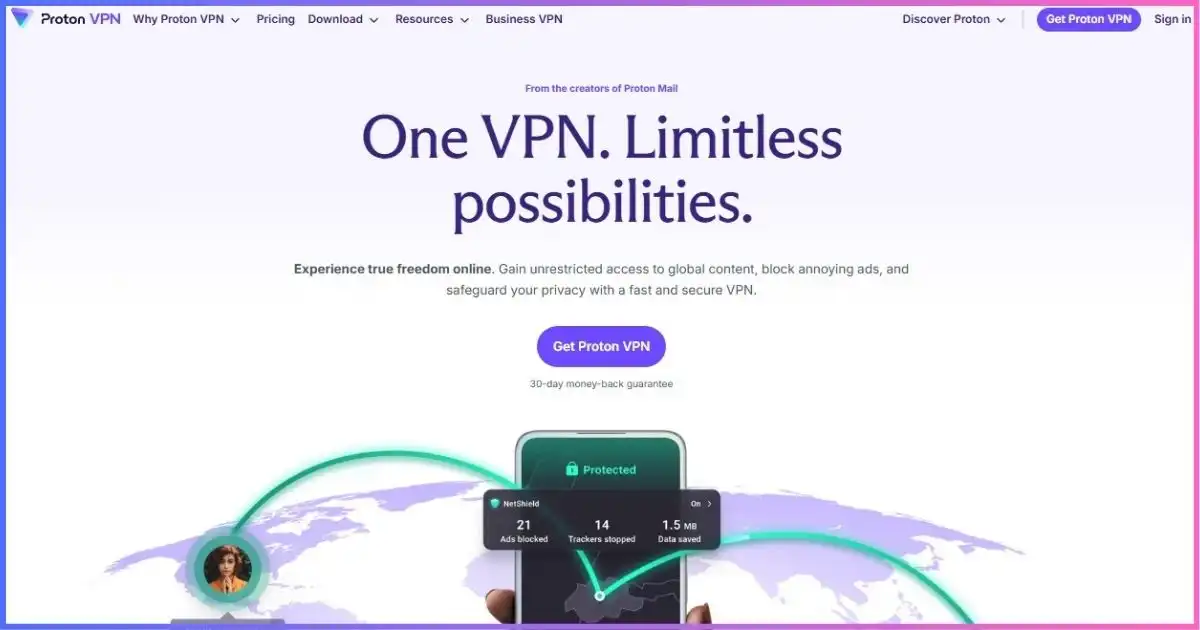
Proton VPN takes first place because it supplies the complete P2P workflow rather than only permitting BitTorrent traffic. Paid apps identify P2P-capable servers with a double-arrow icon, and other peers see the VPN server address rather than the home IP. WireGuard and VPN Accelerator are the performance-oriented choices; Secure Core adds a second hop and should stay off for routine transfers.
Port forwarding is included with all paid plans on current Windows, macOS and Linux apps, with manual WireGuard/OpenVPN options also documented. Proton assigns a port that normally changes after reconnection, so it must be copied into the torrent client. UPnP/NAT-PMP from the home router should be disabled where it conflicts with the VPN mapping. Opening a port improves inbound reachability and can help seeding, but it also exposes the listening application to incoming connections—keep the client patched and share only intended folders.
The live directory showed 20,798 servers across 149 countries. VPN Plus supports 10 devices and cost $71.76 for 24 months ($2.99 equivalent). The Free plan has unlimited data but does not include Proton’s paid P2P support, so it is not the torrenting plan.
Best points
- Paid P2P servers and port forwarding
- Open-source apps and kill switch
- Huge live server directory
- WireGuard and Accelerator
Trade-offs
- Free plan excludes P2P features
- Forwarded port may change on reconnect
- Only 10 paid connections
- Secure Core adds needless P2P latency
Best for: users who want port forwarding without sacrificing app transparency. Read our Proton VPN review.
Private Internet Access — port forwarding, customization and unlimited devices
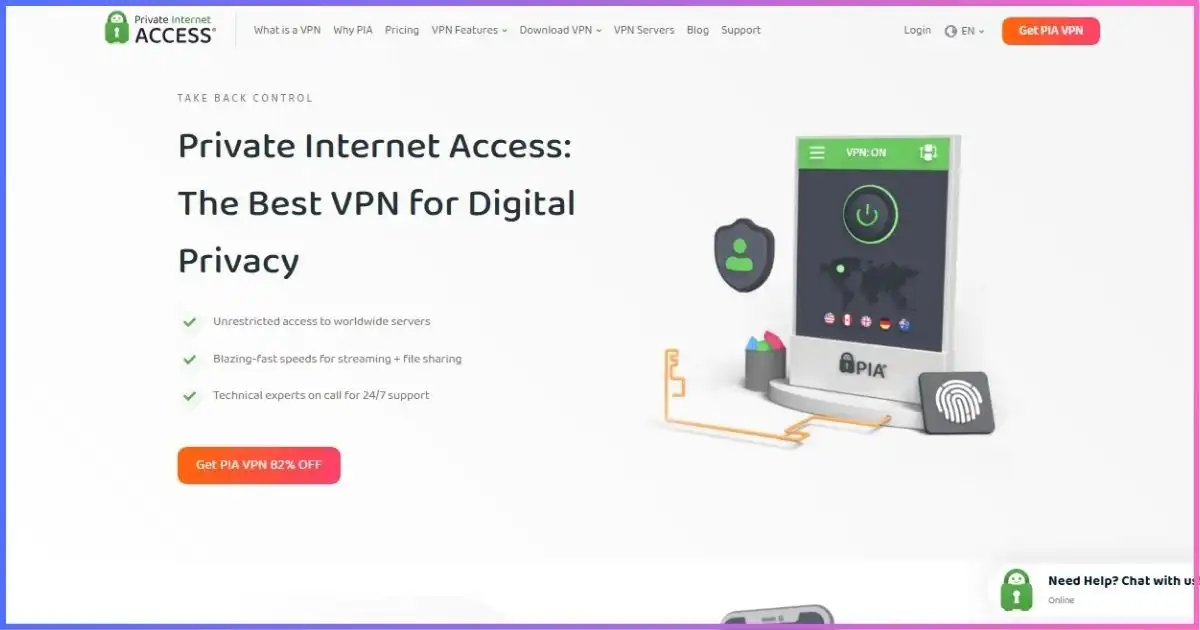
PIA is the value leader for experienced users. It supports WireGuard and highly adjustable OpenVPN settings, including encryption and transport choices that can help on difficult networks. The advanced kill switch can prevent traffic outside the tunnel even before connection, and split tunneling can confine the VPN to the torrent client—though client-level interface binding remains the safer fail-closed layer.
Port forwarding is available through supported regions and can improve connectivity to peers that cannot initiate an outbound connection to you. It is not available on every gateway, so choose a location where the app exposes the feature and copy the assigned port into the client. PIA covers 91 countries and 154 locations but no longer publishes a dependable global server total; older 24,000/35,000 claims are removed.
Unlimited simultaneous connections make PIA suitable for multi-device homes and seedboxes connected through supported configurations. The three-year-plus-three-month plan was $79 for 39 months ($2.03 equivalent), with the observed page showing $79 renewal every three years.
Best points
- Region-dependent port forwarding
- Adjustable OpenVPN and WireGuard
- Advanced kill switch and split tunneling
- Unlimited connections at a low price
Trade-offs
- Port forwarding is not everywhere
- Controls may overwhelm beginners
- No current fleet-size total
- Requires careful client configuration
Best for: power users who want maximum control and value. Read our PIA review.
NordVPN — every standard server now supports P2P
NordVPN has simplified P2P: current apps no longer show a separate P2P category because every standard server now supports peer-to-peer traffic. That is a significant update from older guides telling users to find specialty servers. NordLynx is the best protocol starting point, and the live directory showed 8,027 servers across 150 countries, making it easy to select a nearby endpoint.
The automatic kill switch and DNS leak protection cover the essentials. NordVPN also documents SOCKS5 proxy configuration, but a proxy is not equivalent to the encrypted VPN app and requires precise leak-prevention settings. Standard NordVPN and ordinary Dedicated IP servers do not provide inbound port forwarding. A separate Dedicated Server add-on now supports forwarding, but it is a distinct, more expensive product with dedicated resources and should not be implied to be part of the $3.49 Basic offer.
Basic cost $94.23 for 27 months and supports 10 devices. For typical downloading, all-server P2P support and mature apps matter more than forwarding; serious seeders may prefer Proton or PIA.
Best points
- P2P on every standard server
- NordLynx and broad coverage
- Mature kill switch and leak controls
- Repeated privacy assessments
Trade-offs
- No forwarding on standard plans
- Dedicated Server is a separate add-on
- Ten-device limit
- SOCKS5 alone is not a full VPN
Best for: users who want straightforward P2P without manually hunting for specialist servers. Read our NordVPN review.
Surfshark — household-friendly P2P with WireGuard
Surfshark combines P2P support with unlimited paid-plan connections, making it practical for homes with several laptops, desktops and media devices. WireGuard is the low-overhead choice, and the kill switch is available across major desktop and mobile platforms. Auto-connect can select a preferred nearby location so the tunnel is established before the torrent client launches.
Bypasser split tunneling must be configured carefully: the torrent client belongs inside the VPN tunnel, never on the bypass list. Rotating IP and Dynamic MultiHop add moving parts without improving ordinary swarm connectivity. Surfshark does not provide inbound port forwarding, so it can download and seed through outbound connections but may be less reachable than Proton or PIA in difficult swarms.
The provider advertises 4,500+ servers across 100 countries and unlimited devices. Starter cost $67.23 for 27 months ($2.49 equivalent) and renews annually after the introductory term.
Best points
- Unlimited connections
- WireGuard, kill switch and auto-connect
- 4,500+ servers in 100 countries
- Good long-term value
Trade-offs
- No inbound port forwarding
- Bypasser can expose the client if misused
- Renewal needs checkout verification
- MultiHop is unnecessary for routine P2P
Best for: households that want P2P support across unlimited devices. Read our Surfshark review.
ExpressVPN — easy P2P on every location, without forwarding

ExpressVPN is a simple premium option for users who want P2P to work without a specialist server category. Lightway provides efficient transfers and quick recovery after network changes, while Network Lock prevents supported devices from silently returning to the ordinary route. TrustedServer runs the server software in RAM, and the network covers 113 countries; no current total server count is published.
ExpressVPN does not support port forwarding on its VPN servers. The forwarding controls in its router software expose a device through the ordinary public WAN side and explicitly sit outside VPN protection, so they are not a substitute for VPN-side torrent port forwarding. This distinction is critical and makes Proton or PIA a better choice for inbound reachability.
Basic permits 10 connections and cost $83.72 for 28 months ($2.99 equivalent), then $99.95 annually. Advanced and Pro raise the limit to 12 and 14 but do not make the ordinary VPN service a port-forwarding product.
Best points
- Lightway and Network Lock
- P2P-friendly simple location model
- 113-country coverage
- RAM-only TrustedServer design
Trade-offs
- No VPN-server port forwarding
- High renewal price
- No current server total
- Router WAN forwarding is not protected
Best for: users who prefer polished apps and do not need inbound forwarding. Read our ExpressVPN review.
CyberGhost — task-labeled downloading servers and long testing window
CyberGhost makes server selection approachable by labeling P2P-optimized locations in supported desktop apps. Instead of assuming every route behaves identically, a beginner can start in the download-focused list and select a nearby available country. WireGuard, OpenVPN and IKEv2 support varies by platform, while the automatic kill switch and DNS/IP leak protection cover the essentials.
The network covers 100 countries and about 125 locations. CyberGhost does not offer ordinary VPN-side port forwarding, which limits inbound peer reachability compared with Proton and PIA. Seven connections is also the smallest allowance among the established mainstream providers in this list. NoSpy servers can be useful for a different trust model but should not be assumed to improve torrent speed.
The long offer cost $51.74 for 26 months ($1.99 equivalent) and includes a 45-day refund window. Monthly buyers receive 14 days. That extended long-plan period is valuable for testing several legal swarms, network conditions and leak scenarios.
Best points
- P2P-labeled locations
- WireGuard and automatic kill switch
- Low introductory price
- Long refund period
Trade-offs
- No port forwarding
- Only seven devices
- Not every country is P2P-optimized
- No leading stealth mode
Best for: beginners who value clear server labels and time to test. Read our CyberGhost review.
IPVanish — detailed server selection and unlimited connections
IPVanish is useful for users who want to choose a city or individual endpoint instead of relying on one automatic location. Its current network is 3,400+ servers in 150 locations across 55 countries—not the outdated 112/113-country claim. WireGuard is the performance choice, with kill-switch and selected split-tunneling support depending on platform.
Unlimited connections suit multi-device homes, but IPVanish does not provide VPN-side port forwarding. OpenVPN Scramble is designed to disguise VPN traffic on restrictive networks rather than improve swarm reachability. Earlier reviews sometimes highlighted a SOCKS5 proxy; the safer recommendation is the full encrypted app with kill switch and client binding unless current account documentation explicitly provides and supports a proxy workflow.
Essential cost $52.56 for 24 months ($2.19 equivalent), then $89.99 per year. The renewal jump and narrower country footprint place it below the stronger P2P-focused alternatives.
Best points
- Unlimited connections
- Detailed city/server choice
- WireGuard and kill switch
- Audited no-logs claim
Trade-offs
- No inbound port forwarding
- Only 55 current countries
- Large renewal increase
- Scramble does not improve peer reachability
Best for: US-focused households wanting unlimited devices and manual endpoint choice. Read our IPVanish review.
SafeShell VPN — app routing with thinner P2P documentation
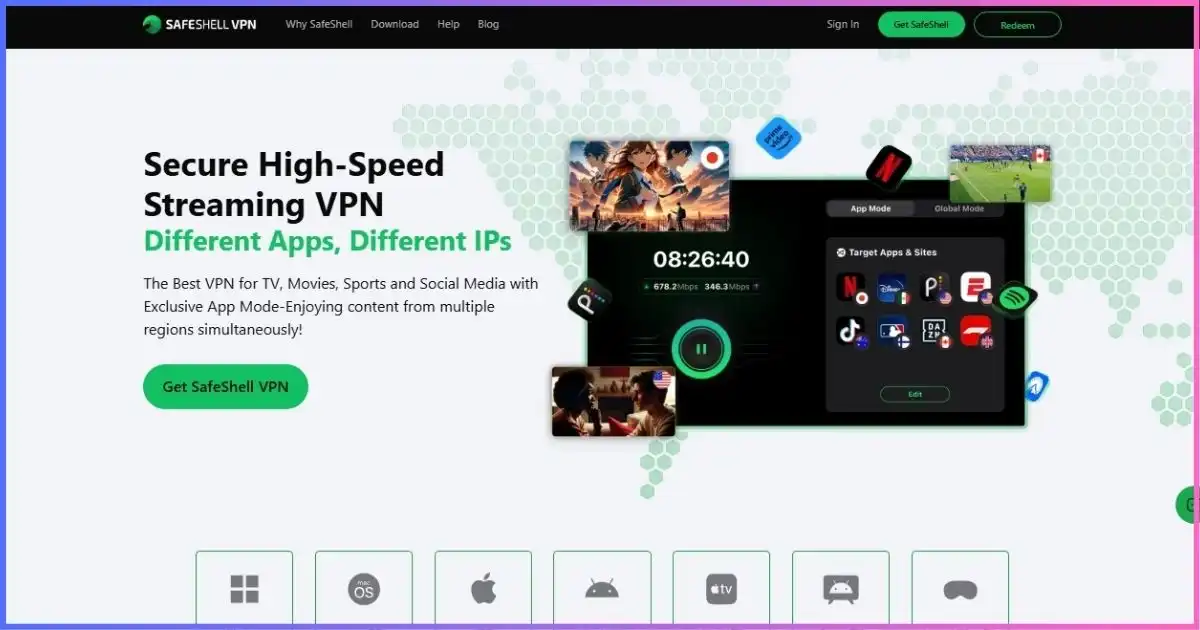
SafeShell advertises P2P support and App Mode, which can route selected applications through different regions. In theory this lets the torrent client use the VPN while other software takes a separate path. That flexibility makes correct configuration especially important: confirm the client is assigned to the encrypted route and bind it to the VPN interface where the operating system and client allow.
The service advertises 10,000+ nodes in more than 40 countries, ShellGuard, AES-256 encryption, IPv6 support and five simultaneous devices. It does not publicly document port forwarding as a core feature, and its independent audit evidence and detailed P2P support material are thinner than Proton, PIA or NordVPN. Those gaps, rather than a claim that it cannot transfer P2P traffic, explain the lower rank.
Direct web prices are dynamic. The US Apple App Store listed $79.99 per year ($6.67 equivalent), $12.99 monthly and $5.99 weekly. The refund period is only seven days.
Best points
- App-specific routing
- P2P and IPv6 advertised
- Large advertised node count
- Broad multimedia device support
Trade-offs
- No documented port-forward workflow
- Only five devices
- Seven-day refund period
- Less audit and P2P documentation
Best for: existing SafeShell users who need app routing and can verify their client’s network path. Read our SafeShell review.
Security checklistEssential Torrenting VPN Features Compared
| Feature | Why it matters | Strong examples | Common mistake |
|---|---|---|---|
| Kill switch | Blocks traffic if the tunnel fails | All leading desktop picks | Assuming it covers unsupported platforms |
| Client binding | Restricts the torrent client to the VPN interface | qBittorrent-compatible VPN adapters | Leaving “Any interface” selected |
| Port forwarding | Improves inbound peer reachability | Proton, PIA selected regions | Forwarding on the home router instead of VPN |
| WireGuard class protocol | Reduces encryption overhead | WireGuard, NordLynx, Lightway | Using TCP or multi-hop without need |
| Leak protection | Controls DNS and IP exposure | Native provider apps | Testing browser IP but not client behavior |
| Split tunneling | Routes only selected apps | PIA, Surfshark, IPVanish | Accidentally excluding the torrent client |
Inbound connectivityDo You Need Port Forwarding for Torrenting?
BitTorrent can work without port forwarding because the client can initiate outbound connections. Forwarding makes the client reachable from peers that cannot initiate a connection themselves, which can increase the available peer set and improve seeding—especially in small or poorly connected swarms. It does not magically increase the ISP line speed or help a torrent with no healthy seeders.
VPN-side port forwarding is different from opening a port on the home router. The useful mapping must terminate on the VPN server and send traffic through the encrypted tunnel. ExpressVPN’s router documentation, for example, explicitly warns that its WAN-forwarded traffic sits outside VPN protection. Proton and PIA provide the relevant VPN-side function.
Fail closedHow to Set Up a VPN for Torrenting Safely
- Install the official VPN and torrent client. Download from the vendor or verified project source; avoid bundled installers.
- Enable the kill switch and auto-connect. Choose a nearby P2P-supported server and WireGuard-class protocol.
- Bind the client to the VPN interface. In qBittorrent, open Tools → Options → Advanced → Network Interface and select the VPN adapter.
- Configure VPN-side port forwarding if supported. Copy the assigned VPN port into the client and disable conflicting home-router UPnP/NAT-PMP.
- Test before adding private material. Confirm the visible peer IP belongs to the VPN and that transfers stop when the tunnel disconnects.
- Use only authorized files. Verify hashes/signatures where publishers provide them and scan unexpected executable content.
The official qBittorrent interface-binding guide describes this extra fail-closed layer. Binding complements a kill switch; it does not excuse skipping leak tests after app, OS, adapter or protocol changes.
Performance without leaksHow to Improve Torrent Speeds
- Choose a nearby server: distance and congestion usually matter more than the provider’s total fleet size.
- Use WireGuard, NordLynx or Lightway: modern UDP-based protocols generally reduce overhead.
- Enable VPN-side forwarding where available: update the client when a dynamic assigned port changes.
- Do not over-tune connection counts: thousands of peers can overload a router or client without improving the swarm.
- Leave upload headroom: saturating upstream capacity can delay acknowledgements and reduce download throughput.
- Compare the same legal torrent: a well-seeded Linux image is a better test than unrelated swarms with different health.
Buying frameworkHow to Choose a Torrenting VPN
| Priority | Best pick | Reason |
|---|---|---|
| Best overall | Proton VPN | Paid P2P servers, port forwarding and open-source apps |
| Best power-user value | PIA | Selected-region forwarding, controls and unlimited devices |
| Easiest broad P2P | NordVPN | Every standard server now supports P2P |
| Unlimited household devices | Surfshark | Unlimited connections and WireGuard |
| Premium simplicity | ExpressVPN | Lightway and mature apps |
| Beginner labels | CyberGhost | P2P-optimized server list and 45-day refund |
For wider privacy and feature comparisons, see our best VPN providers guide. Video-focused households can use the streaming VPN guide, while latency-sensitive users should read our gaming VPN comparison.
Common fixesTorrenting VPN Troubleshooting
Transfers stop after binding the client
The selected adapter name may have changed after an app or protocol update. Reconnect the VPN, inspect network interfaces, choose the active VPN adapter again, and restart the torrent client. If switching from OpenVPN to WireGuard creates a different adapter, repeat the binding and leak test.
The forwarded port appears closed
Confirm the torrent client is actively listening on the exact assigned port. Online checkers can report a port closed when no application is listening. Ensure the selected VPN server supports forwarding, disable conflicting UPnP/NAT-PMP, and update the client whenever a dynamic port changes.
Downloads are slow despite a fast speed test
Swarm health, seed availability and peer reachability differ from ordinary HTTP throughput. Test a legitimate, well-seeded distribution image, try a nearby server, leave upload headroom, and avoid multi-hop. If direct and VPN tests both struggle, inspect Wi-Fi, disk performance and ISP congestion.
The real IP appears after a disconnect
Stop the client immediately. Re-enable the system kill switch, correct interface binding, and verify IPv4 and IPv6 behavior. Do not resume until the client transfers only when the intended VPN interface exists.
FAQsTorrenting VPN Questions
What is the best VPN for torrenting?
Is torrenting legal?
Do I need port forwarding?
Should I bind qBittorrent to the VPN?
Can I torrent with a free VPN?
Is SOCKS5 a replacement for a VPN?
Which VPNs offer port forwarding?
Does a VPN protect me from malicious files?
Final Verdict: Proton VPN Is the Best Torrenting VPN
Choose Proton VPN for the best overall combination of labeled P2P servers, port forwarding, open-source apps, WireGuard, kill-switch protection and broad coverage. PIA is the stronger low-cost power-user choice, while NordVPN is excellent for anyone who values simple P2P access on every standard server more than inbound forwarding.
Whichever service you choose, the safest configuration is layered: VPN kill switch, torrent-client interface binding, a verified VPN-side port only when needed, and legal, trusted files.
Affiliate disclosure: We may earn a commission if you buy through our links, at no extra cost to you. Rankings follow the methodology below, not commission rates. This guide concerns lawful P2P use and is not legal advice.
Sources & Comparison Methodology
Research date: September 18, 2026. We checked official pricing, live server directories, current P2P policies, port-forwarding guides, protocols, kill-switch behavior, device policies, refunds and renewal disclosures.
Scores weight P2P support, kill switches and leak controls 30%; protocol efficiency and server choice 25%; port forwarding and client controls 20%; privacy evidence and transparency 15%; and price, refunds and devices 10%. We removed old universal speed percentages and market statistics because swarm health, peers, route, disk and time make them non-transferable.
- Proton VPN: P2P server, port forwarding, manual configuration, network and pricing pages.
- PIA: port forwarding, advanced settings, pricing, network, devices and protocol documentation.
- NordVPN: all-server P2P update, standard port policy, Dedicated Server forwarding, SOCKS5, network and pricing pages.
- Surfshark: current features, kill switch, auto-connect, P2P, network and pricing documentation.
- ExpressVPN: P2P policy, Lightway, Network Lock, VPN-server forwarding limitation, pricing and network pages.
- CyberGhost: P2P server, protocol, pricing, device and refund documentation.
- IPVanish: current network, plan, protocol, device and security disclosures.
- SafeShell: P2P/features, pricing, platform, refund and App Store documentation.
Test with an authorized, well-seeded file and verify fail-closed behavior on your own device.