8 Best VPNs for Streaming: Movies, TV and Live Sports
A good streaming VPN must do more than post a high speed-test number. It needs dependable routes near your home catalog, apps for the screens you actually use, enough sustained bandwidth for HD or 4K, and a workable fallback when a streaming service blocks a shared VPN address. This guide compares those practical details without pretending access is permanent.
What is the best VPN for streaming?
NordVPN is the best streaming VPN overall. SmartPlay is built into its VPN apps, NordLynx is a strong low-overhead protocol, and its live directory showed 8,027 servers across 150 countries. It also supplies native apps for major TV platforms and SmartDNS for older devices, although SmartDNS supports fewer services and does not encrypt traffic.
ExpressVPN is the easiest premium choice for Apple TV, Fire TV and router-based households. Surfshark is the best unlimited-device value, Proton VPN is the privacy-first option, and CyberGhost is the simplest choice for task-labeled streaming servers.
Table of Contents
At a glanceBest VPNs for Streaming Compared
| Rank / VPN | Best for | Network snapshot | Devices | TV and streaming tools | Intro price* | Score |
|---|---|---|---|---|---|---|
| 1. NordVPN | Best overall | 8,027 / 150 countries | 10 | SmartPlay, SmartDNS, Apple TV, Android/Fire TV | $3.49/mo | 9.5 |
| 2. ExpressVPN | TVs and routers | 113 countries | 10–14 | Apple TV, Fire/Vega TV, MediaStreamer, router app | $2.99/mo | 9.3 |
| 3. Surfshark | Large households | 4,500+ / 100 countries | Unlimited | TV apps, Smart DNS, Bypasser | $2.49/mo | 9.1 |
| 4. Proton VPN | Privacy and broad catalogs | 20,798 / 149 countries | 10 paid | Paid streaming servers, Apple TV, Android/Fire TV | $2.99/mo | 8.9 |
| 5. CyberGhost | Beginner server labels | 100 countries / 125 locations | 7 | Streaming-optimized servers, Fire/Android TV | $1.99/mo | 8.6 |
| 6. SafeShell | App-specific regions | 10,000+ nodes / 40+ countries | 5 | App Mode, streaming servers, broad TV apps | $6.67/mo† | 8.3 |
| 7. PIA | Power users and Smart DNS | 91 countries / 154 locations | Unlimited | Apple TV app, Smart DNS, split tunneling | $2.03/mo | 8.1 |
| 8. IPVanish | US households | 3,400+ / 55 countries | Unlimited | TV apps, city/server choice, split tunneling | $2.19/mo | 7.9 |
*Monthly equivalent on the longest observed term, paid upfront. †SafeShell uses its $79.99 US App Store annual listing because direct web pricing is dynamic. Taxes, regions, bonus months and renewals vary. Streaming availability can change without notice.
Visual comparisonStreaming VPN Price, Coverage and Methodology Charts
Long-term introductory monthly equivalents
Lower is cheaper; these plans are billed upfront.
Documented country coverage
Country count is not a speed score; nearby, uncongested endpoints matter more.
How we score a streaming VPN
- 30% streaming reliability and recovery options
- 25% speed-oriented protocols and coverage
- 20% TV, router and device support
- 15% value and renewal clarity
- 10% privacy, support and refunds
NordVPN combines automatic SmartPlay, broad server choice, modern TV apps and NordLynx. Test your exact services during the refund period.
Try NordVPN →Full reviewsThe 8 Best Streaming VPNs
NordVPN — SmartPlay, coverage and dependable device support
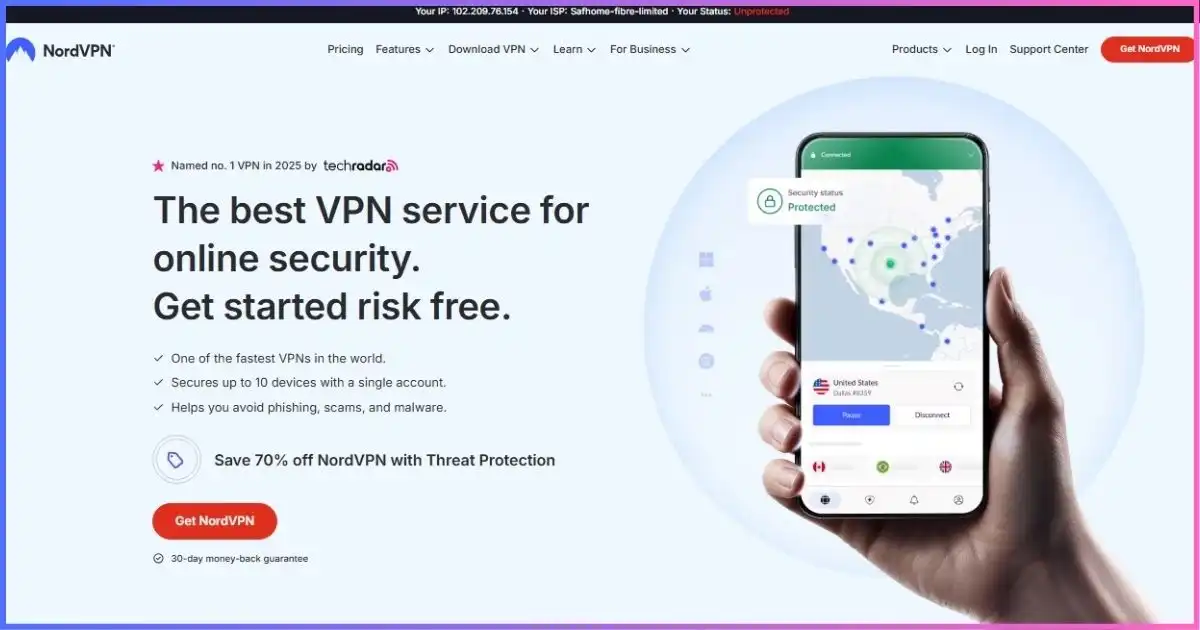
NordVPN ranks first because its streaming features require very little babysitting. SmartPlay is built into every VPN app and operates automatically after connection, combining encrypted VPN routing with DNS technology intended to improve access to a subscriber’s home services. That is different from NordVPN’s standalone SmartDNS: SmartPlay encrypts and masks the IP, while SmartDNS is an unencrypted fallback for older televisions and supports a narrower list of services.
NordLynx is the protocol to try first for HD, 4K and live sports because it has less overhead than a conventional OpenVPN setup. The public directory showed 8,027 servers across 150 countries and 225 locations, giving travelers and multilingual households unusually broad choice. More locations do not guarantee access, but they offer alternative routes when a server is congested or a platform blocks one address range.
Native support covers desktop and mobile systems plus current Apple TV, Android TV, Fire TV and Chromecast-with-Google-TV environments. On unsupported smart TVs and consoles, use SmartDNS or configure a compatible router. Ten simultaneous VPN connections are enough for many homes but trail the unlimited policies from Surfshark, PIA and IPVanish.
Best points
- Automatic SmartPlay inside encrypted apps
- NordLynx and broad location coverage
- Strong TV-platform support
- Multiple recovery options when access fails
Trade-offs
- Costs more than budget picks
- Ten-device limit
- Standalone SmartDNS supports fewer services
- No VPN can guarantee permanent access
Best for: households that want the strongest balance of coverage, TV support and low-friction streaming. Read our NordVPN review.
ExpressVPN — the easiest premium living-room setup
ExpressVPN is the most polished option when streaming happens primarily on televisions. It has native apps for Apple TV on tvOS 17 or later, Android TV, Chromecast with Google TV, Fire OS and newer Amazon Vega OS devices. Its Apple TV app can change protocol, save favorite locations and run a server speed test directly on the television. Older Apple TVs, Samsung/LG sets, Roku and consoles can use MediaStreamer or a compatible VPN router.
Lightway is the best streaming protocol in most cases because it emphasizes quick connection recovery and low overhead. The network covers 113 countries, though ExpressVPN no longer publishes a current fleet total. Avoid recycled claims of “3,000+ servers.” Network Lock provides kill-switch behavior in supported apps, while the RAM-only TrustedServer design strengthens the server baseline.
MediaStreamer is convenient but must be described accurately: it is DNS, does not encrypt traffic, cannot provide the privacy protections of the VPN, and does not offer the same flexible location selection. Use the native app when possible. Basic allows 10 devices, Advanced 12 and Pro 14. Basic cost $83.72 for 28 months ($2.99 equivalent) and then renewed at $99.95 annually in the observed offer.
Best points
- Excellent current Apple TV and Fire TV apps
- Lightway plus router support
- MediaStreamer for incompatible devices
- Simple interface and 113-country coverage
Trade-offs
- Renewal is materially higher
- No published current server total
- Device cap varies by tier
- MediaStreamer is not encrypted
Best for: Apple TV, Fire TV, Roku and router-centered households that prioritize simple setup. Read our ExpressVPN review.
Surfshark — every screen on one subscription
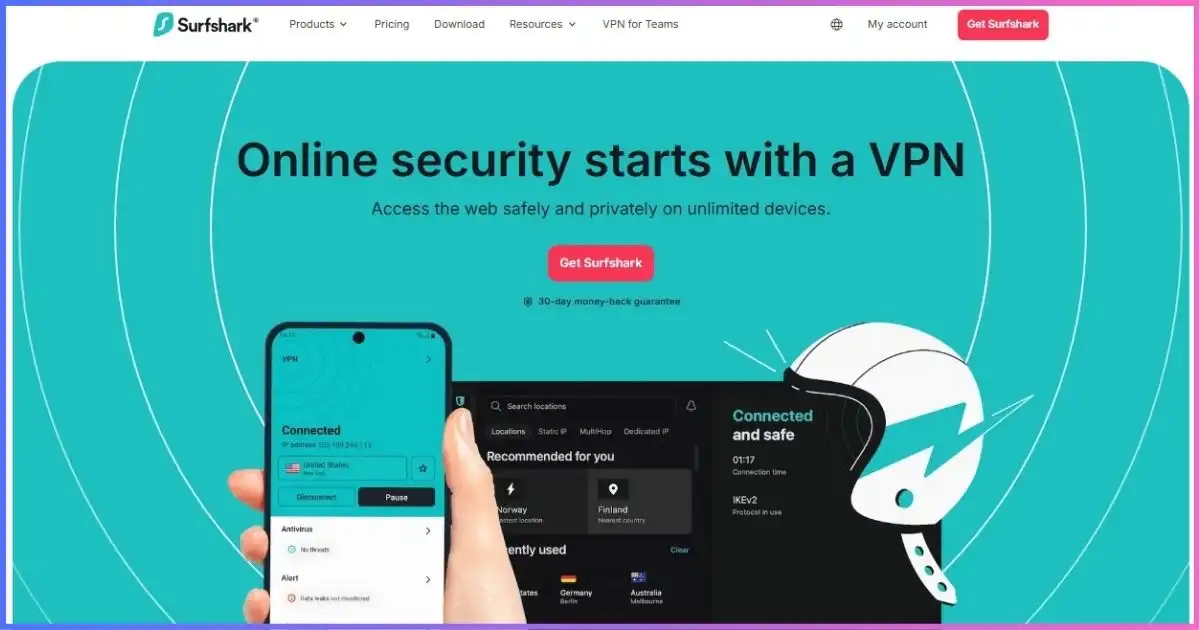
Surfshark is the practical choice for a home full of personal screens. Paid subscriptions allow unlimited simultaneous connections, so separate laptops, phones, tablets and supported TVs do not compete for slots. The network advertises 4,500+ servers in 100 countries, with the fleet upgraded to 10 Gbps and selected higher-capacity infrastructure. Those figures indicate capacity, not guaranteed playback quality; the route and platform still decide the outcome.
WireGuard is the first protocol to test for 4K playback. Bypasser split tunneling can keep a local banking or smart-home app outside the VPN while the streaming app uses it, subject to platform availability. CleanWeb can reduce some browser clutter, but it does not remove ads inserted inside a video stream. Camouflage and NoBorders are useful on networks that restrict VPN traffic, not default performance boosters.
TV coverage includes common Android/Google TV and Fire TV environments, with Smart DNS and router configuration available for devices that cannot install an app. Smart DNS trades away encryption. The Starter offer was $67.23 for 27 months, equal to $2.49 across the included term. It renews annually after the long introductory plan, so verify the renewal amount at checkout.
Best points
- Unlimited paid-plan connections
- 4,500+ servers in 100 countries
- WireGuard, Bypasser and TV options
- Strong price for large households
Trade-offs
- Renewal must be confirmed at checkout
- Smart DNS provides no encryption
- Free trial is limited to three devices
- Advanced modes can add needless latency
Best for: families, roommates and device-heavy homes. Read our Surfshark review.
Proton VPN — open-source apps and a vast supported-service list
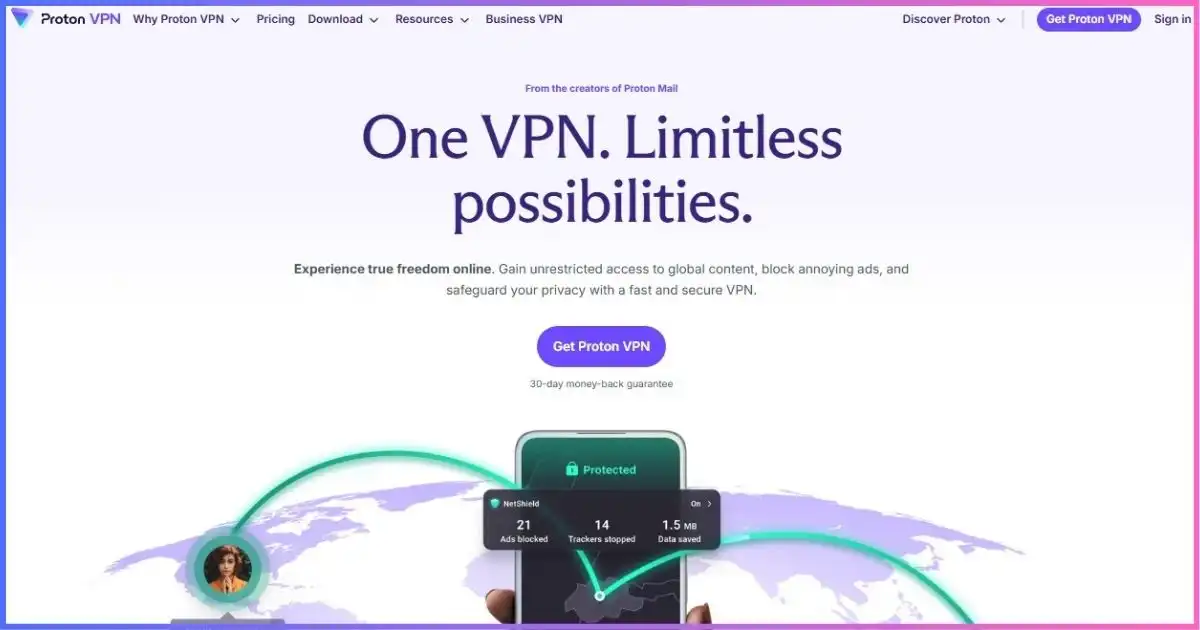
Proton VPN is unusually transparent about which platforms and countries it supports. Its official streaming directory covers major global services plus numerous regional broadcasters, making it valuable for legitimate subscribers who travel or live in multilingual households. Streaming access requires a paid plan; the Free tier does not provide the paid streaming feature set.
The live network snapshot showed 20,798 servers across 149 countries and 196 locations. WireGuard and VPN Accelerator are the relevant performance tools, while NetShield can block malicious domains and some trackers. Secure Core routes through an additional hardened country, which is excellent for certain privacy threats but inefficient for streaming and not supported by every streaming destination. Connect to a normal Plus server near the required home region instead.
Proton offers native apps for Apple TV on tvOS 17+, Android TV and Fire TV alongside desktop and mobile platforms. The Apple TV app allows country and supported city selection. VPN Plus permits 10 devices and was $71.76 for 24 months ($2.99 equivalent). Proton’s apps are open source, a meaningful advantage for buyers who do not want streaming convenience to replace technical transparency.
Best points
- Detailed official streaming directory
- 20,798-server live snapshot
- Open-source apps and VPN Accelerator
- Native current Apple TV and Android TV support
Trade-offs
- Streaming requires a paid plan
- Free tier lacks location control and paid features
- Secure Core is poor for streaming speed
- Dynamic pricing may change
Best for: privacy-focused viewers who also need broad regional-service documentation. Read our Proton VPN review.
CyberGhost — straightforward service-specific server selection
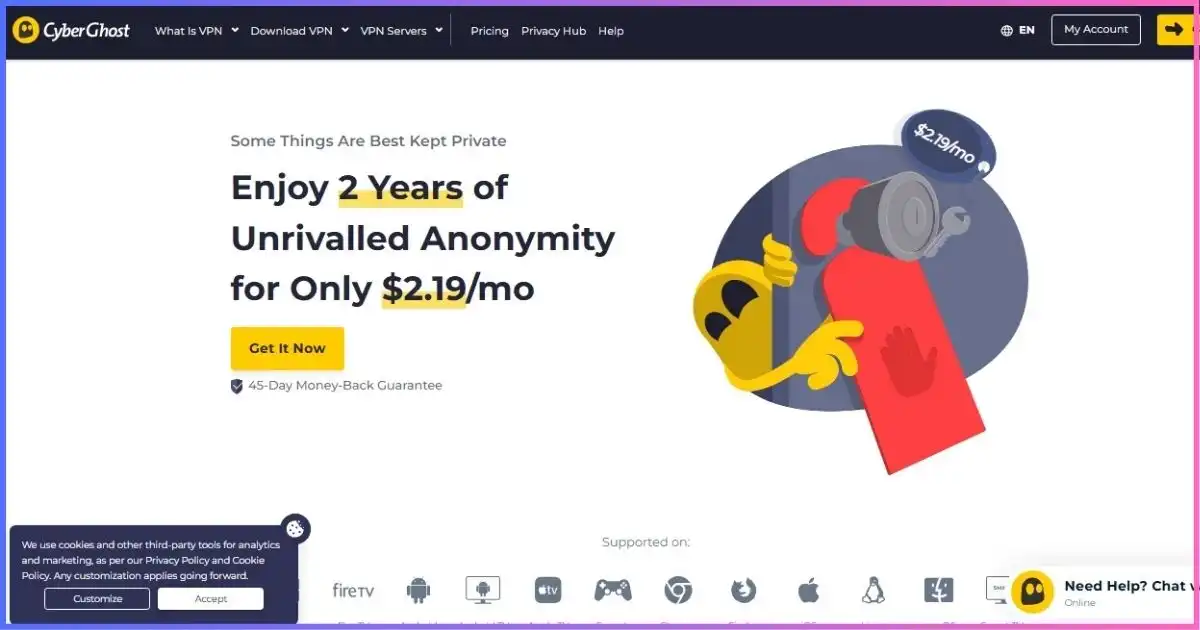
CyberGhost is designed for viewers who do not want to guess which city to select. Supported apps list streaming-optimized servers by service or use case, and the provider says these routes are monitored for compatibility. That does not make access permanent, but it gives the support team and user a clearer troubleshooting target than a generic country list.
The network covers 100 countries and roughly 125–126 locations. CyberGhost’s primary English pages emphasize locations rather than a stable global server total, so older 9,000+ figures are omitted here. WireGuard, OpenVPN and IKEv2 are available depending on platform, with an automatic kill switch and Wi-Fi rules. Streaming apps include Windows, macOS, iOS, Android, Fire TV and Android TV; other Apple TV generations, consoles and unsupported smart TVs can connect through a router.
Seven simultaneous connections are enough for a small household but much less flexible than unlimited competitors. The long plan cost $51.74 for 26 months ($1.99 equivalent), then the observed offer stated $51.74 annually. Plans of six months or longer carry a 45-day refund period, the most generous window in this ranking; the monthly plan gets 14 days.
Best points
- Streaming-optimized server labels
- Fire TV and Android TV apps
- Low introductory price
- Long refund window
Trade-offs
- Seven-device cap
- No stable published server total
- Router setup needed for some TVs
- No leading stealth mode for restrictive networks
Best for: beginners who want service-labeled routes and plenty of time to test. Read our CyberGhost review.
SafeShell VPN — different streaming apps, different regions
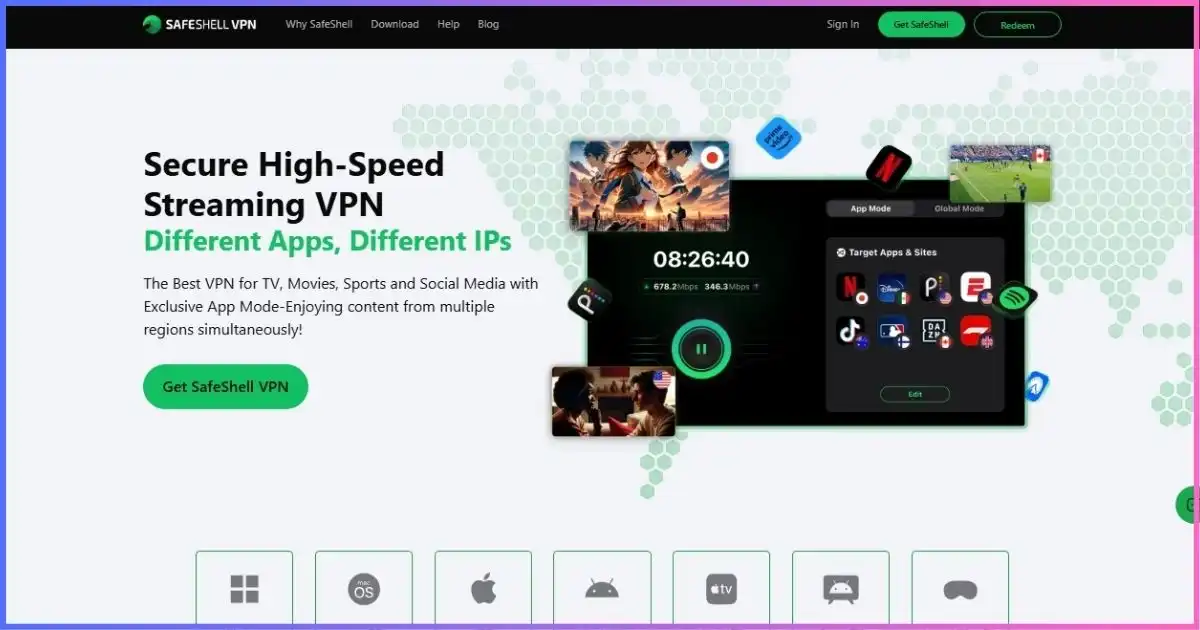
SafeShell’s App Mode is genuinely different: it can route selected applications through different countries at the same time. A household could assign one streaming app to its home region, another to a different lawful subscription region, and leave a local service direct without repeatedly moving the entire device. App Mode is per-app routing, not privacy multi-hop, and support depends on the platform identifying the app correctly.
The provider advertises 10,000+ server nodes in more than 40 countries, streaming-oriented servers, ShellGuard, Global Mode, P2P and IPv6 support. Its platform list is a major strength: Windows, macOS, iOS, Android, Apple TV, Android/Google TV, Fire TV and Apple Vision Pro. Five simultaneous devices, however, is the smallest allowance in this ranking and may constrain the very multi-screen household SafeShell targets.
SafeShell’s web checkout is dynamically rendered and did not expose consistent prices during research. We therefore use the US Apple App Store listings: $79.99 per year ($6.67 equivalent), $12.99 monthly and $5.99 weekly. Direct and regional offers can differ. The refund period is only seven days, and the service has less public independent audit evidence than the established privacy leaders.
Best points
- Different apps can use different regions
- Broad TV-platform coverage
- 10,000+ advertised nodes
- Streaming-specialist design
Trade-offs
- Highest comparable price here
- Only five simultaneous devices
- Short seven-day refund period
- Less independent audit evidence
Best for: viewers who specifically need app-by-app routing on supported devices. Read our SafeShell review.
Private Internet Access — unlimited devices, Smart DNS and fine control
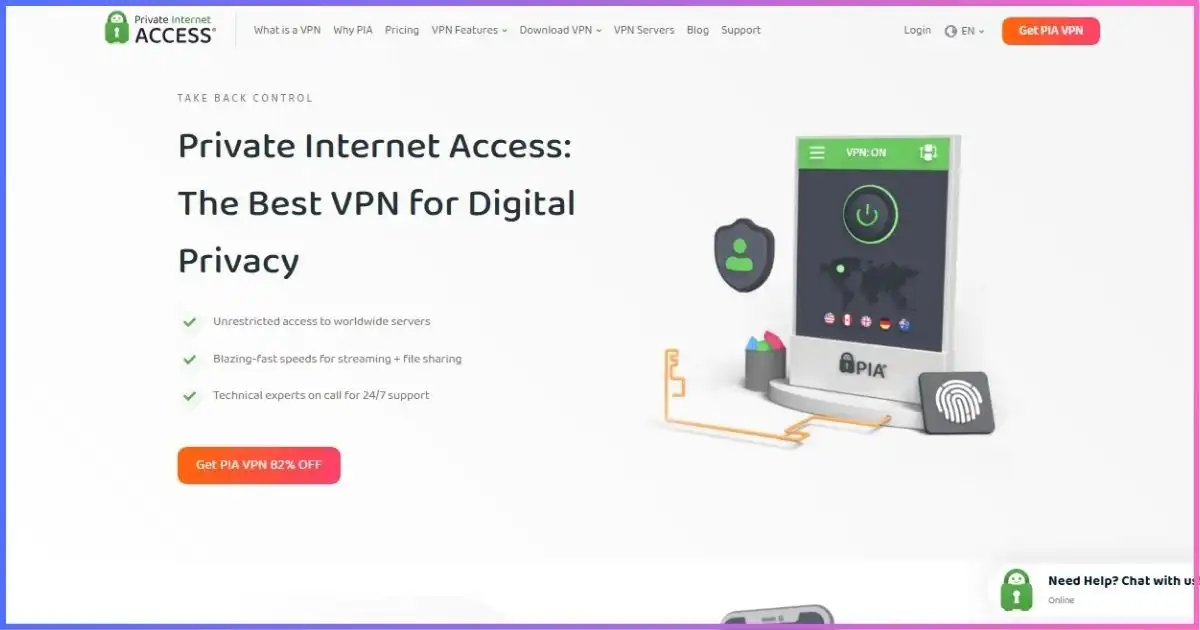
PIA suits viewers who want to control the route rather than rely on a heavily curated streaming interface. WireGuard is the obvious performance starting point, while split tunneling can place the streaming app inside the VPN and leave latency-sensitive local services direct. PIA supports unlimited devices and documents 91 countries across 154 locations. It no longer publishes a trustworthy total server count, so old 24,000 or 35,000 claims are not used.
Its current Apple TV app supports tvOS 17 or later and uses IKEv2, with recommended or manual location selection. Older Apple TVs and other incompatible televisions can use Smart DNS; the account dashboard offers device and location choices. As with every Smart DNS product, it changes DNS behavior without encrypting the connection or masking all traffic. Android/Fire TV and router options cover other living-room setups.
The three-year-plus-three-month offer cost $79 for 39 months ($2.03 equivalent), with the observed page stating $79 renewal every three years. That is excellent long-term pricing, though PIA ranks below the leaders because streaming support is less guided and may require more server switching.
Best points
- Unlimited simultaneous connections
- Apple TV app plus Smart DNS
- WireGuard and split tunneling
- Low, clearly contextualized long-term price
Trade-offs
- Less guided than task-labeled rivals
- No current fleet-size total
- Apple TV app uses IKEv2
- Smart DNS provides no encryption
Best for: technical households that value unlimited connections, Smart DNS and routing controls. Read our PIA review.
IPVanish — hands-on server selection and unlimited devices
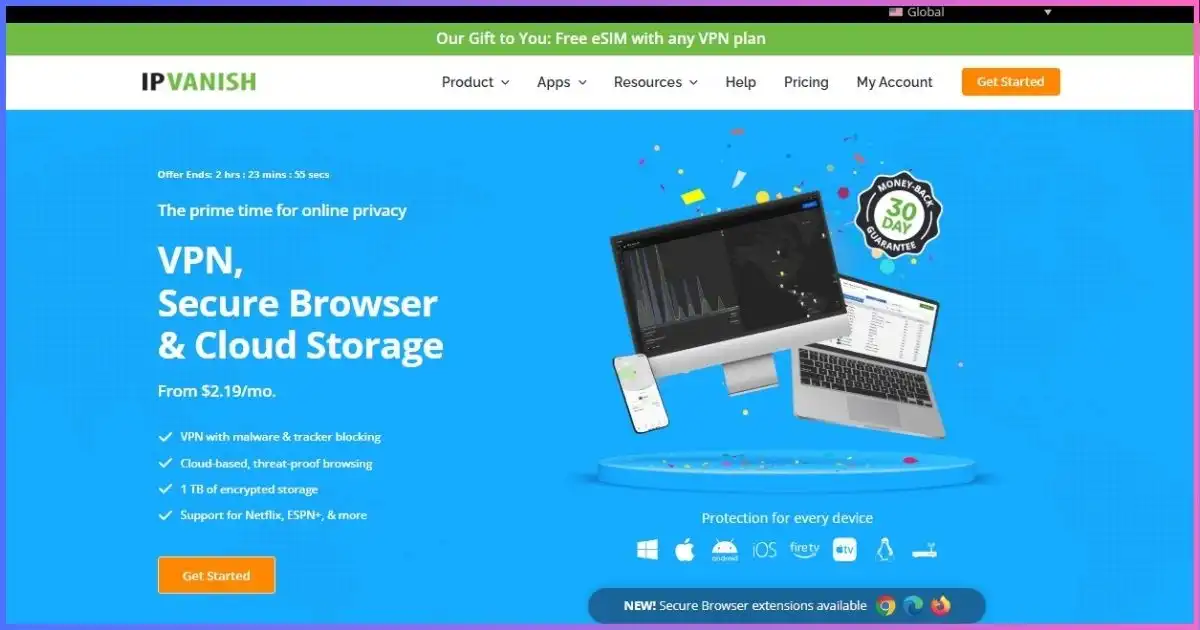
IPVanish exposes city and individual-server choices, useful when one endpoint buffers or a platform blocks a particular address range. Its current network disclosure is 3,400+ servers, 150 locations, 55 countries and 56,000+ IP addresses. Earlier 112/113-country claims confused locations with countries and are no longer accurate.
WireGuard is the preferred streaming protocol. Split tunneling on supported devices can keep a streaming app in the tunnel while local devices or services remain direct, and unlimited simultaneous connections suit large households. Fire TV and other supported apps make it straightforward on common hardware; unsupported TVs need router or shared-connection setup. OpenVPN Scramble is intended for networks that block obvious VPN traffic, not as a faster streaming mode.
Essential cost $52.56 for 24 months ($2.19 equivalent) and then $89.99 per year. That renewal increase weighs heavily on its value score. IPVanish remains useful for US-focused viewers who want manual city control, but its 55-country footprint gives international subscribers fewer alternatives than the higher-ranked services.
Best points
- Unlimited connections
- Detailed city/server choice
- WireGuard and selected split tunneling
- Good fit for US households
Trade-offs
- Only 55 current countries
- Large renewal increase
- Fewer streaming-specific tools
- Scramble is not a performance feature
Best for: US-centered households that want unlimited devices and manual server selection. Read our IPVanish review.
What support really meansStreaming Platforms and Device Compatibility
A provider saying it “works with streaming” can mean a native encrypted TV app, Smart DNS, a router profile, or simply a desktop app connected to a website. Those experiences are not equivalent. Native apps are easiest and retain encryption; Smart DNS is lighter but unencrypted; router setups cover every device but depend on router CPU and configuration quality.
| Device | Best setup | Strong picks | Important caveat |
|---|---|---|---|
| Apple TV tvOS 17+ | Native VPN app | Nord, Express, Proton, PIA, SafeShell | Older models need DNS/router alternatives |
| Fire TV / Stick | Native app from device store | Nord, Express, Surfshark, Proton, CyberGhost | Prime country setting may also matter |
| Android / Google TV | Native Android TV app | Most ranked services | TV hardware can limit VPN throughput |
| Samsung / LG TV | Smart DNS or VPN router | Express, Nord, Surfshark, PIA | Smart DNS does not encrypt |
| Roku | Router, virtual router or Smart DNS | Express, Nord, PIA | No general native VPN client |
| Browser / desktop | Full VPN app | All eight | DRM and browser support affect resolution |
Streaming account country, payment method, GPS, device region and cookies can override the VPN IP. A Prime Video app, for example, may follow the Amazon account country. A VPN changes the network route; it does not rewrite every location signal.
Bandwidth realityHow Much Speed Do You Need for Streaming?
Judge a VPN by the sustained speed left after connection, not its percentage loss alone. A 30% reduction on a 500 Mbps line still leaves 350 Mbps, while a 10% loss on a congested 20 Mbps link leaves little margin for 4K. The official YouTube playback guidance recommends approximately 20 Mbps sustained for 4K, 5 Mbps for 1080p and 2.5 Mbps for 720p. Other services and codecs differ.
| Quality | Reference sustained speed | Practical VPN target | Why add headroom? |
|---|---|---|---|
| SD 480p | About 1.1 Mbps | 3+ Mbps per stream | Audio, bursts and Wi-Fi variation |
| HD 720p | About 2.5 Mbps | 5+ Mbps per stream | Adaptive bitrate peaks |
| Full HD 1080p | About 5 Mbps | 10+ Mbps per stream | Live events and household load |
| 4K UHD | About 20 Mbps | 30–40+ Mbps per stream | Codec, HDR and congestion margin |
The FCC’s current broadband framework recognizes that households combine streaming with other simultaneous applications; its fixed broadband report also discusses 25 Mbps-class recommendations for individual 4K use. For two 4K TVs plus phones and downloads, size the connection for the household—not one screen.
Know the trade-offVPN App vs Smart DNS vs Router
| Method | Encryption | Changes public IP | Location flexibility | Best use |
|---|---|---|---|---|
| Native VPN app | Yes | Yes | Usually broad | Modern Apple/Android/Fire TV |
| Smart DNS | No | Not like a VPN | Usually limited | Older TVs, Roku and consoles |
| VPN router | Yes | Yes | Depends on router software | Whole-home and unsupported devices |
| Shared computer connection | Yes | Yes | Same as desktop app | Temporary setup or testing |
Use a native app where possible. Smart DNS is helpful when the device cannot run a VPN, but it should never be marketed as equivalent privacy protection. A router gives broad coverage, though inexpensive router processors may reduce throughput and make server changes cumbersome.
Five-minute workflowHow to Set Up a Streaming VPN
- Install the native app first. Use the TV’s official app store where supported; avoid unofficial APK sources.
- Choose a nearby server in your home catalog’s country. Physical distance affects speed. Automatic selection is a good baseline.
- Use the modern protocol. Start with NordLynx, Lightway or WireGuard; use automatic mode when the TV app manages compatibility.
- Restart the streaming app. Fully close it after changing locations so it opens a new network session.
- Confirm picture quality. Let adaptive bitrate stabilize, then check that the service reaches the expected HD or 4K resolution.
- Save a fallback. Note a second server and the provider’s Smart DNS/router method before travel.
Buying frameworkHow to Choose the Right Streaming VPN
| Your priority | Best pick | Reason |
|---|---|---|
| Best overall | NordVPN | SmartPlay, NordLynx, broad coverage and TV apps |
| Apple TV / router simplicity | ExpressVPN | Polished TV app, MediaStreamer and router controls |
| Unlimited household screens | Surfshark | Unlimited connections with strong TV support |
| Privacy and regional catalogs | Proton VPN | Open-source apps and detailed service directory |
| Service-labeled servers | CyberGhost | Streaming-optimized routes and long refund window |
| Different region per app | SafeShell | App Mode and broad TV platforms |
| Smart DNS and controls | PIA | Unlimited devices, split tunneling and Smart DNS |
For broader privacy and security comparisons, use our best VPN providers guide. If low latency matters more than video throughput, see the best gaming VPNs. For high-volume downloads, our torrenting VPN guide focuses on different criteria.
When playback failsStreaming VPN Troubleshooting
The platform shows a proxy or location error
Disconnect, choose another server in the same country, and fully restart the streaming app. In a browser, clear site cookies and DNS cache; on a TV, rebooting is often the simplest way to discard old network state. Confirm the streaming account’s country and device-region settings match the lawful subscription you are trying to use.
Video plays but buffers or drops resolution
Move to a nearer server, switch to WireGuard/NordLynx/Lightway, and test Ethernet or 5/6 GHz Wi-Fi. Pause cloud backups and downloads. Compare without the VPN at the same time; if both connections struggle, the bottleneck is probably the ISP, Wi-Fi or streaming service rather than the VPN.
It works on a laptop but not the TV
The TV may be using different DNS, holding an old app session, or lacking the VPN app’s full feature set. Verify that the TV’s IP changes, disable conflicting custom DNS, update the app, and use a native tvOS/Android/Fire TV client where available. Remember that casting can cause the phone and TV to use different network paths.
Live sports fail while on-demand video works
Live rights are often stricter and may use account location, device location and blackout rules in addition to IP. A VPN does not override subscription entitlements or local blackout terms. Contact the VPN’s support team for a currently recommended endpoint, and keep a direct connection available when access is more important than tunneling.
No false promisesWhat a Streaming VPN Cannot Guarantee
- Permanent platform access: streaming companies and VPNs continually change IP detection and routing.
- A foreign catalog: account country, payment method, EU portability, GPS and licensing rules can override IP location.
- 4K on unsupported hardware: DRM, HDMI capability, subscription tier, browser and codec support still determine resolution.
- More speed than the underlying line: a VPN can sometimes avoid traffic-specific shaping but cannot create bandwidth.
- Permission to violate terms: use lawful subscriptions and follow local law and platform agreements.
FAQsStreaming VPN Questions
What is the best VPN for streaming?
Which VPN is best for Netflix?
Can a free VPN stream video?
Is Smart DNS the same as a VPN?
Will a VPN make streaming faster?
Can I install a VPN directly on Apple TV?
How many Mbps do I need for 4K?
Why does a streaming service block VPNs?
Final Verdict: NordVPN Is the Best Streaming VPN Overall
Choose NordVPN for the best overall combination of automatic SmartPlay, NordLynx, 150-country directory coverage, current TV apps and practical fallbacks. ExpressVPN is the living-room specialist, Surfshark is the unlimited-device value pick, and Proton VPN offers the strongest privacy-first streaming package.
Whatever you choose, test the exact combination of service, country, device and resolution you need. Streaming access is a moving operational result—not a permanent feature a comparison table can promise.
Affiliate disclosure: We may earn a commission if you buy through our links, at no extra cost to you. Rankings follow the methodology below rather than commission rates. Prices, supported services and platform access change; verify live checkout and test during the refund period.
Sources & Comparison Methodology
Research date: September 18, 2026. We checked official provider pricing, live server directories, device policies, protocol documentation, streaming support pages, TV setup guides, Smart DNS limitations, refund terms and renewal disclosures.
Scores weight streaming reliability and recovery options 30%, protocols and geographic coverage 25%, TV/router/device support 20%, price and renewal clarity 15%, and privacy/support/refunds 10%. We removed the old universal “success rates” and speed percentages because access and routes vary by service, country, ISP, device, server and time.
- NordVPN: live directory, pricing, SmartPlay, SmartDNS, Apple TV and Android TV documentation.
- ExpressVPN: current pricing, Lightway, Apple TV, Fire/Vega TV, MediaStreamer and router setup guides.
- Surfshark: pricing, network, device policy, WireGuard, Bypasser, TV and Smart DNS pages.
- Proton VPN: live directory, paid streaming guide, supported-service directory, Apple TV and Android/Fire TV documentation.
- CyberGhost: pricing, directory, streaming-optimized server and TV setup pages.
- SafeShell: pricing/features, App Mode, platform pages, refunds and US App Store listing.
- PIA: pricing, network, Apple TV, Smart DNS, devices and split-tunneling documentation.
- IPVanish: current pricing/network disclosures, devices, protocols and supported-app documentation.
Platform claims describe documented support, not guaranteed future access. Test the services you pay for on your own connection.