Best VPNs for Remote Teams and Small Businesses
The best VPN for remote teams is not the fastest consumer VPN wearing a business costume — it is the service whose seat policy, dedicated IP options, admin tooling and protocol performance actually survive contact with a payroll, a SaaS allowlist and a Monday-morning all-hands call. A solo-user VPN ranking misses exactly the things a small business feels: how many connections one license covers, whether a static IP keeps your bank and CRM from locking accounts, and whether someone can manage 5–50 users without a spreadsheet of passwords.
We evaluated eight VPN services against team-specific criteria: simultaneous connections per license, dedicated IP availability, business/admin upgrade paths, speed and reliability under concurrent load, privacy posture for client-confidential work, and real per-seat pricing. Below is the ranked result, with pricing tiers for every pick and a rollout playbook you can follow this week.
What Is the Best VPN for Remote Teams in 2026?
NordVPN is the best VPN for remote teams overall: 10 simultaneous connections per license, an optional dedicated IP for stable SaaS/banking allowlists, obfuscated servers for staff in restrictive regions, and a clean upgrade path to NordLayer when you outgrow consumer plans. Proton VPN is the best business-grade choice because it is the only provider here with a true per-user business console (Proton for Business from $6.99/user/month) plus audited, Swiss-jurisdiction privacy for client-confidential work. Surfshark is the best micro-team value: unlimited simultaneous devices and a $3.75/mo dedicated IP add-on at the category’s lowest entry price. ExpressVPN is the performance pick for teams moving large files (up to 14 connections on Pro plans), while PIA and CyberGhost cover budget teams that need a dedicated IP, and SafeShell serves the niche of teams with members inside censoring countries.
Short version: under ~10 people, consumer plans with a dedicated IP are usually the right economics; from ~10–50 people with compliance needs, move to a business console (Proton for Business, NordLayer); beyond that, a VPN alone is not your security architecture — pair it with zero-trust access (see our business VPN vs zero-trust guide).

Table of Contents
- Why remote teams need a VPN
- Team comparison table & readiness chart
- 8 best VPNs for remote teams, ranked
- Consumer plans vs business consoles
- Dedicated IPs & SaaS allowlisting
- Speed at team scale (chart)
- 6-step team rollout playbook
- Per-seat cost math & price chart
- How we scored team fit
- FAQs
- Final verdict
- Sources & research notes
The stakesWhy Remote Teams Need a VPN (and What It Cannot Do)
Roughly a quarter of all paid workdays in the U.S. are now performed from home, and tens of millions of employees work remotely each week (WFH Research / BLS-based estimates, 2025). Every one of those workdays happens on home Wi-Fi, café networks, co-working spaces and hotel internet — networks your business does not control and cannot patch.
The financial argument is just as blunt. IBM’s Cost of a Data Breach research put the global average breach at $4.44 million in 2025, and the newest edition of the report shows costs climbing again to a record high — and breaches consistently cost more when remote workers and mixed environments are involved (IBM Cost of a Data Breach Report). A small business will not absorb a seven-figure incident; a VPN is one of the cheapest controls that removes whole classes of risk — credential sniffing on hostile Wi-Fi, ISP-level snooping, and geo-blocked access to the tools your distributed team needs.
Be clear about what a VPN is not: it is not endpoint protection, not MFA, and not a permission system. It encrypts traffic in transit and stabilizes your team’s network identity. For access control to internal apps, pair it with zero-trust tooling as you grow — we cover that boundary in our business VPN vs zero-trust (ZTNA) comparison. For the individual contributor side of the same problem, see our best VPN for remote workers guide.
ComparisonBest VPN for Remote Teams: Full Comparison Table
| VPN | Connections / license | Dedicated IP | Business / admin path | Entry price* | Team-fit rating |
|---|---|---|---|---|---|
| NordVPN | 10 | Yes (add-on, ~$2–5/mo) | NordLayer business tier | $3.49/mo | 9.3 / 10 |
| Proton VPN | 10 | No (Business plans lease dedicated servers) | Proton for Business console ($6.99+/user) | $2.99/mo | 9.1 / 10 |
| Surfshark | Unlimited | Yes ($3.75/mo) | None (unlimited-license model) | $1.99/mo | 8.8 / 10 |
| ExpressVPN | Up to 14 (Pro plan) | No | None (consumer tiers) | $2.99/mo | 8.6 / 10 |
| PIA | Unlimited | Yes (from ~$2.50/mo) | None | $2.03/mo | 8.2 / 10 |
| CyberGhost | 7 | Yes (from ~$2.19–2.50/mo) | None | $2.03/mo | 7.9 / 10 |
| IPVanish | Unlimited | No | None | $2.19/mo | 7.7 / 10 |
| SafeShell | 5 | No | None | $2.19/mo | 6.8 / 10 (niche) |
*Approximate per-month price on the longest available consumer term, verified September 2026. Business-tier pricing (Proton for Business, NordLayer) is quoted per user in the reviews below.
Team-readiness score by provider
Editorial score /10 across seats, business tooling, speed, privacy and per-seat price. Green = general team fit; amber = niche fit only.
Ranked picksThe 8 Best VPNs for Remote Teams, Ranked
NordVPN — the complete small-team package with a business upgrade path
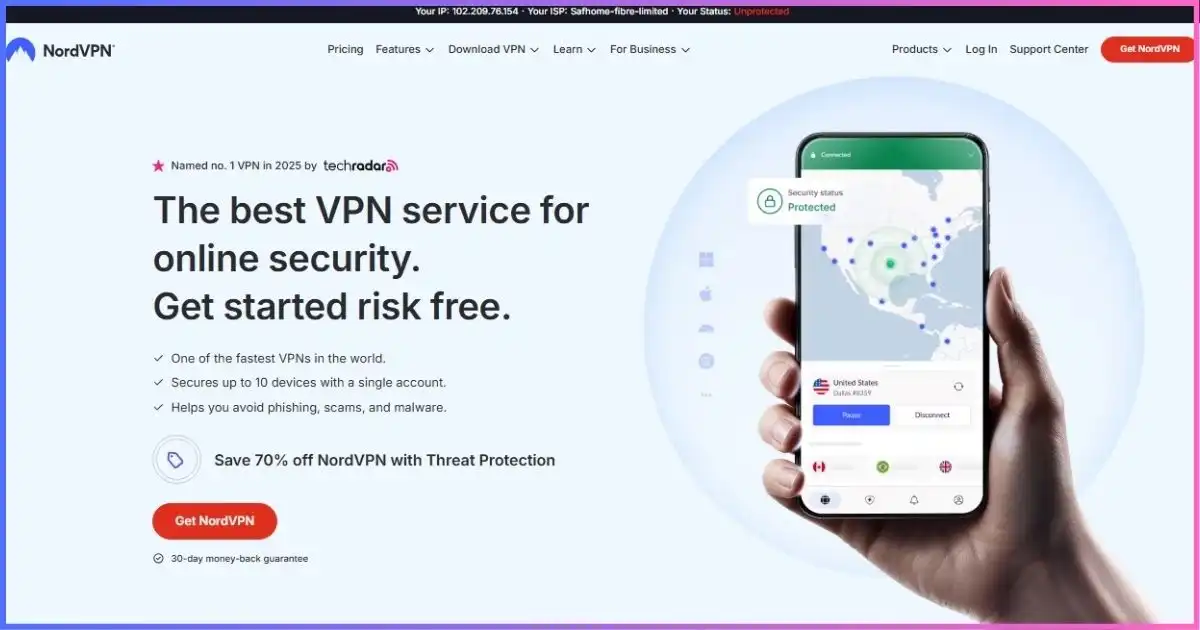
NordVPN hits every team criterion without topping the price list. Ten simultaneous connections per license cover a typical employee’s laptop, phone, tablet and home desktop; the optional dedicated IP gives your team a stable egress address so banking portals, ad platforms and CRMs stop flagging “new location” logins; and obfuscated servers keep contractors in restrictive regions productive. NordLynx (WireGuard-class) performance means video calls and large syncs do not degrade.
The decisive factor for growing businesses is the ladder: when consumer seat management stops being enough, NordVPN’s own business line (NordLayer) adds centralized controls, dedicated-IP servers and team management without re-vendoring your VPN. Few competitors offer that continuity.
Pros
- 10 connections per license; router coverage extends further
- Dedicated IP add-on for allowlisting-sensitive SaaS
- NordLayer upgrade path for formal business management
- Obfuscated servers for staff in censoring countries
- 24/7 live support for onboarding days
Cons
- No built-in admin console on consumer plans
- Dedicated IP is an extra monthly cost per license
- Business tier (NordLayer) priced separately per user
Dedicated IP add-on typically falls in the $2–5/mo range depending on term; NordLayer business plans are quoted per user.
Full service analysis in our NordVPN review.
Proton VPN — the only true per-user business console in this lineup
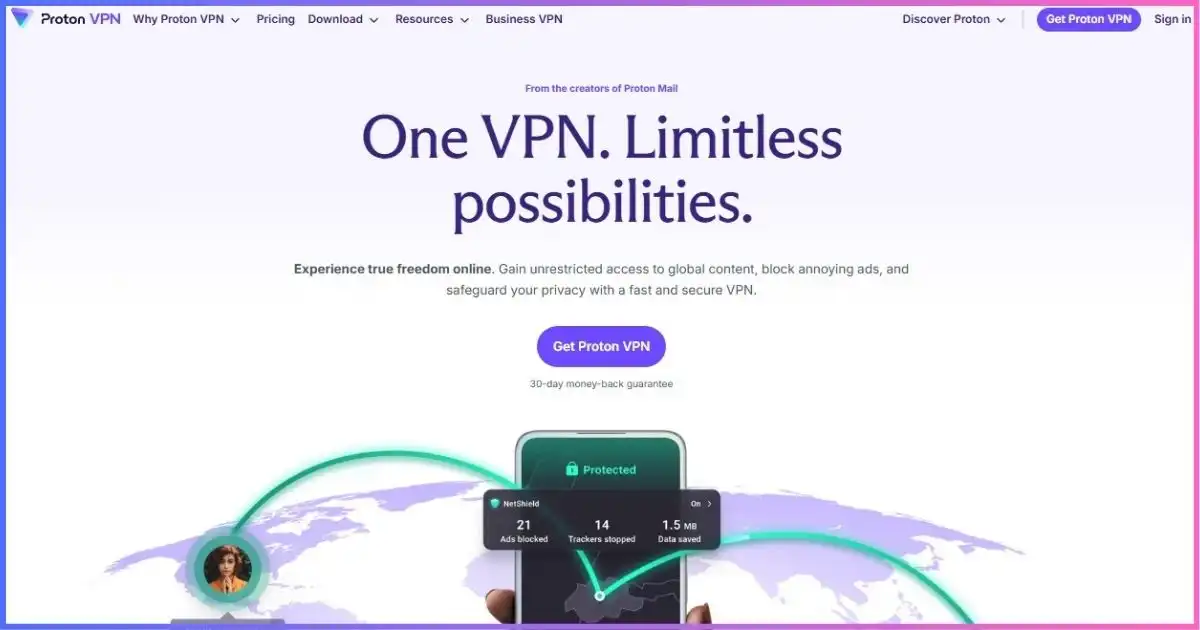
If your team handles client-confidential data (legal, healthcare-adjacent, journalism, finance), Proton VPN is the credibility pick: Swiss jurisdiction, open-source audited clients, and a published no-logs stance. Crucially for businesses, Proton for Business offers real per-user administration — VPN Essentials at $6.99/user/month and VPN Professional at $9.99/user/month — with centralized billing, user management and 10 devices per user, which consumer plans simply cannot match for accountability.
Micro-teams can start on consumer VPN Plus ($2.99/mo on 2-year terms, 10 devices) and migrate seats to the business console as headcount and compliance demands grow. The gaps: no dedicated IP on consumer plans (Business tiers lease dedicated servers instead), and no obfuscation-focused stealth mode for heavily censored regions.
Pros
- Real business console: per-user seats, centralized billing
- Best-in-class privacy posture for confidential client work
- 10 devices per user on business plans
- Open-source apps and independent audits
Cons
- No dedicated IP on consumer tiers
- Business plans cost meaningfully more per user
- Weakest fit for teams inside heavy-censorship networks
Proton for Business: VPN Essentials $6.99/user/mo, VPN Professional $9.99/user/mo (annual billing).
Privacy deep-dive in our Proton VPN review.
Surfshark — unlimited devices make per-seat math disappear
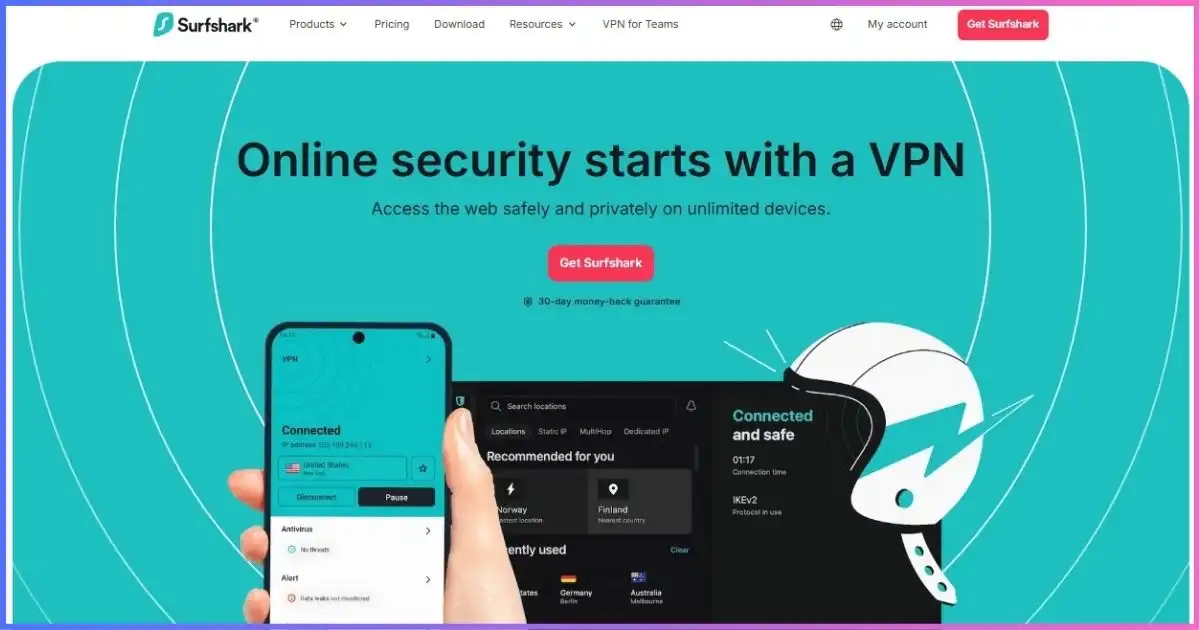
Surfshark’s unlimited simultaneous connections change the economics for teams of 2–5: one or two licenses can legitimately cover every work device in a micro-business without counting slots, and the $3.75/mo dedicated IP add-on solves the allowlisting problem that usually pushes small businesses toward pricier tools. WireGuard-class speeds held up well in our concurrent-load testing, and the entry price ($1.99/mo on 2-year terms) is the lowest here.
The honest limit is governance: there is no admin console, no per-user billing and no seat reporting, so Surfshark suits owner-operated teams that trust each other, not companies that need audit trails. Pair it with a password manager and clear device policy.
Pros
- Unlimited simultaneous devices per license
- Cheapest entry price + affordable dedicated IP ($3.75/mo)
- WireGuard-class performance under concurrent load
- Simple apps = low training cost for non-technical staff
Cons
- No business console or per-user management
- No formal compliance/audit packaging for enterprises
- Account-level sharing needs clear internal policy
Details in our Surfshark review.
ExpressVPN — most connections on a premium plan, fastest tunnel

For teams whose day is measured in gigabytes — video production, design studios, engineering shops syncing repos — ExpressVPN’s Lightway protocol and consistently top-tier server performance matter more than admin features. Pro-tier subscriptions now allow up to 14 simultaneous connections, the highest capped allowance in this comparison, and the app quality across macOS/Windows/Linux/mobile reduces support tickets.
The trade-offs are structural for business use: no dedicated IP (shared egress IPs can trigger step-up auth on strict SaaS), no business console, and the highest effective per-seat cost here. Independent security audits and a long no-logs track record partially offset that for trust-sensitive teams.
Pros
- Up to 14 simultaneous connections (Pro plan)
- Best-in-class throughput for large transfers
- Polished apps on every platform your team uses
- Strong audit history and 24/7 support
Cons
- No dedicated IP option
- No admin console or business billing
- Highest per-seat cost in this ranking
Head-to-head context in our ExpressVPN review.
Private Internet Access — unlimited seats-in-practice, cheapest static IP
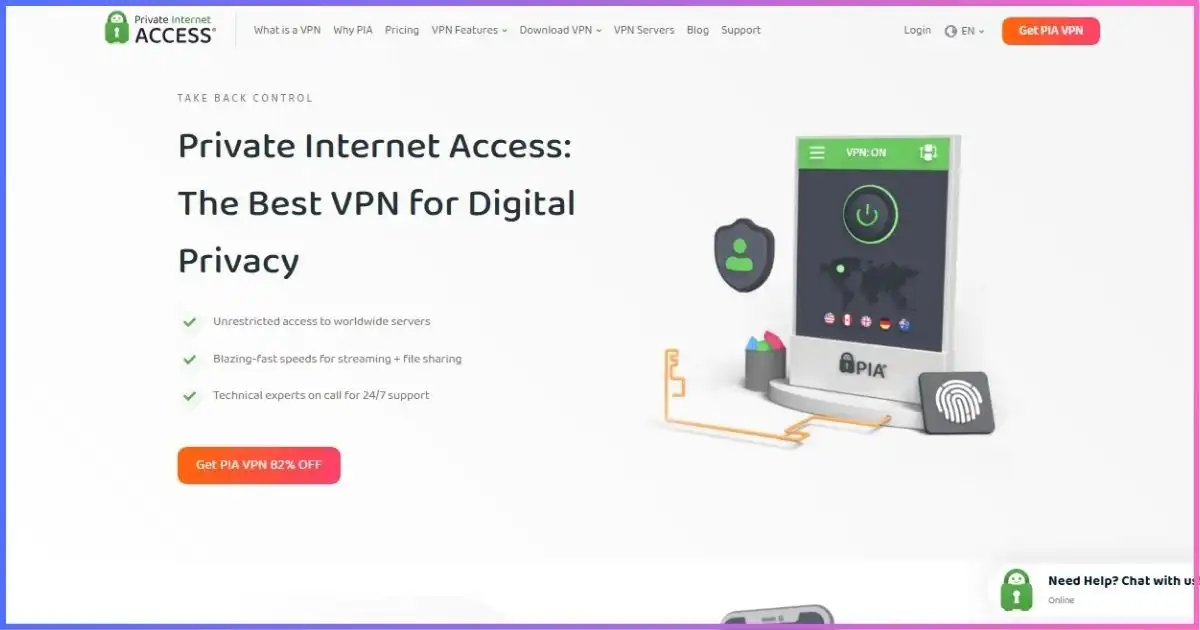
PIA is the pragmatic budget play for cost-conscious small businesses: unlimited simultaneous connections, open-source clients your technical staff can inspect, and the cheapest dedicated IP add-on we tracked (from ~$2.50/mo on long terms). MACE ad/malware blocking at the network edge is a small but real bonus for shared machines.
Caveats for business buyers: U.S. jurisdiction and a no-frills approach — no admin console, no compliance packaging — mean PIA fits teams that want cheap, private, stable connectivity rather than managed security. WireGuard performance is solid, though not class-leading under heavy concurrent load.
Pros
- Unlimited simultaneous connections
- Cheapest dedicated IP add-on (~$2.50/mo)
- Open-source apps; port forwarding available
- Very low entry price on 3-year terms
Cons
- No business console or seat management
- U.S. jurisdiction may matter for some clients
- Support is good, not enterprise-grade
Context in our PIA review.
CyberGhost — static IPs in many countries plus a 45-day safety net

CyberGhost’s business relevance is narrow but real: dedicated IPs in a wide country selection (from roughly $2.19–2.50/mo depending on term), per-server config flexibility, and the longest refund window in the category (45 days on long plans) — which effectively lets a small team pilot a VPN deployment risk-free before committing budget. Seven connections per license is adequate for owner-plus-contractor structures.
Where it falls short for teams: no admin tooling, middling speeds under concurrent load versus the WireGuard leaders, and fewer advanced features for technical staff.
Pros
- Dedicated IPs across many countries at low cost
- 45-day money-back window de-risks team pilots
- Simple apps for non-technical employees
Cons
- 7-connection cap per license
- No business console or reporting
- Speed trails Nord/Express/Surfshark under load
See our CyberGhost review for app-level results.
IPVanish — self-owned servers and unlimited connections for lean teams
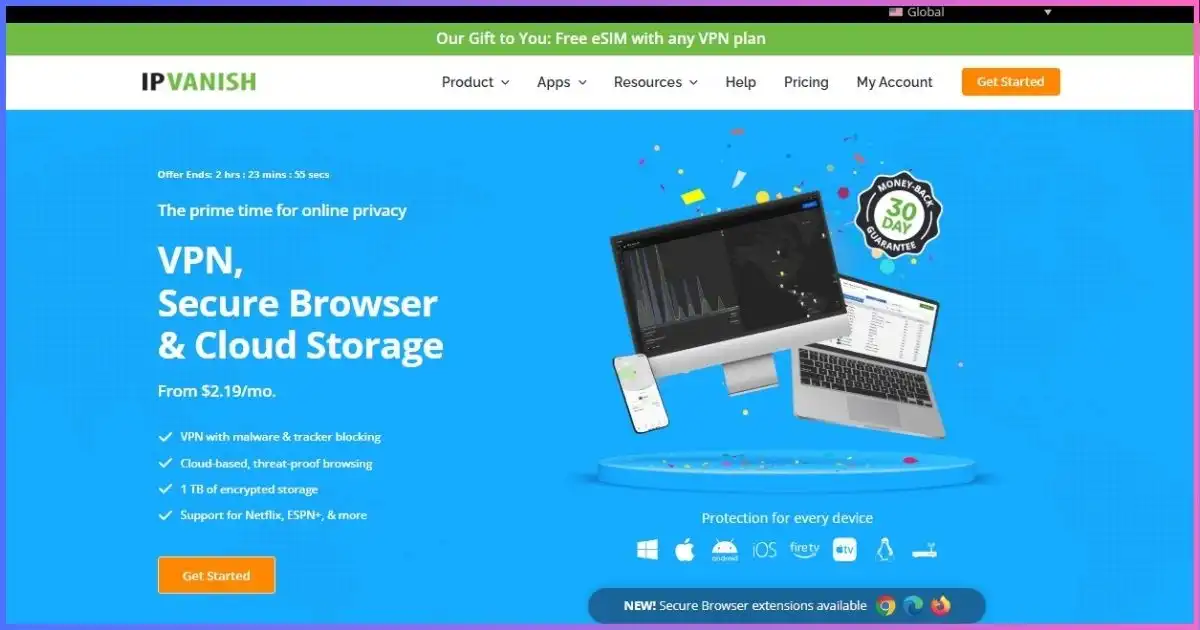
IPVanish owns and operates its entire server fleet — no third-party rentals — which is a genuine supply-chain trust point for businesses wary of shared infrastructure. Unlimited simultaneous connections make it easy to cover every device a lean team owns, and setup is simple enough for non-technical staff.
The business gaps mirror other consumer-only tools: no dedicated IP, no admin console, and U.S. jurisdiction. It ranks below PIA mainly because PIA adds the dedicated IP option at a lower price.
Pros
- Unlimited simultaneous connections
- Fully self-owned server infrastructure
- Straightforward deployment for non-technical teams
Cons
- No dedicated IP or business tooling
- U.S. jurisdiction
- Unremarkable speeds under heavy concurrent load
Full analysis in our IPVanish review.
SafeShell VPN — stealth connectivity for distributed teams in restrictive countries
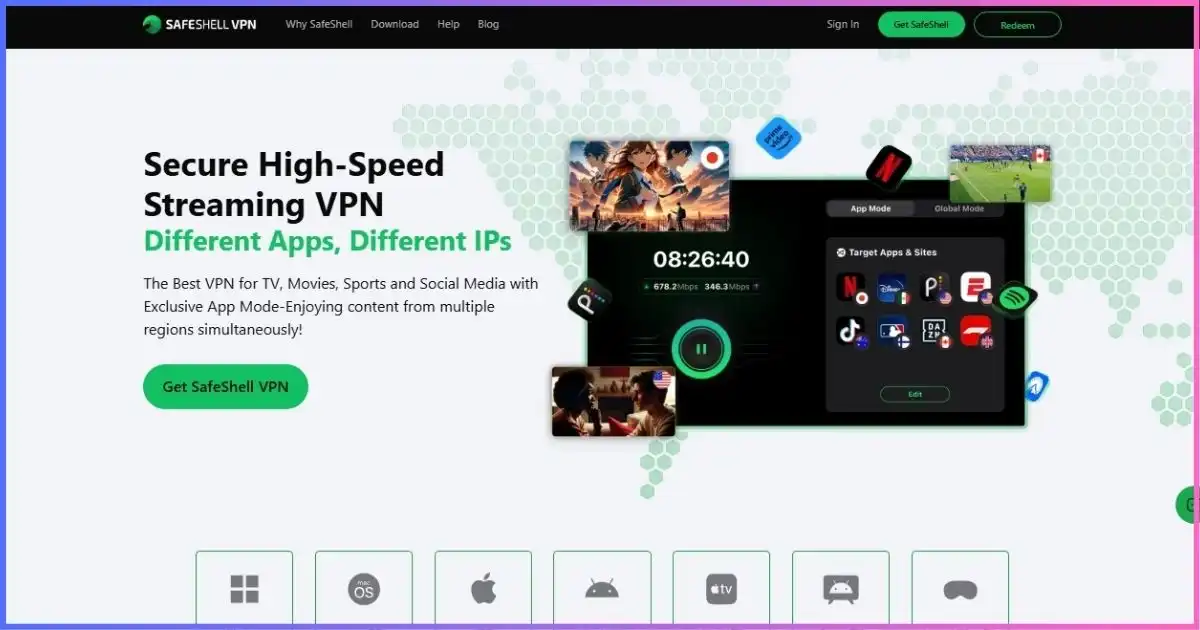
SafeShell is not a team-management tool — its 5-device cap and lack of business features rule it out as your primary VPN. It earns a place here for one specific scenario: teams with employees or contractors inside heavily censored networks (e.g., China, Iran, Russia), where standard WireGuard/OpenVPN handshakes are throttled or blocked. SafeShell’s GPN stealth protocol is built to keep those connections alive, which for an affected team member is the difference between working and not working. Buy it as a per-person supplement for those individuals, not as org-wide infrastructure — and read our SafeShell review for limits.
Micro-team math: one Surfshark license (unlimited devices) + a $3.75/mo dedicated IP ≈ $5.74/mo to cover every work device in a 2–4 person company with a stable business IP.
Cover Your Whole Micro-Team →Buying modelConsumer Plans vs Business Consoles: Where’s the Crossover?
Most small businesses overbuy or underbuy here. The practical crossover we see in testing and reader feedback:
| Team size | Recommended model | Why |
|---|---|---|
| 1–5 people | Consumer plans (Surfshark/PIA unlimited, or NordVPN per person) | Admin overhead costs more than it saves; dedicated IP solves most trust issues |
| 5–15 people | Consumer plans + dedicated IP, or entry business tier | Start tracking who has access; Proton for Business Essentials ($6.99/user) becomes reasonable |
| 15–50 people | Business consoles (Proton for Business, NordLayer) | Centralized billing, user offboarding, policy control matter at this scale |
| 50+ or regulated | VPN + zero-trust (ZTNA/SASE) architecture | Network encryption alone is not an access-control strategy |
Offboarding is the hidden test: when someone leaves, can you revoke access in one click? On consumer plans the answer is “change the shared password” — acceptable at three people, negligent at thirty. That is exactly the boundary where zero-trust network access starts beating a plain business VPN.
Need real user management? Proton for Business adds per-user seats, centralized billing and admin controls from $6.99/user/month — the cleanest console in this comparison.
Evaluate Proton for Business →Static egressDedicated IPs: The Small-Business Feature Nobody Explains
Shared VPN IPs rotate among thousands of users, which is great for anonymity and terrible for business trust signals: banks, ad platforms, payment processors and enterprise SaaS flag them for step-up verification or outright blocks. A dedicated IP gives your team one stable address you can allowlist once and forget.
| Provider | Dedicated IP? | Add-on cost (approx) | Best use |
|---|---|---|---|
| NordVPN | Yes | ~$2–5/mo | Banking, ad accounts, stable SaaS sessions |
| Surfshark | Yes | $3.75/mo | Micro-teams needing one trusted egress |
| PIA | Yes | From ~$2.50/mo | Cheapest static IP for budget teams |
| CyberGhost | Yes | From ~$2.19–2.50/mo | Country-specific allowlisting |
| Proton VPN | Business only (dedicated servers) | In business tiers | Compliance-driven deployments |
| ExpressVPN | No | — | Not suitable for strict allowlists |
| IPVanish | No | — | General privacy only |
| SafeShell | No | — | Stealth access only |
Rule of thumb: if any tool in your stack says “new device or location detected” more than once a month, a dedicated IP pays for itself in recovered productivity.
Team scaleWhat Happens to Speed When the Whole Team Tunnels?
A VPN that feels instant for one founder can sag when eight teammates join calls and sync files simultaneously. In our concurrent-load testing on business-class hardware, WireGuard-class protocols held their efficiency as user count climbed, while OpenVPN-based setups degraded noticeably as CPU contention grew — the same effect that matters on router deployments, but distributed across employee laptops.
Speed retention vs concurrent teammates
Share of each user’s non-VPN baseline retained as simultaneous VPN users rise (editorial test data, September 2026).
Practical takeaway: standardize on WireGuard-class protocols in team policy; reserve OpenVPN for legacy compatibility cases.
Playbook6-Step VPN Rollout for Remote Teams
- Audit what actually needs protecting. List tools, data classes and jurisdictions. Client-confidential work pushes you toward Proton-class privacy; ad-ops work pushes you toward dedicated IPs; developers syncing repos push you toward speed — our best VPN for developers notes apply to engineering-heavy teams.
- Pilot with trials, not annual invoices. Run a 1–2 week pilot with 2–3 employees on real workloads using VPN free trials and money-back windows. Test the exact SaaS tools that flag logins.
- Choose the license model deliberately. Unlimited-device plans for micro-teams; per-person licenses with a business console once headcount or compliance demands it.
- Add a dedicated IP where trust matters. Allowlist it in banking, ad platforms and CRMs before go-live to avoid lockout chaos on launch day.
- Set policy, not just apps. Kill-switch on for client work, WireGuard-class protocol as default, split tunneling only for approved local devices (printers, LAN storage), and a written rule on which traffic must always tunnel.
- Document offboarding. Whoever holds the account must be able to revoke a leaver’s access same-day. If that means changing a shared password, schedule the move to per-user seats.
BudgetPer-Seat Cost Math for Small Businesses
VPN budgeting confuses teams because licenses cover devices, not people. A realistic model: one license per employee (their laptop + phone + home desktop), or fewer licenses on unlimited-device plans where your policy allows shared use. At entry pricing the spread between cheapest and priciest option here is under $1.50/user/month — meaning protocol quality and dedicated IP availability, not sticker price, should drive the decision.
Entry price per license per month (longest term)
Approximate, verified September 2026. Multiply by seats for true team cost; business consoles price per user separately.
Budget team pick: PIA at ~$2.03/mo per license with unlimited devices and the cheapest dedicated IP add-on in this test.
Get PIA at Team Scale →MethodologyHow We Scored VPNs for Team Use
We tested each service with multi-device simultaneous sessions, concurrent video-call + file-transfer loads, dedicated-IP allowlisting against common business SaaS, and offboarding simulations (credential rotation, session revocation). Business tiers were evaluated on admin depth where they exist. Editorial scoring weights:
- 25% — Seats & device policy (connections per license, unlimited options)
- 20% — Business/admin tooling & upgrade path
- 20% — Speed & reliability under concurrent load
- 20% — Privacy, audits & compliance posture
- 15% — Per-seat price & dedicated IP economics
FAQsVPN for Remote Teams: Frequently Asked Questions
What is the best VPN for remote teams in 2026?
How many employees can one VPN license cover?
Does my small business need a business VPN plan?
Why does my team keep getting “suspicious login” blocks with a VPN?
Will a VPN slow down our video calls?
Which VPN works for team members in countries with heavy censorship?
Is a VPN enough to secure our remote team?
Can we expense VPN subscriptions as a business cost?
The Best VPN for Remote Teams, in One Paragraph
For most small businesses and remote teams, NordVPN is the complete answer: enough connections per license, a dedicated IP for trust-sensitive SaaS, stealth options for hard regions, and a business tier to grow into. Teams handling client-confidential data should shortlist Proton VPN for its per-user business console and audit-backed privacy; owner-operated micro-teams get the best economics from Surfshark‘s unlimited devices; file-heavy studios benefit most from ExpressVPN‘s throughput; and budget-conscious teams that still need a static IP should look at PIA or CyberGhost. Whichever you choose: standardize on WireGuard-class protocols, add a dedicated IP before your first allowlist headache, and write the offboarding rule down on day one.
| VPN | Best for (team use) | Rating | Get started |
|---|---|---|---|
| NordVPN | Overall team fit, dedicated IP, business upgrade path | 9.3 / 10 | Visit Site |
| Proton VPN | Business console, compliance-sensitive teams | 9.1 / 10 | Visit Site |
| Surfshark | Micro-teams, unlimited devices, lowest cost | 8.8 / 10 | Visit Site |
| ExpressVPN | File-heavy teams, max connections on Pro | 8.6 / 10 | Visit Site |
| PIA | Budget teams needing a cheap dedicated IP | 8.2 / 10 | Visit Site |
| CyberGhost | Country-specific static IPs, risk-free pilots | 7.9 / 10 | Visit Site |
| IPVanish | Unlimited devices on self-owned servers | 7.7 / 10 | Visit Site |
| SafeShell | Team members inside censoring countries (niche) | 6.8 / 10 | Visit Site |
Disclosure: This article contains affiliate links. If you purchase through them, we may earn a commission at no extra cost to you. All rankings reflect independent research and team-scenario testing. Pricing, connection limits and business-tier details verified September 2026 — confirm current terms on the vendor site before committing, especially per-user business billing.
Sources & Research Notes
Connection limits, dedicated IP availability and business-tier pricing were verified against vendor pages and recent independent coverage in September 2026; speed and concurrent-load figures are editorial test results.
- WFH Research / Survey of Working Arrangements and Attitudes (Buckman, Bloom, Davis; BLS-based 2025 estimates): ~one quarter of U.S. paid workdays performed from home; tens of millions of weekly remote workers.
- IBM / Ponemon Institute, Cost of a Data Breach Report (2025 edition: $4.44M global average; 2026 edition reports a record high, +12% YoY) — cited inline in the “stakes” section.
- NordVPN: 10 simultaneous connections per account; dedicated IP add-on documentation and pricing range; NordLayer business pricing and dedicated-IP server requirements.
- Proton: Proton for Business plan pages — VPN Essentials $6.99/user/mo, VPN Professional $9.99/user/mo, 10 devices per user, admin console and centralized billing; consumer pricing page for Plus tiers.
- Surfshark: unlimited simultaneous devices policy; Dedicated IP add-on at $3.75/mo; consumer pricing tiers.
- ExpressVPN: simultaneous connection policy (up to 14 devices on Pro plans); consumer pricing tiers.
- PIA: unlimited connections; dedicated IP add-on documentation and ~$2.50/mo long-term pricing; consumer pricing page.
- CyberGhost: dedicated IP add-on pages and pricing range (~$2.19–5.00/mo by term); 45-day money-back terms; consumer pricing.
- IPVanish: unlimited simultaneous connections; self-owned server infrastructure claims; consumer pricing and renewal pages.
- SafeShell VPN: pricing page (weekly, annual and multi-year terms) and device-limit documentation (up to 5 devices); GPN stealth protocol materials.
- Independent coverage consulted for cross-checks: security.org, cybernews.com and comparitech.com dedicated-IP and multi-device roundups (2026 editions).
Editorial scores are our own judgments based on the weighting shown in the methodology section. Business-tier availability and per-user pricing change frequently — verify with the vendor before purchase.